Sitting in Desk Jobs: Health Risks and Easy Fixes
Sitting at a desk for hours can strain your body. Check the posture, workspace, and movement habits that help reduce aches, plus exercises beyond work.

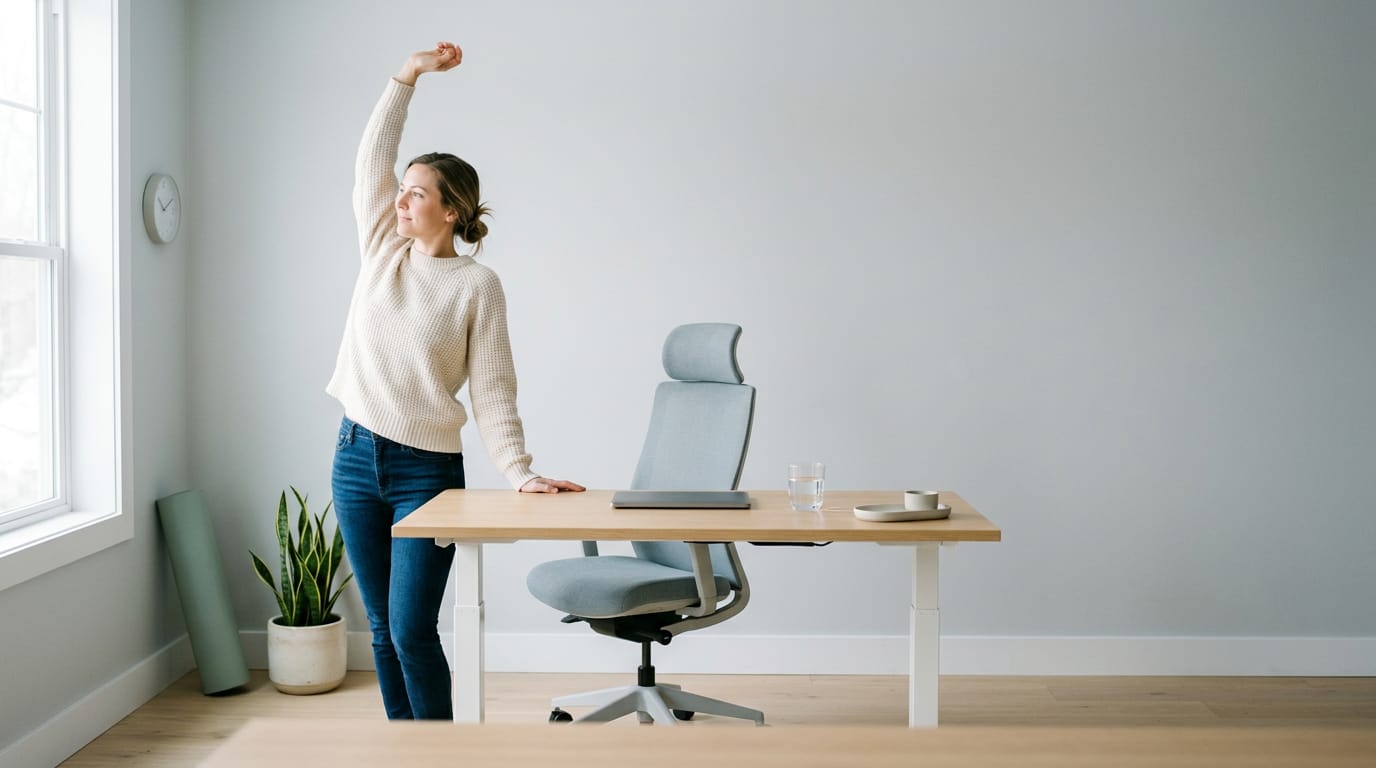
Sitting at a desk for long periods means staying in one position with little movement, which can contribute to stiffness, aches, and broader health risks. Set your chair, screen, keyboard, and mouse to support a relaxed, balanced posture, then break up sitting with regular movement rather than trying to hold one perfect position. Taking short breaks, alternating sitting and standing, and getting daily exercise can help you feel more comfortable without relying on expensive equipment.
Think of the last long road trip you took in a seat that didn’t quite fit. By the time you pulled in, your back ached and your legs felt stiff. Your desk chair can do the same thing, except you’re sitting in it for hours, day after day.
That’s the reality of prolonged sitting, staying in one seated position for long stretches with little movement. We’ll look at what it does to your body, how to set up your workspace, the posture habits worth checking, and how to move through the day.
We’ll also cover chair, desk, and gear choices for long gaming sessions, priced for Canadian budgets.
Health Risks of Sitting in Desk
Long sessions feel harmless, but your body keeps count. Here’s what that costs and how to catch it early.
What long sitting does to your body
Prolonged sitting is associated with weight gain and diabetes. According to the Better Health Channel, people who spend more time sitting have a 112 per cent higher risk of diabetes.
The same source ties it to heart disease and arthritis, and to a higher mortality risk: one study found men who watched more than 23 hours of television a week had a 64 per cent higher risk of dying from cardiovascular disease than men who watched only 11 hours.
Aches in wrists, shoulders, and hips
These are the spots to watch:
- Carpal tunnel and tendinitis: wrist pain, tingling, and inflamed tendons.
- Tennis or golfer’s elbow: pain on the outer or inner elbow.
- Shoulder impingement and rotator cuff trouble: pain in the shoulder joint and its muscles.
- Thoracic outlet syndrome: numbness from pressure near the neck and shoulder.
- Tight hips and a stiff spine: stiffness from hours in one position.
- Headaches and muscle strain: aching in the head, neck, and back.
Picture a player grinding four-hour ranked sessions with the mouse wrist cocked. By week two, the wrist tingles mid-match. Adjusting the chair height and mouse position early keeps that from becoming a doctor’s visit. Small aches add up.
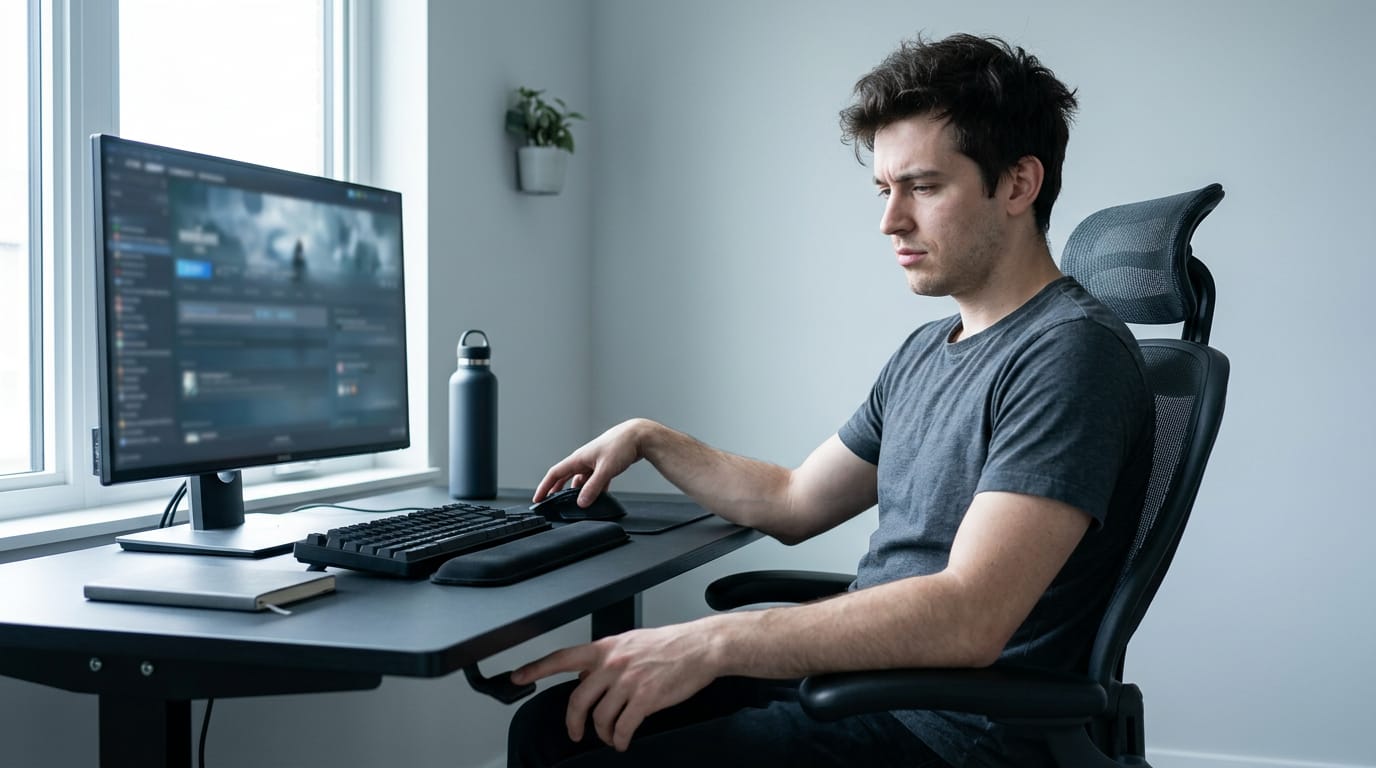
Catch warning signs early and get help
Symptoms build gradually, so the tingle you shrug off on Tuesday may be the ache that wakes you by Friday. Act before symptoms peak, not after: stretch, fix your setup, and take breaks while the discomfort is still mild.
If numbness or pain lingers, consult your doctor or a physical therapist.
Set up Your Workspace to Reduce Strain
Small adjustments to your chair, desk, and gear take real strain off your back, neck, and wrists. Here’s how to get each piece right.
How to sit in your chair
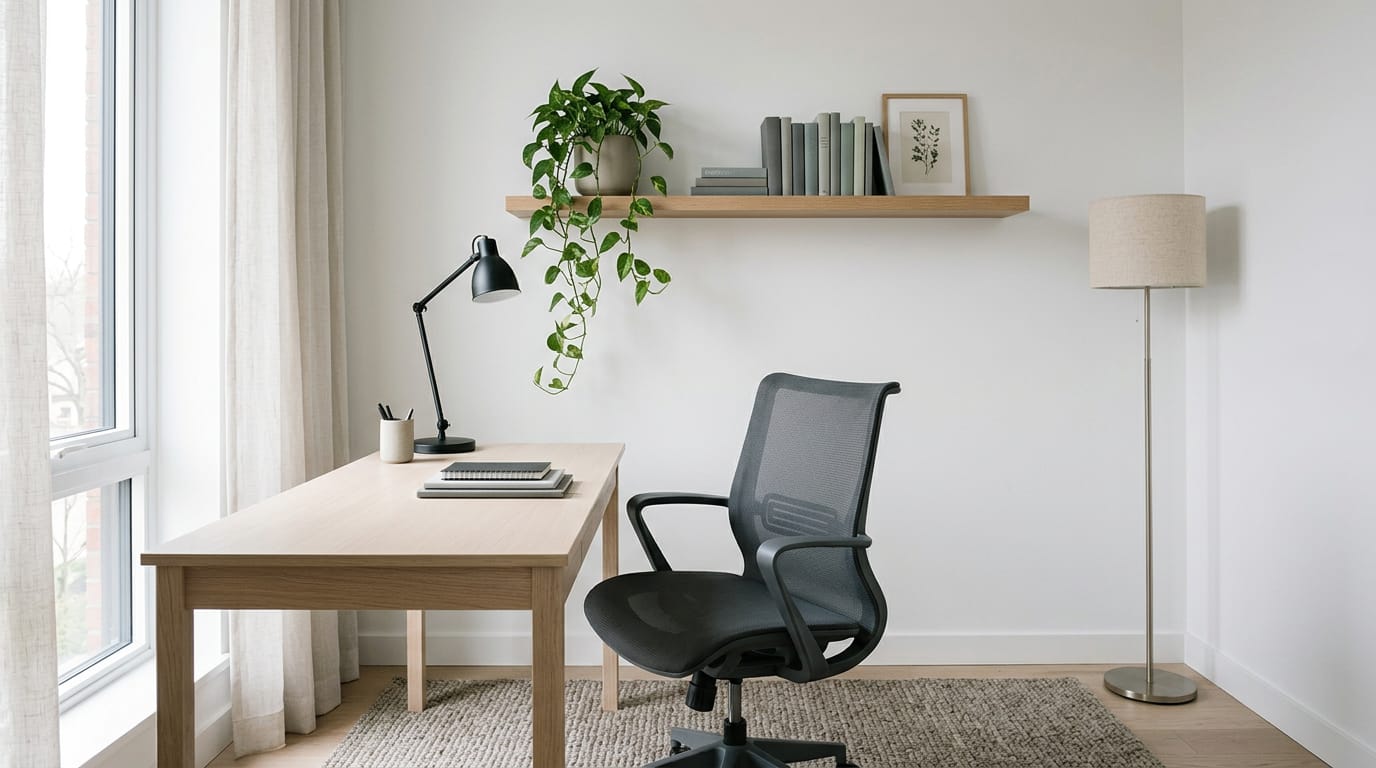
Sit all the way back so your spine rests against the backrest, with the chair supporting the natural inward curve of your lower back. Keep your feet flat and your knees level with your hips, using a footrest if your feet don’t reach.
A small cushion or rolled towel can fill a gap in your lumbar support.
Set the chair height first, then adjust the desk if your forearms don’t rest comfortably on it.
A gaming chair looks the part, but judge it by its adjustments, not its racing stripes. Height, lumbar support, and movable armrests matter more than styling, and a plain office chair with those features works just as well.
On a budget, look for a chair with height and lumbar adjustment and a desk you can raise or lower, then compare prices in Canadian dollars at a few stores. A chair that adjusts properly beats one that just looks expensive.
Where your keyboard and mouse belong
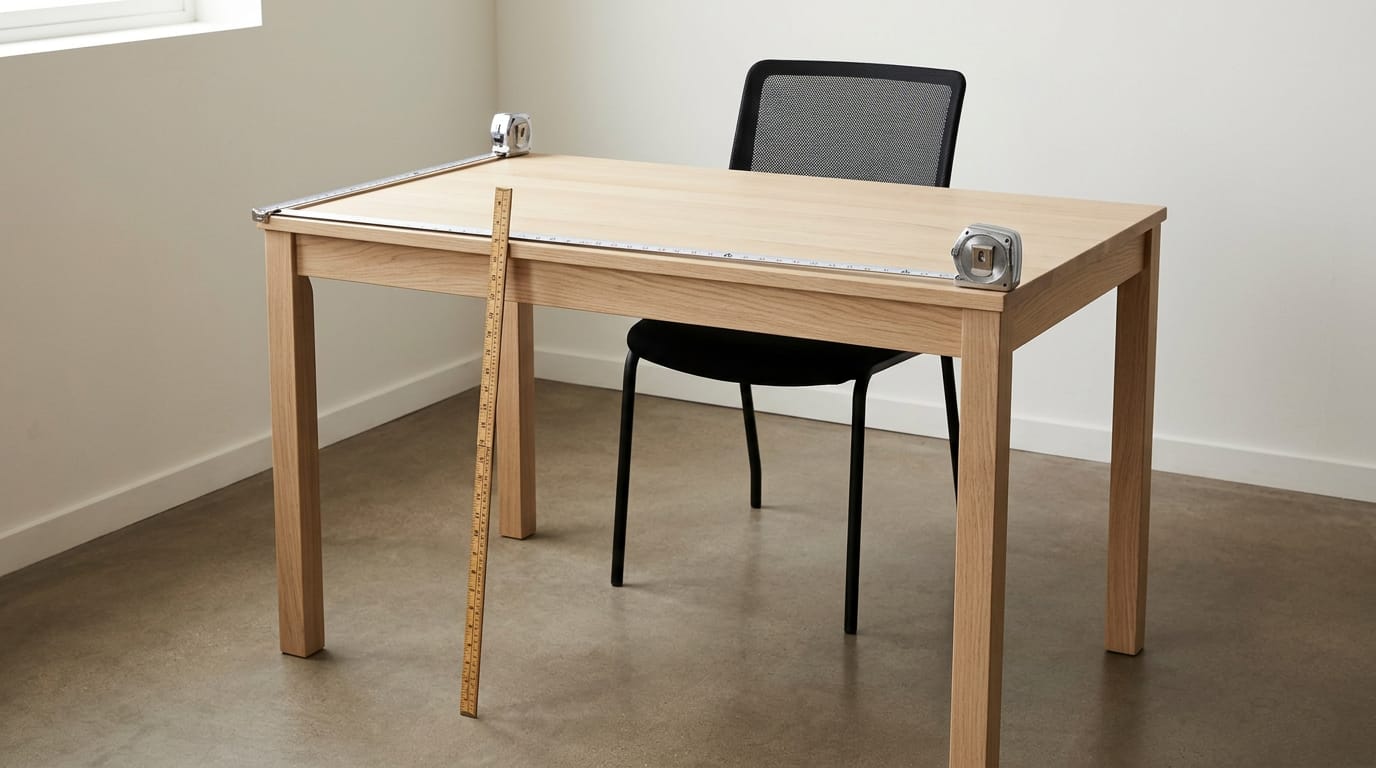
Keep your mouse right beside your keyboard so you never stretch for it. Let your elbows rest at your sides with your forearms at about 90°, and keep your wrists neutral and relaxed rather than bent up, down, or sideways. Desk depth sets how far away your keyboard and mouse end up, so check the standard desk size before you buy.
A pull-out keyboard or mouse tray helps if your desk is too high.
Wrist rests are for breaks. Use one while you step away, not while you’re aiming. With a gaming mouse or controller, let your hand rest loosely and keep your wrists relaxed.
Placing your screen at eye level
Center your screen directly in front of you, with the top of the monitor at or just below eye level. A slight chin tuck keeps your neck relaxed, and a monitor arm (an adjustable bracket that holds the screen) makes that height easy to dial in.
Think of a player grinding ranked matches with the monitor propped on a stack of books. Two hours in, their neck is stiff. A basic monitor arm raises the screen to eye level, and the neck stops fighting the angle.
If you wear bifocals, avoid pivoting your head to see the screen through the lower lenses.
An ultrawide (a much wider screen than standard) should sit centered so you’re not turning your head to reach its edges. With two monitors, put the main one directly in front and angle the second toward where you glance most.
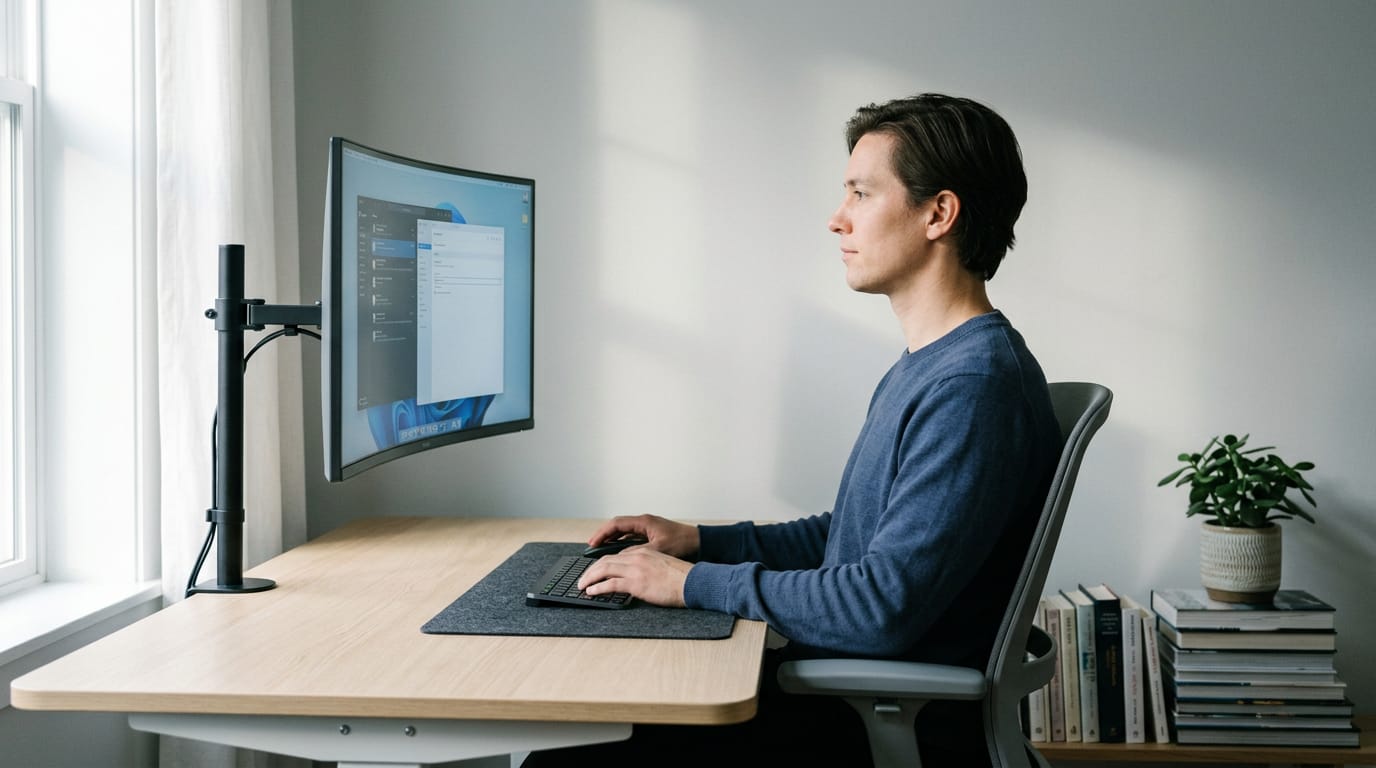
Keep your phone and supplies in reach
Use a headset instead of cradling your phone against your shoulder. Keep what you reach for most, like your drink and notes, close to your body. For anything out of reach, stand up and grab it. Small stretches add up.
Everyday Posture Habits to Check
Most strain from a long session comes from how you sit, not from the game itself. Fix that before you spend on new gear.
Sit balanced without slouching or stiffening
Aim to sit balanced, not rigid. Settle your weight onto your sit bones, the bony points at the base of your pelvis, rather than rolling onto your tailbone.
Picture a player grinding ranked matches for three hours: once they stop slumping, their lower back eases.
Slouching collapses your spine, but sitting bolt upright with locked shoulders tires you just as fast. Aim for the middle, where your back supports itself. Two exercises help:
- Breastbone lift: Sit tall, then gently lift your breastbone toward the ceiling while your shoulders soften down and back. Hold for a few breaths.
- Pelvic rock: Rock your pelvis forward until your lower back arches slightly, then back until it rounds. Stop where it’s easiest to hold.
Keep your head and neck aligned
When your head drifts toward the screen, your neck does work your back should share. Keep your head stacked over your shoulders.
Try a slight chin tuck: draw your chin gently back so your ears sit roughly over your shoulders. Don’t overdo it: a big tuck just pulls your head down.
Picture a player who twists at the waist to check a second monitor mid-match, then ends the night with a stiff neck. Instead, roll the whole swivel chair to face the target. Your body turns as one unit, so your spine stays aligned.
Small corrections, every session.
Move and Take Breaks Through the Day
Even a great chair can’t replace movement. Here’s how to build small breaks into a long session without losing your place in a match.
Stand up every 30 to 60 minutes
Set a timer to stand up every 30 to 60 minutes. The goal is movement rather than a perfect posture you hold all night. Easy ways to fill the break:
- Take a short walk around the room or office.
- Do a different activity, like refilling your water.
- Don’t let the screen absorb you. Let the timer do the reminding.
- Break between matches or queues instead of sitting through the wait.
Think of a gamer who plays ranked queues most evenings. When her timer buzzes between matches, she stands, grabs a drink, and sits back down before the next queue pops, so she isn’t stiff after three hours.
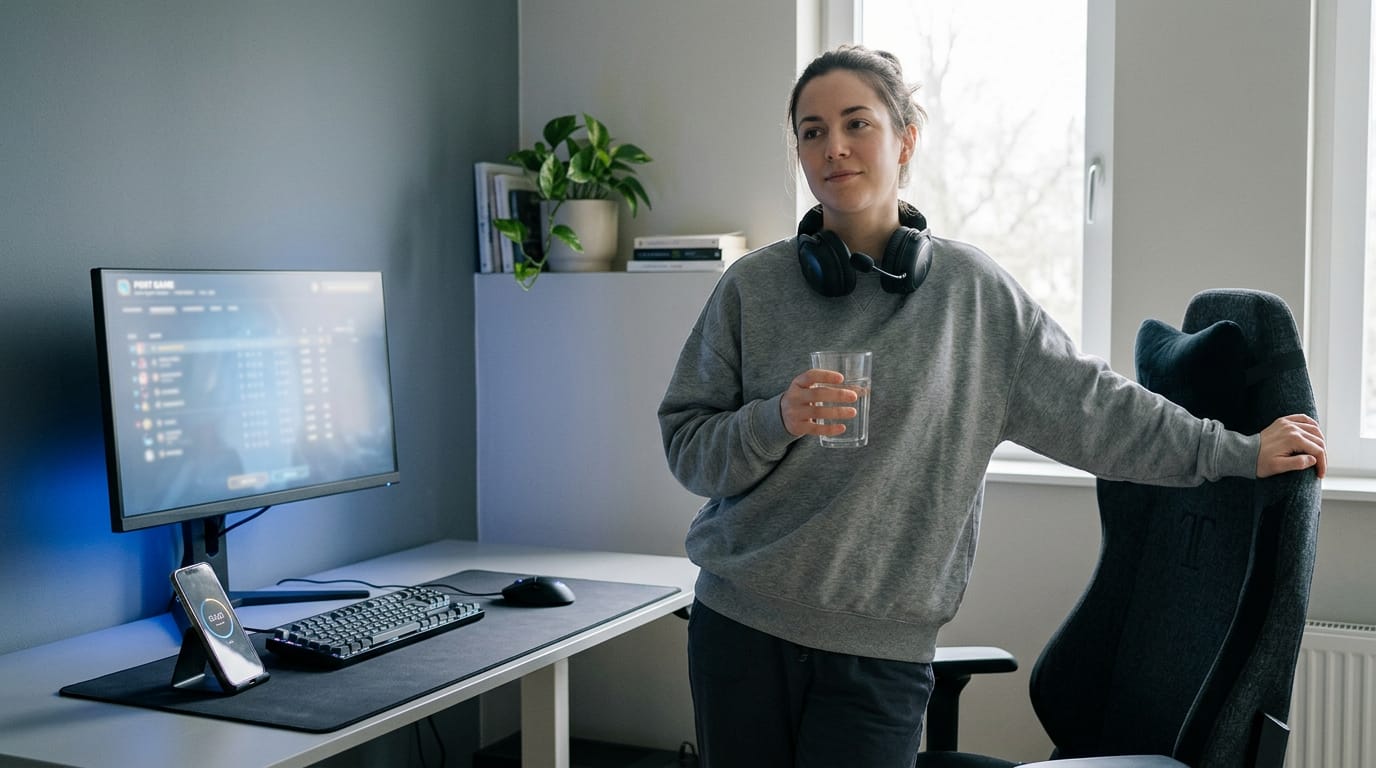
Simple stretches to fit into your day
Stretches don’t need a mat. Try these between rounds:
- Shoulder rolls: Roll your shoulders up, back, and down a few times.
- Corner stretches: Lean your forearms into a doorway or corner to open your chest.
- Forearm stretches: Extend one arm palm up and gently pull your fingers back. Switch sides.
Walk at lunch and eat away from desk
Lunch is the easiest longer break to protect, so use it. Take a brisk walk, even just around the block, then eat somewhere other than your desk. Eating at the screen keeps you locked in, and the break never really happens.
Using an adjustable standing desk wisely
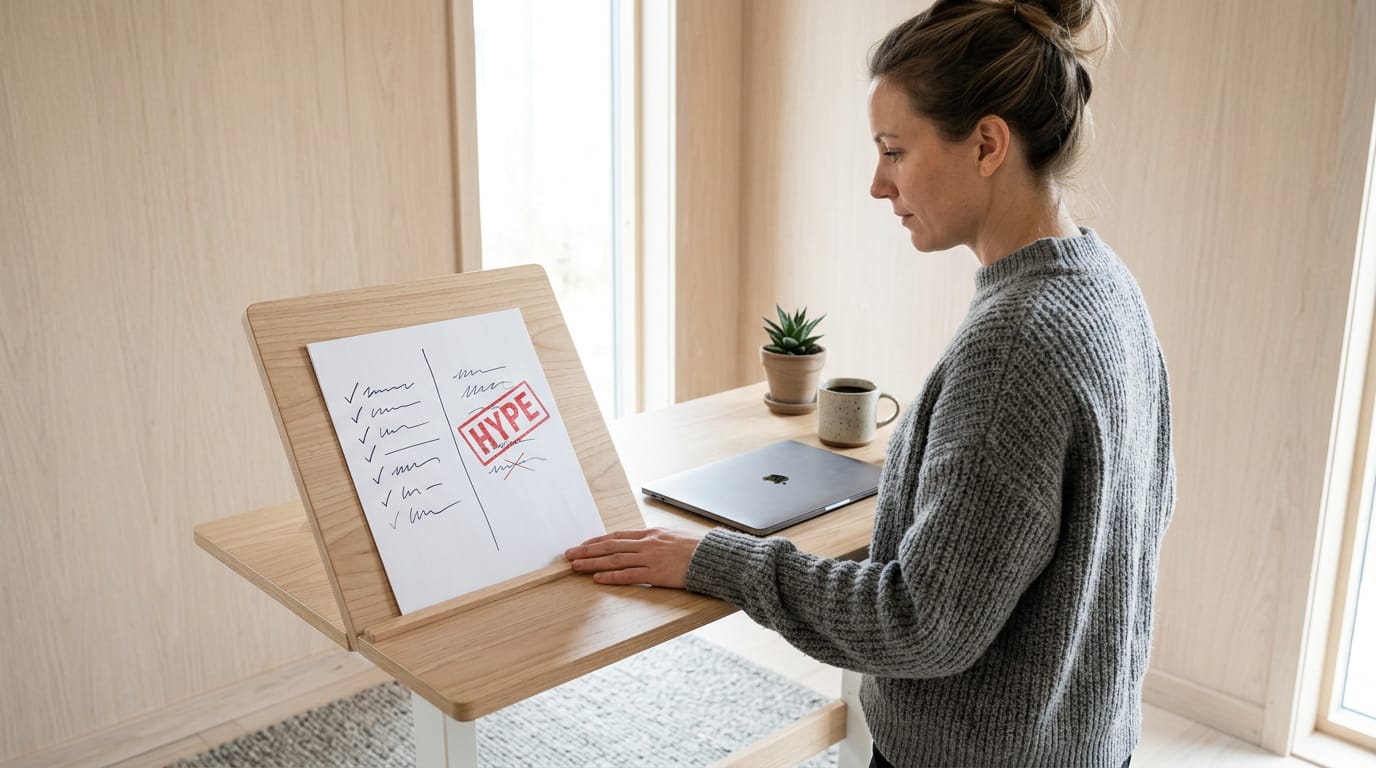
According to IDEA Health & Fitness Association, an adjustable sit-stand desk lets you alternate between sitting and standing during the day by changing its height, mechanically or electronically.
Set a sit-stand schedule before you start: decide how long each sitting block and standing block lasts, and tie the switch to your break timer. Before you buy a desk for those standing blocks, check which standing desk benefits hold up.
- Alternate work positions. Switch between sitting and standing instead of picking one all day.
- Improved lower body circulation. Periodic standing keeps your legs from staying still through a long session.
- Higher cost. Adjustable desks cost more than fixed ones, so check your budget first.
- Prolonged standing also strains. Standing for hours is its own load, so switch rather than swap one long stretch for another.
Switch often, and the desk earns its price.
Exercise You Do Outside Work Hours
Your desk day doesn’t end when you shut down your PC, so the hours after work matter too. Here’s how to fill them.
Balance desk work with daily exercise
Long stretches in one seat count as sedentary time, and that’s hard on your body. The Centers for Disease Control and Prevention (CDC) recommends 30 minutes of exercise a day to counter it.
Its guidance notes that you could meet the 150-minute weekly goal with 30 minutes a day for five days a week, or 22 minutes daily, “or what works for you.” The point isn’t perfection. It’s daily movement, not a weekend catch-up.
Think of a player who grinds ranked matches four nights a week. A 20-minute walk after dinner plus a few stretches before bed gets them close to the daily goal, so they get up from the chair feeling loose instead of locked. Small and steady wins.
Two habits fit neatly into that routine:
- Mobilize stiff joints. Gentle moves like hip circles, ankle rolls, and wrist stretches loosen the joints you hold still all day. Do them before stiffness sets in, not after.
- Strengthen upper back muscles. Band rows and wall angels work the muscles between your shoulder blades that help you sit tall. A few sessions a week is a solid start.
Sitting itself isn’t the problem. The problem is sitting for hours in one position, in a setup that works against your body. Get your chair, desk, and screen lined up, check your posture now and then, and move through the day.
For long gaming sessions, the same habits apply, and you don’t need the priciest gear to stay comfortable. Pick what fits your body and your budget, then stand up when the match ends.
Your body does the heavy lifting every hour you’re seated, so give it a setup worth sitting in.
References
- Benefits of Physical Activity — cdc.gov (2026)
- The dangers of sitting: why sitting is the new smoking — betterhealth.vic.gov.au
- Workstation Alternatives — ideafit.com
Sources
- The dangers of sitting: why sitting is the new smoking | Better Health Channel, betterhealth.vic.gov.au
- Workstation Alternatives - IDEA Health & Fitness Association, ideafit.com
- Benefits of Physical Activity, cdc.gov,
Free · The Build Sheet
The Build Sheet: three gaming PCs priced at Canadian stores