The $1,500 sheet
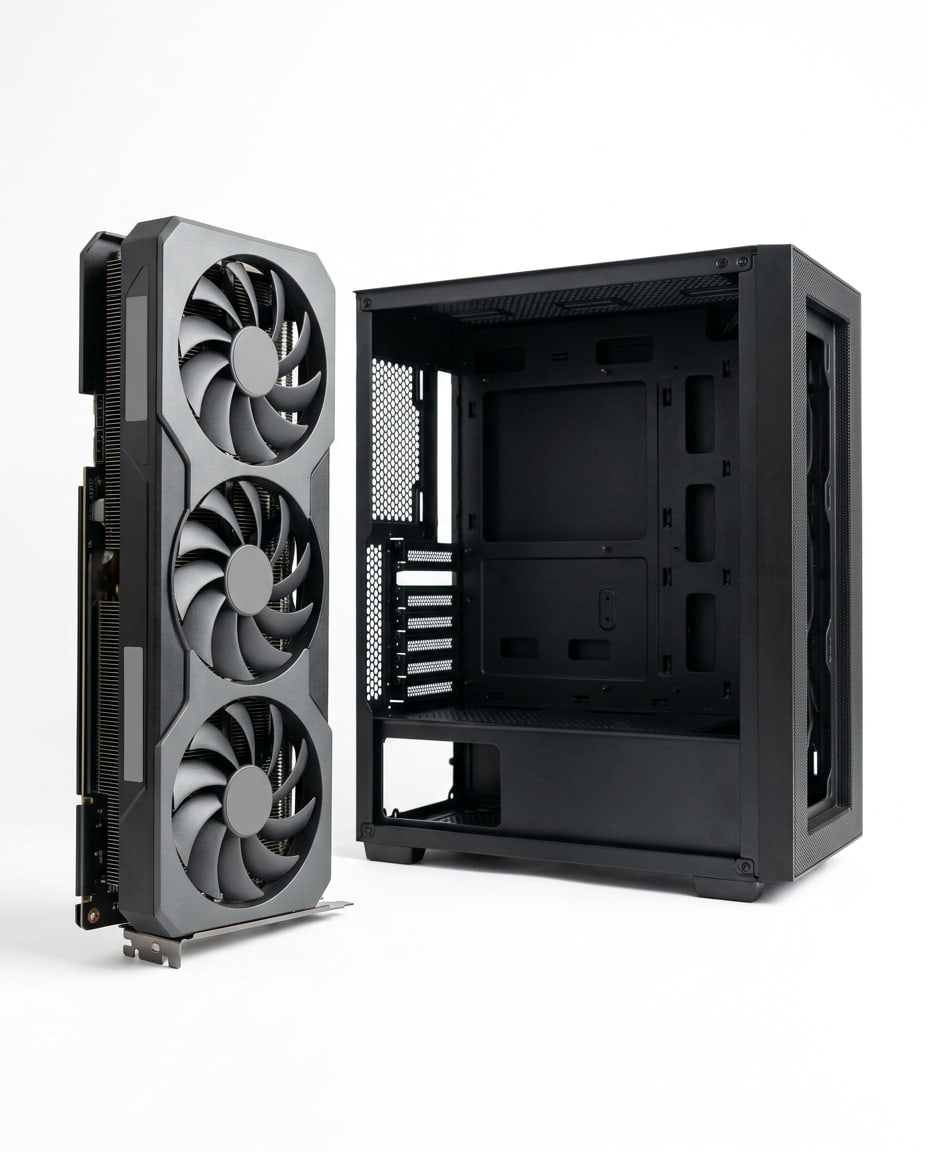
A first gaming PC for 1080p: high settings in most games and high refresh rates in competitive ones. $1,420 before tax this month, with an Intel Arc B580 doing the heavy lifting.
See the partsFree · October 2026 edition · prices before tax
Pick the budget you can spend. Each sheet lists every part, the store it was priced at and the month, why it’s there, the swap for when it’s sold out, and what the finished PC plays.
Each sheet is a whole gaming PC at a fixed budget in Canadian dollars, rechecked every month. The tracker is for the PC you already own.
A first gaming PC for 1080p: high settings in most games and high refresh rates in competitive ones. $1,420 before tax this month, with an Intel Arc B580 doing the heavy lifting.
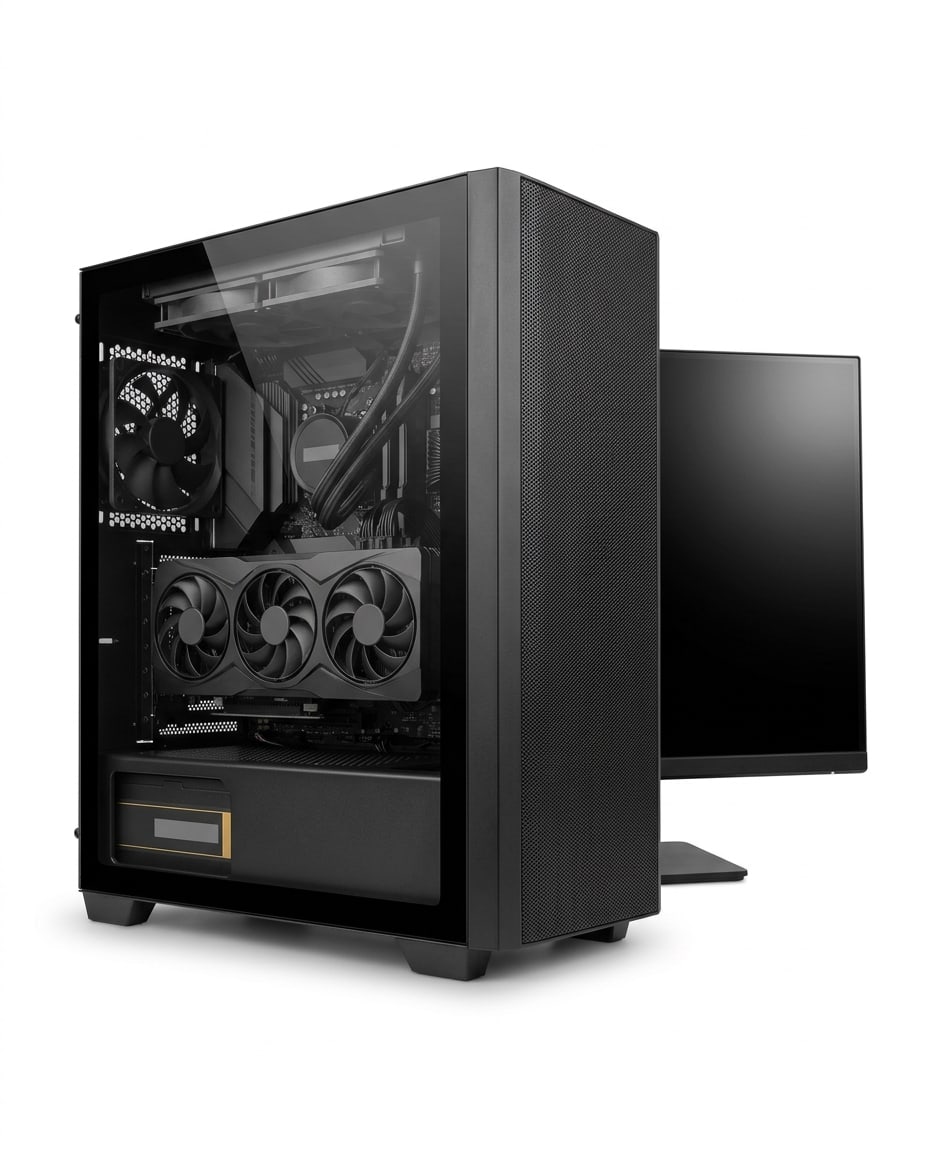
See the partsThe one to build this month: the same platform with a Radeon RX 9070 and its 16GB of video memory, for 1440p at high settings. $1,960 before tax.
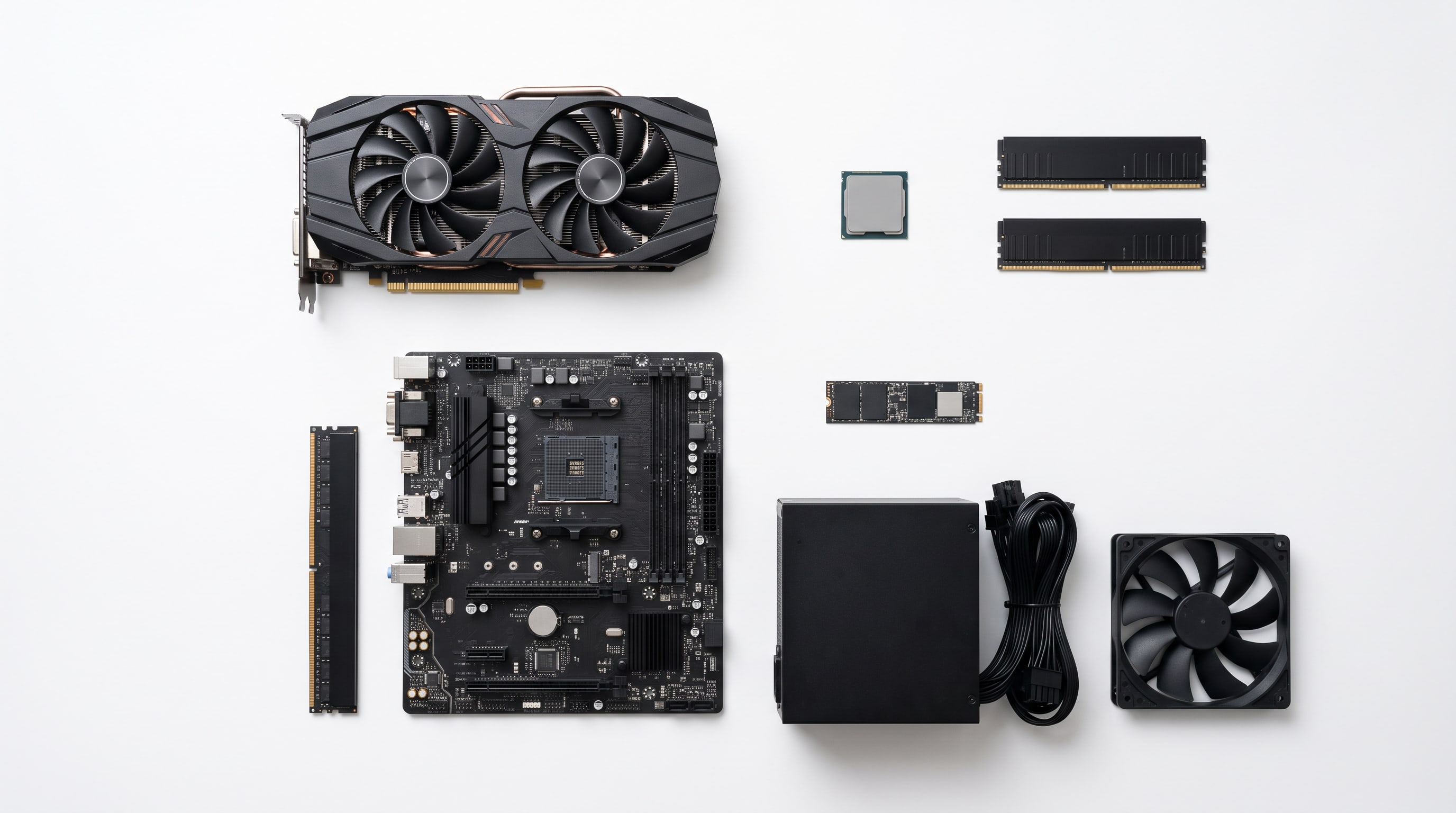
See the partsFor high refresh rates at 1440p and 4K with upscaling: a Radeon RX 9070 XT, twice the storage and a power supply that will carry the next card. $2,430 before tax.
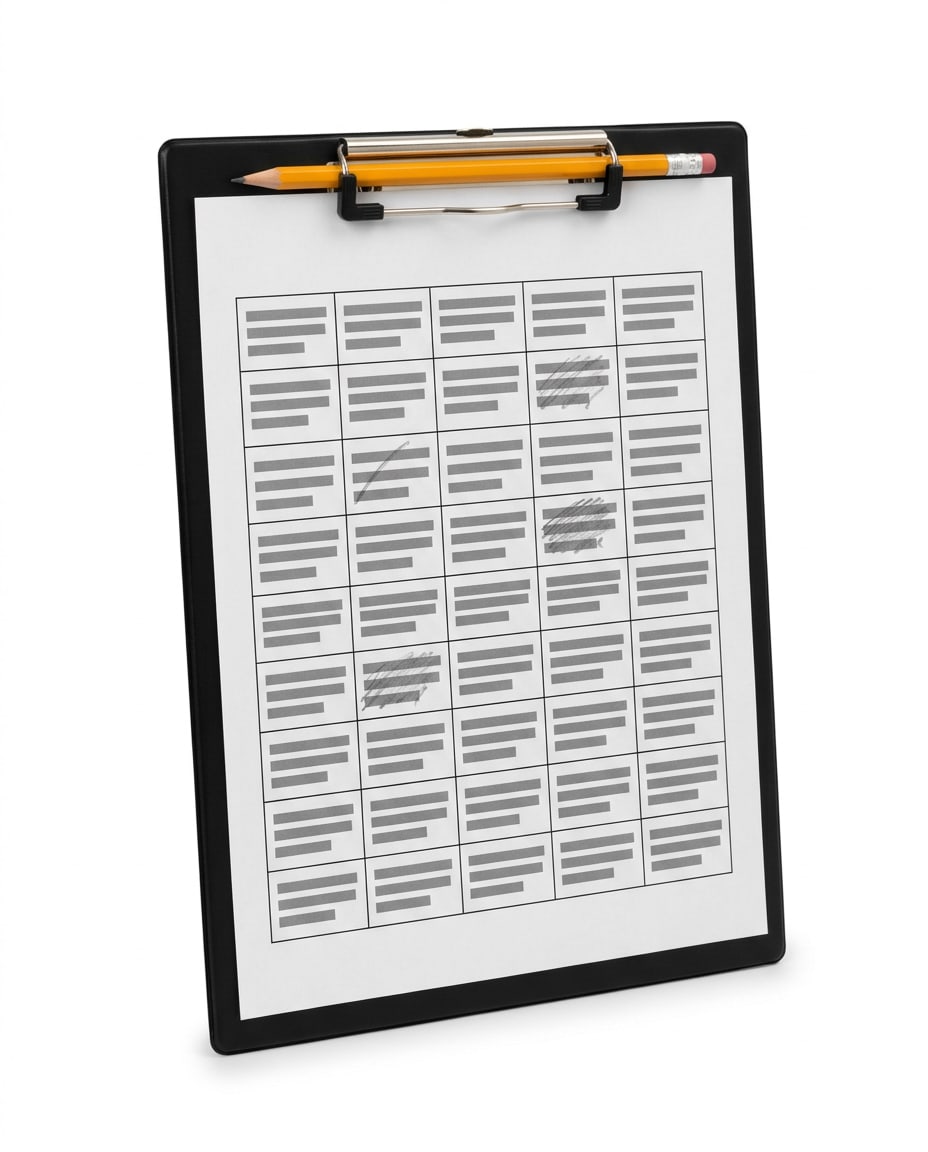
See the partsOne printable page for the PC you have: each part, what you’d replace it with, the price worth waiting for and the day you bought it. Print it from this page.
Print the trackerThe Build Sheet is three parts lists for a whole gaming PC, at $1,500, $2,000 and $2,500 before tax. Every part has its price at a Canadian store and the month it was checked, the reason it’s on the sheet and a swap for when it sells out; each sheet says what the finished PC plays and what the budget gave up. The upgrade tracker at the end is for the PC you already own. This edition’s prices were checked in October 2026.
Plays1080p at high settings in most current games, and competitive games such as Fortnite, Valorant and Counter-Strike 2 at high refresh rates. The heaviest new releases want medium settings or XeSS upscaling.
What the budget gave upa newer platform and 32GB of memory. Both would cost more than the graphics card, and the card is what you see.
Parts total
$1,420
$80 under budget$1,420 before tax, October 2026.
Why12GB of video memory at a price where most cards offer 8GB, and that’s what keeps new games’ textures sharp at 1080p. Turn on Resizable BAR in the BIOS: Arc cards depend on it, and this board supports it. Some older games run less evenly on Arc than on AMD or Nvidia cards.
Swapany other Arc B580, such as the ASRock Challenger; or the ASRock Arc B570 Challenger 10GB ($437 at Amazon.ca), a little slower for $69 less.
Whysix cores, plenty for a 1080p card, and it comes with a cooler in the box, so there’s no cooler to buy.
Swapthe Ryzen 5 5500, cheaper and a little slower in games that lean on the processor.
Whya plain B550 board with Wi-Fi built in, four memory slots and a fast slot for the SSD. Nothing on it you’d pay for and not use.
Swapany micro-ATX B550 board with Wi-Fi, such as the ASUS Prime B550M-A WiFi II.
Canada Computers, October 2026
Whytwo sticks, so the processor gets both memory channels, at the speed the Ryzen 5000 series runs best with for the money.
SwapG.Skill Ripjaws V or Corsair Vengeance LPX, 16GB (2×8GB) DDR4-3200 CL16.
Walmart.ca, October 2026
Whyroom for the operating system and a handful of big games. For loading games, the difference from drives costing much more is small.
SwapCrucial P310 1TB or WD Blue SN5000 1TB.
Computer Orbit, October 2026
Why650 watts covers this build with room to spare, and it would carry the graphics card on the $2,000 sheet if you upgrade later.
SwapCorsair CX650 or another 650W 80 Plus Bronze unit from a known maker.
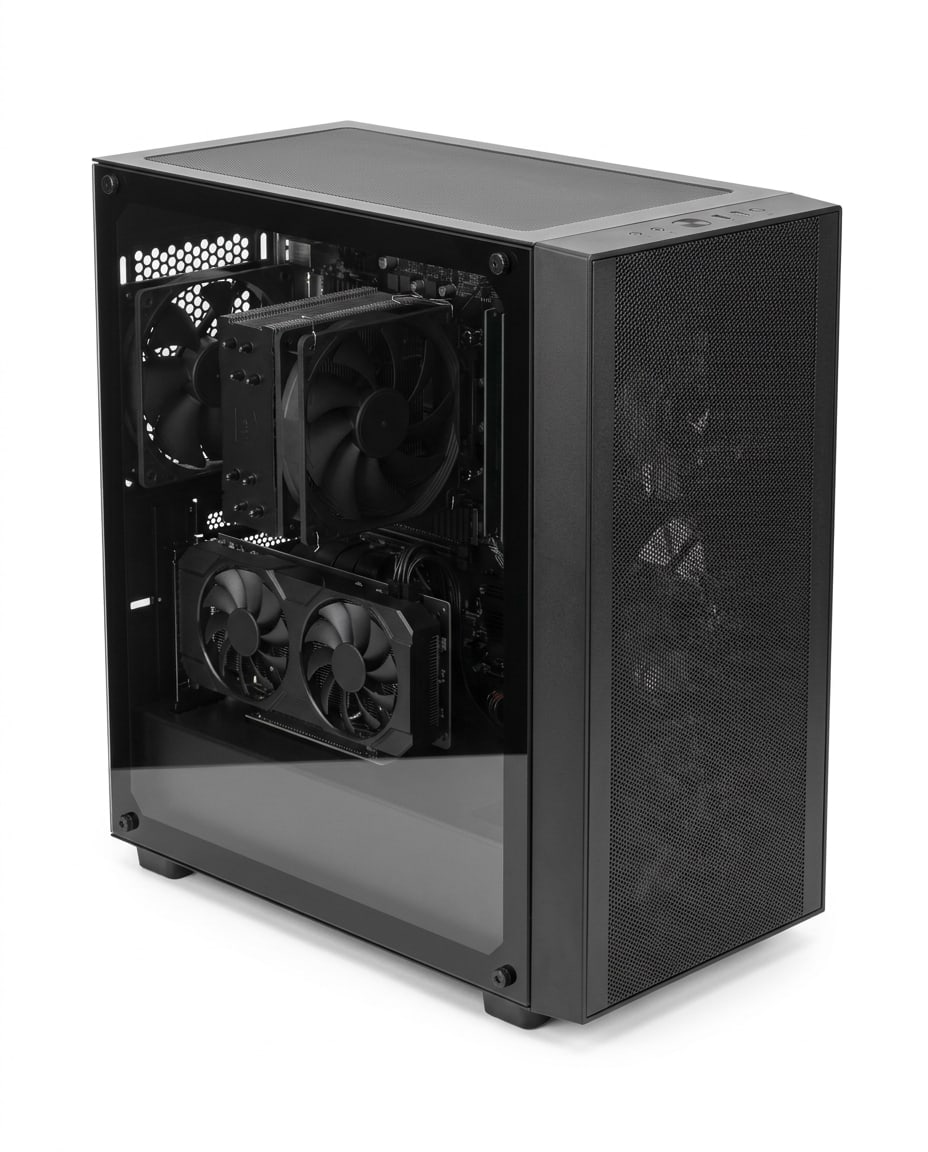
Whya mesh front for airflow and four fans already fitted, so there are no fans to buy and the card stays cool without noise.
SwapPhanteks XT Pro or Montech XR.
Plays1440p at high settings in most current games, 1080p at high refresh rates, and the heaviest releases at 1440p with FSR upscaling.
What the budget gave upa newer processor and 32GB of memory. This is the $1,500 sheet with a much faster graphics card, and this month it’s where the money goes furthest.
Parts total
$1,960
$40 under budget$1,960 before tax, October 2026.
Why16GB of video memory and AMD’s FSR 4 upscaling, for 1440p at high settings. At this price it’s the card that most changes what the PC can do.
Swapanother RX 9070, such as the PowerColor Hellhound; or the PNY GeForce RTX 5070 OC 12GB ($1,200 at Best Buy) for Nvidia’s DLSS, with less video memory.
Whyat 1440p the graphics card does most of the work, so a faster processor would add little for its price. It’s the first part we’d replace later.
Swapthe Ryzen 5 5500.
Whythe same plain board with Wi-Fi; a pricier one wouldn’t make games run faster.
Swapany micro-ATX B550 board with Wi-Fi.
Canada Computers, October 2026
Whyenough for gaming; a 32GB kit costs two to three times as much this month, and that money is in the graphics card.
SwapG.Skill Ripjaws V or Corsair Vengeance LPX, 16GB (2×8GB) DDR4-3200 CL16.
Walmart.ca, October 2026
Whythe same drive; add a second one when it fills, since the board has a spare slot.
SwapCrucial P310 1TB or WD Blue SN5000 1TB.
Computer Orbit, October 2026
Why650 watts is what AMD asks for with an RX 9070, and this build stays inside it.
SwapCorsair CX650 or another 650W 80 Plus Bronze unit from a known maker.
Whythe four fitted fans keep a bigger card cool, and there’s room for it.
SwapPhanteks XT Pro or Montech XR.
Plays1440p at high refresh rates in most games, 4K with FSR upscaling, and ray tracing with less of a cost than on the cheaper sheets.
What the budget gave upthe same things as the $2,000 sheet. Above $2,000 each dollar buys less this month: the faster card adds frames, but not as many as the step from the $1,500 sheet. If you can stop at $2,000, do.
Parts total
$2,430
$70 under budget$2,430 before tax, October 2026.
Whythe fastest card we’d buy under $1,500 this month, with 16GB of video memory and FSR 4. It’s what lifts 1440p to high refresh rates.
Swapanother RX 9070 XT, such as the PowerColor Red Devil or XFX Swift.
Whyit holds back this card in a few games at high refresh rates, but a processor that doesn’t would mean a new platform and DDR5 at $630 or more. It’s the upgrade to make when DDR5 comes down.
Swapthe Ryzen 5 5500.
Whythe same board; nothing on a pricier B550 changes what this PC plays.
Swapany micro-ATX B550 board with Wi-Fi.
Canada Computers, October 2026
Whyenough for gaming. If you stream or record while you play, go to 32GB (2×16GB) and drop to the 1TB drive to pay for most of it.
SwapG.Skill Ripjaws V or Corsair Vengeance LPX, 16GB (2×8GB) DDR4-3200 CL16.
Canada Computers, October 2026
Whybig games take 100GB and more each; 2TB holds a library without juggling installs.
SwapWD Blue SN5000 2TB or Crucial P310 2TB.
Computer Orbit, October 2026
Whythe RX 9070 XT draws more than the 9070, and a 750W fully modular unit covers it and the next card with room to spare.
Swapanother 750W 80 Plus Gold unit from a known maker, such as the MSI MAG A750GL.
Whyairflow first, four fans fitted, and room for a long card.
SwapPhanteks XT Pro or Montech XR.
Comes with the Build Sheet · printable
Print this table and fill in one row per part of the PC you have now. Write the price at which each upgrade is worth it, and the date you bought it when a sale reaches that number. In most PCs, the graphics card comes first.
| Part | What I have | What I’d replace it with | Price worth waiting for | Bought |
|---|---|---|---|---|
| Graphics card | ||||
| Processor | ||||
| Motherboard | ||||
| Memory | ||||
| Storage | ||||
| Power supply | ||||
| Case and fans | ||||
| Monitor |
Each sheet starts from a number in Canadian dollars before tax, not from a part we like. Everything on it has to fit under that number, today.
The graphics card comes first, because that’s where frames come from at every budget. The rest is chosen so nothing holds it back and nothing is paid for twice.
Every part is priced at a Canadian store that ships here, with the store and the month next to it. No converted US prices, no US-only stock.
Parts sell out. Each one has a swap that fits the same build, so a missing part doesn’t send you back to the start.
The editors reprice every sheet each month and change a part when a better one fits the budget. The edition date at the top tells you when.
Yes. There’s nothing to sign up for or pay, and nothing is sold on this page: each part links the store it was priced at, and you buy from the store. If a link ever earns Gaming Association a commission, the page will say so, and the picks don’t move for it.
Because that’s where a new gaming PC we’d sign off starts this month. Memory and graphics card prices have climbed through 2026, and the cheapest whole build we’d recommend comes to $1,420 before tax. With $900, a new PC gives up too much. Upgrade the graphics card in the PC you have (the Arc B580 on the $1,500 sheet is $506), look at a console or a handheld PC, or wait for the sales. The sheets go back down when prices do.
No, and we don’t claim they are. Each price is what one Canadian store asked for that part in the month shown, before tax. Prices move every day, and the same part is often cheaper somewhere else for a week. Check the price before you buy, and see Deals & Buying for the sales calendar and which stores price match.
No. Every price is before tax, because sales tax depends on your province: from 5% where only the GST applies to 15% where the HST is highest. Add your province’s rate to the total before you decide what you can spend.
Because of memory. The newer AM5 platform takes DDR5, and a 32GB DDR5 kit costs $630 to $650 this month, more than three times the 16GB of DDR4 on these sheets. That difference is the gap between a mid-range graphics card and a fast one, and the card is what you see in games. What you give up: AM4 is at the end of its line, so the next processor upgrade means a new motherboard and memory too. When DDR5 comes down, the sheets move to AM5.
For playing games, yes, for now: most games run well on 16GB. 32GB helps when you stream, record or keep a browser full of tabs open while you play, and some of the heaviest new releases ask for it. At this month’s prices we’d rather put the money into the graphics card, and move the sheets to 32GB when kits come down.
No. We don’t run a test lab, so you won’t find frame-rate figures on this page. What each sheet plays is our judgement from the makers’ specifications and the published reviews of each part, and the guides credit any number they use to its source.
Use its swap. Every part on every sheet has one, chosen to fit the same build: same socket, same memory type, enough power and room in the case. If the swap is gone too, write to us through the contact page and we’ll tell you what we’d buy.
They were picked to: the processor fits the motherboard’s socket, the memory is the type the board takes, the power supply covers the graphics card with room to spare, and the board and card fit the case. As with any build, check the board’s processor support list before you buy, and keep every receipt until the PC boots.
Windows, a monitor, a keyboard, a mouse and a headset. Windows 11 runs without activation with a watermark and a few settings locked; a licence costs extra. The Peripherals and Monitors & Displays sections cover the rest at the same budgets.
Every month. The editors reprice each part and replace one when a better pick fits under the budget or the old one disappears. The edition date at the top of the page is the month the prices were checked.
Print it from the bottom of this page and fill in one row per part of the PC you have now: what it is, what you’d replace it with, and the price at which the upgrade is worth it. When a sale reaches your number, buy it and write down the date. Upgrade the graphics card first in most PCs; the tracker keeps you honest about the rest.
Three whole gaming PCs at Canadian prices, every part with its store, its month and its swap. Free, and repriced every month.