1080p vs 1440p: which gaming monitor for your graphics card
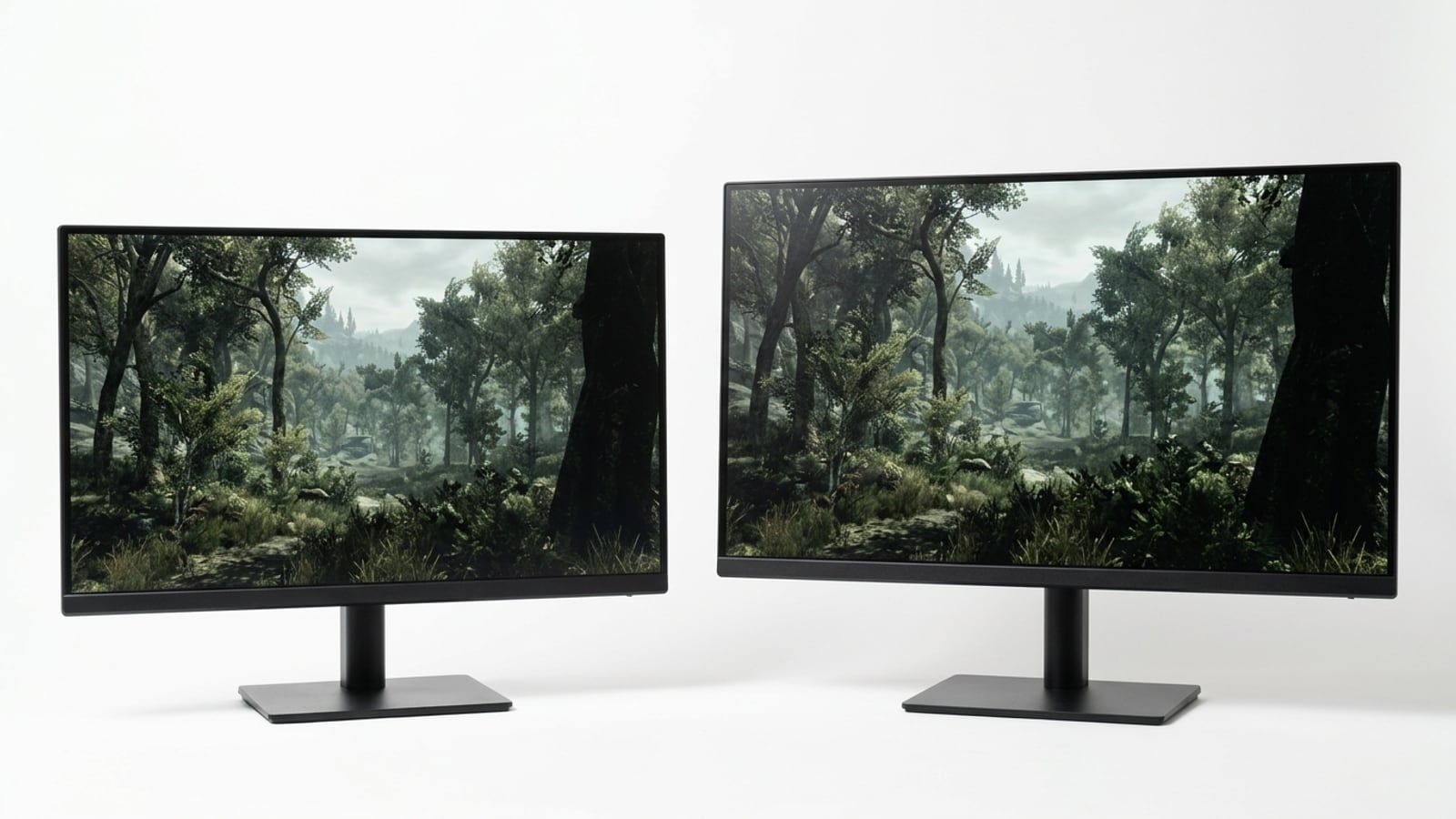
Match the monitor to the card: what 1440p asks of a graphics card, sharpness at 24 and 27 inches, refresh rate, upscaling and Canadian prices for each pairing.

6articles in the Bulletin
Editor and lead writer
Simon Larocque has built gaming PCs for fifteen years, first for friends and then for two summers behind the counter of a local computer shop, where most customers arrived with a budget in Canadian dollars and a parts list priced in American ones. He has tracked Canadian part prices in a spreadsheet ever since.
As editor he writes the PC Builds, Components, Monitors & Displays and Deals & Buying sections, and he picks and prices the parts in The Build Sheet each month.
Match the monitor to the card: what 1440p asks of a graphics card, sharpness at 24 and 27 inches, refresh rate, upscaling and Canadian prices for each pairing.
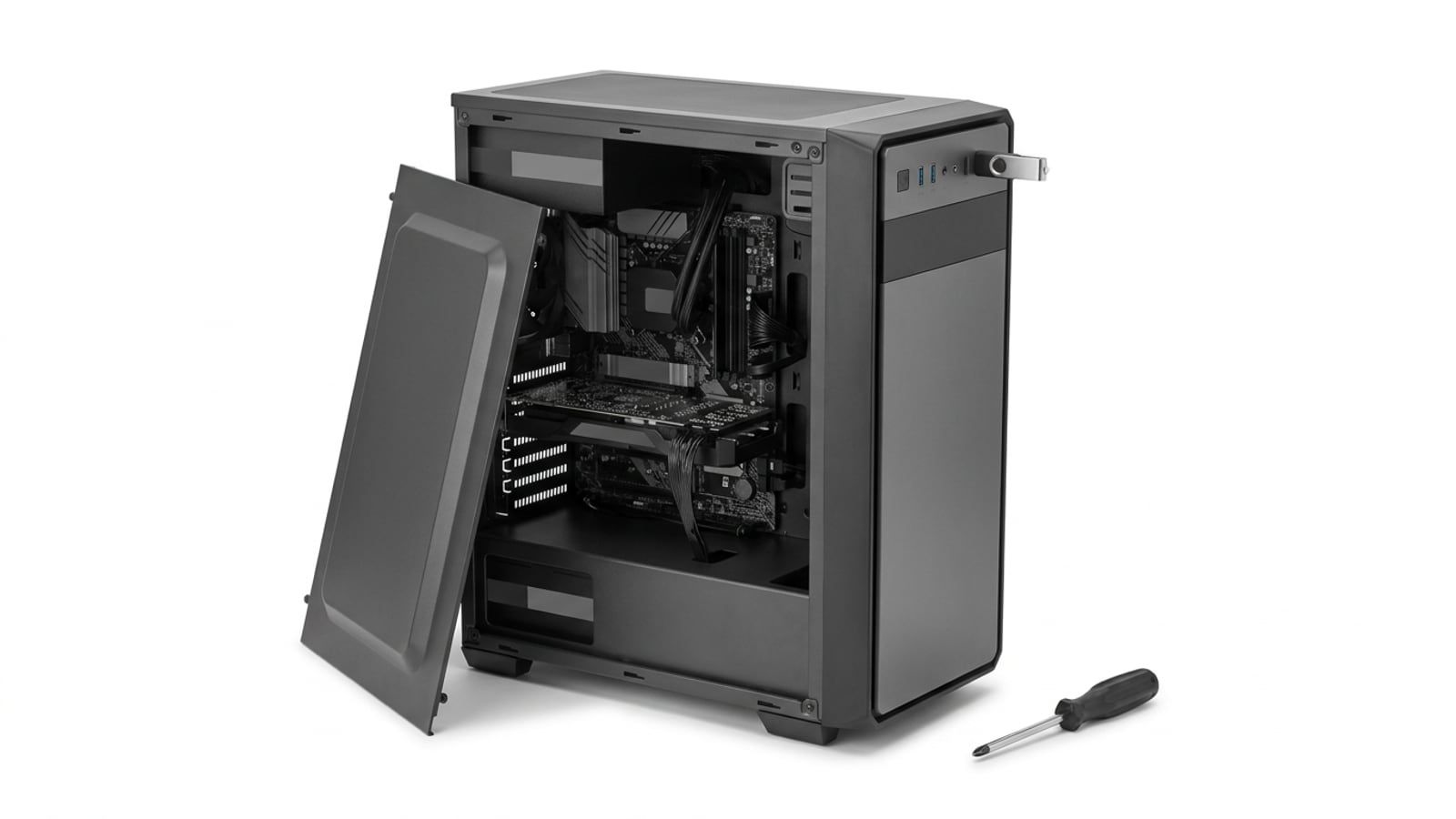
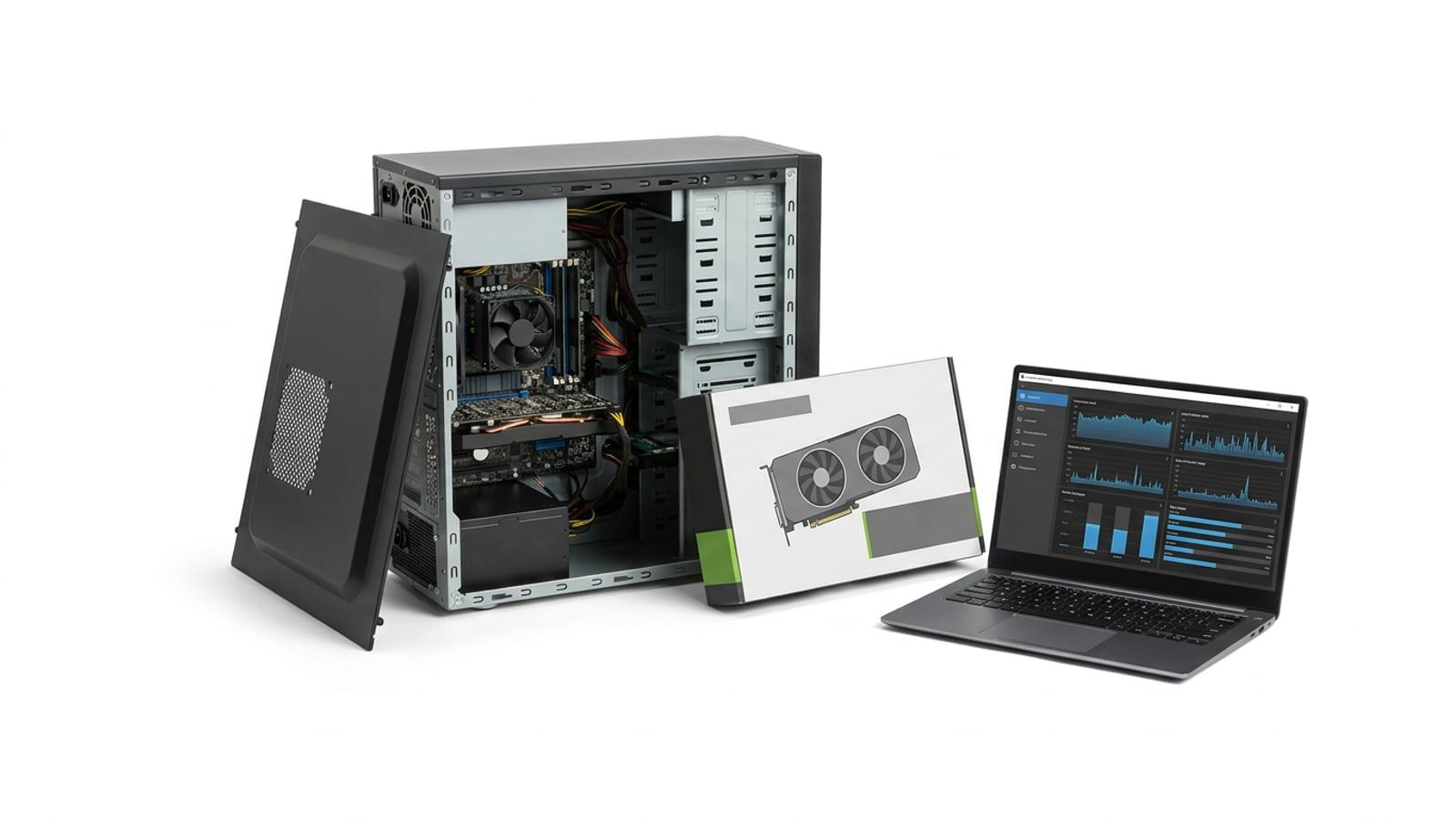
The parts are in and the side panel is off: what to check before power-on, the BIOS settings to change, installing Windows 11 and the driver order.
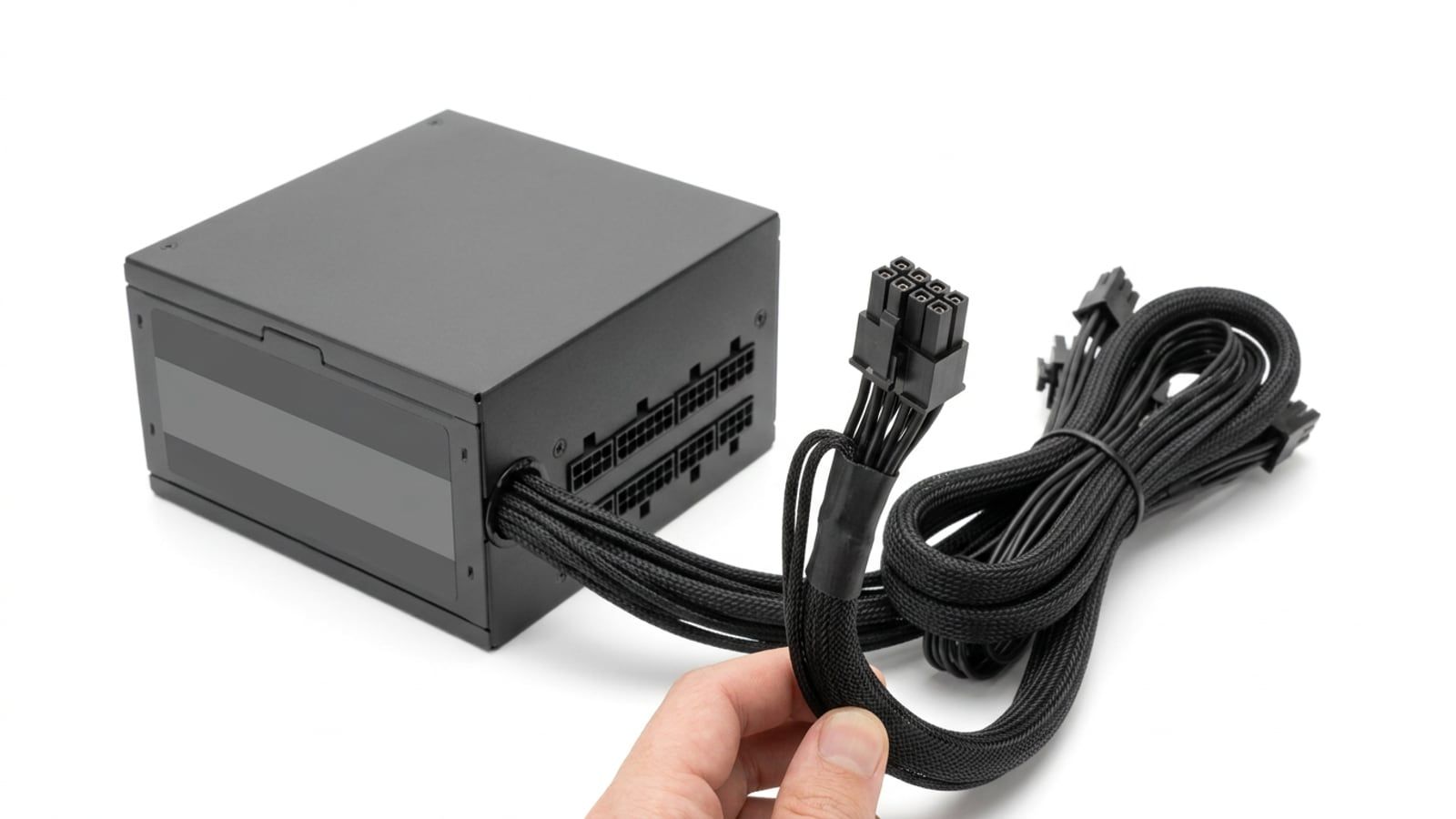
Size a gaming PC’s power supply from the graphics card maker’s number: the sum, the headroom, the plugs, the ratings and the units on our Build Sheets.
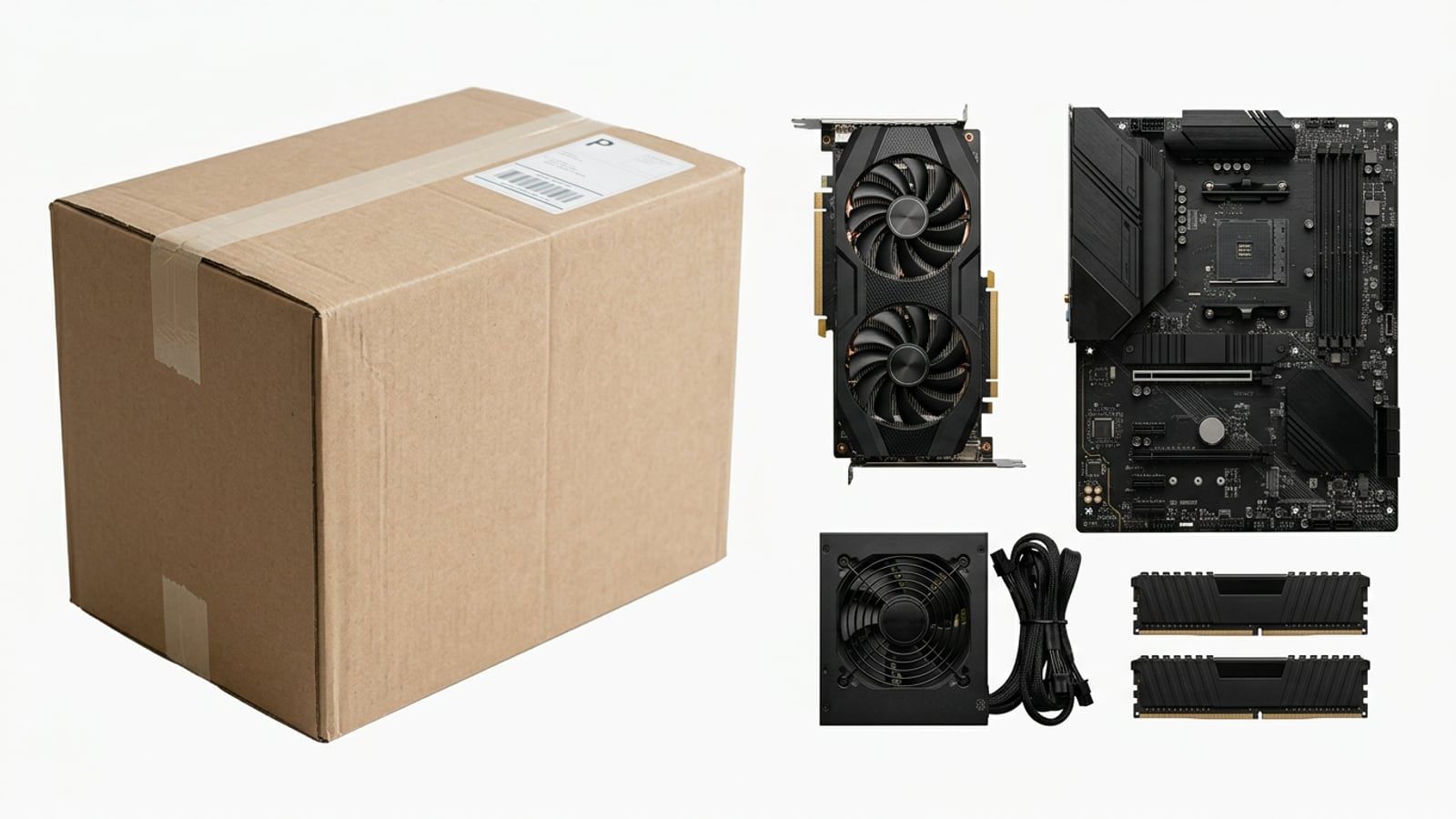
Our $2,000 Build Sheet priced against the prebuilts Best Buy and Costco.ca sell this month, with Windows, warranties and spec sheets counted in.
Which Canadian stores match or beat a lower price on PC parts, consoles and gear, read from each store’s own policy in October 2026, and how to ask for it.
A ten-minute check with free tools shows what your PC is waiting on. Then the order to upgrade in, the compatibility traps and Canadian prices.