Home Office Ideas: Layout, Furniture, Lighting and Decor
Home office ideas can turn a cramped corner into a comfortable workspace. Plan layout, lighting, storage, and decor on a realistic Canadian budget.

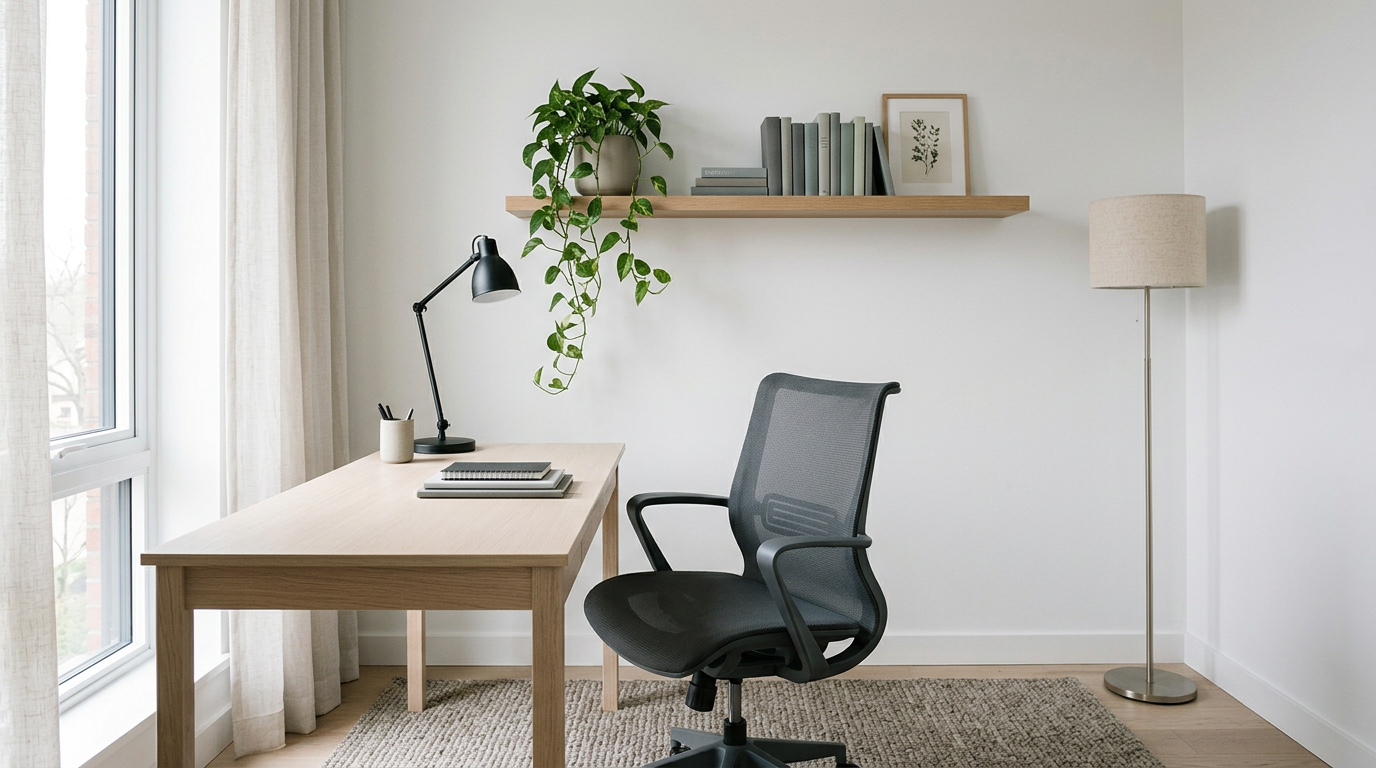
Home office ideas are practical ways to arrange and furnish a workspace at home, whether you have a spare room or only a small corner. Choose a layout that fits your tasks and space, prioritize an adjustable chair and suitable desk height, reduce glare with layered lighting, and use storage to control clutter; then add personal decor and a quiet spot for breaks. A comfortable, organized setup can make long work or play sessions easier without requiring a large budget.
Picture your kitchen table at 9 p.m., laptop on your knees and a cable stretched across the floor. It works for a night or two, but a few weeks of that and your back and wrists start to complain.
A home office follows the same rule: the right setup makes long days easy.
This guide maps out the full plan: layout, furniture, lighting, storage, and decor, all in one place. We’ve also built it around a budget, so you get a Canadian-priced setup that keeps you comfortable through long PC or console sessions.
Home Office Ideas for Layout and Space
Where your desk sits shapes how well it works for focus, calls, and gaming. Here’s how to pick a spot that fits the room you have.
Layouts for shared and client-facing rooms
- Shared two-person table: One long table with a seat on each side works for a couple or roommates.
- Sofa-plus-desk setup: A slim desk behind the sofa tucks your work away at night.
- Client-facing layout: Put the desk where guests see a tidy background, not a pile of laundry.
- Desk facing room: Turn the desk toward the room, not a bare wall, so the space feels open.
Where to put your desk near windows
Daylight and window views are linked to better mood and productivity. According to Northwestern sleep specialist Phyllis Zee, daylight, especially in the morning, is beneficial for mood, alertness and metabolism.
When you have a choice, a north- or south-facing window is generally the best bet.
It’s less about how much light you get and more about where it lands. A controlled crossover study also notes that window access can cause discomfort and eyestrain from glare.
Think of a gamer whose monitor faces a bright window, leaving their eyes sore after a long late session. Angling the desk so the window sits off to one side is the first fix to try.
Use one room for office and more
- Office doubling as guest room: A fold-out sofa bed or a desk that folds flat lets guests stay without a second setup.
- Gym or reading nook: Put the desk in one corner and the treadmill or reading chair in another.
- Screens and partitions: A folding screen or bookcase divider marks off your work zone without a wall.
Hidden office spots for small homes
Small homes often hide more workable corners than they seem to.
- Dressing table as desk: A dressing table with drawers can double as a compact desk.
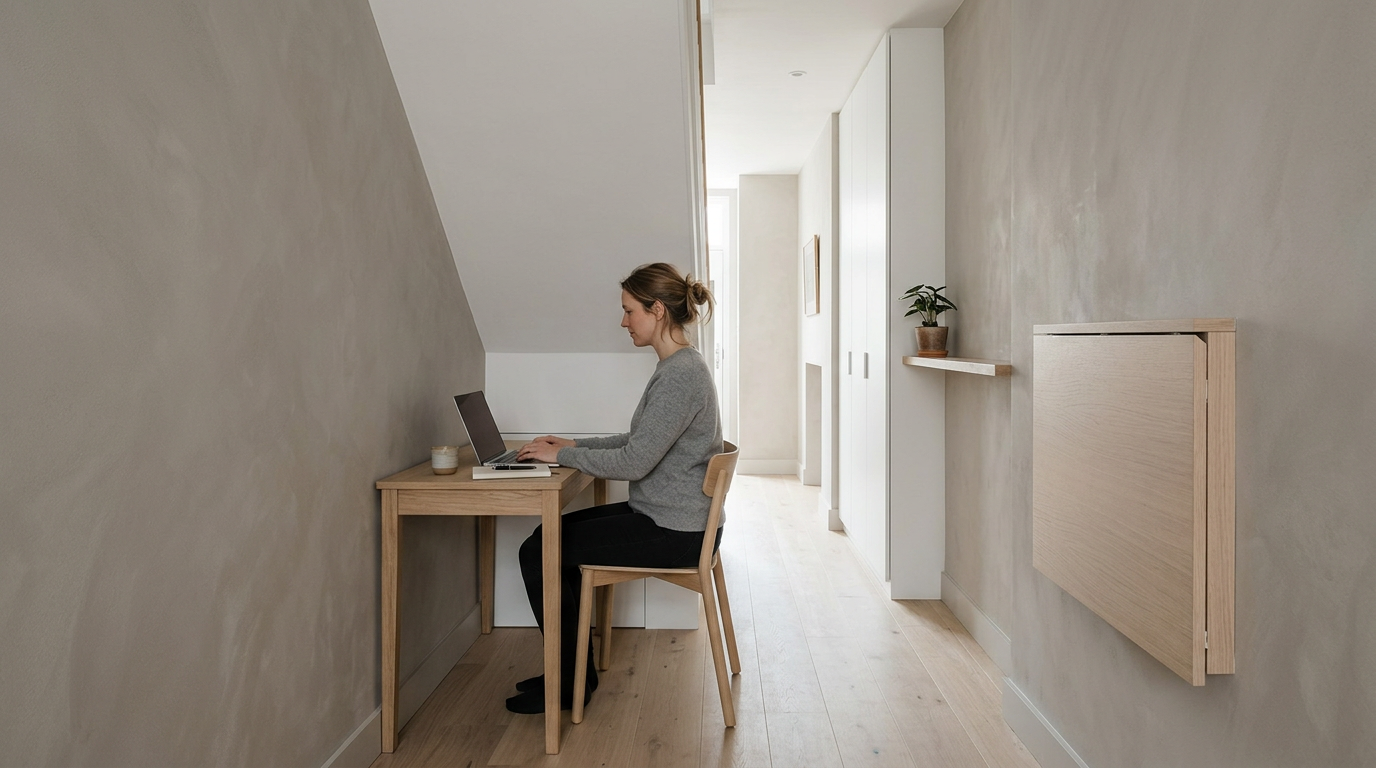
- Under-stairs workspace: A slim desk fits under the stairs if there’s headroom to sit upright.
- Hallway fold-out desk: A wall-mounted fold-out desk takes almost no floor space and folds flat when you’re done.
- Wardrobe office: A desk and shelf can fit inside a wardrobe, so work disappears behind closed doors.
Measure and plan before you buy
Before you order anything, note the room’s wall length, ceiling height, and every doorway or hallway the desk must pass through. Measure first.
- Define tasks and needs: List what the space must handle, like video calls, spreadsheets, or long gaming sessions.
- Plan for client visits: Decide where guests sit and what they’ll see behind you before you pick the desk’s angle.
- Create flexible work zones: Set up zones rather than one fixed station, such as a desk for focus and a corner for calls.
What Should I Have in a Home Office?
Long sessions at a personal computer or console strain your back, neck, and wrists, so here’s what to have:
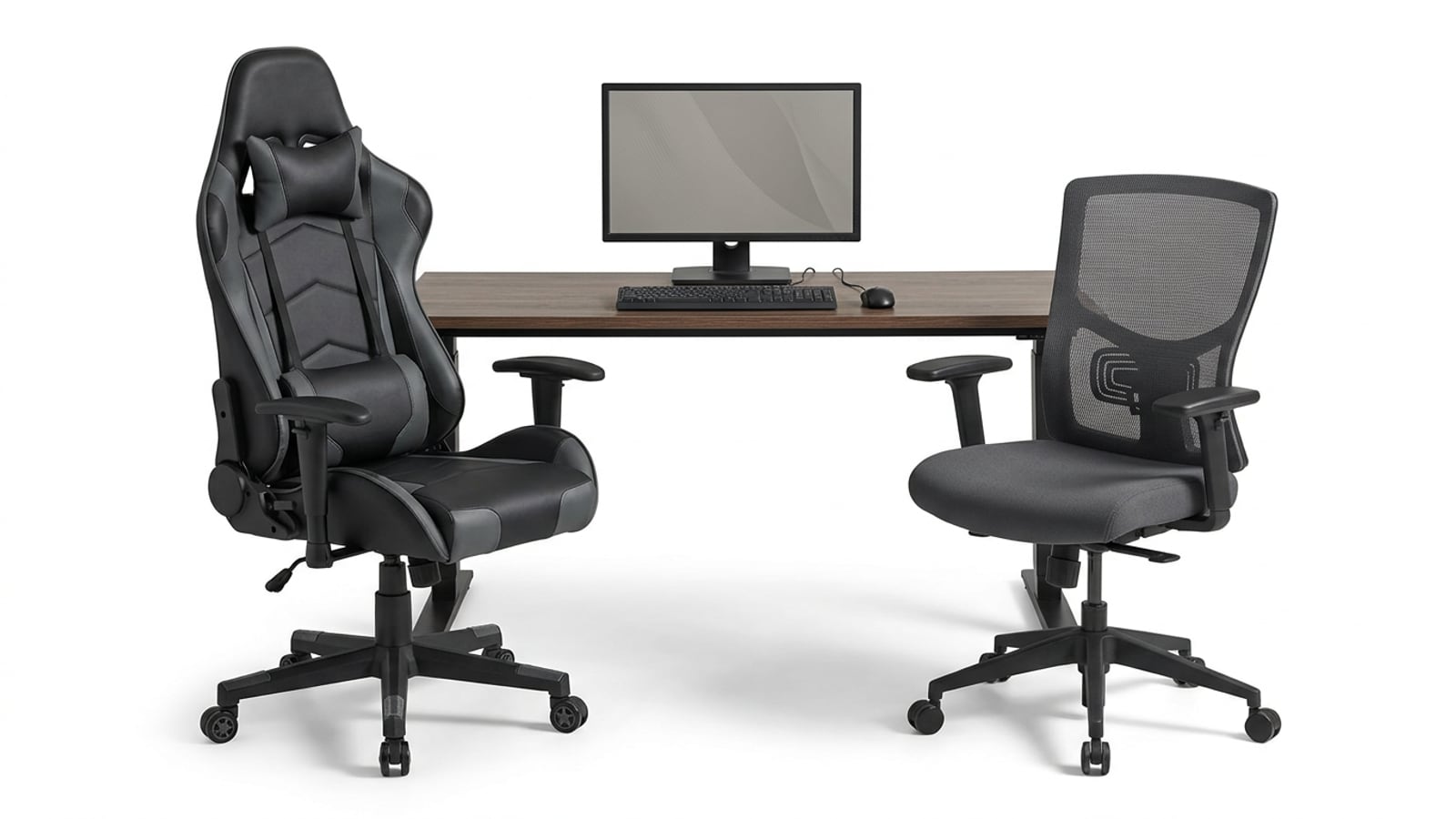
- A chair with lumbar support and adjustable height
- A desk with room for your keyboard and monitor
- A monitor set at eye level
- Storage for cables and notebooks
Chairs and desks that support your body
Lumbar support (the curve that backs your lower spine) and adjustable height work together, so your feet sit flat and forearms rest level. A sit-stand desk lets you alternate positions mid-session.
Swivel, adjustable armrests, and smooth wheels let you reach a second screen without twisting.
Set the top of your monitor near eye level so your neck won’t ache. When you compare a gaming chair with an office chair, judge both on adjustability rather than looks.
Consider a streamer who raised the armrests and moved the monitor up, and now finishes three-hour sessions without a stiff neck.
Pick a desk with room and storage
Look for enough surface for projects rather than just a keyboard. A solid-back desk gives a finished face toward the room, and built-in storage compartments keep cables off the top.
A vintage wood desk with a keyboard tray adds character and keeps your typing height comfortable.
Furniture that folds, moves, or converts
Look for pieces that change shape. A fold-out desk or convertible desk tucks away after a session, and modular pieces move as your setup changes.
Consider a roommate who games in the living room: a rolling cart and light shelving wheel out for a session, then tuck away so the room stays usable. A sofa bed or storage ottoman doubles as guest seating.
Pick warm materials like wood and leather
Natural wood and leather bring a warmth plain plastic can’t match. Offset them with metal or glass, and add warm textures like a rug under the chair. A durable stone worktop handles everyday wear. Choose pieces that feel lived in rather than showroom new.
Build in tiers. On a tight budget, spend on chair support and monitor height first. A middle tier adds storage and a solid-back desk, and a higher tier adds a sit-stand desk and natural materials. Set your cap in Canadian dollars before you shop.
How to Light Your Workspace Well
Lighting is the upgrade most desks skip. Here’s how to combine daylight, lamps, and bulbs for comfortable long sessions.
Make the most of daylight at work
Start with the window: open the curtains and shades, and angle your desk so the screen isn’t facing the glass. Natural light can boost productivity.
A controlled crossover study listed by Mayo Clinic found that access to daylight and a view improved cognitive performance and reduced eyestrain.
If your desk faces a windowless wall, a light wall color helps the room bounce more of whatever light you have.
Layer lamps and avoid harsh overhead light
Skip the single ceiling fixture and layer several smaller sources instead:
- Desk or task lamp: aim it at your keyboard and notes.
- Bias lighting: a soft strip behind your monitor eases the contrast between a bright screen and a dark room.
- Table lamps and sconces: these spread gentle light across the room.
- Pendant doubling as decor: a pendant over the desk lights the work surface and doubles as a statement piece.
Avoid harsh fluorescents, which can feel clinical on the eyes.
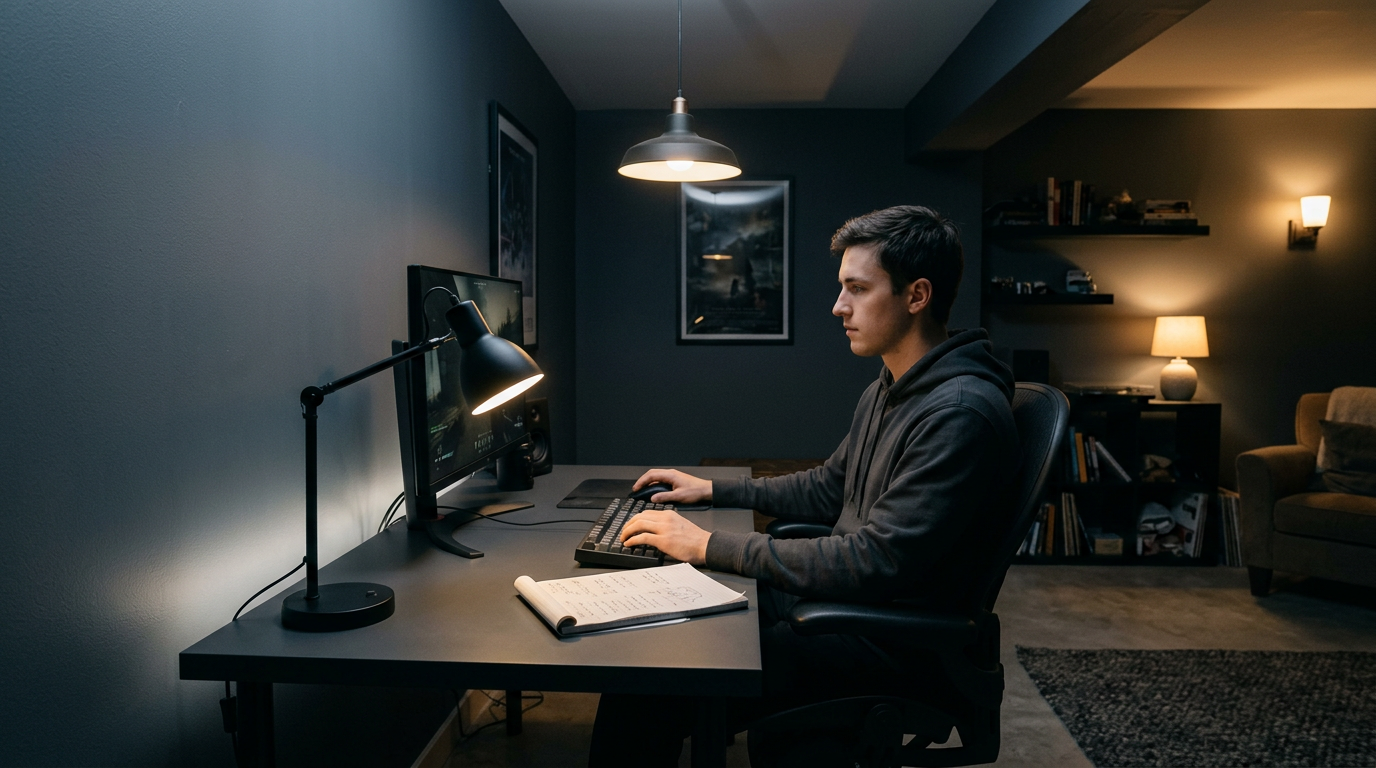
Picture a player in a windowless basement running late-night ranked matches. A desk lamp, a bias light behind the monitor, and a corner table lamp let them switch off the ceiling light and still read their notes comfortably.
Pick bulbs that mimic daylight
Begin with color temperature, measured in kelvins. A 3000K light-emitting diode (LED) bulb gives you a balanced white rather than a yellow or blue cast.
For the closest match to a sunny afternoon, choose bulbs labeled daylight-balanced. Match the bulb to the task.
Ways to Stay Organized and Clutter-free
Clutter costs you focus, and the fix is simpler than it sounds. Here’s how to tackle it:
Store things in drawers, cabinets, and baskets
Out-of-sight storage keeps your desk clear:
- Drawers and filing cabinets: Store manuals, receipts, and spare cables in labeled drawers.
- Chest of drawers: A small one beside the desk holds controllers and headsets.
- Under-desk, wall-mounted cabinets: They tuck gear away without eating floor space.
- Boxes and baskets on shelves: Fabric bins suit loose items you can grab in one motion.
Consider a player who streams from a desktop and keeps a headset, mouse pad, and controller in one basket. Everything goes back there after each session, so the next night starts in seconds. The where matters more than how much.
Use your walls for notes and ideas
Walls are free real estate once you give them a job:
- Corkboard or magnetic wall: Pin up a build list or a shopping checklist you can update.
- Chalkboard for brainstorming: Sketch layouts and jot ideas, then wipe it clean.
- Bulletin board for paper: Keep receipts, warranty cards, and sale reminders.
Keep the important stuff where you’ll see it, not where you’ll search for it.
Declutter and tame loose cables
Loose wires make even a clean desk look messy:
- Minimalist, clean lines: Favor furniture with simple shapes and fewer exposed parts.
- Cable organizers and channels: Clip cables to the desk edge or run them through cable channels.
- Furniture with clear purpose: Choose a desk with a built-in cable tray or a shelf sized for your monitor.
Fewer loose cables means fewer accidental unplugs mid-match. Tidy wires, longer sessions.
What Are Good Options for Office Decor?
Good home office decor comes down to color, personal touches, texture, and finishing accents. For 2026 trends, a room that feels personal and layered sets the direction.
Pick paint colors you actually love
Paint sets the mood. Blues, greens, and yellows each bring their own feel:
- Blues and greens feel calm and steady.
- Yellows bring warmth and energy.
- Light grey or white neutrals keep the room clean so your accents stand out.
- Colorful accents and cushions add pops of color without repainting.
Pick colors you love. Choose a shade you enjoy rather than one you tolerate, since you’ll see it every day.
Make it yours with photos and mementos
Your walls should tell your story, not a catalogue’s. Layer in these to keep the room personal rather than generic:
- Artwork and family photos anchor the room in what matters to you.
- Travel souvenirs and mementos give a shelf a story to tell.
- Hobby displays and books show what you’re into.
- Funky patterns add playful energy through a throw or cushion.
Consider a gamer who frames a road trip photo beside retro consoles. A friend asks about it on a call, and the conversation starts itself.
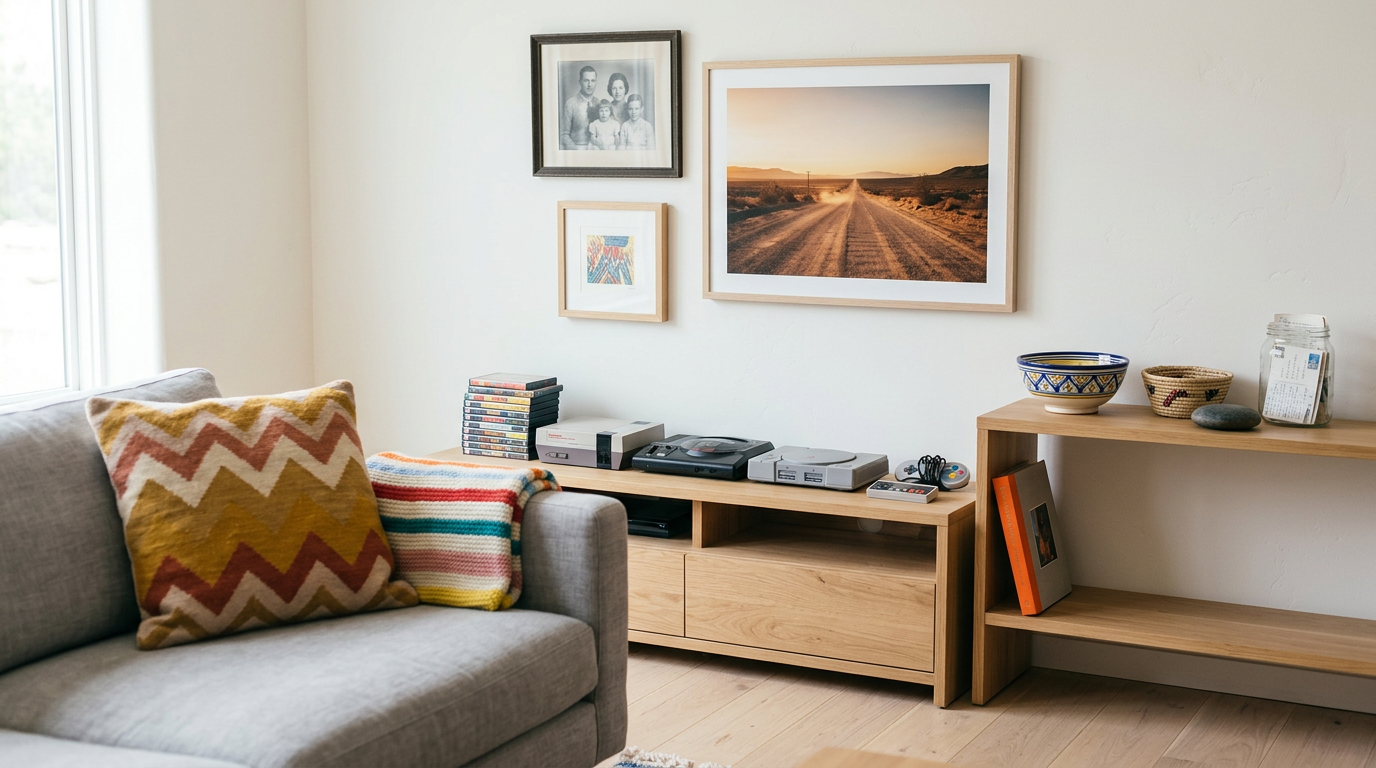
Finish the room with rugs and accents
- Rugs and textiles soften hard floors.
- Fringe sofa detailing adds texture.
- Marble or terrazzo accent walls make a bold backdrop (terrazzo is a speckled, stone-look surface).
- Candle trays and decor finish a desk or shelf.
Use the 3-5-7 rule for shelves and trays: group decor in odd numbers, like three, five, or seven pieces, since odd groups look more relaxed than an even pair.
Picture a player on a budget who styles a desk tray in five minutes with a candle, a plant, and a framed photo. It looks finished, and it costs nothing extra.
Build a Calm Space You Can Focus In
A calm room makes long sessions easier to sit through, and it doesn’t take a big budget. Here’s how to set one up that helps you reset between matches.
Make room for stretching and breaks
Long sessions take a toll, so give yourself a spot to get up and move. Set aside a small break corner for stretching and a little mindfulness.
A yoga mat and a meditation pillow make that corner inviting, and a comfy chair nearby gives you a place to rest between rounds.
Take a gamer who queues for ranked matches most nights. Two minutes on the mat between games gives their wrists and shoulders a reset, and the next match starts with a clearer head.
Set the mood with scent and sound
Scent and sound shape how a room feels before you’ve even sat down. Try these four easy touches:
- Candles and essential oils. Keep scents subtle rather than strong, since a little goes a long way.
- Real or fake plants. Either one adds a bit of greenery, so pick whichever suits you.
- Classical music. Play it at a low volume so it sits in the background.
- Soft lighting. Swap a harsh overhead bulb for softer lamps.
Keep noise and distractions out
Noise is the quickest way to lose your place mid-match. French doors can separate your office from the rest of the house, while curtains and flowy panels soften sound and cut glare on your screen.
If you don’t have a door to close, a folding room divider marks off your gaming corner without a permanent wall. Quiet wins.
Welcome clients and guests comfortably
If clients visit or friends stay over, the room should feel welcoming too. Set up comfortable visitor seating near the door so guests don’t hover over your desk.
A small coffee bar gives people something to do while they wait, and an extra couch keeps a friend staying the weekend off the floor.
Picture a builder whose friend is helping pick parts for a new rig: the couch and coffee bar keep them comfy while you two compare notes. Everyone gets a seat.
A good home office doesn’t need a spare room or a big budget. It needs a layout that suits how you work and play, lighting that’s easy on your eyes, storage that keeps clutter out of sight, and a space calm enough to focus in.
Start with what protects your back and wrists, then add the rest as your budget allows. Small, steady upgrades beat one costly splurge, and you’ll feel the difference in every long session.
Set it up with your body and your budget in mind, and every long session will feel better for it.
References
- Access to daylight and view in an office improves cognitive performance and satisfaction and reduces eyestrain: A controlled crossover study — mayoclinic.elsevierpure.com (2025)
- Natural Light in the Workplace Increases Health — news.feinberg.northwestern.edu
- Access to daylight and view in an office improves cognitive performance and satisfaction and reduces eyestrain: A controlled crossover study — doi.org (2019)
Questions
What is the 3-5-7 rule in decorating?
The 3-5-7 rule is a decorating guideline for arranging objects in odd-numbered groups, such as three, five, or seven items. Odd groupings tend to look more relaxed and balanced on shelves, desks, and trays.
What are the trends for home office design in 2026?
Home office design in 2026 favors personal, layered spaces rather than generic showroom looks. Colorful accents, natural materials, meaningful artwork and mementos, plants, soft lighting, and textured rugs can help create a warm, individual workspace.
What are some good options for office decor at home?
Good options include paint in colors you enjoy, artwork or family photos, travel souvenirs, books and hobby displays, patterned cushions or throws, rugs, plants, and small accents such as a candle tray. For shelves or desk trays, arranging decor in groups of three, five, or seven can create a relaxed look.
What should I have in a home office?
A home office should have a supportive chair with lumbar support and adjustable height, a desk with enough room for your work, a monitor positioned near eye level, and storage for cables and supplies. A task lamp and cable organizers can also improve comfort and keep the workspace tidy.
Sources
- Natural Light in the Workplace Increases Health - News Center, news.feinberg.northwestern.edu
- Access to daylight and view in an office improves cognitive performance and satisfaction and reduces eyestrain: A controlled crossover study - Mayo Clinic, mayoclinic.elsevierpure.com,
- Access to daylight and view in an office improves cognitive performance and satisfaction and reduces eyestrain: A controlled crossover study, doi.org,
Free · The Build Sheet
The Build Sheet: three gaming PCs priced at Canadian stores