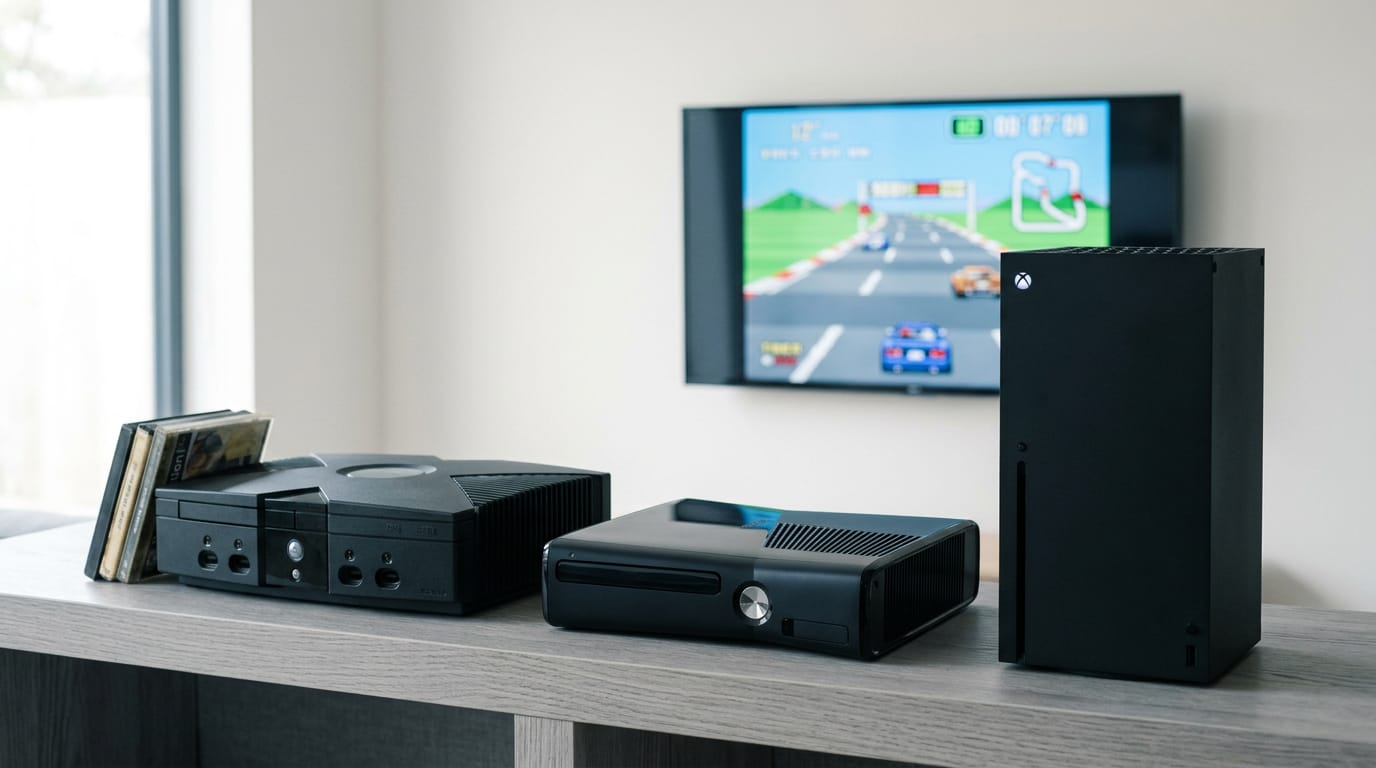
Can You Play Xbox 360 on Xbox One? Which Games Work
Can you play Xbox 360 on Xbox One? Check whether your disc or digital game works, test your library, and compare Xbox One and Series X|S prices in Canada.

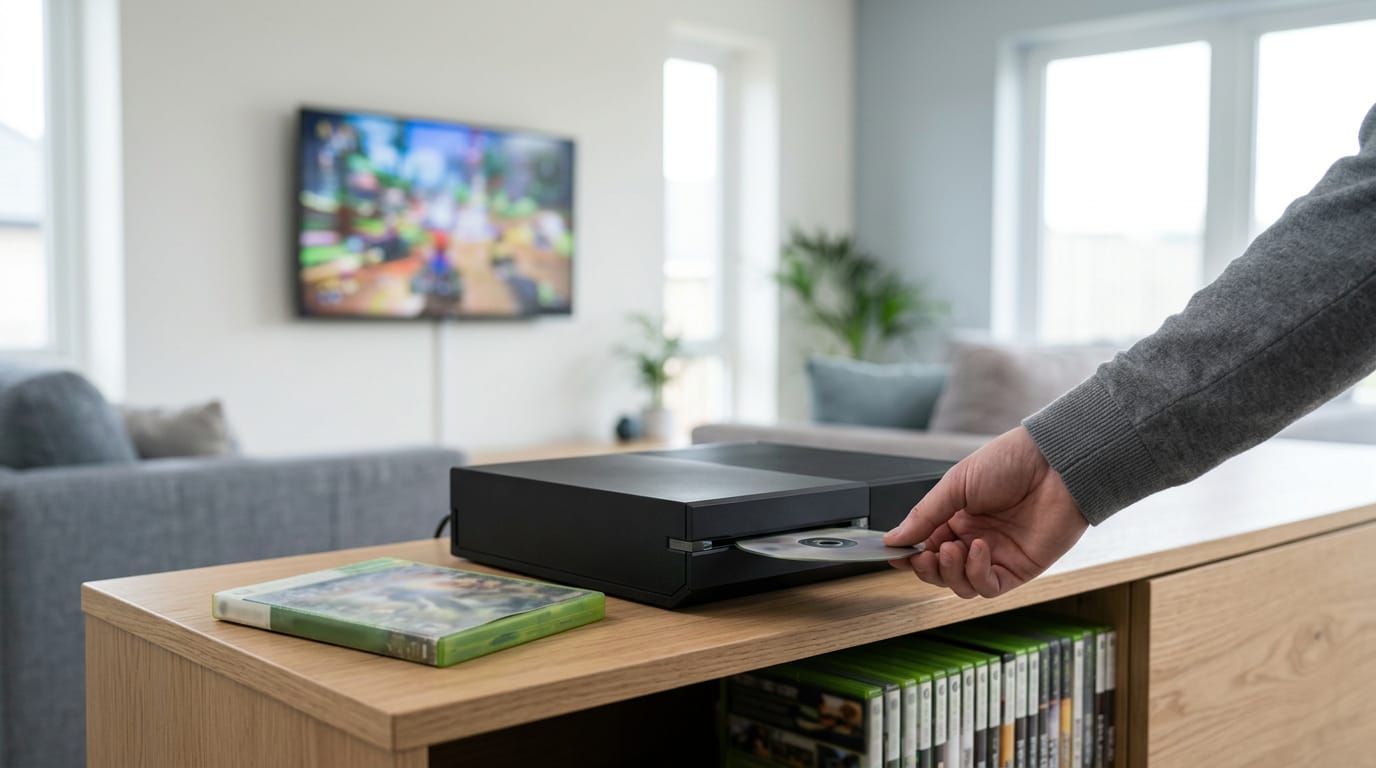
You can play some Xbox 360 games on Xbox One through backward compatibility, but support depends on the individual title. Check Microsoft’s compatibility list before using or buying a disc, and confirm digital purchases are on the account you use; discs also require a console with a disc drive. Compatible games may look or perform differently, so check your library and expectations before deciding whether to keep older hardware or spend on a newer console.
Think about the stack of old games in your closet, the ones you stopped playing when the new console arrived. Can you still play them on Xbox One? The short answer is that it depends on the specific game and how you bought it.
This post covers which games run, how discs and digital downloads behave differently, and how to check your own library.
We’ll also weigh an Xbox One against a Series X|S for your budget in Canadian dollars, and show where to find 360 games and used consoles at Canadian prices.
Playing Xbox 360 Games on Xbox One
Got a box of old Xbox 360 discs gathering dust? Many of them will play on an Xbox One, but the real question is which ones.
Works, but only for certain games
Xbox’s backward compatibility feature is real, and it works. It isn’t universal, though.
Only a curated selection of 360 titles is supported, and a Windows Central report on the team behind the program notes that 695 Xbox 360 and original Xbox games can be played on Xbox One and Series X|S.
Treat it as a best-effort solution, not a guarantee for every disc.
Picture a parent who bought an Xbox One for the holidays and found a shoebox of 360 games in the basement: before anyone pops in a disc, they check the list, and the supported titles go straight in while the rest stay in the shoebox.
Supported games play well. Check first.
How support grew after launch
The Xbox One didn’t launch with any 360 support, so the feature came later. Compatibility then expanded gradually, and hundreds of titles were added over time.
Your experience can depend on when you bought your console, not just which games you own, so don’t assume a friend’s list matches yours.
How big the supported library is
The 360 library contains thousands of titles, but the officially supported list is curated, not exhaustive. Roughly 1,000 or more titles are officially supported, though the Windows Central figure of 695 shows that published counts vary.
Check the official list for your specific game rather than trusting any single number.
Which 360 Games Run and Which Don’t
Not every Xbox 360 game will play on an Xbox One. Some do, thanks to backward compatibility, which lets newer hardware run older games.
Why some games never make the list
Several things keep a game off the list:
- Official Microsoft compatibility list: Microsoft’s official list is the final word on any title.
- Technical limitations: Some games rely on hardware behavior the Xbox One can’t reproduce.
- Licensing disputes: Rights agreements between publishers and Microsoft can keep a game off the list.
- Engine incompatibilities: Some games use a game engine (the core software behind them) that doesn’t carry over.
- Popular titles prioritized: Well-known games get priority, so niche favorites may wait longer.
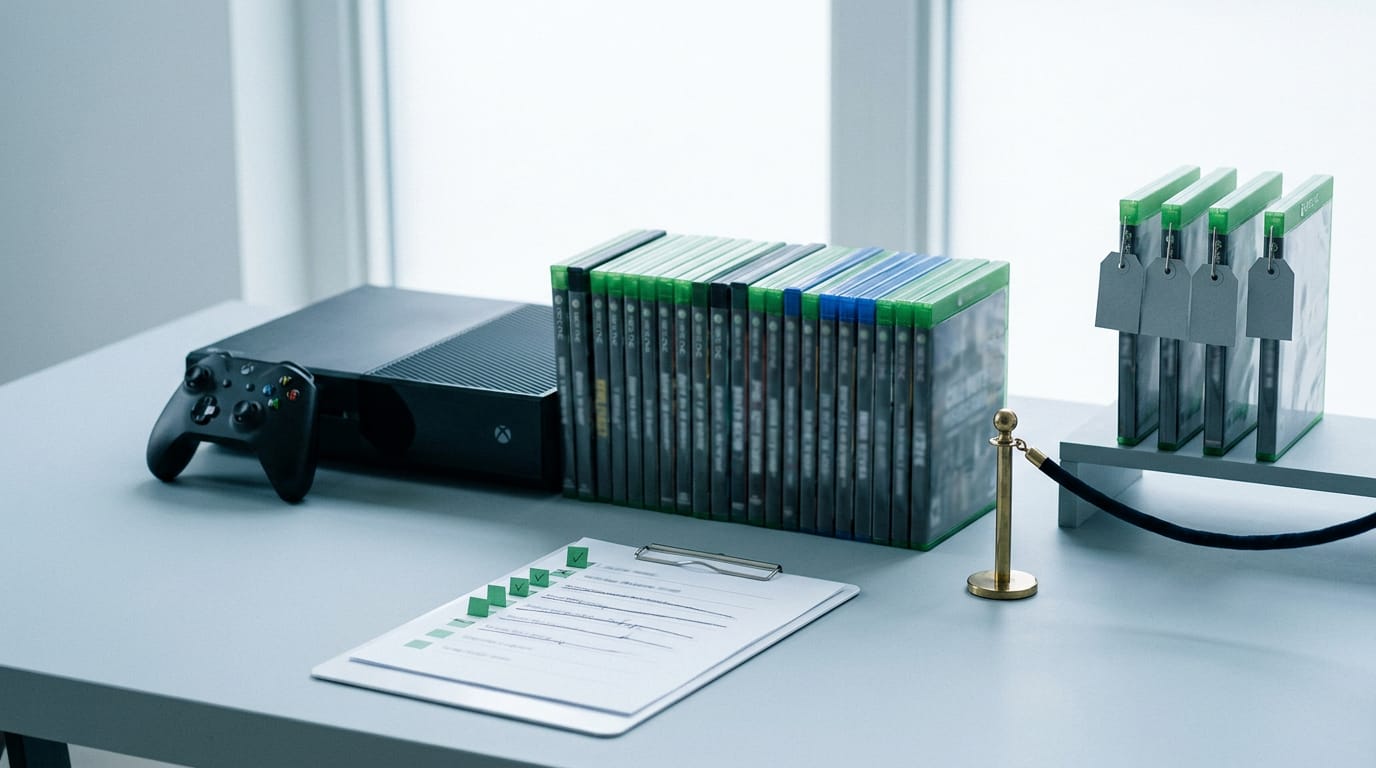
What are the best 360 games that work?
The best 360 games to play now are the ones that match your taste and appear on the supported list. Think of a parent in Halifax who wants a co-op game for the couch.
They check the official list and know what will run before anyone digs out the old discs.
- Titles added after launch: Some games were added later, so one that was missing before may be playable now.
- Titles still unsupported: Some favorites still aren’t on the list, so they won’t run on your Xbox One.
- Games working or failing: Support is decided one game at a time. To check a game, look it up on Microsoft’s official compatibility list before you buy or dig out the disc.
Why some purchased games are missing
- Digital purchases appear automatically: Games bought digitally usually show up in your library on their own if they’re supported.
- Grayed-out titles: A grayed-out title is one the console can’t run right now, even though it’s on your account.
- Unclear reasons for absence: If a purchase is missing, check the official list and confirm you’re signed in to the account you bought it on.
Whether more games will be added
- More titles possible: Microsoft can add games over time, so the list isn’t fixed.
- Some may never arrive: Not every game will be added.
- Depends on demand and engines: Additions hinge on player demand and on whether a game’s engine can be supported.
Expect some additions, not the whole 360 library, and plan around the list as it stands today. Some games will get there. Others may not.
Choosing Between Discs and Digital Downloads
Discs and digital copies can both get you playing your 360 library, but they don’t behave the same way on Xbox One. Here’s where each one trips people up.
Where 360 discs can cause problems
Not every game plays from disc, so disc support varies by title. Watch for these:
- Region restrictions: a disc from another region may not load on your console.
- DRM protections: copy protection, known as digital rights management (DRM), can stop a disc from launching.
- Errors on unapproved games: titles that were never approved for Xbox One may throw an error at launch.
- Xbox One S/X disc drive: before buying used, confirm your console’s drive reads 360 discs.
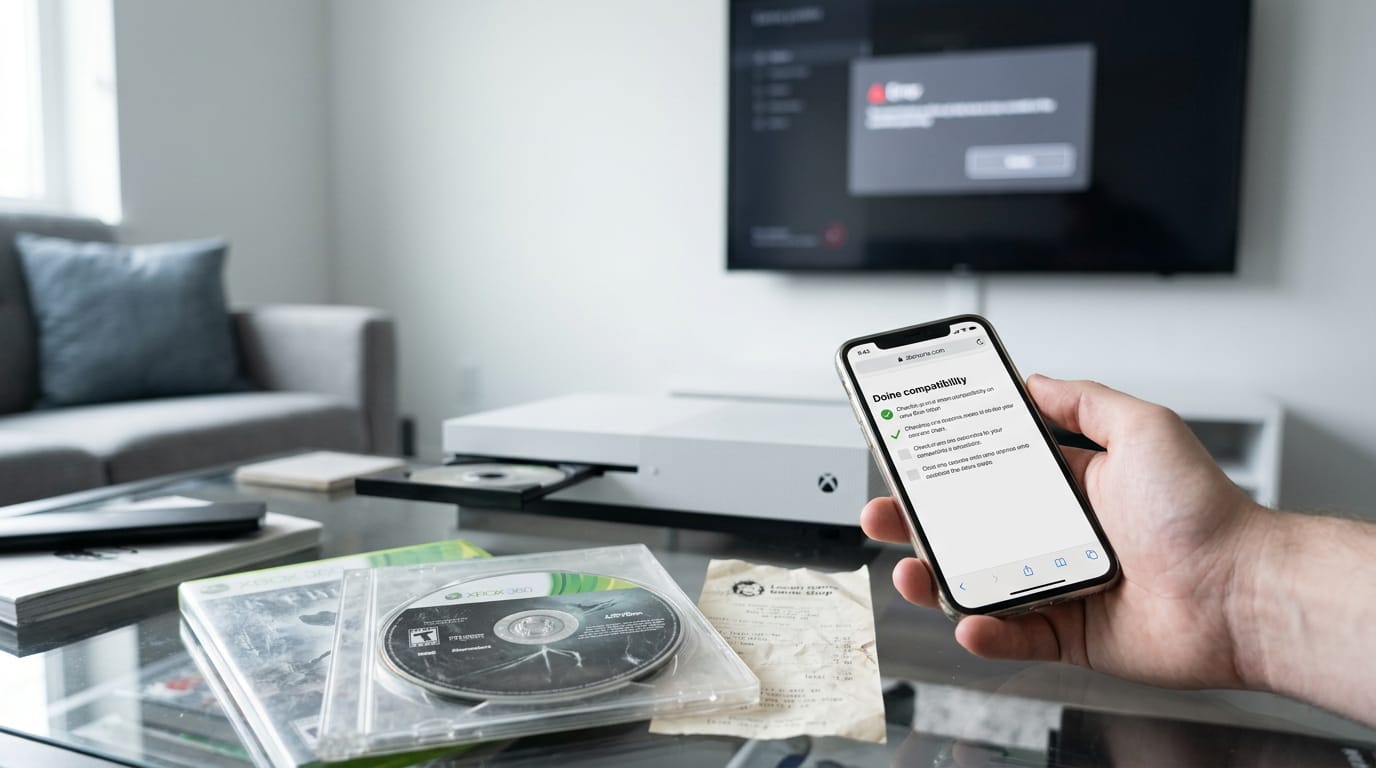
Picture a player who grabs a used 360 disc at a local shop, then finds it won’t load. Checking the game’s status before paying would have saved the trip back. Here’s how to play a 360 disc:
- Look up the game’s support status before you buy.
- Insert the disc and let it load.
- If you get an error, note the title and recheck its status before troubleshooting.
Why digital copies usually work better
Digital downloads are the preferred route because they tie the game to your account rather than a disc, so there’s less to go wrong. Your account, not the disc, decides whether it runs.
That check happens through server-side authentication, where your license is verified on the server instead of read off a disc.
Regional library differences matter too. What’s on the digital store depends on where you live, so check your own region before you assume a game is available.
Buying used 360 discs in Canada follows the same rule. The cheapest copy is only a bargain if it loads. Check first.
How 360 Games Actually Run on One
Your Xbox One can play many 360 games through backward compatibility (a newer console’s ability to run older titles). Here’s what’s happening under the hood.
Games are rebuilt, not copied over
Each game is recompiled for the Xbox One’s native architecture (the underlying hardware design the console is built on), so it’s rebuilt to fit the new system, not copied over. It isn’t a perfect emulator, either.
An emulator is software that imitates older hardware, and matching every detail is tough. The answer is a hybrid solution: it blends more than one method.
Some games look better, others worse
Results vary by title, and the differences show up in a few ways:
- Upscaled resolution. Upscaling stretches the original picture to fill a modern screen, so it can look crisper or softer depending on the game.
- Frame rate and load variation. Frame rate (how many frames per second the picture updates) can hold steady in one game and wobble in another. Load times can shift, too.
- Input lag or artifacts. Input lag is the delay between a button press and the on-screen response. Artifacts are visual glitches like flicker or tearing.
- Some games improve, others degrade. One title can run smoother than it did on the 360, while another looks or plays worse.
Consider a player who wants to sell their 360 but loves one old platformer. They replay it on the One first, watching for stutter or controller delay. If it feels right, the 360 can go. If not, they keep it for that game.
Some titles also get enhanced versions on newer consoles, a separate upgrade from simply running the game.
Using Controllers and Newer Xbox Consoles
Your controller and your console both shape how much of your 360 library you can actually play. Here’s what to expect from each, and where a Series X|S changes the picture.
Which controllers work with 360 games
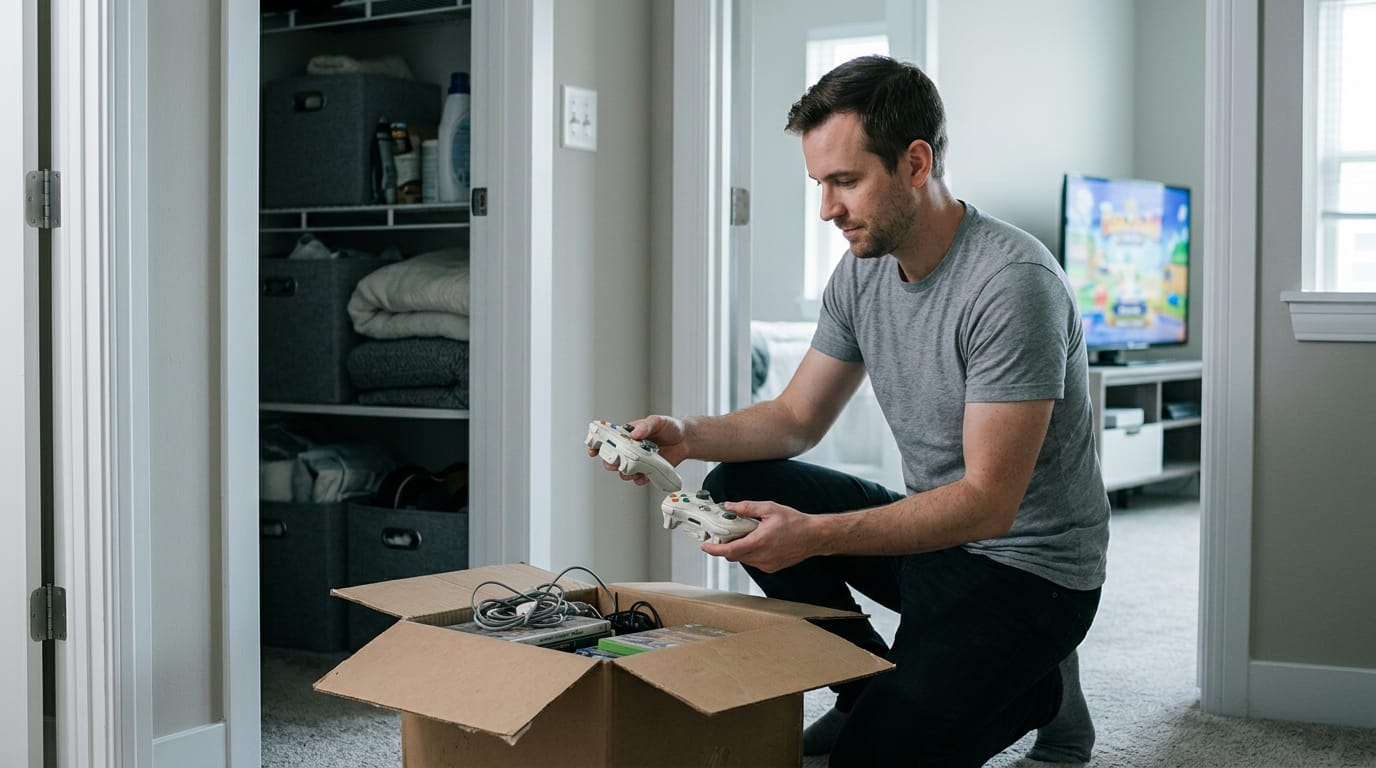
Good news first: your original Xbox 360 wireless controllers are supported. For example, a player who digs a couple of 360 pads out of the closet can start a game that night without buying anything new.
Not every game plays nice with them, though. Some titles need a native controller, meaning the pad built for the console, so check a game’s requirements before you assume your old pad will work.
Custom peripherals are a bigger catch: they aren’t supported, so a specialty fight stick or modded pad may not work at all. Earbuds are peripherals too, so check whether you can connect AirPods to Xbox before buying.
For competitive play, go wired. You’re trading convenience for reliability, and that’s the right call when a match matters.
How Xbox Series X and S compare
The compatibility process has been refined, and the list of supported 360 games has expanded, so more of your old library may work.
The same general rules apply as on Xbox One, so what you check there carries over. The Series X|S also comes in a digital-only model and a disc model, which matters for your old discs.
Think of a family that picks up a digital-only model for the kids, then finds the old 360 discs in the closet won’t go in. Check the model before you buy.
Common Myths and Why Confusion Lingers
Most of the confusion starts with a question that has no simple answer. Here’s how to sort fact from guesswork.
Assumptions about 360 games that aren’t true
- Every game is playable. Some titles work and others don’t.
- Discs work seamlessly. A disc can still behave differently than you’d expect.
- Performance is identical. The newer console can run an older game differently than the original did.
- Microsoft will add everything. There’s no promise of that, so treat anything unconfirmed as an open question.
Where the confusion really comes from
A lack of transparency from Microsoft about which games work is a big part of it. Marketing put the spotlight on next-gen power, so it’s easy to assume older games will look better on newer hardware. If an old game looks off on your screen, our guide on Xbox One display issues covers the causes and fixes.
Forums and patch notes step in, but they can be outdated or contradict each other. The consoles are also built differently, a hardware architecture trade-off that changes how old games run. If you own a PlayStation, the same question applies to PS3 games on a PS4.
The gap is between what the box promised and how the games actually play.
What to check before you play
- Check the official list first. Start with Microsoft’s compatibility list.
- Check your digital library. Confirm which 360 purchases are listed as playable.
- Manage expectations. Playable doesn’t mean perfect. Is Xbox 360 still usable in 2026? It can be, if its hardware holds up, but any online features depend on Microsoft’s decisions, which can change.
- Understand trade-offs. Older games may not behave exactly as they did before, so weigh what matters most to you.
Take a parent buying a used Xbox One for a kid who wants to replay an old 360 racing disc. A few minutes with the list before the holidays means no surprises on Christmas morning. Don’t guess.
Your old 360 library doesn’t have to gather dust. Whether a game plays on your Xbox One comes down to the title itself and whether you own the disc or the digital copy, and you can check your own shelf before spending a cent.
Then let your budget and the games you actually play make the call on new hardware. Check your library first, then spend only what those games really call for.
References
Questions
What is the rarest Xbox ever?
The Nintendo Switch Xbox One X, a limited-edition console made for the 2019 launch of *Gears 5*, is often considered one of the rarest Xbox consoles. Other scarce models include special event and promotional consoles, whose rarity depends on how many were produced and how many remain in good condition.
What are the best games on XBOX 360?
Some of the most acclaimed Xbox 360 games include *Red Dead Redemption*, *Mass Effect 2*, *The Elder Scrolls V: Skyrim*, *Halo 3*, *Gears of War 2*, *BioShock*, and *Portal 2*. The best choice depends on your preferred genre, and if you plan to play one on Xbox One or Series X|S, check that it is on Microsoft's backward-compatibility list.
How to get Gamepass for $1?
New users have sometimes been offered a first month of Xbox Game Pass Ultimate for $1, but the offer changes and may not be available to every account or in every region. Check the official Xbox Game Pass page while signed in, and review the renewal price and terms before subscribing.
Is XBOX 360 still usable in 2026?
Yes. An Xbox 360 can still play compatible physical games and some digital games in 2026, provided the console and discs work. Online features and store access depend on Microsoft's current services, and support can change, so check the status of the specific feature or game you want to use.
Sources
Free · The Build Sheet
The Build Sheet: three gaming PCs priced at Canadian stores