Xbox Back Compat Explained: What Plays on Each Console
Xbox back compat shows which older games play on each console, what carries over, and whether discs, digital games, or storage fit your Canadian budget.

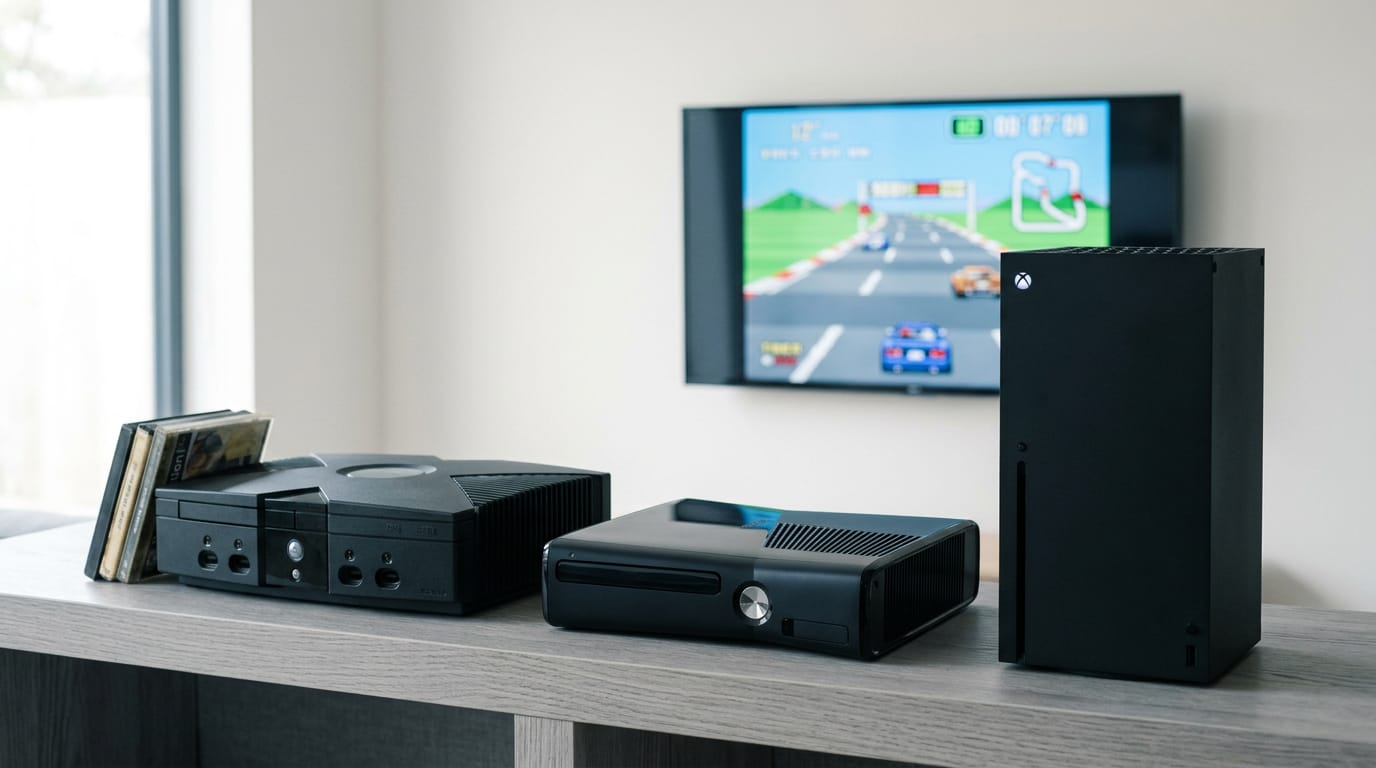
Xbox backward compatibility lets newer Xbox consoles play supported games made for earlier Xbox generations, so you can keep using much of your existing disc or digital library. Check each game’s compatibility and understand what carries over: Xbox 360 saves can sync, original Xbox saves cannot, and disc games require a drive. Choose a Series X for discs or a Series S for digital games, and plan for storage; many older games also load faster or look and run better on newer hardware.
Think about moving into a new place with your old furniture. Some pieces fit right in, some need a little rework, and a few stay behind. Xbox backward compatibility works the same way.
It’s the ability of a newer Xbox to play games made for earlier consoles, so your library doesn’t have to start over.
In this post, we’ll walk through what plays on each console, what carries over and what doesn’t, and how to choose between a disc drive and digital, plus storage for older games.
We’ll keep every buying tip in Canadian dollars so you can plan around your real budget.
What Xbox Back Compat Actually Does
Plenty of players still have a shelf of older games they love. Here’s how backward compatibility lets you keep playing them on current hardware.
Which Xbox generations it covers
Backward compatibility covers games from three generations:
- Original Xbox titles
- Xbox 360 titles
- Xbox One titles
Those games play on Xbox One and Series X|S, and you don’t need the original console to play them. It’s a free feature.
Playing the games you already own
Backward compatibility works with the library you’ve already built, whether that’s physical discs or a digital library. It’s less about buying again and more about playing what you already have.
Think of a player with a stack of old 360 discs who just picked up a Series X|S. They don’t need to repurchase a single game. Pop the disc in and the old collection carries straight over.
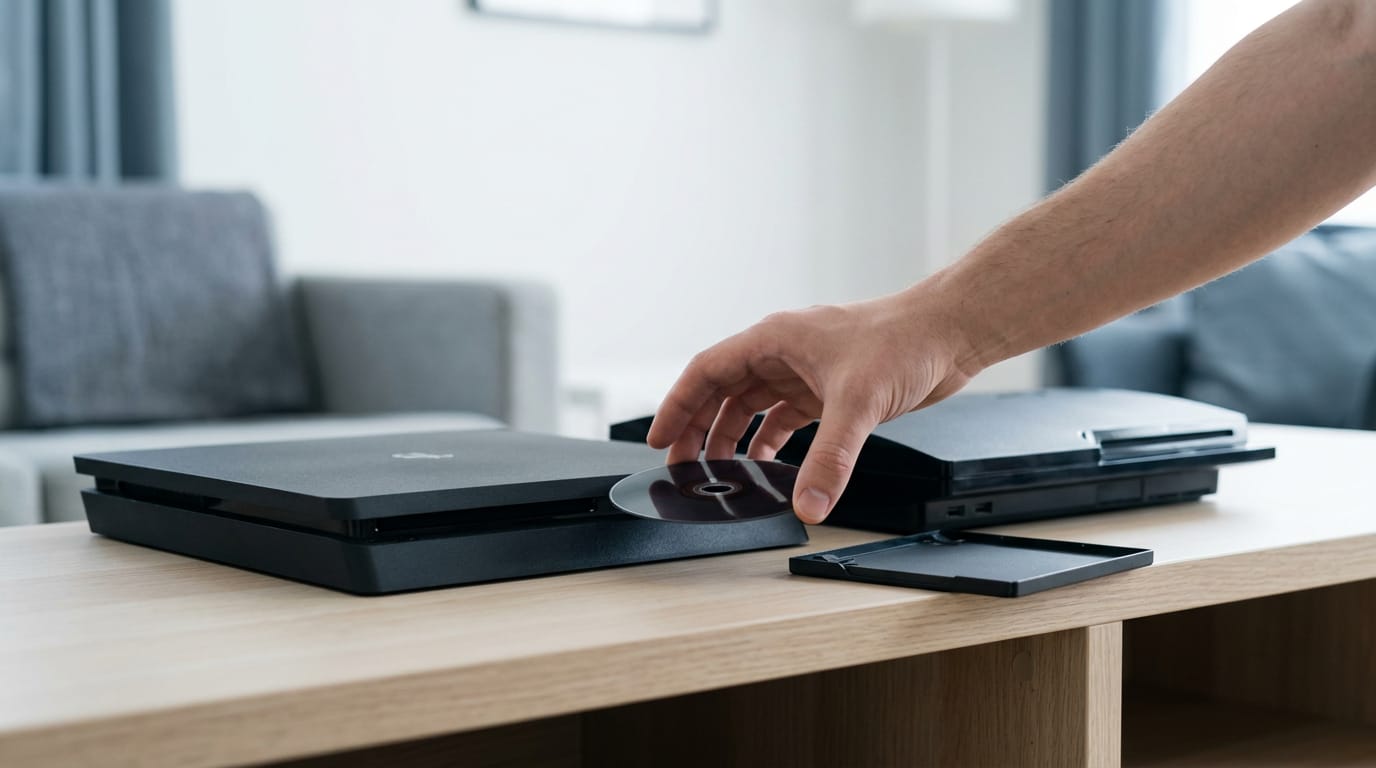
Digital titles you own appear in Ready to Install, so you can pick them up from there. One thing to keep in mind: for disc games, the disc must stay in the console while you play. Keep it in the drive.
What Each Console Can and Can’t Play
Not every Xbox plays the same library. Here’s what each console runs, what carries over through backward compatibility (playing older games on newer hardware), and what doesn’t.
How Series X and Series S differ
The Xbox Series S is all-digital, so it plays no discs. The Xbox Series X has a Blu-ray drive (the disc format used for movies), so it reads discs too.
Both play most Xbox One games, so the real difference is less about what you can play and more about how you load it.
Picture a parent who bought a Series S for the kids and still has a shelf of Xbox One discs in the living room. Those discs need an Xbox One S or a Series X, since the Series S won’t read them.
Does Xbox One support backward compatibility?
Yes, but only for select Xbox 360 and original Xbox games. Those run with nearly identical functionality, including Game DVR (the built-in recorder for your gameplay clips) and broadcasting. Can the Xbox One S still run games? Yes.
It’s an Xbox One, so it runs Xbox One games too.
Games left out and how to check
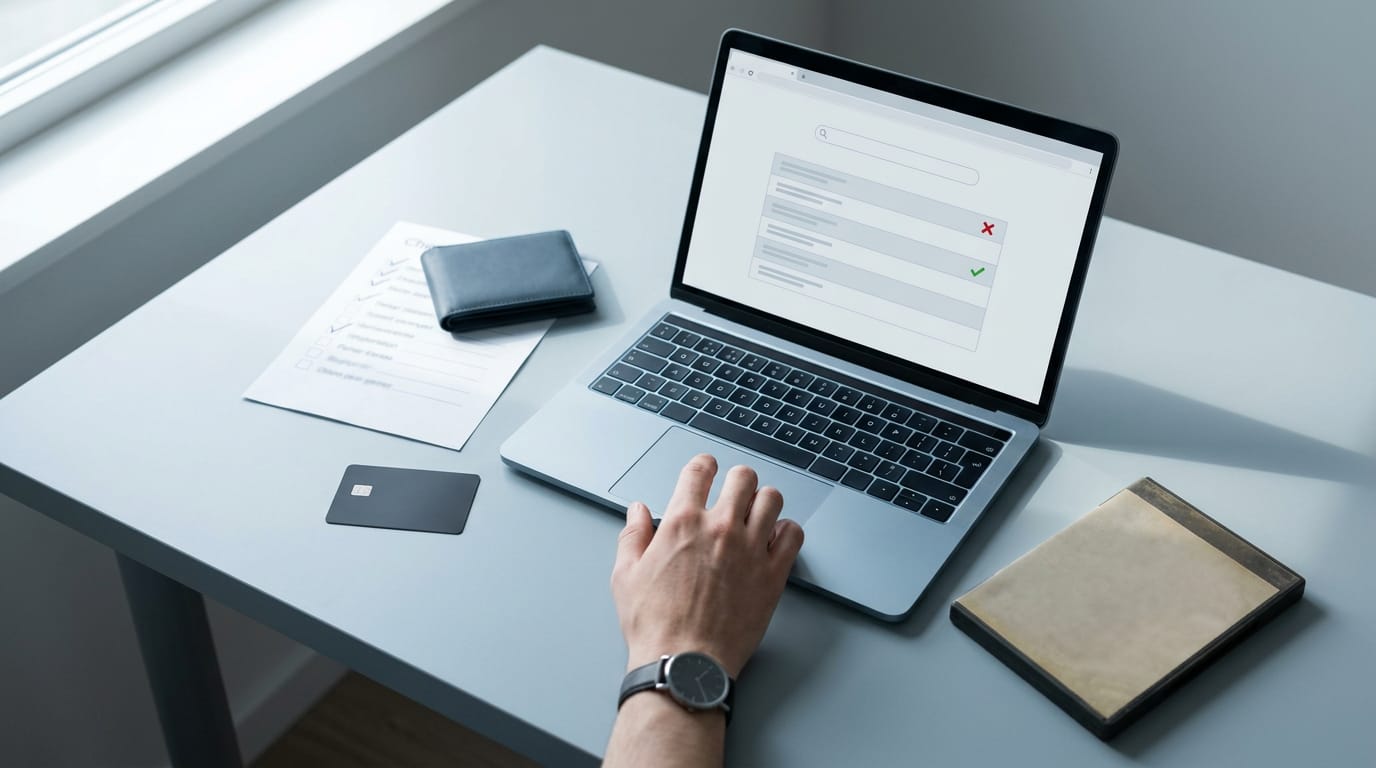
Some titles don’t carry over, so start with the support page. It has a list of excluded titles and a compatibility checker you can use one game at a time. Want the full picture? Browse the compatible games catalog to see everything that’s supported.
Before you buy for one old favourite, run that title through the checker: if it’s excluded, you’ll know before you spend a dime. Check first, buy second.
How Older Games Look and Run Better
Older games don’t just start up on newer Xbox consoles. Many of them look and feel better, too, and here’s what changes.
Smoother framerates with FPS Boost
Framerate, or frames per second (FPS), is how smooth motion feels, and FPS Boost is Microsoft’s tool for raising it. ZDDGame’s October 2024 coverage reports that it nearly doubles the original framerate, and in a few instances quadruples it.
It’s added to select titles, not the whole library, so check whether your game made the cut.
Say you fire up a racing game from the Xbox 360 era on a Series X. If it’s one of the select titles, the same race can play noticeably smoother than it did on the original hardware. Same game. Smoother ride.
Higher resolution and Auto HDR color
Older games can run at resolutions up to 4K on a modern TV. They were never built for HDR (high dynamic range), though, so they miss out on brighter highlights and deeper shadows.
Auto HDR brings that to older SDR (standard dynamic range) games automatically, adding richer color and better lighting.
It’s less about what the game is and more about how it looks on your screen. Think of a player with a 4K TV who replays an older game that never had HDR. With Auto HDR, the same scenes look richer on the same screen.
Faster loads and Xbox One X upgrades
Older games also load faster on newer hardware, so you spend less time staring at loading screens. Xbox One X titles look even better, with higher resolution and framerate. One thing to plan for is storage.
An old library still takes up space on your drive, so check what’s free before you install a big stack of 360 and One games.
How thoroughly these games were tested
Keeping old games playable takes serious effort. Backward compatibility has logged more than 500,000 hours of testing.
The aim is clear, too: an Aalto University analysis of Microsoft’s Xbox Division describes backward compatibility as a value proposition Xbox has been upholding, one aimed at preserving playability for supported games.
That’s a lot of hours behind a simple promise.
Saves, Achievements and Multiplayer Play
Your saves, achievements, and online friends are what make a game feel like yours, so check them before you switch consoles. Here’s what carries over and what stays behind.
How your save files carry over
Xbox 360 saves sync through Xbox Live, so your progress can follow you to a newer console. Original Xbox saves don’t transfer, so they stay behind. Think of a roommate who gets a new console and wants their Xbox 360 progress waiting on day one.
Once a save is created on the new console, it can move through cloud transfer (progress stored online).

Earning achievements on 360 titles
You can earn achievements on Xbox 360 titles, but original Xbox games don’t offer any at all. Achievements are a 360 perk.
Multiplayer, co-op and online play
Original Xbox online services aren’t available, so you won’t get online play for those games. Offline co-op and party play still work, and so does System Link, the local network feature that lets consoles play together. Online play needs Xbox Game Pass.
Crossplay Xbox games also run on PC. Any Xbox title with crossplay can be played on PC, so a friend on either platform can join the same session.
Playing Older Games with Game Pass
Your old library doesn’t have to gather dust. Game Pass and Smart Delivery help you keep playing the games you love, so here’s where to start.
Older titles included with Game Pass
Many backward compatible titles are included with Game Pass, Microsoft’s subscription service, so you can play older games without tracking down each one. Think of a longtime 360 player who wants to revisit a favourite shooter with their kid on the couch.
Membership gets them playing without digging out an old 360 and its discs.
Before you sign up, check the current membership offer on the Xbox store, since promotions and terms can change.
Standout backward compatible games to play
Ask ten players for the best Xbox 360 games of all time and you’ll likely get ten different answers, so treat these as a starting point.
- Rare Replay: a good pick if you want to sample a whole bundle of games
- Gears of War Ultimate: for the shooter fan who wants a big campaign
- Halo Master Chief Collection: for the series devotee who wants the saga in one place
- Borderlands 3: for the loot-chasing co-op crowd
- GTA Trilogy: for the open-world fan who wants the classic trilogy bundled up
Some of these arrived on Xbox One rather than the 360, so check each store page to confirm which versions play on your console.
Buy once with Smart Delivery
Say you bought a game on Xbox One, then upgraded to a Series X|S. Smart Delivery means you won’t repurchase it to keep playing.
- Optimized for Series X|S. Titles bought this way are tuned for the newer console, so you get a version built to take advantage of its hardware.
- One purchase across generations. You’re paying for the game once, and it follows you from one console to the next.
The goal is to buy once, not buy again every time you upgrade. Less re-buying, more playing.
Controllers and Accessories You Can Use
Before you buy anything new, it helps to know which controllers and accessories carry over to older games. Here’s what to check first.
Which controllers work with older games
Your path to backward compatibility starts with the controller you already own. Xbox One and Series controllers work with backward-compatible games, so you don’t need a special pad for your back catalogue.
For example, a player who just bought a Series X and wants to replay a game they finished years ago can pick up the controller already on the couch. No second purchase, and no learning curve.
Classic and current titles are both supported, so one controller covers the older games you love and the newer releases you’re picking up now. You won’t need separate hardware for each era.
Older wired accessories need a closer look. Current controllers are the safe bet, but an older wired accessory is worth checking before you count on it.
Look up that specific model, because what still works depends on the accessory itself. Check first, then plug in.
Buying Consoles, Games and Gift Cards
Before you spend a dollar, you need to know which console fits your setup and how you’ll load games onto it.
Compare console models and prices
- Series X (1TB, or one terabyte): Includes a disc drive for physical games, but check the listing, since some Series X models are digital-only.
- Series S (512GB and 1TB): Digital-only, with no disc drive. The 512GB (gigabyte) model is the smaller option, while the 1TB gives your library more room before you start deleting.
Use the color and storage filters on a retailer’s page to narrow the list to the exact model you want. Prices are in Canadian dollars and vary from store to store, so compare two or three Canadian retailers before you buy.
Think of a parent buying for a kid who mostly downloads games. A digital-only Series S keeps the setup simple, and the 1TB model leaves room for a growing library.
Game formats, gift cards and codes
- Digital and physical formats: Physical discs go in the disc drive on a Series X, while digital games download and take up space on the console.
The real choice is less about what you play and more about how you want to own it. If you like a shelf of discs, a Series X with a disc drive is the one for you.
If you’re happy with downloads and don’t need a drive, the Series S is the simpler buy. Match the model to your shelf.
- Xbox gift cards: They add funds to your account for digital purchases. Think of a sibling who wants a surprise: a gift card lets them pick the game they’ve been eyeing.
- Redeem code: Enter the code in the redeem option, and its value lands in your account just like a gift card.
Backward compatibility is really about keeping your favourite games within reach. Know which console plays which library, what saves and achievements carry over, and what won’t make the trip.
Then match your hardware to your budget, whether that’s a disc drive, a digital copy, or a little more storage for the older titles you keep coming back to.
The right Xbox is the one that keeps those games playing, at a price you can live with.
References
Questions
What are some crossplay games available on Xbox that can be played on PC?
Xbox games with crossplay can be played on PC, allowing friends on Xbox and PC to join the same multiplayer session. Crossplay availability depends on the specific game.
What are the best Xbox 360 games of all time?
Popular Xbox 360 games include Halo 3, Gears of War 2, Mass Effect 2, Red Dead Redemption, and The Elder Scrolls V: Skyrim. The best choice depends on your tastes, and some games may need to be checked for compatibility with your Xbox console.
Does the Xbox One support backwards compatible?
Yes. Xbox One supports selected Xbox 360 and original Xbox games through backward compatibility, as well as Xbox One games. Not every older title is supported, so check a specific game's compatibility before buying it.
Can Xbox One S still run games?
Yes. Xbox One S runs Xbox One games and can also play selected Xbox 360 and original Xbox games through backward compatibility. The disc-equipped model can play physical game discs, while the Xbox One S All-Digital Edition cannot.
Sources
Free · The Build Sheet
The Build Sheet: three gaming PCs priced at Canadian stores