OLED vs 4K TVs and Which Suits Your Room Best
OLED vs 4K: see why they aren't rival options, then compare room fit, picture trade-offs, Canadian prices, and OLED burn-in before choosing a TV.

4K describes a TV’s resolution, or pixel count, while OLED describes its panel technology, so they are not competing choices: a TV can be both. Choose OLED for deep blacks, smooth motion, and wide viewing angles in a dim room; brighter LED or QLED screens suit sunny rooms and usually cost less. Consider your budget and habits too, since static game displays can risk OLED burn-in.
Shopping for a TV can feel like ordering from a menu in a language you only half know. You keep seeing 4K and OLED (organic light-emitting diode) on the same box, and it’s easy to assume they’re rival options. They aren’t.
Here’s the simple version: 4K is a resolution, which is how many pixels make up the picture. OLED is a panel type, which describes how each pixel makes its own light.
That means you can buy a 4K OLED TV, so the real question is which trade-offs suit your room and your games.
In this post, we’ll compare picture quality, burn-in (a faint ghost left by a static image), cost, and room fit. We’ll also look at console and PC play in Canadian dollars, including the risk from heads-up displays (HUDs) in games.
OLED vs 4K and What Each Means
Two labels keep showing up on TV boxes, 4K and OLED, and they’re often treated as rivals. They aren’t. One describes how many pixels the screen has, and the other describes how those pixels are built.
Resolution and panel type are different
Start with the two terms. Resolution is the number of pixels on a screen, and 4K is a resolution. Panel type is the technology that produces the picture. OLED, short for organic light-emitting diode, is a display technology and one common panel type.
A TV can be both: a 4K OLED set has a 4K pixel count and an OLED panel. 4K tells you how many pixels there are, and OLED tells you how they light up. It’s not a true either/or.
Why 4K and UHD get used interchangeably
Part of the confusion is that two different standards both get called 4K:
- UHD (Ultra High Definition): 3840×2160 pixels.
- DCI 4K, the cinema standard: 4096×2160 pixels, a little wider.
Marketing uses the two terms interchangeably, so the word 4K on the front of a box doesn’t settle it. Think of a parent buying a TV for the family room’s console.
They scan the spec sheet for the exact pixel count, and that’s all it takes to compare two sets fairly. Trust the spec sheet.
How OLED pixels light up on their own
In an OLED screen, each pixel is self-emissive, meaning it makes its own light. When a pixel should be black, it switches fully off. Off means off.
The light comes from an organic, carbon-based film, which is where the word organic in the name comes from. LG Display makes these panels.
What you actually get with 4K
A 4K picture is 3840×2160 pixels, and according to Digital Cameras and Projectors, that’s about 8 megapixels, the figure generally defined as 4K. That’s why 4K looks sharper than Full HD.
Consider a console player who streams shows as much as they game. One 4K screen covers both, and there’s plenty of 4K content to fill it.
Other resolutions and panel types to know
A few other labels will come up as you shop:
- HD (high definition) and Full HD: the older, lower-resolution standards that 4K sits above.
- 8K OLED: models exist with even more pixels than 4K.
- Newer LED names: QLED (quantum-dot LED), Mini-LED, and Micro LED sit in the LED family, so check the spec sheet for what’s inside.
- Backlight difference: LED TVs are LCD (liquid crystal display) screens lit by LEDs, so the difference from older LCD sets is the light source.
OLED is the panel, 4K is the pixel count, and the spec sheet confirms both.

Which Looks Better, QLED or OLED?
Which is better, QLED or OLED? It depends on your room, since both can run 4K, which is a resolution rather than a panel type.
OLED (organic light-emitting diode) makes light in every pixel, while QLED is a liquid crystal (LCD) screen with quantum-dot color.
How deep blacks and contrast compare
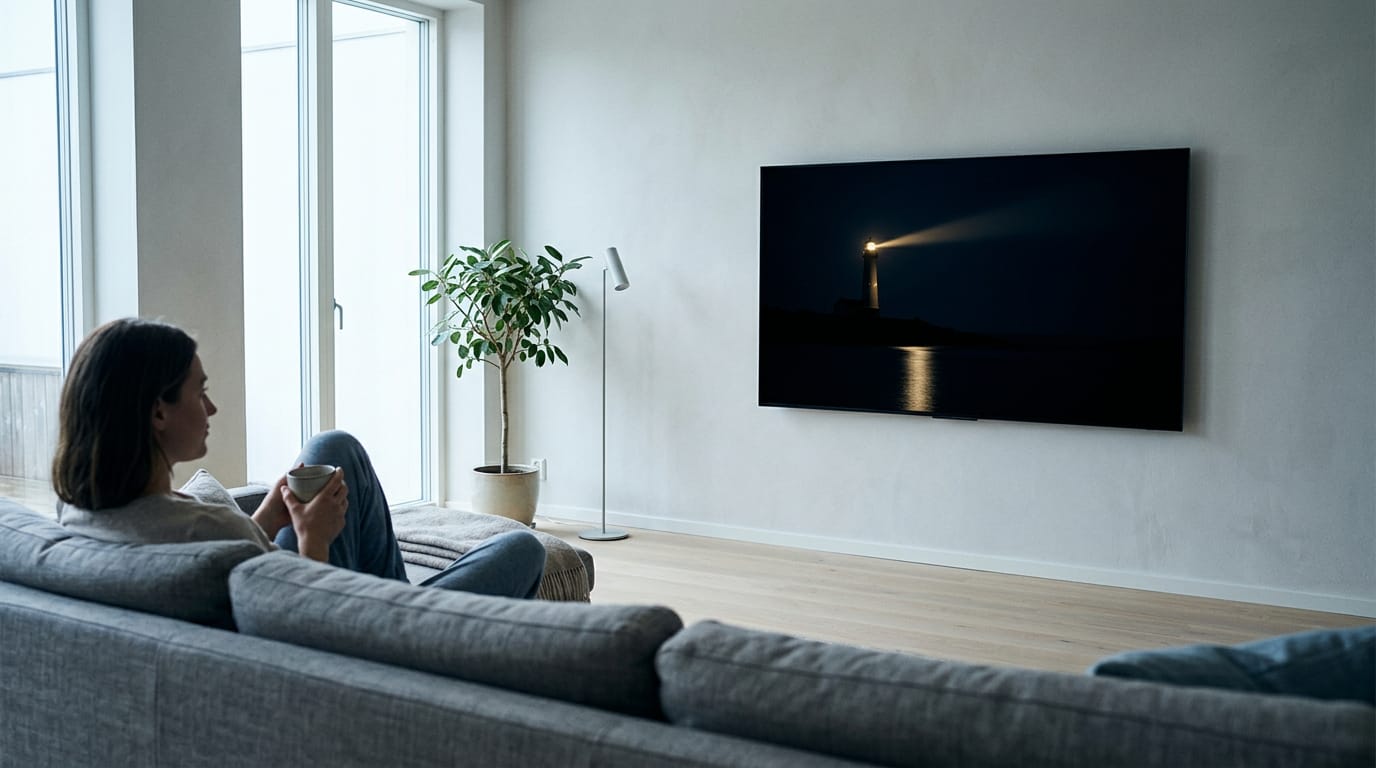
OLED delivers true blacks because each pixel can switch off completely. That’s pixel-level contrast: dark scenes stay dark. Picture a player in a dim room playing a horror game.
The flashlight beam is the brightest thing on screen, and everything around it stays black.
Mini-LED televisions (LCDs with a backlight split into many small light-emitting diode, or LED, zones) use local dimming instead, turning down the backlight behind dark areas. That only works as well as the dimming is controlled.
How bright each panel type gets
LED and QLED screens get brighter than OLED. OLED is somewhat dimmer, though its brightness is improving with newer ‘evo’ panels. Take a family with big windows and afternoon glare: QLED holds up better there.
OLED is best in controlled light, so the room matters more than the spec sheet.
How fast motion looks on each screen
OLED pixels respond almost instantly. According to an analytical equation for motion picture response time, that speed can reduce motion blur compared with LED TVs.
OLED is also claimed to respond 1,000 times faster than LED, so expect less judder (the stutter in fast camera pans) and less blur. Think of a player on a PlayStation 5 flicking through a fast shooter: quick turns look cleaner.
Viewing angles and color range by panel
OLED has wider viewing angles, so the friend at the far end of the couch sees the same picture you do. LCD viewing angles vary by panel, so check the spec. QLED has a wider color range than standard LED and sits between OLED and LED here.
HDR formats and what they change
HDR (high dynamic range) widens both brightness and color. The three formats to know:
- HDR10: the open baseline format.
- Dolby Vision: Dolby’s own format.
- HLG (hybrid log-gamma): often used for broadcast TV.
The authors of HDR video past, present and future: A perspective proposed Ultra HD Premium as a benchmark for a ‘premium 4K experience,’ so look for that badge.
Tone-mapping squeezes a movie’s brightness into what your panel can show, so calibration matters as much as the format.
Gaming performance and key features
For gaming, look for:
- 4K at 120 frames per second
- variable refresh rate (VRR, which syncs the picture to your console or personal computer (PC) to stop tearing)
- auto low latency mode (ALLM, which switches the TV to its fastest mode on its own)
Input lag, the delay between a press and the screen responding, is low on both OLED and QLED, so it won’t decide this one. OLED’s motion advantage from above still applies.
HDMI 2.1 (High-Definition Multimedia Interface) carries these features, so check for it on a PlayStation 5, Xbox, or PC.
If you’re weighing a 4K PC monitor, the same split applies: OLED for dark-room contrast and motion, a brighter panel for a sunlit desk. Dark room, OLED. Bright room, QLED.
Choosing a TV by Room and Use
The right TV depends on the room and what you watch, so don’t judge it by the spec sheet alone.
How room lighting changes your choice
Start with the room, not the resolution. A bright living room with big windows calls for an LED (light-emitting diode) or Mini-LED (an LED set with many tiny backlight zones).
A dim room is where OLED (organic light-emitting diode) shines, since each pixel makes its own light and switches fully off. Wide seating favors OLED too, because its picture holds up at an angle.
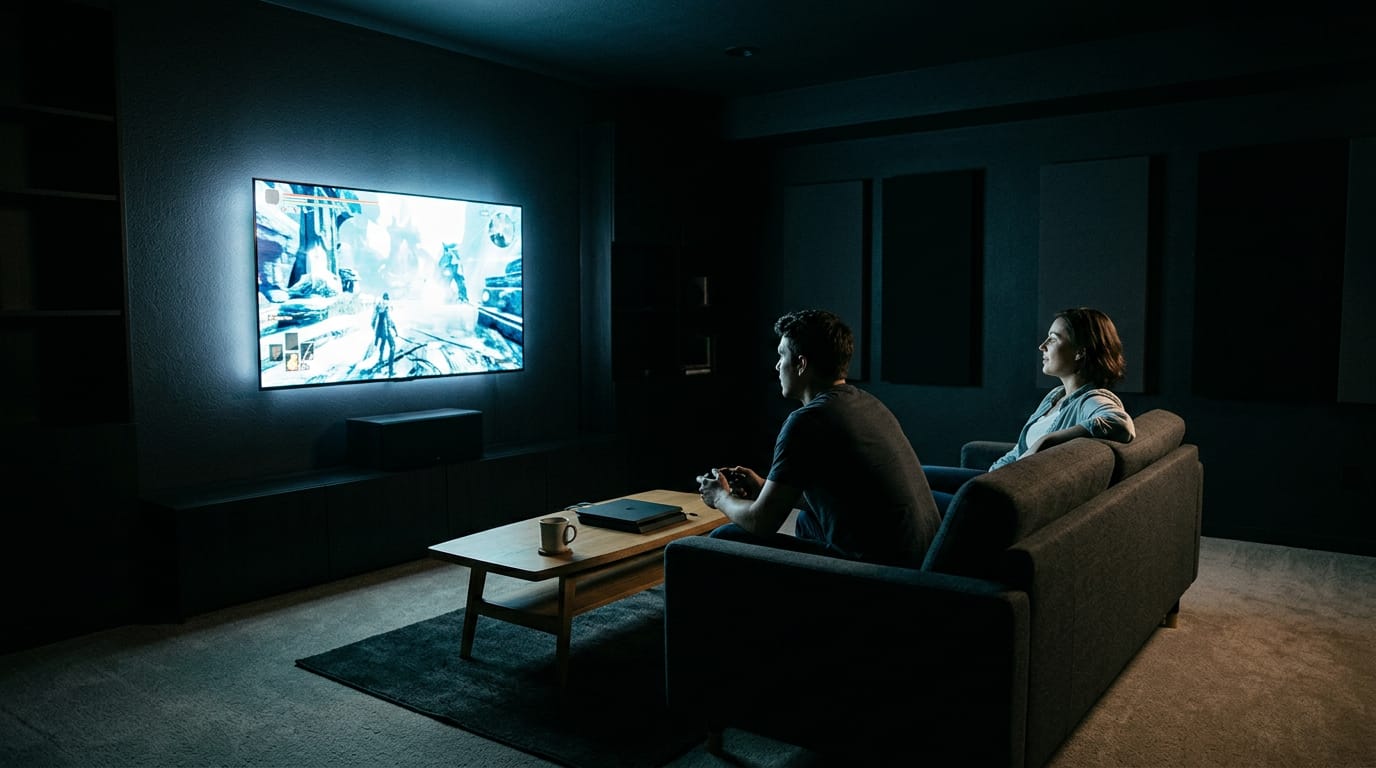
Picture a gamer with a windowless basement and a three-seat sofa. The dark keeps blacks deep, and the friend at the far end still gets a clean picture. Light decides first.
Match the TV to what you watch
- Movies favor OLED. Dark scenes keep their shadow detail, and that’s where deep blacks pay off.
- Sports and news favor daytime LED. Bright channels suit a set that can push its brightness.
- Static UI favors LED. UI (the user interface) elements that never move, like a game’s HUD (heads-up display) with health bars and minimaps, can leave a faint ghost on OLED. That lasting ghost is burn-in, and LED sets don’t share that risk.
A quick checklist before you buy
- Room first, then budget. Settle the light and seating before you filter by price.
- Size versus budget. Bigger screens cost more, so set size by seating distance and your Canadian-dollar budget.
- OLED for best picture. If your room is dim and picture quality comes first, OLED is the pick.
- Compare in store. Put the sets side by side on dark and bright scenes, then trust your eyes.
Commercial and signage uses for LED
A fine-pitch LED video wall packs pixels tightly. Pitch is the gap between pixel centres, so a finer pitch lets viewers stand closer before it looks grainy.
Brightness and modularity matter too: LED handles daylight, and modules tile to fit the space.
Operating hours and maintenance need a plan from day one. A wall running long hours needs service access, and you’ll want an easy way to swap out a tired module.
| Project | Better fit | Why |
|---|---|---|
| Sunny storefront or lobby | LED video wall | Stays bright in daylight |
| Dark home theatre | OLED | Deep blacks in dim light |
| Large open space | LED video wall | Tiles to fit the space |
Prices, Sizes and Models to Consider
Price and size usually settle the TV question before picture quality does, so start there. Here’s how the options stack up on both.
How much more OLED really costs
OLED (organic light-emitting diode, where each pixel makes its own light) costs more than LED (an LCD screen with an LED backlight) at the same size, so the trade is simple: a 4K LED set is the cheaper route to a big screen.
OLED is getting more affordable, but you’re still paying for the picture, not the square footage.
Street prices by size move fast, so compare Canadian-dollar listings for the same size and model at each retailer before you buy. Think of a console player who wants a 55-inch screen for weekend game nights.
They check both types at their usual stores, and if the OLED gap is too wide, a 4K LED set gets them the big screen without the extra spend. Price is where the decision gets real.
Which screen sizes each type comes in
LED offers a wider size range, so if you need an unusual size, LED is usually the easier path. OLED sizes are growing, and newer 42-inch and 48-inch OLED models are joining the lineup.
According to FlatpanelsHD, Sony has launched Bravia 6 OLED TVs in sizes up to 83 inches, though which sizes you can buy depends on your region.
Popular OLED TV models from major brands
The model lines to know are:
- LG: A1, B1, C1 and G1
- Sony: A90J and A80J
- Panasonic: JZ series
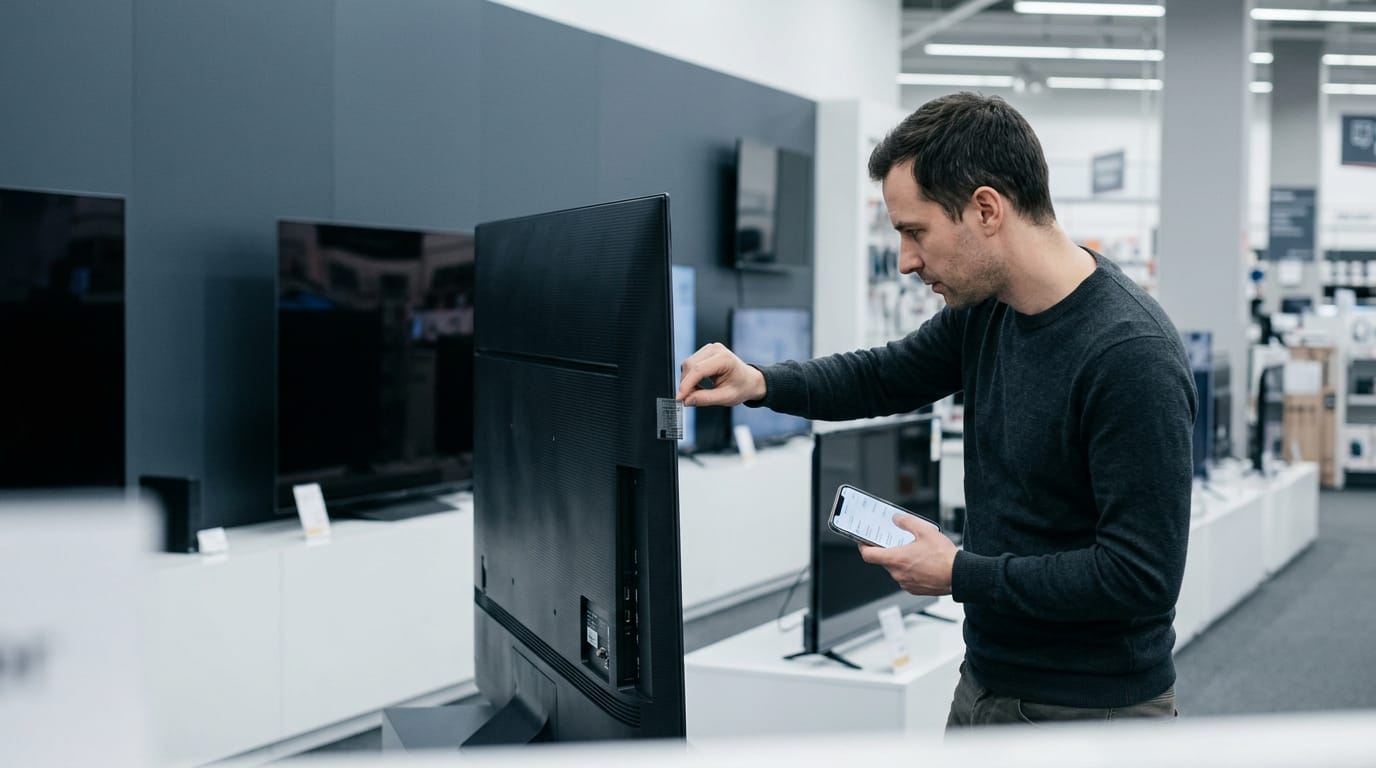
Check the exact model number against each listing, not just the line name, before you compare prices. Vizio and Philips offer budget options, so look there if your budget is tight.
What tech is replacing OLED?
Rather than one successor, the answer is a few developments worth watching:
- OLED evo brightness tech pushes OLED panels brighter
- rollable OLED TVs roll up when you’re not using them
Whether they go mainstream is the real question, so keep an eye on them, but shop the models above for now.
What’s the Downside of an OLED TV?
OLED (organic light-emitting diode) TVs have three main downsides: burn-in, costlier repairs, and a lifespan and power draw that shift with how you use them.
Burn-in risk and how panels handle it
Burn-in is a faint image left behind after a panel shows the same thing for a long time. It’s less about how long a TV runs and more about what it keeps showing. A dead pixel is a separate fault, so it helps to know how to check for one.
According to a long-term test from TechRadar, every OLED tested did develop burn-in, but unless you constantly watch content with static logos, you’re unlikely to run into issues with models from 2022 or later, so burn-in is rare with varied use.
Static content is the real trouble spot: channel logos, news tickers, and game menus left on screen for hours. Pixel shift nudges the image by a tiny amount, and the panel’s refresh cycle, a built-in routine, helps even out wear.
Before you buy, check the warranty and confirm it covers burn-in.
A game’s HUD (heads-up display), with its health bar and minimap, is a static element many gamers leave on screen for hours. Consider a player in Halifax who logs long sessions with the same minimap parked in one corner.
Turn on the game’s option to hide or move the HUD, and enable pixel shift in the TV’s settings, so that one spot isn’t carrying all the wear.
How long panels last and repair costs
If your screen shows the same image most days, an LED (light-emitting diode) TV is the safer pick for static use. OLED repairs also cost more, so a failed panel can hit your wallet harder.
Lifespan depends on usage: a TV running varied shows ages differently than one stuck on a paused menu. Power draw varies by content, too. Bright scenes pull more electricity than dark ones, so what you watch shapes your power bill.
Quick Answers to Common Questions
Most buyers arrive with the same few doubts, so here are the short answers.
Resolution and panel type are different things
Is 4K better than OLED? They don’t compete for the same job. 4K is a resolution: roughly 3840 x 2160 pixels packed into the screen. OLED (organic light-emitting diode) is a panel type, meaning each pixel makes its own light.
Neither is better by default; it’s about what you’ll notice in play.
OLED isn’t tied to one resolution
Is OLED always 4K? No. OLED is about how pixels light up, not how many there are, so an OLED panel can come in more than one resolution. Check the resolution and the panel type separately on the spec sheet.
Whether the premium is worth it
Is OLED worth the cost? It depends on what you’d notice. Think of a console player in Halifax who plays dark, moody shooters on a living-room TV most nights. Deep blacks and bright highlights show up in every session, so the premium can pay off.
A desktop gamer who mostly plays strategy games at a bright desk may get more from putting that money toward a stronger graphics card. Weigh the premium in Canadian dollars against your whole setup.
Burn-in is the real risk
Which lasts longer? Neither is guaranteed, but LCD (liquid crystal display) holds up better here.
OLED’s weak spot is burn-in: static parts of the heads-up display (HUD), like a minimap or health bar, left in one spot for hours can leave a faint ghost on the screen.
Consider a desktop gamer in Vancouver who grinds long sessions with a minimap parked in the corner. Hiding the HUD, shifting it around, or choosing an LCD protects the screen. Your habits matter as much as the label.
So, 4K and OLED aren’t rivals. One sets how sharp the picture can be, and the other sets how it looks. Weigh picture quality against burn-in risk, then check the price and the room you’re putting it in.
If you game on a console or PC, pay attention to how often static HUD elements sit on screen, since that’s where burn-in risk really matters. Match the set to your habits and your budget, and you’ll be glad you took the time.
The best TV is the one that suits how you actually play.
References
- Digital Cameras and Projectors — doi.org (2021)
- Analytical equation for the motion picture response time of display devices — doi.org (2017)
- HDR video past, present and future: A perspective — doi.org (2017)
- Sony launches 48-83” Bravia 6 OLED TVs — flatpanelshd.com (2026)
- Are OLED TVs or LED TVs more reliable? A long-term test says burn-in isn’t the biggest concern — techradar.com (2025)
Questions
What is the difference between a 4K TV and an OLED TV?
4K describes resolution, typically 3840×2160 pixels, while OLED describes the panel technology. An OLED TV’s pixels make their own light, so a television can be both 4K and OLED.
What is the downside of an OLED TV?
OLED TVs can develop burn-in when static images, such as channel logos or game HUDs, stay in the same place for long periods. They also generally cost more to repair, and OLED models often cost more upfront than comparable LED TVs.
Does OLED still burn in 2026?
Yes, OLED can still develop burn-in, especially with prolonged display of static content. With varied viewing, the risk is generally low on newer models, and features such as pixel shifting and panel refresh routines can help reduce uneven wear.
What tech is replacing OLED?
There is no single technology replacing OLED. Developments include brighter OLED panels, such as OLED evo, and rollable OLED TVs; QLED, Mini-LED, and Micro LED are other display technologies to consider.
Which is better, QLED or OLED?
It depends on the room and your priorities. OLED offers true blacks, strong contrast, wide viewing angles, and fast pixel response, while QLED is generally brighter and better suited to bright rooms; both are available in 4K.
Is every OLED 4K?
No. OLED describes how the pixels produce light, not the screen’s resolution. OLED TVs can have different resolutions, so check the specifications for both resolution and panel type.
Sources
- Analytical equation for the motion picture response time of display devices, doi.org,
- Are OLED TVs or LED TVs more reliable? A long-term test says burn-in isn’t the biggest concern | TechRadar, techradar.com,
- Sony launches 48-83" Bravia 6 OLED TVs - FlatpanelsHD, flatpanelshd.com,
- Digital Cameras and Projectors, doi.org,
- HDR video past, present and future: A perspective, doi.org,
Free · The Build Sheet
The Build Sheet: three gaming PCs priced at Canadian stores