4K Resolution Explained: What the Pixel Count Really Means
4K resolution adds image detail, but demands more from your setup. Compare pixel counts and see the GPU, capture, and upload needs for Canadian streaming.


4K resolution is the display standard usually called UHD, with 3840 × 2160 pixels that can show finer detail than 1080p. The extra pixels look clearest on larger screens or at close viewing distances, but require more graphics power, storage, and bandwidth, and do not automatically improve color or smoothness. Choose 4K when your screen, content, equipment, and budget can make use of it; for fast gaming or basic tasks, a lower resolution may be the better fit.
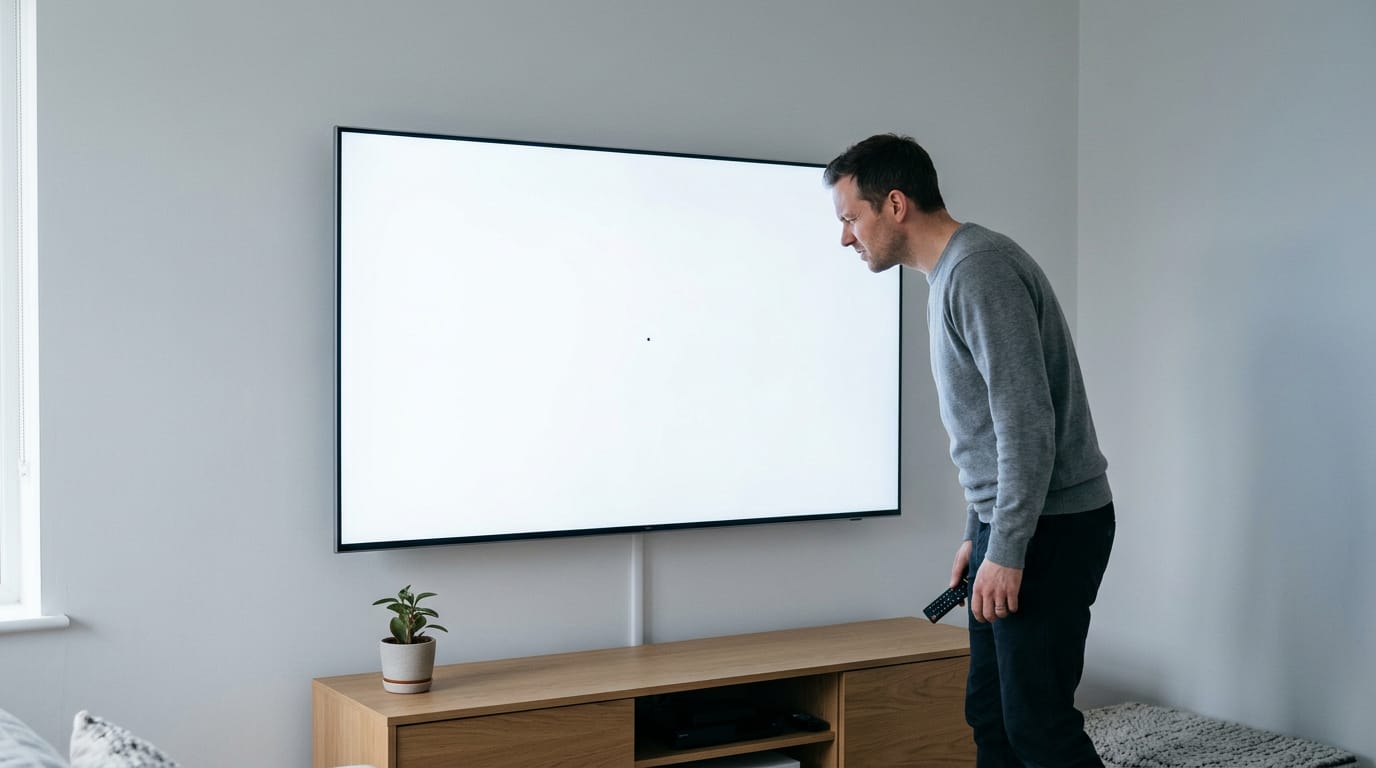
Ever bought a new TV and noticed the picture looks sharper, but couldn’t say why? Usually the answer is resolution: the count of tiny dots, called pixels, that build the image on your screen. When one of those dots fails, it can show up as a dead pixel on your 4K TV.
More pixels means more detail, and 4K is the label you’ll see on screens, consoles, and graphics cards alike.
This article covers what 4K actually means, how it compares to other resolutions, and what it asks from your setup. If you game or stream on a Canadian budget, we’ll also dig into the GPU, capture, and upload needs most explainers skip.
What 4K Resolution Actually Means
Resolution is the grid of pixels your screen draws, and 4K is the name on most monitor and TV boxes. Here’s what it actually counts.
Does 4K really mean 4,000 pixels?
Not quite. A 4K screen is 3840 x 2160 pixels, about 8.3 million in total. The name rounds the roughly 4,000 horizontal pixels, so 4K doesn’t literally mean 4000. The frame is 16:9 and holds four times the pixels of Full HD.
Think of a builder who swaps a 1080p monitor for a 4K one and wonders why the same game slows down. The GPU now has four times the pixels to draw on every frame.
How consumer UHD and cinema 4K differ
You’ll see two versions. Ultra High Definition (UHD) is the consumer standard at 3840 x 2160. Cinema 4K is 4096 x 2160 and a little wider.
The ITU (International Telecommunication Union) defines UHD, while DCI (Digital Cinema Initiatives) defines the cinema version. The split is about where the picture lives: consumer UHD for homes and desks, cinema for theaters.
Since DCI’s frame is wider than 16:9, the two aren’t interchangeable. Same name, different frame. In practice, 2160p is synonymous with UHD, so a monitor listing 2160p is describing the picture you’ll buy.
How pixel density sharpens the picture
Resolution counts pixels, but pixel density tells you how tightly they’re packed, measured in PPI (pixels per inch). Higher PPI means smaller pixels, which smooth out edges and text so letters look crisp.
Dense packing also supports wider colors and smoother gradients. Tighter packing, cleaner image.
How 4K Resolution Compares to Others
Here’s how 4K stacks up against the resolutions you’ll meet.
4K versus 1080p in real use
4K, also called Ultra HD (UHD), is 3840 by 2160 pixels, about four times 1080p. Same screen, more detail.
| Spec | 1080p | 4K |
|---|---|---|
| Resolution | 1920 x 1080 | 3840 x 2160 |
| Total pixels | 2,073,600 | 8,294,400 |
| Relative pixel load | 1x | 4x |
On the same screen size, 4K also has higher pixel density (more pixels per inch). Color depth, the number of shades a screen can show per color, is a different question: 4K doesn’t automatically mean richer color.
Your graphics card (GPU) draws four times the pixels every frame, and 4K files take more storage.
Viewing distance matters. A player at a desk sees sharper text instantly, while their roommate on the couch notices far less.

Resolutions from 720p up to 16K
- 720p: 1280 x 720, basic video and older screens.
- 1080p: 1920 x 1080, the long-running default.
- 1440p: 2560 x 1440, a sharper step up for gaming.
- 4K: 3840 x 2160, sharp detail for demanding games.
- 8K and 16K: 7680 x 4320 and 15360 x 8640, for very large displays and production.
A 2560 x 1440 screen is often mistaken for 4K, but it isn’t: it has about 3.7 million pixels to 4K’s 8.3 million.
2K and 3K are loose labels. In cinema, 2K is about 2048 pixels wide, while consumer marketing may stretch it to 1080p or 1440p. 3K has no fixed standard, so check the spec sheet.
Where lower resolutions still win
Lower resolutions still win on:
- Smaller file sizes. Clips take less drive space.
- Wider device compatibility. Older laptops and phones handle 1080p more easily.
- Less hardware strain. Fewer pixels mean less GPU work and steadier frame rates.
- Lower cost. Dropping to 1080p usually cuts the screen and graphics card price.
Trading refresh rate against resolution
Refresh rate is how many times per second a screen redraws, in hertz (Hz). More pixels mean more GPU work, so frame rate (frames per second, or fps) drops.
- 4K 144Hz vs 8K 30Hz: 4K keeps motion smooth, while 8K has more pixels but refreshes far less often.
- 4K 30fps vs 1080p 60fps: 1080p looks smoother in fast action, even though 4K shows more detail.
- High refresh favors 1080p: In fast games, 1080p at high refresh usually feels better, since your GPU can keep up.
Think of a player who drops to 1080p to hit high frame rates in a shooter, trading detail for smoother play.
Where 4K Shows up Across Devices
4K (roughly 4,000 pixels across) now shows up on TVs, desks, game rigs, and cameras.
Picking a 4K TV for your room
Most TVs sold are 4K, and ABI Research’s flat panel TV data puts 4K Ultra High-Definition (UHD) sets at 72 million shipments in 2025.
The extra pixels earn their keep on a large screen. On a small set, the difference is hard to spot from the couch, so let your seating distance guide the size you buy. For home theater use, a big 4K screen makes every movie more immersive.
Do 4K monitors need HDR for work?
Does 4K require HDR? No. 4K is about pixel count, while high dynamic range (HDR) is about how bright and dark a screen can get, so you can have one without the other.
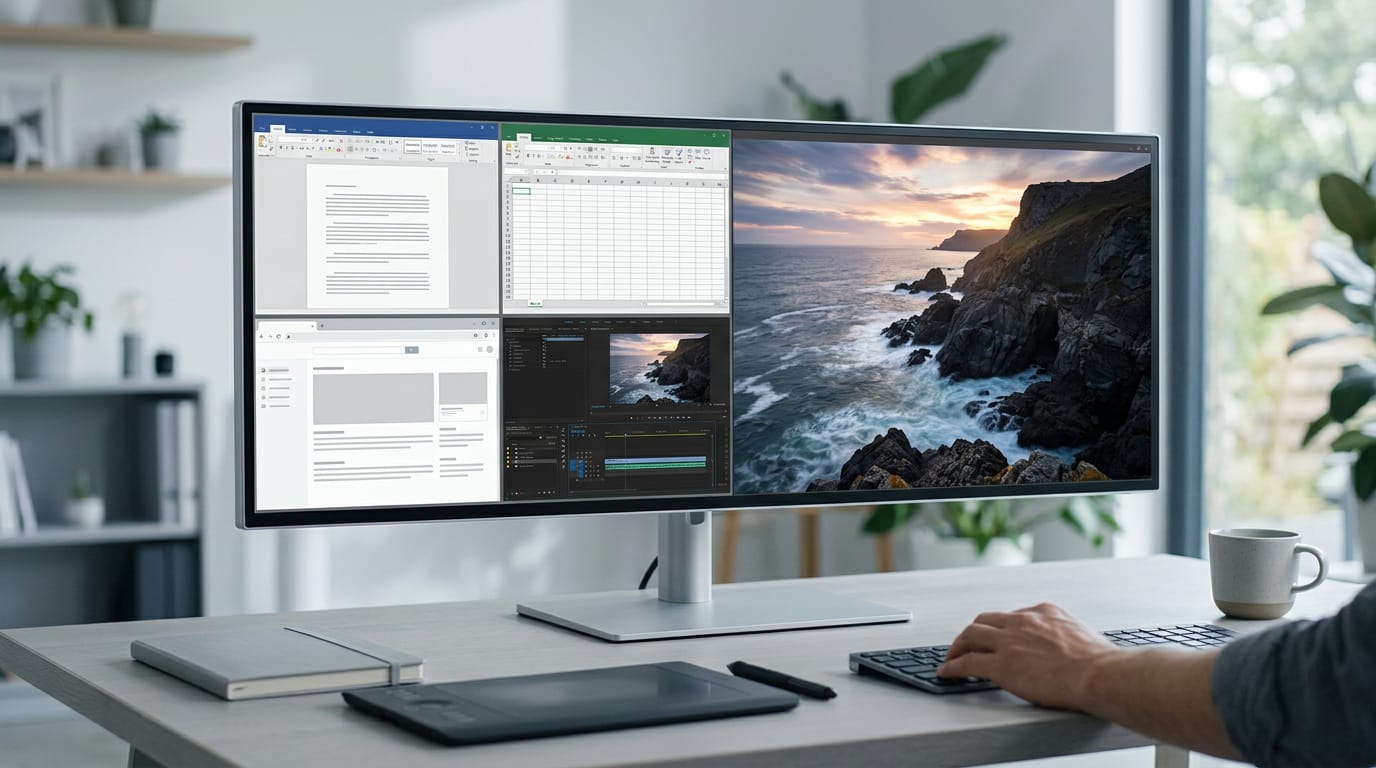
For work, the win is space more than sharpness. A 4K monitor gives you more on-screen workspace, so you can tile multiple windows side by side. You’ll notice the difference the first time you stop alt-tabbing.
Photo and video editing is where color matters most. A wide color gamut is the range of colors a screen can show, and HDR adds detail in bright highlights and deep shadows. Designers and professionals should check those specs, not just the pixel count.
Gaming in 4K and what it takes
4K brings sharper textures, but every frame has more pixels to draw. That’s why you need a powerful graphics processing unit (GPU), the graphics card that does the drawing.
Expect lower frame rates. Frames per second (fps) typically drop as resolution climbs, so a card that runs 1080p (full HD) smoothly may struggle at 4K. Competitive play favors 1080p for that reason, since smooth motion beats fine detail.
The PS5 and Xbox both support 4K, but a given game won’t always run at it. A budget GPU can handle 4K in lighter games with settings turned down. A Canadian gamer on a fixed budget should ask whether 4K is worth the GPU spend before checkout.
4K projectors for home theaters
4K projectors are now mainstream for home theater. They need strong light output, since dim pictures wash out 4K detail. Budget models often underperform here, so the 4K label alone won’t save the image.
Think of a movie fan turning a basement into a home theater with one daylight window. Buy for brightness, not the 4K sticker, or movie nights will look muddy.
Why 4K helps security cameras
4K helps security cameras in a few key ways:
- Zoom into fine details. Footage stays sharp when you zoom in.
- Covers large areas. One camera can watch a wide yard or driveway.
- Color night vision. Some cameras keep color after dark.
- Higher bandwidth and storage. More pixels mean more data to upload and keep.
- 16MP as next step. If 4K isn’t enough, look at 16-megapixel (16MP) cameras.
Picture a homeowner checking the driveway after dark. Color night vision shows whether the car out there is the one they expect. Specific model picks depend on current prices, so start with these features on the spec sheet.
What 4K Asks from Your Setup
A 4K screen only looks sharp if the rest of your setup keeps up, from your internet to your cables.
How much bandwidth and storage 4K needs
Bitrate is how much data your connection moves each second, in megabits per second (Mbps). Streaming 4K needs roughly 10 to 20 Mbps.
According to a study on bitrate and adaptive streaming, 4K video uses more internet data than lower-resolution video, typically 15 to 18 Mbps.
So what size is 4K footage? At 15 to 18 Mbps, an hour runs roughly 7 to 8 GB (gigabytes), so storage fills quickly.
Streamers hit a different limit: your upload speed, not your download speed, decides whether a 4K stream holds up. Your capture card (the device that records gameplay) must handle the 4K signal too.
Take a Winnipeg streamer on a fixed budget. Before buying a capture card, they test upload speed against that bitrate, and if it falls short, they drop to a lower resolution instead of overspending.
How much processing power 4K takes
4K has four times the pixels of 1080p, so it needs roughly four times the processing power. A modern processor (CPU) and graphics card (GPU) keep that smooth, and older parts may stutter.
On a laptop, that extra load drains the battery faster, so expect shorter runtimes on the go. Plug in for long sessions.
Getting the right cables for 4K
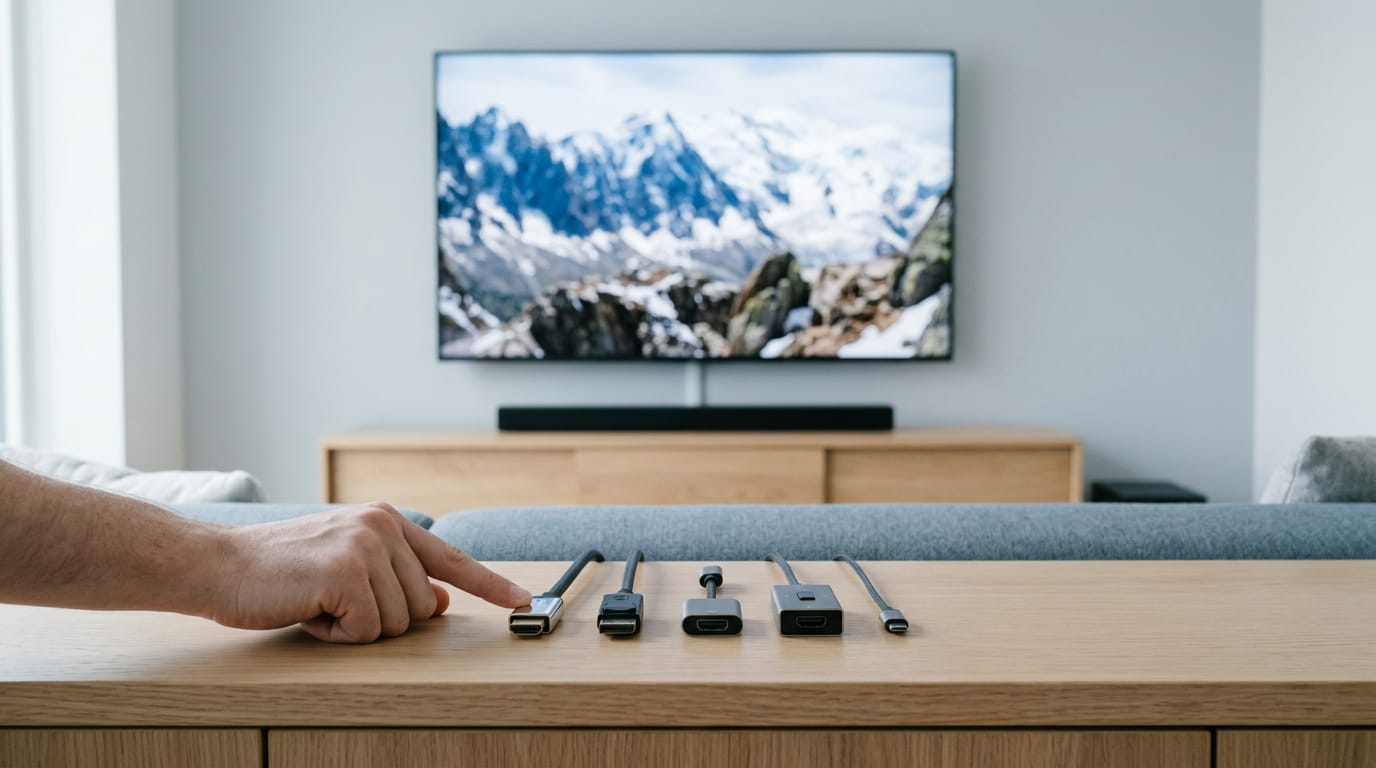
Five cable checks matter most:
- Right version. For 4K at 60Hz (60 refreshes a second), you need HDMI (High-Definition Multimedia Interface) 2.0 or DisplayPort 1.2.
- The 30Hz trap. Older or low-spec cables can quietly cap your screen at 30Hz, which looks choppy in games.
- Accessories. Adapters, switches, and receivers must support the same version, or one old part drags everything down.
- 4K120. Running 4K at 120Hz requires HDMI 2.1, the newer standard.
- Soundbars. Look for an enhanced Audio Return Channel (eARC) port on your TV to send sound back over the same HDMI cable.
Where you can actually watch 4K
Netflix, Amazon Prime Video, and Disney+ offer 4K titles if your plan and device support it. YouTube plays and uploads 4K, so it’s an easy connection test. Many smartphones record 4K, but that footage fills storage fast.
Game consoles output 4K too, though each game’s settings decide what you actually see.
Is 4K Worth the Upgrade?
Is 4K, the high-resolution standard with far more pixels than 1080p (full HD), worth it? Usually yes, if your screen, seating, and games can show the difference.
What your eyes can actually notice
What you notice depends less on how many pixels a screen packs in and more on how close you sit and how big it is. Distance changes everything. Source quality matters too: a compressed stream can’t beat its source.
Then there’s upscaling, which stretches a 1080p image to fill a 4K panel. It looks better than you’d expect, but native 4K is still crisper.
Why upgrading to 4K might pay off
- Future-proofing. A 4K screen can stay useful through your next graphics card upgrade.
- Immersive visuals. Distant scenery and fine textures look noticeably richer.
- More content. More films, shows, and videos come in 4K, so the screen gets used.
- Post-production flexibility. Editing 4K footage leaves room to crop and zoom. A streamer can reframe a 4K shot to 1080p and keep it sharp.
How to choose the right 4K setup
- Match resolution to use. Gaming, streaming, and office work pull in different directions, so decide your main job first.
- Consider screen size. A screen too large for your desk makes you scan edge to edge.
- Consider budget. Set your ceiling in Canadian dollars first. A 4K panel plus a graphics card (GPU) costs more than the monitor alone. Streamers should check capture and upload speed too.
- Overkill for basic tasks. If you mostly browse and write documents, 1080p is plenty.
- Best 4K monitor size. There’s no single perfect size. Pick the one that fills your view at your usual distance.
Take a player on a fixed budget with a small screen. For them, 4K may add little, so that money could go further toward a better graphics card.
4K means more detail, but only when your screen, your games, and your budget line up. A bigger number on a spec sheet means little if it never shows up in the picture you play on.
For Canadian gamers and streamers, that comes down to three checks: can your GPU hold smooth frame rates, can your capture record without dropping frames, and can your upload keep up?
The best 4K setup isn’t the most expensive one. It’s the one that looks sharp, runs smooth, and fits the budget you actually have.
References
- Bitrate and Adaptive Streaming: What are We Measuring and Why? — doi.org (2023)
- Global Flat Panel Television Shipments by Region — abiresearch.com (2025)
Questions
What is the resolution of 720p HD?
720p HD has a resolution of 1280 × 720 pixels.
What is the best 4K monitor size?
There is no single best 4K monitor size. Choose one that fits your desk and viewing distance without making you scan uncomfortably across the screen.
What is the highest resolution TV available?
8K is the highest resolution commonly available on consumer TVs, at 7680 × 4320 pixels. Higher resolutions such as 16K exist mainly for very large displays and production use.
Is 1920x1080 the same as 4K resolution?
No. 1920 × 1080 is Full HD, while consumer 4K is 3840 × 2160 pixels, with four times as many pixels.
Which 4K quality is best?
The best 4K quality depends on what you need. For sharp detail, look for a native 3840 × 2160 display; for video and photo work, also check color gamut, brightness, and HDR support.
Is 4K mean 4000?
No. Consumer 4K is 3840 pixels wide, so the name rounds the horizontal pixel count rather than meaning exactly 4000.
Does 4K require HDR?
No. 4K describes pixel resolution, while HDR describes the range of brightness and dark detail a screen can show. A display can support 4K without HDR, or HDR without 4K.
Do I need a special cable for 4K?
You may need a cable and connected devices that support the resolution and refresh rate you want. For 4K at 60Hz, use HDMI 2.0 or DisplayPort 1.2; 4K at 120Hz requires HDMI 2.1.
Sources
- Global Flat Panel Television Shipments by Region, abiresearch.com,
- Bitrate and Adaptive Streaming: What are We Measuring and Why?, doi.org,
Free · The Build Sheet
The Build Sheet: three gaming PCs priced at Canadian stores