Is UHD the Same as 4K? Pixel Counts Explained
Is UHD the same as 4K? Compare 3840×2160 UHD with cinema 4K’s 4096×2160, then see what the difference means for capture cards and bandwidth before buying.

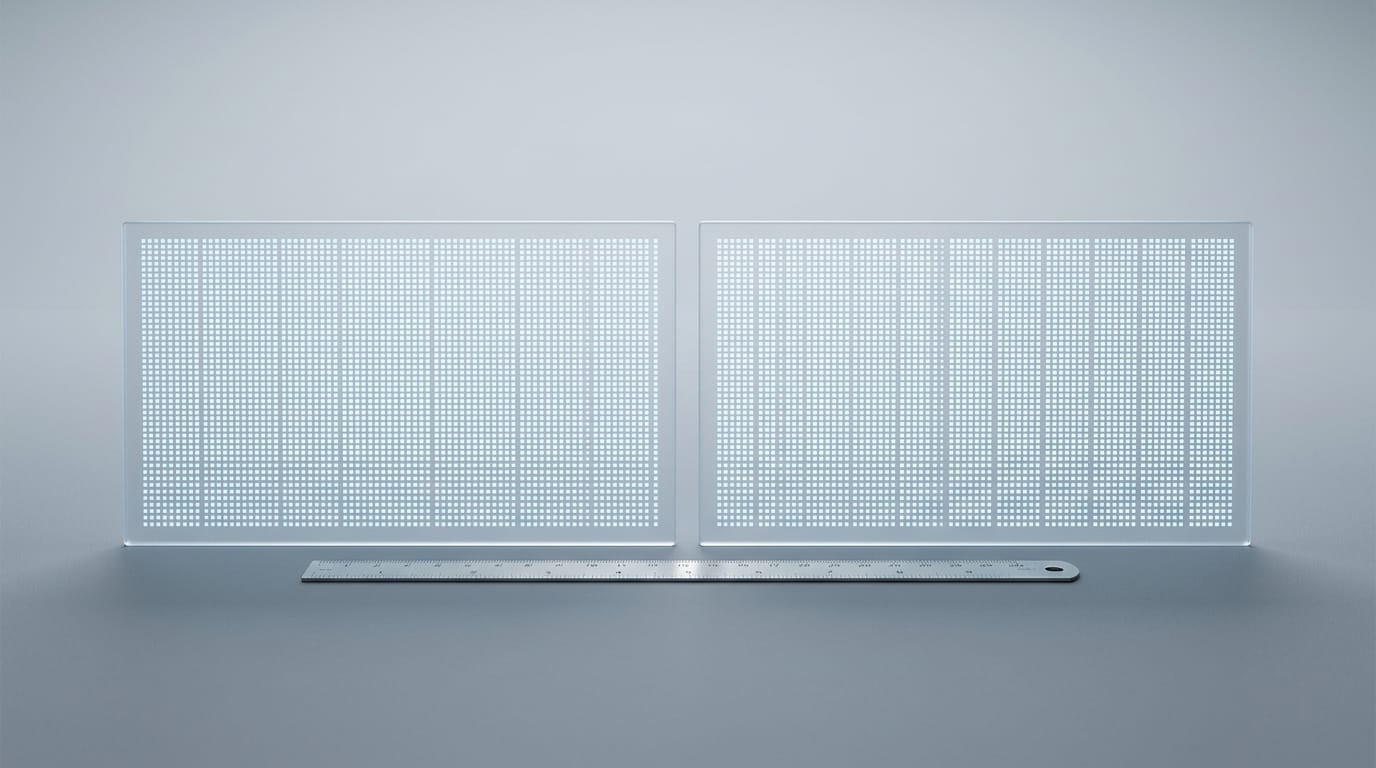
UHD and cinema 4K are different display resolutions, although retailers commonly use “4K” to describe UHD TVs and monitors. UHD is 3840 × 2160 pixels, while cinema 4K is wider at 4096 × 2160; check the exact resolution rather than relying on the product label. In practice, UHD is the common home standard, and its value depends on your screen, viewing distance, content, and whether your devices and connection can support it.
If you’ve ever shopped for a monitor or capture card, you’ve probably spotted ‘4K’ in big letters and wondered if it means the same thing everywhere. It’s a fair question, and the answer is a little more interesting than a simple yes or no.
Retailers treat the two terms as one, but they’re different standards. Ultra High Definition (UHD) is 3840x2160, while cinema 4K is 4096x2160.
In this post, we’ll break down what that gap means for your capture card, your upload bandwidth, and the Canadian-priced gear you’re weighing.
Whether UHD Is the Same as 4K
Strictly speaking, they’re not. Here’s where the two split and why store labels blur them.
Quick answer and why stores mix them
Ultra High Definition (UHD) and cinema 4K are different standards, but retailers treat them as one. Marketing uses ‘4K’ for UHD, so a monitor labelled 4K almost always means UHD.
The difference is rarely perceptible at home, and whether they count as the same depends on the source.
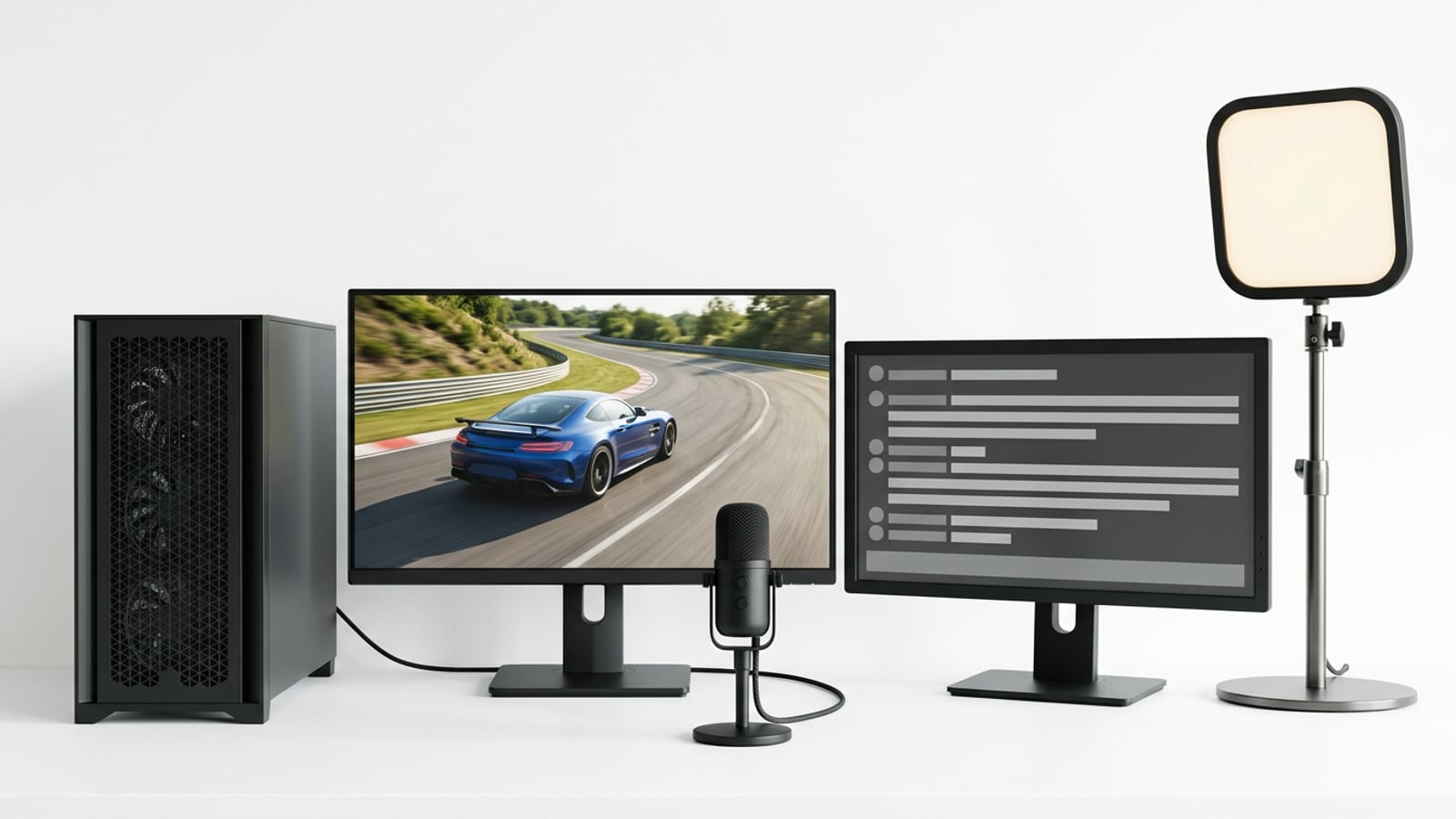
Think of a streamer comparing two capture cards, both listed as ‘4K’. The pixel count, not the label, tells them which one actually handles their console’s UHD output.
How cinema 4K differs from consumer UHD
Cinema 4K is 4096 x 2160 pixels, while UHD is 3840 x 2160. According to a Polish publication on image and sound technology, the DCI (Digital Cinema Initiatives) specification sets cinema 4K at that size with a 1.89:1 aspect ratio.
The 4K name started in the film industry, and consumer UHD follows its own, separate standard. Most ‘4K’ TVs you’ll find are actually UHD.
Detailed specs compared side by side
Here’s how the two compare across the key specs:
| Spec | Consumer UHD | Cinema 4K (DCI) |
|---|---|---|
| Resolution | 3840 x 2160 | 4096 x 2160 |
| Total pixels | 8,294,400 | 8,847,360 |
| Aspect ratio | 16:9 (about 1.78:1) | 1.89:1 (wider) |
| Usage | TVs, monitors, gaming, streaming | Professional cinema and production |
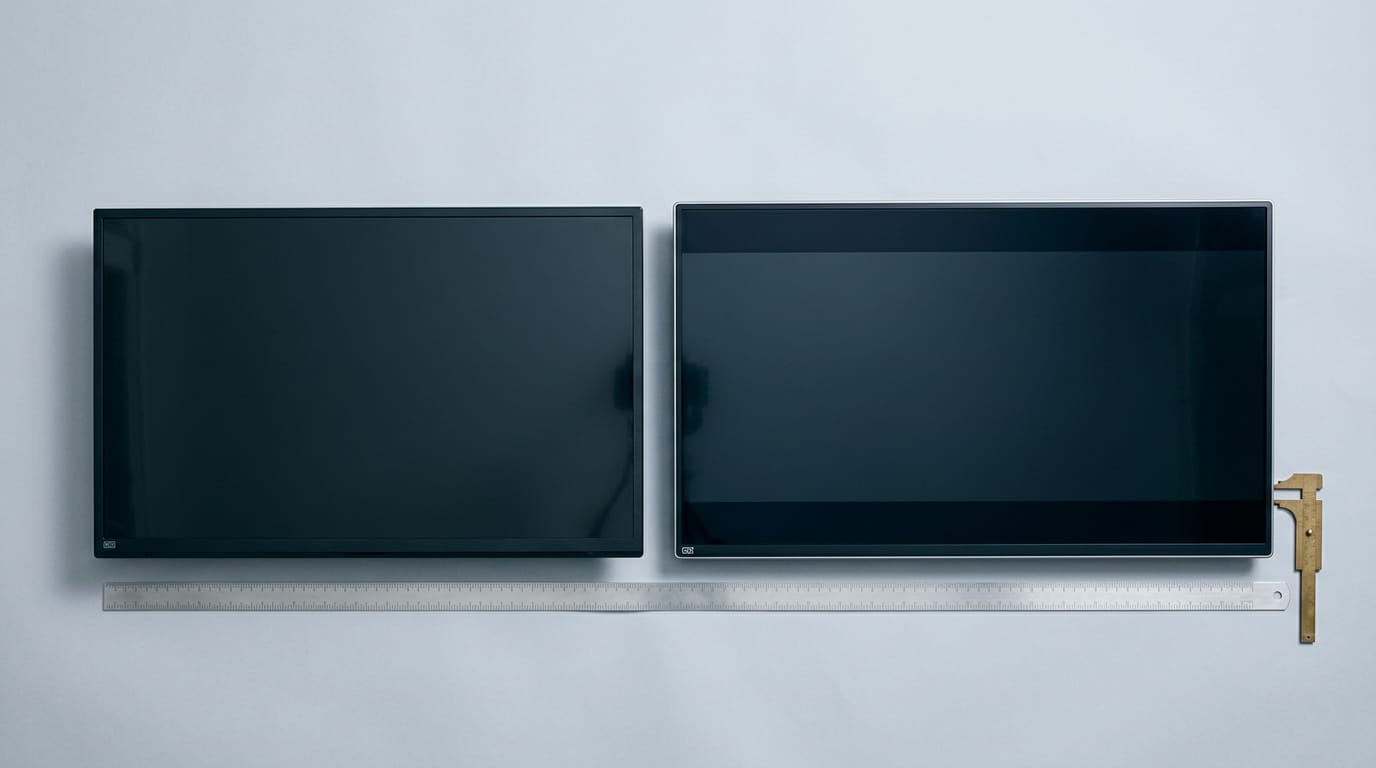
Cinema 4K carries roughly 6.7% more pixels, all of them in the width, and broadcast and cinema standards run on separate tracks. So a box that says 4K tells you what it’s marketed as, not which standard it follows. Check the numbers.
Resolution Levels and Their Pixel Counts
Resolution is the number of pixels that make up your picture. Here’s how the common levels stack up.
Which is better, HD, UHD or 4K?
Short answer: UHD (ultra high definition) beats HD (high definition) for detail, and retailers often label it “4K,” roughly 4,000 pixels across. Here’s how we rank the levels, smallest to largest, with megapixels (millions of pixels):
- HD (1280x720, or 720p): about 0.9 megapixels
- Full HD (1920x1080): about 2.1 megapixels
- QHD (Quad HD, 2560x1440): about 3.7 megapixels
- UHD (3840x2160): about 8.3 megapixels, four times Full HD
- Cinema 4K (4096x2160): about 8.8 megapixels, a slightly wider film standard
- 8K (7680x4320): about 33.2 megapixels. AVIXA, an audiovisual industry group, describes 8K as double UHD.
The better pick is less about which number is biggest and more about what your screen and seating can actually show.
Matching screen size to your seating distance
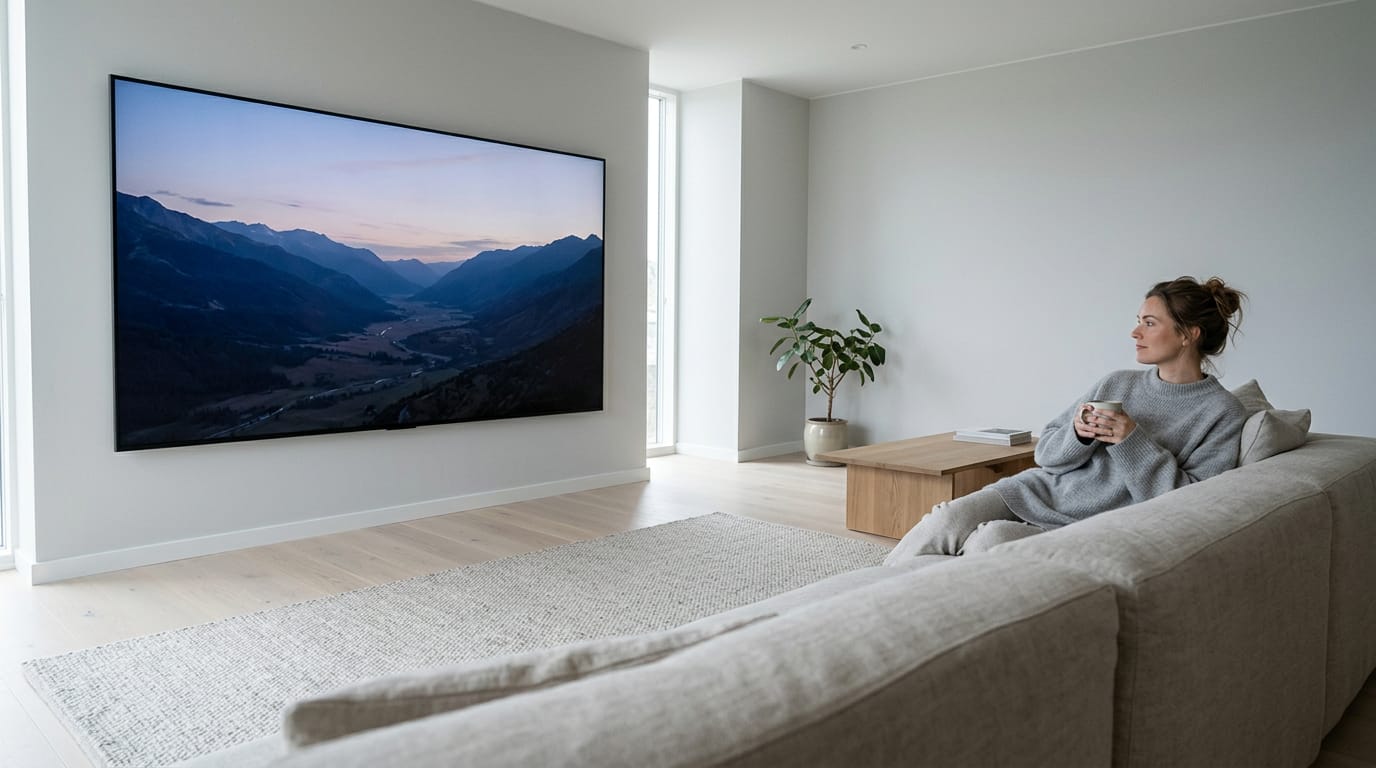
Bigger screens benefit more from 4K, because a larger image gives those extra pixels room to show. Stretch the same picture across a bigger screen at the same distance and each pixel grows, so a lower resolution starts to look soft. That’s the giveaway.
There’s no single size chart for every resolution, but the bigger the screen, the more UHD earns its keep.
Sitting under 8 feet away, UHD’s extra detail is easy to notice on a large panel. Sit farther back and you’ll find that gap narrows fast. Distance changes the math.
Consider a player on a couch 10 feet from their TV. There, UHD’s extra detail is hard to pick out, so a bigger screen serves them better than a sharper picture on a smaller one.
Other Things That Shape Picture Quality
Resolution is only part of the picture. Brightness and panel type shape what you actually see, so check them before you buy.
Why HDR brings brighter, richer color
High Dynamic Range (HDR) is a different thing from 4K. It’s about brightness and color range, not pixel count. Picture a racing fan whose sun glare looks flat until HDR makes the highlights pop. The formats you’ll see most are HDR10 and Dolby Vision.
Look for 10-bit color depth too, which sets how many shades each color channel can show.
Comparing OLED, QLED and other panel types
- OLED (Organic Light-Emitting Diode) pixels light themselves, so blacks look truly black. The trade-off is burn-in from static images like game HUDs left on too long, and bright rooms can wash the picture out.
- QLED (quantum dot display) TVs use a quantum dot layer to push brightness and color.
- LCD (liquid crystal display) panels are lit from behind by an LED (light-emitting diode) backlight.
- MiniLED, QNED, and NanoCell are brand names layered on LED backlights, so check the spec sheet for what’s inside.
Which is better, LED or 4K UHD? Neither wins, because they’re different things. LED describes how a screen is lit, while 4K UHD (Ultra High Definition) describes how many pixels it has.
A 4K UHD screen can be LED-lit too, so you’re choosing a lighting type and a resolution, not one over the other.
Refresh rate and response time for gamers
Refresh rate is how many times a second the screen redraws, measured in hertz (Hz). 120Hz shows fast motion more smoothly than 60Hz. Response time is how fast a pixel changes color, measured in milliseconds (ms), and lower is better for fast scenes.
A 1080p 60Hz picture can beat a 4K 30Hz one, since frame rate changes how a game feels as much as how it looks. Getting 120 frames per second (fps) at 4K needs HDMI 2.1 (High-Definition Multimedia Interface) on both your console and your screen.
Take a console player who switches between story games and fast shooters: 4K at 60fps suits the story, while 1080p at 120fps suits the shooter. Match the mode to the game.
What upscaling does to lower-resolution video
Upscaling stretches lower-resolution video to fill a bigger screen, and a good upscaler can make it look cleaner. It’s not true native 4K, though, since the extra pixels are estimated rather than captured.
A UHD Blu-ray player is a handy workaround, upscaling your regular discs to fill a 4K screen.
Content and What to Weigh Before Buying
Retailers often treat UHD (Ultra High Definition) and cinema 4K as one, but they’re different standards.
Can I watch 4K UHD on regular TV?
Yes, but full 4K needs every link to support it and a native 4K title, not upscaled video.
- Service. Your plan and title both need 4K.
- Streaming device. It must output 4K, or it caps everything downstream.
- Cables and ports. An older HDMI (High-Definition Multimedia Interface) cable can quietly cap you below 4K.
- Regular TV. A non-4K set still plays 4K, scaled down to its own resolution.
Price, bandwidth and how long it lasts
4K sets are more competitive on price now, but 4K files are bigger and need more storage and bandwidth. Plan for it. 8K is costly, with little content to watch. For future-proofing, 4K’s the practical middle ground.
For streamers, the key number is upload bitrate, the data your connection sends each second. Your connection has to sustain that rate, not just reach it once in a speed test. Picture a streamer going live in 4K on a connection that slows every evening.
It looks sharp at noon but stutters at peak hours, and dropping to 1080p usually fixes it.
Picks, smart features and a buying checklist
If you want a polished smart interface, LG’s webOS platform and its artificial intelligence (AI) features are worth comparing. For a shortlist, the TCL P755 is our recommendation, and HP’s monitors cover both gaming and business. Before you buy:
- Resolution. Confirm 3840x2160, not just a 4K label.
- Cables and ports. Count HDMI ports and confirm each cable is rated for 4K.
- Capture card. Check 4K passthrough (sending the picture to your screen) apart from 4K recording (saving the file).
- Upload speed. Compare it against your stream’s bitrate, with room to spare.
So here’s the takeaway: UHD and cinema 4K are close cousins, not twins. UHD sits at 3840x2160, cinema 4K at 4096x2160, and retailers blur the two on the box, so you’ll need to check.
Before you buy, look up the exact resolution on the spec sheet, then weigh it against what your capture card and upload connection can actually handle. A few minutes of checking can keep you from paying for pixels your stream never uses.
Buy for the picture you’ll actually send out, and let the spec sheet, not the sticker, make the call.
References
- Nowe technologie obrazu i dźwięku w praktyce produkcyjnej — doi.org (2018)
- Unlocking the Potential of 8K Resolution — avixa.org (2025)
Questions
Which is better, LED or 4K UHD?
Neither is inherently better: LED describes a screen’s backlighting, while 4K UHD describes its resolution, usually 3840 × 2160 pixels. A TV can be both LED-lit and 4K UHD, so compare lighting and resolution as separate features.
Can I watch 4K UHD on regular TV?
Yes. A regular non-4K TV can receive 4K content, but it scales the picture down to the TV’s own resolution. To watch in native 4K, you need a 4K TV, a 4K-capable streaming device and service, and a title available in 4K.
Sources
Free · The Build Sheet
The Build Sheet: three gaming PCs priced at Canadian stores