IPS Monitor Meaning Explained for Everyday Buyers
IPS monitor meaning: see how this LCD panel type affects strengths, weak spots, and your best choice for your Canadian budget, games, and graphics card.

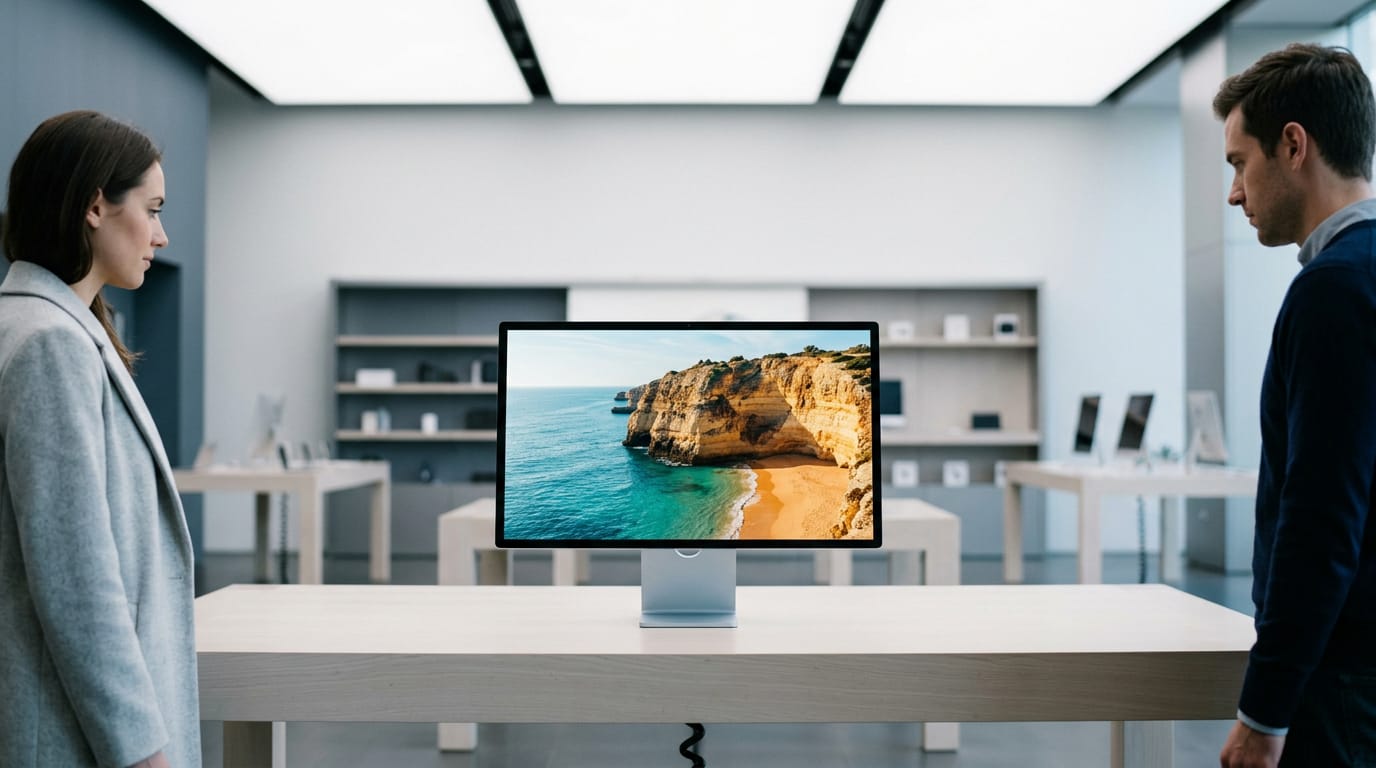
IPS, or in-plane switching, is a type of LCD monitor panel that controls light by rotating liquid crystals sideways within the screen. In practice, IPS offers consistent color and wide viewing angles, but usually has weaker black levels and contrast than VA or OLED, and can show glow in dark scenes. Choose it for versatile color and viewing comfort, then compare refresh rate, resolution, price, and your graphics card to make sure the monitor fits your needs.
Scan a monitor listing and you’ll often see ‘IPS’ printed right beside the refresh rate and resolution. It’s a bit like a model badge on the back of a car: it tells you how the thing was built, not the whole story of how it’ll drive.
In-plane switching (IPS) is a type of liquid crystal display (LCD), and it’s what this post unpacks.
We’ll cover what the label means, its strengths and weak spots, how it compares with other LCD options, and who should actually buy one.
Along the way, you’ll see how to match it to your budget in Canadian dollars, your games, and your graphics card (GPU).
IPS Monitor Meaning and How It Works
IPS, short for in-plane switching, shows up on many monitor spec sheets, so it’s worth knowing what it means.
IPS is one type of LCD panel
IPS describes how the liquid crystals inside a liquid crystal display (LCD) are arranged and moved. An LCD is a flat panel that blocks or passes light. It’s one of the main LCD panel types.
The panel is a stack of layers: a backlight, polarizers on each side, and the liquid crystals between them. The backlight makes the light, but the crystals decide how much gets through.
How liquid crystals turn in IPS panels
In an IPS panel, the crystals rotate in-plane, turning sideways instead of tipping up. They start horizontally aligned, lying flat. Voltage twists each pixel’s crystals, and that controls how much light passes. That’s the whole trick.
Light then passes through red, green, and blue colour filters, and their mix forms the image.
Take a player who shares a desk with a roommate. Thanks to in-plane movement, the picture washes out less when the roommate leans in from the side.
How LCDs and backlights work together
Older monitors used a cathode-ray tube (CRT), which fired electrons at a glowing screen. An LCD doesn’t make its own light, so it needs a backlight. Today, LED (light-emitting diode) backlighting is the standard.
Every pixel gets a thin-film transistor (TFT), a tiny switch that holds its charge between refreshes. Panels built this way are active matrix designs, and IPS panels are among them.
A passive matrix has no per-pixel switch and steers charge through a grid of rows and columns, which is slower. The key difference is that an active matrix gives each pixel its own switch.
Common IPS variants and their marketing names
Brand names pile up fast, so here’s the short version:
- Core variants: S-IPS (super in-plane switching), H-IPS (horizontal IPS), AH-IPS (advanced high performance IPS), and PLS (plane-to-line switching).
- Marketing names: IPS Black, Nano IPS, Fast IPS, and Rapid IPS are labels each manufacturer applies to its own version.
- Subpixel layout differences: some variants arrange red, green, and blue subpixels differently, so the same label can look slightly different.
The name on the box is a starting point, not the whole story.
What IPS Monitors Do Well
Here’s where in-plane switching (IPS), a type of LCD (liquid crystal display), earns its place on a spec sheet, and where its trade-offs matter.
Wide viewing angles from the side
IPS panels can reach a viewing angle of up to 178°, according to PCMag’s encyclopedia entry, which describes IPS as having greater viewing angles than twisted nematic (TN) screens.
That makes it good for collaboration: a roommate leaning over your shoulder to watch your ranked match still sees what you see.
Not every angle is perfect, though. The picture can shift at extreme angles, and results vary by model.

Accurate colors and wide gamut coverage
IPS panels are known for wide color gamut coverage, meaning they show more of the color range that games and photos use. Spec sheets list:
- sRGB, the everyday standard
- wider options like Adobe RGB and DCI-P3 (a digital cinema standard)
Bit depth is how many shades a panel shows per color, and 8-bit handles smooth gradients better than 6-bit, a level often found on TN screens.
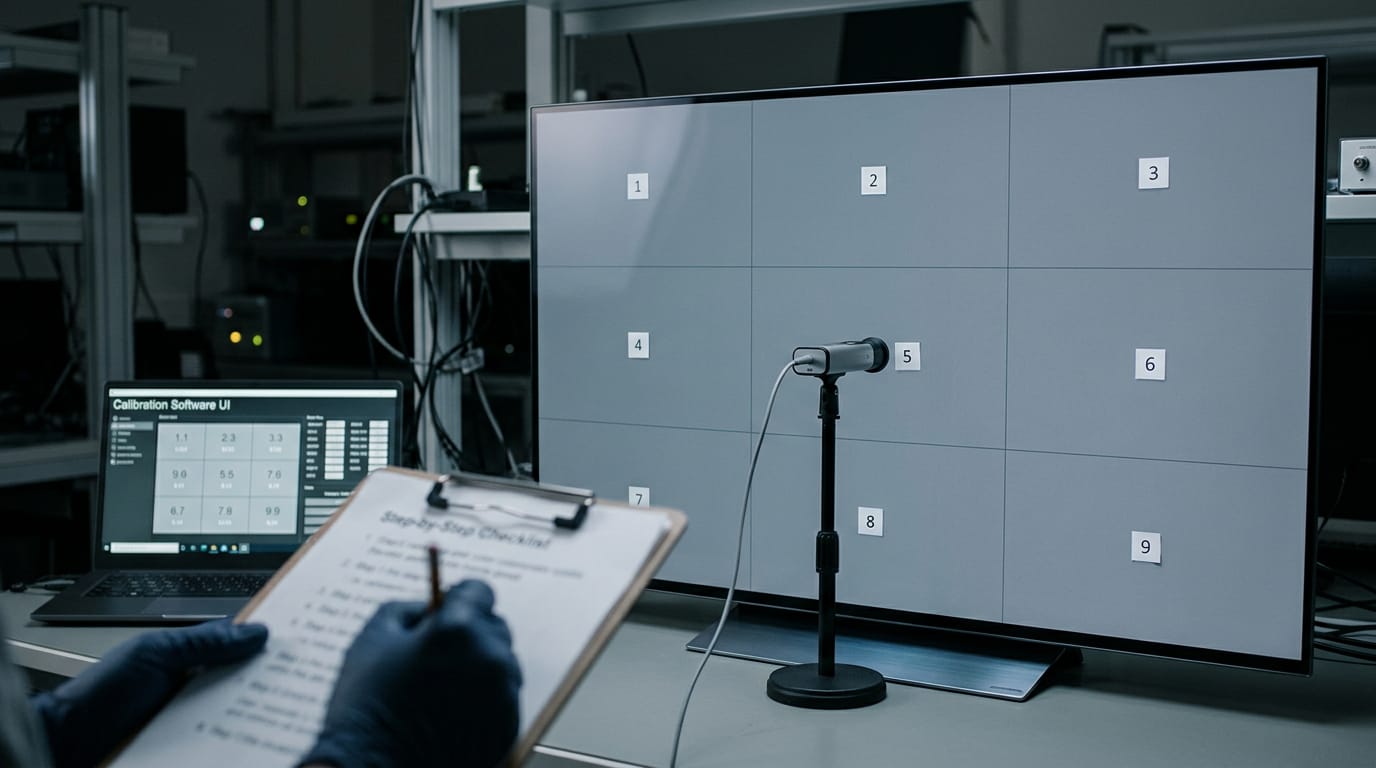
Some cheaper models have limited color volume, meaning the range of colors they hold across brightness levels. Calibration is possible with software or a hardware tool, and how the colors look on your desk counts most.
How fast motion looks on IPS
For most gamers, IPS motion is good enough, though it’s slower than TN. Overdrive pushes pixels to change faster, but push it too far and you’ll get overshoot, a bright or dark trail behind moving objects. Use the fastest level that stays clean.
IPS also avoids the smearing that blurs fast action on vertical alignment (VA) panels, and response times keep improving.
Here’s how we’d read the motion specs:
- Refresh rate (in Hz, or hertz) is how many times per second the screen redraws. A higher number means smoother motion.
- Response time (in milliseconds) is how fast a pixel changes. Lower is better, but read it alongside refresh rate, since both shape what you see.
Why burn-in is not a worry
Unlike OLED (organic light-emitting diode) screens, IPS doesn’t carry the same risk of permanent burn-in, the lasting mark that static on-screen elements can leave.
According to a Journal of Information Display study, LCD panels don’t suffer from burn-in to the same extent as OLED. That means a taskbar or a game’s health bar can stay put without worry.
Where IPS Monitors Fall Short
IPS (in-plane switching) has real trade-offs. Here’s where it falls short and how much each one matters for your games.
Why IPS contrast and blacks lag behind
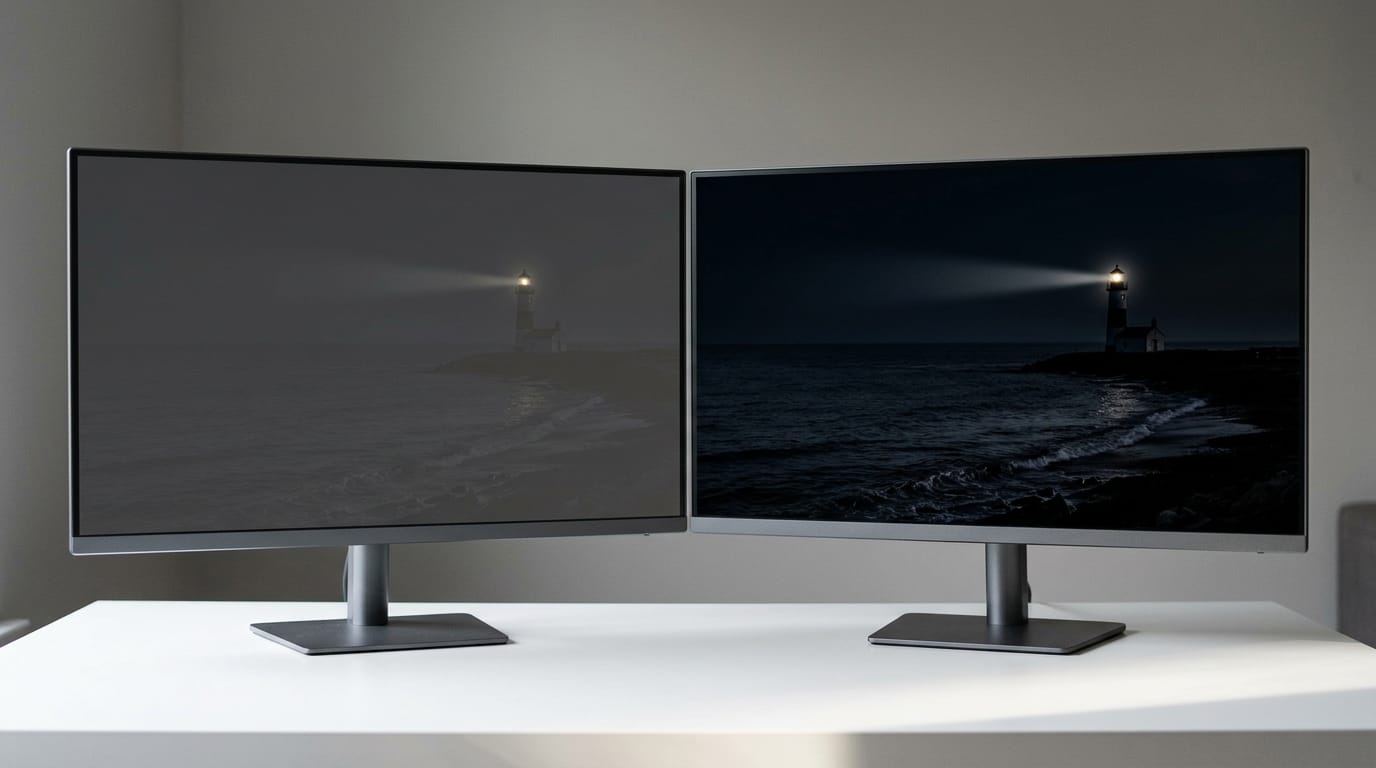
Contrast ratio, the gap between an image’s darkest and brightest points, is where IPS lags. A technical paper on pathology display standards puts the average IPS monitor at around 1,000:1, so blacks can look gray.
HDR (high dynamic range) depends on strong contrast, so IPS panels offer limited HDR performance.
Emerging IPS Black variants improve contrast to around 2,000:1, which the same paper says can enhance shadow detail.
Mini LED local dimming helps by dimming the backlight zones behind dark areas, which makes blacks look deeper.
Dealing with IPS glow and backlight bleed
The question is less about whether corner glow appears and more about when. It’s a faint haze in the corners, most visible in dark scenes and shifting with your viewing angle.
A player in a dim basement spots a bright corner every time the screen fades to black. Lowering brightness and sitting centred helps.
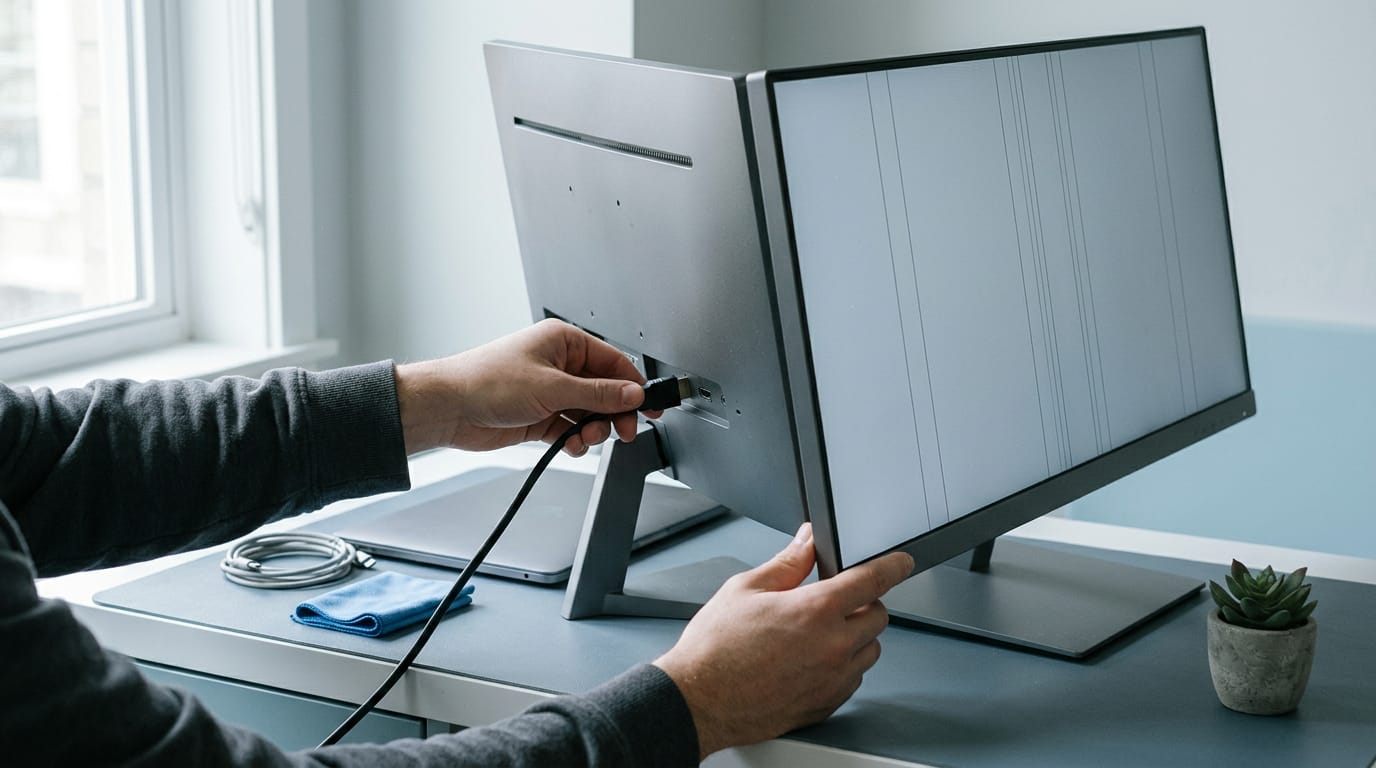
Backlight bleeding is light leaking around the panel edges, and it varies by unit, so two monitors of the same model can differ.
If a panel looks bad, test it with a dark scene right away and return it while the return window is open.
Smaller drawbacks to keep in mind
- Response time. IPS has generally been slower than TN (twisted nematic) panels.
- Price. IPS monitors usually cost more than TN models.
- Brightness outdoors. IPS screens are weaker in direct sunlight, so a sunny room is a tough fit.
- Power use. IPS panels draw slightly more power, a minor difference.
What Is Better, IPS or LCD?
Quick answer: in-plane switching (IPS) isn’t a rival to liquid crystal display (LCD). It’s one kind of LCD, so the real question is which design fits your games.
We’ll compare it with the other LCD designs, then with organic light-emitting diode (OLED) panels.
How IPS differs from TN panels
Twisted nematic (TN) panels are generally faster and cheaper to make. The trade-off is narrow viewing angles, so colours shift when you sit off-centre, and their colour accuracy is poor.
The difference starts with the crystals. Both sit between two polarizer filters, which control how light passes, but TN crystals twist from top to bottom, while IPS crystals rotate within the plane of the glass.
Where IPS wins and loses against VA
Vertical alignment (VA) is IPS’s main rival. VA delivers deeper blacks and higher contrast, while IPS counters with better viewing angles and colour. VA is slower to respond, which can show up as blur in fast motion. That’s the trade.
Think of a player who runs moody horror games alone at night but shares the screen with a roommate for shooters. VA’s deeper blacks suit the first, and IPS’s viewing angles suit the second.
Comparing IPS and OLED side by side
OLED offers perfect blacks because its pixels switch off completely. It also costs more.
OLED panels carry a burn-in risk from static content, and a review in the Journal of Information Display explains that OLEDs of all kinds undergo permanent degradation over time, leading to burn-in.
Think of a player who leaves a shooter’s health bar on screen for hours each night. IPS trails OLED on colour and angles, but it avoids that burn-in risk, so it’s the calmer pick.
Who Should Use an IPS Monitor
Not every buyer needs the same panel, so start with what you do most.
How pros use IPS for creative work
Think of a Calgary wedding photographer who needs skin tones to match the client’s phone. Here’s where IPS shines:
- Photo and video editing: Accurate color helps you judge grading with confidence.
- Graphic design: Color stays consistent edge to edge, so brand logos look right.
- Color-critical work: Accuracy matters more here than raw speed.
- Programming and office tasks: Sharp text makes long days in a code editor or spreadsheet easier.
Gaming on an IPS monitor
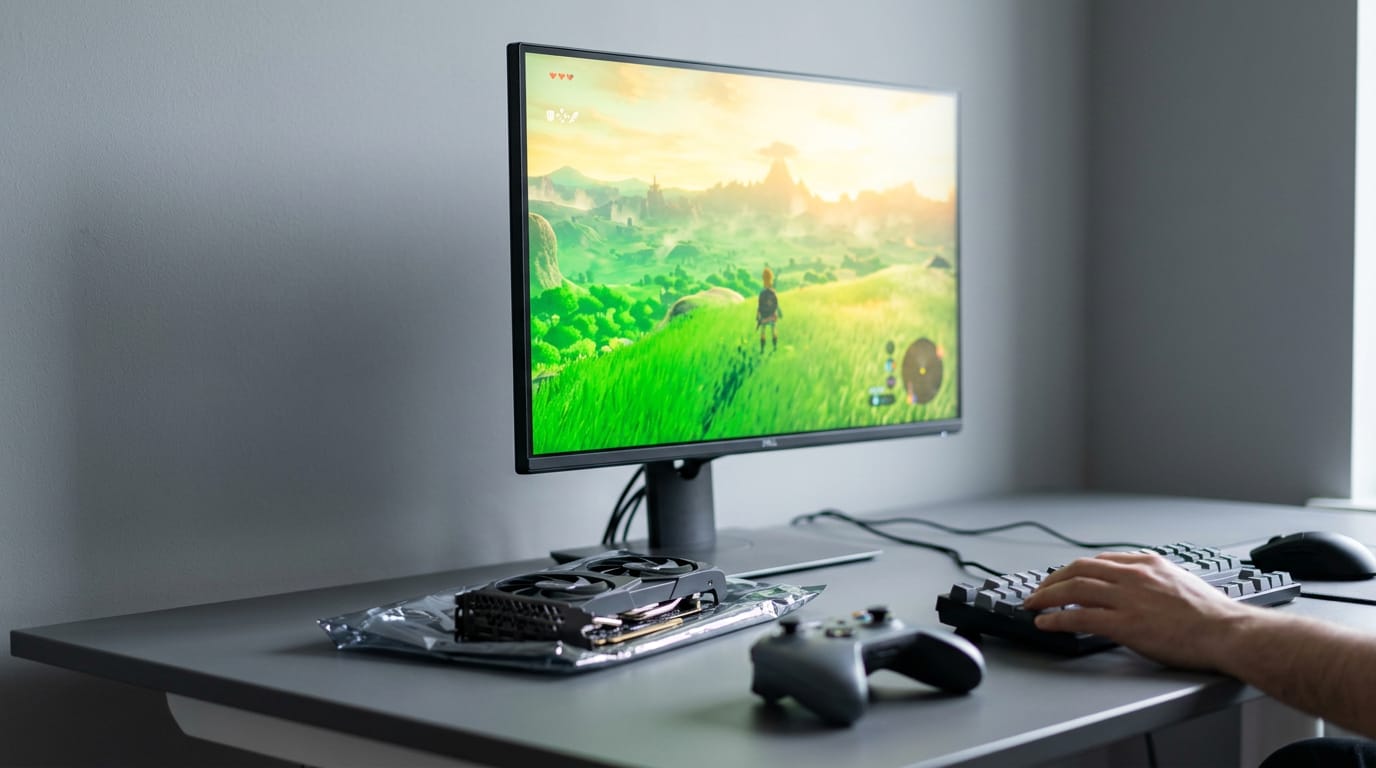
- Good for most gamers: IPS suits players who mix genres, since rich color makes open-world games shine.
- Competitive players prefer twisted nematic (TN): Those chasing the fastest response often pick these panels, which trade some color for speed.
- Console gaming is suitable: A PlayStation or Xbox looks sharp and vivid on IPS.
- Image quality vs speed: IPS favors image quality, while faster panels favor speed.
- Best IPS for esports vs single-player: Pick a fast IPS model for esports, since a standard one’s fine for story games.
- Match IPS resolution to your graphics card: A 1440p screen only helps if your graphics card (GPU) can keep up. Think of a Winnipeg builder pairing a 4K panel with a mid-range card: games won’t run smoothly until they drop to 1440p.
Watching movies and HDR content
- Mediocre in dark rooms: IPS can look washed out when the lights are low.
- Mini LED improves high dynamic range (HDR): HDR adds punchier highlights, and mini LED backlights make it look better on IPS panels.
- Vibrant streaming viewing: Shows and films look lively on an IPS screen.
Let your main use decide.
What to Check Before You Buy
Before you add a monitor to your cart, check the price, the connections, and the spec sheet. Knowing how to spot IPS (in-plane switching) tells you fast if a model fits your budget and setup.
What IPS monitors cost and what you get
Find IPS on the panel type line. IPS monitors run from mid-range to high-end, and prices can fall over time. Sort your shortlist into tiers in Canadian dollars (CAD), and compare like with like.
The value is in how the picture holds up, not just what the box claims. A paper on 55-inch 8K IPS displays notes that IPS is the mode where “the characteristics do not change with viewing angle.”
Think of a player upgrading from a washed-out monitor: a friend leaning in from the side still sees the same colors you do.
Ports, screen sizes, and setting it up
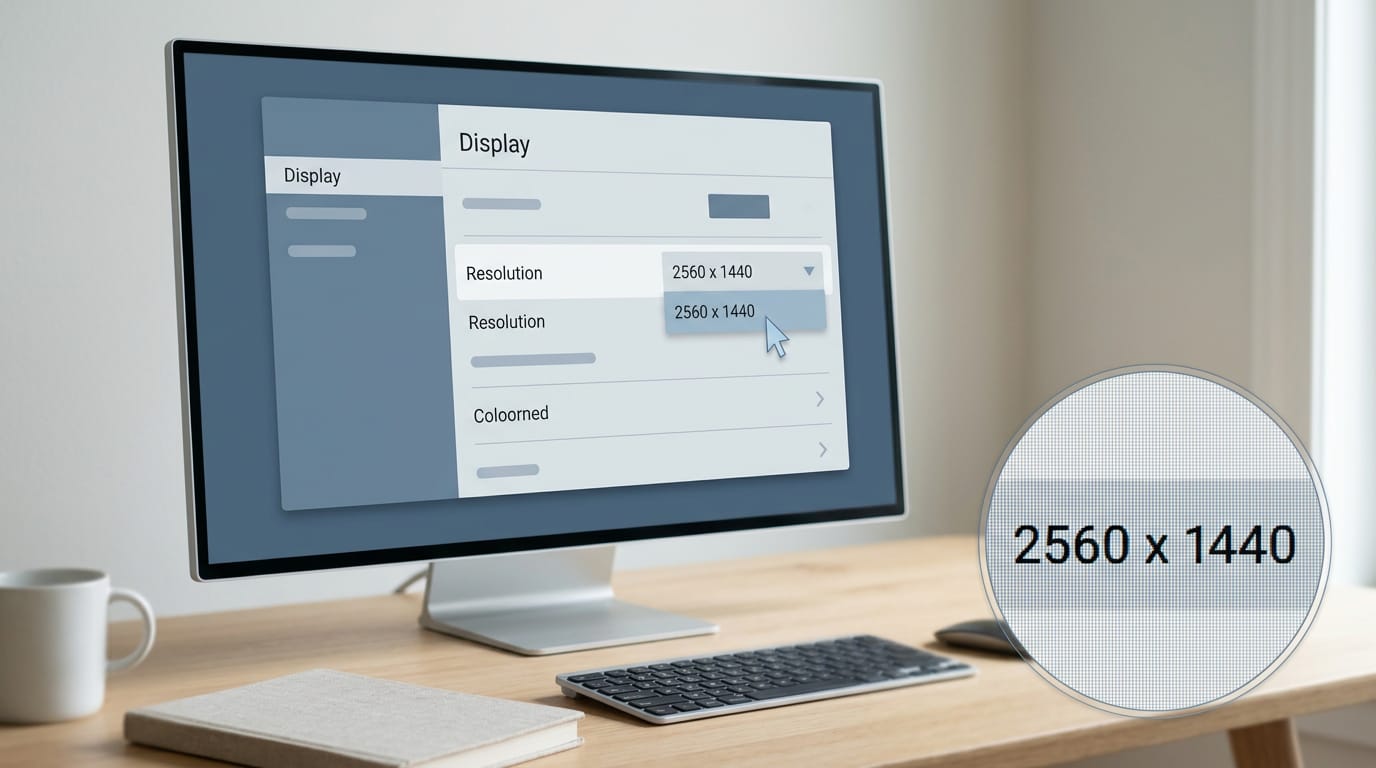
Start by matching a port on your graphics card: HDMI (High-Definition Multimedia Interface), DisplayPort, or DVI (Digital Visual Interface). Screens run from 21 to 32 inches.
A 21-inch screen suits a tight desk, while a 32-inch one needs room to spread out.
Planning to mount it? Look for VESA (Video Electronics Standards Association) mounting, the standard hole pattern on the back, and measure before you buy a bracket. Built-in speakers vary, so plan on headphones if sound matters. Running two screens?
Count the free ports on your card first so both connect without an adapter.
Example models worth considering
Two models worth a look: the HP OMEN 32s and the HP E24 G4. Compare each one’s refresh rate and resolution against the games you play, and check the stand’s height, tilt, and swivel, plus how easy the ports are to reach. Then check the cart.
Now the spec sheet should make a lot more sense. IPS describes how the screen is built, and that’s where its strengths and trade-offs come from.
Weigh it against your games, your graphics card (GPU), and the budget you’ve set in Canadian dollars, and the choice gets much simpler.
The right monitor isn’t the one with the fanciest label. It’s the one that makes the games you actually play look good on the desk you actually have, without stretching your budget.
References
- Display performance and standards for primary digital pathology sign-out: Technical specifications, validation, and quality assurance — pmc.ncbi.nlm.nih.gov (2026)
- Lifetime modeling for organic light-emitting diodes: a review and analysis | Journal of Information Display — link.springer.com (2022)
- Do users perceive the same image differently? Comparison of OLED and LCD in mobile HMDs and smartphones | Journal of Information Display — link.springer.com (2019)
- 55-in. 8K4K IPS-LCDs with wide viewing angle, high frame frequency, wide color gamut, and stereoscopic — doi.org (2018)
- Definition of IPS — pcmag.com
Questions
What is an IPS monitor good for?
IPS monitors are good for work and entertainment when you want accurate, vivid colors and a picture that stays consistent when viewed from the side. They suit photo and video editing, design, office tasks, and most gaming, though they generally have weaker contrast and blacks than VA or OLED displays.
What is better, IPS or LCD?
IPS is a type of LCD, so they are not competing categories. IPS describes how the liquid crystals work within an LCD panel; compared with other LCD types, IPS generally offers better viewing angles and color than TN, while VA typically has deeper blacks and higher contrast.
What are the downsides of IPS monitors?
IPS monitors typically have lower contrast and less convincing blacks than VA or OLED, which can limit HDR performance. They may also show IPS glow or backlight bleed, and are generally more expensive and slower than TN panels. Direct sunlight can make them difficult to use, and they draw slightly more power than some alternatives.
Is IPS better than OLED?
Neither is universally better. OLED offers perfect blacks and can outperform IPS in image quality, but it costs more and carries a risk of permanent burn-in from static images; IPS is a safer choice for long sessions with fixed on-screen elements and usually costs less.
Sources
- Definition of IPS | PCMag, pcmag.com
- Display performance and standards for primary digital pathology sign-out: Technical specifications, validation, and quality assurance, pmc.ncbi.nlm.nih.gov,
- Do users perceive the same image differently? Comparison of OLED and LCD in mobile HMDs and smartphones | Journal of Information Display | Springer Nature Link, link.springer.com,
- Lifetime modeling for organic light-emitting diodes: a review and analysis | Journal of Information Display | Springer Nature Link, link.springer.com,
- 55-in. 8K4K IPS-LCDs with wide viewing angle, high frame frequency, wide color gamut, and stereoscopic, doi.org,
Free · The Build Sheet
The Build Sheet: three gaming PCs priced at Canadian stores