What Does a CPU Do? A Plain-English Guide
What does a CPU do? See how it runs program instructions, how cores, threads, and cache work, and when your processor can limit game performance.

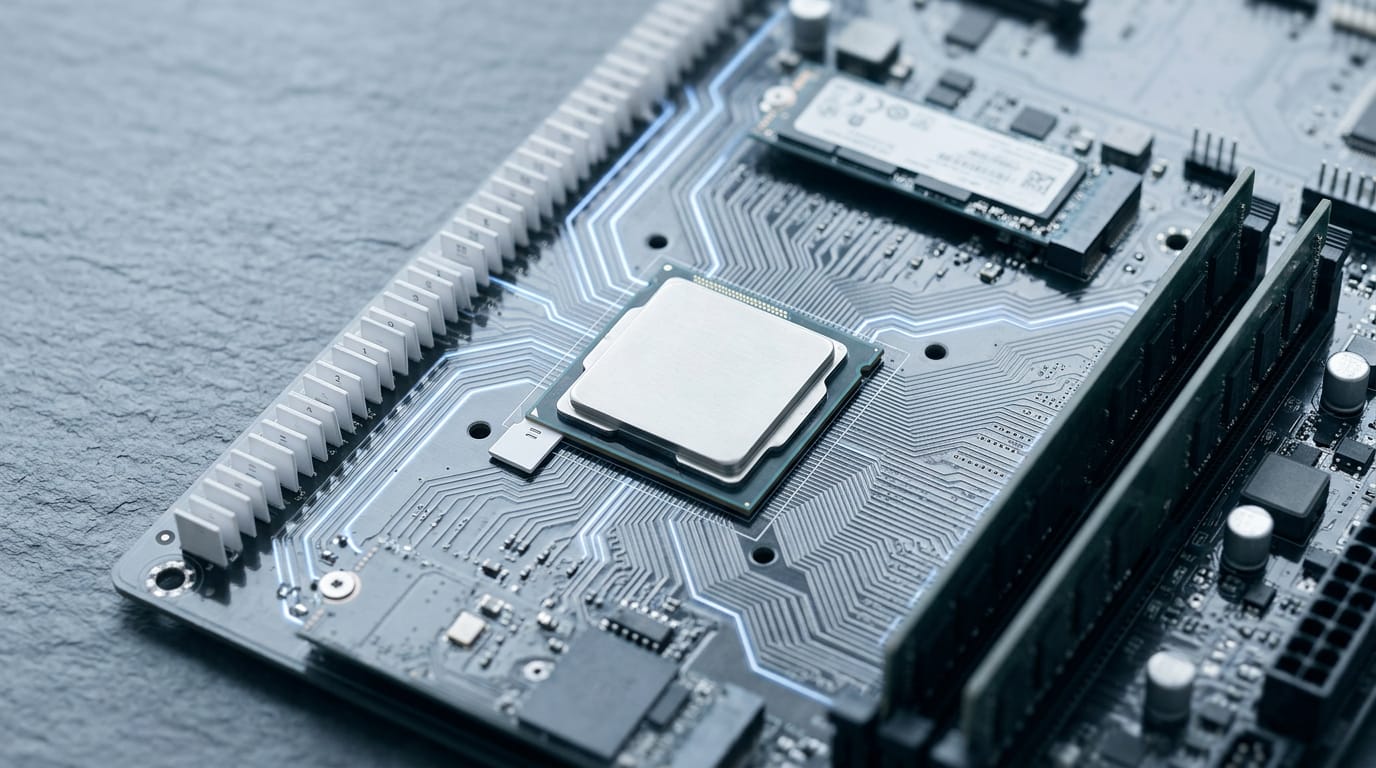
A CPU, or central processing unit, is the computer chip that runs program instructions and coordinates work between components such as memory and the graphics card. It fetches, interprets, and carries out instructions using cores, threads, and fast cache, while sharing tasks with other hardware; clock speed alone does not determine performance. In practice, the right CPU depends on the apps and games you use, and an upgrade matters when the processor is the part holding your system back.
Think of a busy restaurant kitchen. Someone has to read every order, decide what gets cooked first, and keep the line moving.
That’s the job your central processing unit (CPU) does inside your PC, whether you’re opening a browser or loading a sprawling open-world game.
The CPU runs the instructions that every program depends on, from your operating system to the game itself.
In this post, we’ll cover what it actually does, the building blocks inside it like cores, threads, and cache, and how to tell when it’s holding back your games.
What Does a CPU Do for Your PC
Of all the parts in your PC, one has the job of keeping everything else in line. Here’s what it does, and why it’s worth understanding before you spend money on an upgrade.
Why the CPU is called the brain
The central processing unit (CPU) is the chip that handles most of the thinking inside your computer, which is why people call it the brain of the computer.
It’s the command and control center, and it coordinates the other components so they work together. Think of it as the part that decides what happens next, not just the part that does the work.
Picture a gamer who clicks to launch a shooter. The CPU loads the game, reads your mouse and keyboard input, and hands instructions to your graphics card while memory and storage keep up.
That coordination is why your processor affects your frame rate (the number of images your screen shows each second) even when the graphics card gets all the attention.
Main jobs a CPU carries out
Every program you run comes down to a handful of core jobs:
- Executes instructions. It carries out the step-by-step commands every program is built from.
- Arithmetic and logic operations. It does the math and the yes-or-no comparisons that programs rely on.
- Control operations. It decides which instruction runs next and keeps the program in the right order.
- Input/output operations. It handles data coming in, like your clicks, and instructions going out to parts like the graphics card.
- Manages data flow. It moves information between memory, storage, and the rest of the system so each piece gets what it needs, when it needs it.
- Allocates memory and storage resources. Working with your operating system, it assigns memory and storage to each running program so one app doesn’t crowd out another.
None of this is flashy. All of it shapes how smooth your games feel.

The Parts Inside a CPU
The central processing unit (CPU) is built from a few parts, each with one job. Knowing what they do helps you see why some chips keep games smooth while others stutter.
Key pieces packed inside the chip
- Arithmetic Logic Unit (ALU). This is where math and decisions happen, from adding numbers to checking whether a condition is true.
- Control Unit. The traffic director. It reads each instruction and tells the other parts when to act.
- Registers. Tiny, very fast slots beside the ALU that hold the numbers being worked on right now.
- Cache memory (L1, L2, L3). Small, fast memory that keeps frequently used data close to the core. The L stands for level, and L1 is the smallest and fastest tier.
- Bus interface. The chip’s link to memory and the rest of the machine.
Cache matters because a fast core is no help if it sits idle waiting for data. Its real job is keeping work moving, not adding speed to the math. Nothing gets done without all of them.
How the classic design uses memory
The classic layout, known as Von Neumann architecture, keeps instructions and data together in one shared memory. The CPU and memory interact in a constant loop. The CPU:
- fetches an instruction,
- works out what it means,
- carries it out,
- writes the result back, then repeats.
Because everything shares one path, traffic can pile up.
Picture a player on a 1440p monitor walking into a crowded battle. The CPU suddenly has a flood of instructions and game data to handle. If memory can’t keep up, frame rate dips even when the graphics card has headroom to spare.
That’s a bottleneck, and we’ll show you how to spot one. Same graphics card, smoother game once memory and the CPU keep pace.
How a CPU Works Step by Step
Every game you play runs on the central processing unit (CPU), which works through instructions in a repeating loop. We’ll walk through that loop, and why clock speed isn’t the whole story.
Fetch, decode, execute, and store
The CPU handles each instruction in four stages:
- Fetch: pull the next instruction from memory.
- Decode: work out what it’s asking for.
- Execute: hand the job to the arithmetic logic unit (ALU), which does the math and logic.
- Store: write the result back for the next step.
Each tick of the internal clock is one cycle, and chips run billions of them per second.
Tricks that help a CPU run faster
Chip designers add these tricks:
- Pipelining: the next instruction is decoded while the current one executes.
- Superscalar execution: several instructions run at once when they don’t depend on each other.
- Multiple cores: a chip can hold several cores, each a full processing unit.
- Hyperthreading (multi-threading): one core juggles two threads so it can fill gaps when one stalls.
- Turbo Boost: the chip briefly raises its clock speed when it has thermal headroom.
In short, cores are the processing units inside the chip, and threads are the instruction streams they run.
Why clock speed isn’t the whole story
According to PC Based Precision Timing Without GPS, CPU clock speeds are commonly expressed in gigahertz (GHz), which means billions of cycles per second. Clock speed measures how fast a chip ticks, not how much work it finishes on each tick.
Take a player whose new graphics card sits idle during busy strategy turns. Before spending more on that card, they’d want to know if the processor is the real holdup. A gigahertz number alone won’t settle it. Speed isn’t everything.
How a CPU Affects Performance and Apps
Your CPU shapes how fast everything responds, from startup to the game you bought it for.
What does having a good CPU do?
A good CPU is less about peak speed and more about steady speed. Here’s how that shows up:
- Processing speed. Calculations finish sooner, so every task moves along faster.
- Multitasking ability. Browsers, music, and games run side by side without stalling each other.
- Boot and app loading. Your system starts and apps open faster.
- System responsiveness. Clicks and menus react right away.
Less waiting, more doing.

Tasks that lean on CPU power
Some tasks lean on the processor far more than others.
- Video editing and rendering. Exporting a finished video is largely processor work.
- Scientific simulations. Long calculations finish sooner on a faster chip.
- Business servers. Many simultaneous requests depend on the processor keeping up.
- Artificial intelligence (AI) and machine learning. Heavy math often runs on a graphics processing unit (GPU), with the CPU managing the work.
Gaming splits the work between two chips. The processor runs game logic and physics, while the graphics card draws the picture. Many CPUs include integrated graphics for light games, but demanding titles need a dedicated card.
The processor can also cap your frame rate, the frames per second (fps) on screen. For example, a player whose game stutters in big fights despite a strong graphics card may be held back by the processor, so a CPU upgrade helps where a new card won’t.
Keeping power use and heat under control
- Power-saving modes. When the load drops, the CPU slows down and draws less power.
- Thermal management. The CPU eases off before it overheats, so a clean, working cooler keeps it at full speed.
- Battery life. On a laptop, low idle power stretches how long you can work away from an outlet.
Picking the Right CPU for Your Needs
Your central processing unit (CPU) has to fit your games, motherboard, and budget. Here’s how we’d narrow it down.
What to check before you buy
- Workload requirements. Start with what you run. A player who streams while gaming needs more cores than one who only plays, so their budget leans toward the chip.
- Core and thread count. Cores are the processing units inside the chip, and threads are the work streams each core juggles. More helps multitasking, but a game may not use them all.
- Clock speed. Measured in gigahertz (GHz), it’s how fast each core runs. Higher is generally better within the same family, but it’s only one number.
- Cache size. Cache is a small, fast memory that stores data the processor reuses. Bigger cache can help games, so don’t skip it.
- Power consumption and TDP. Thermal design power (TDP) is the heat a chip is designed to give off, a rough guide to the cooler you’ll need.
- Socket and motherboard compatibility. The socket is the physical connection between chip and board, so a chip only fits a board with a matching one. Pick the two together.
- CPU value per Canadian dollar. Compare what each chip delivers against its price in Canadian dollars (CAD), using current prices at Canadian retailers.
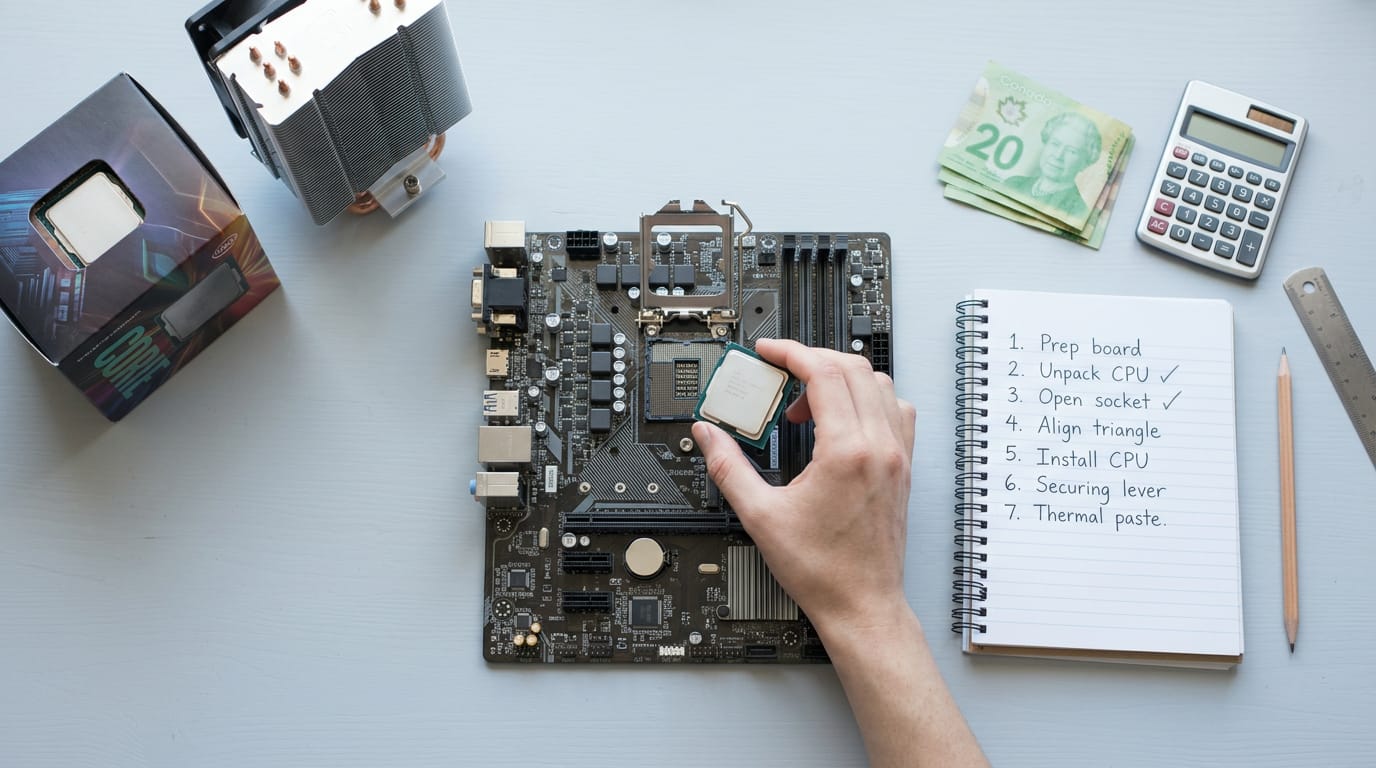
Popular models and how they compare
- Spec comparison tables. Line up your shortlisted chips in one table, with the checklist items as columns.
- Intel vs AMD. Compare models, not brands. Match an Intel chip and an Advanced Micro Devices (AMD) chip at a similar price, then let the specs decide.
- Benchmarks and reviews. A benchmark is a standardized test of chip performance. Think of a player who checks reviews for a favourite game at 1080p (full HD), sees steady frames per second (FPS), and puts the savings toward a graphics card.
How often should a CPU be replaced? There’s no fixed schedule. Replace it when benchmarks and your own FPS show it’s holding back your games. Age alone isn’t the reason.
Myths, Questions, and Where CPUs Are Headed
Central processing units (CPUs) attract plenty of myths, so let’s clear them up.
Myths people often believe about CPUs
Many believe the CPU is the only part that matters, but a fast chip with a weak graphics card holds you back too. Not all CPUs are the same, so an office chip may struggle in a demanding game.
Many treat overclocking as free speed. So what is CPU overclocking? It’s pushing a chip past its factory speed through your motherboard’s settings. Picture a player who overclocks for extra frames, then gets random crashes.
Those frames often aren’t worth the risk.
CPU vs GPU and other common questions
The CPU handles general tasks, while the graphics processing unit (GPU) draws the picture. The CPU decides what happens; the GPU shows how it looks. Your computer can’t run without a CPU.
Multi-threading lets one core juggle several streams of instructions, called threads. Many modern games spread work across cores, so more threads help when you stream while gaming.
A bottleneck is one part holding back the rest. Picture a budget builder with a strong graphics card whose frame rates still dip.
Check a monitoring tool: if the processor sits near full load while the GPU has spare capacity, the CPU is the limit, so that’s where the upgrade belongs.
Where the chip industry is heading
Intel and AMD (Advanced Micro Devices) compete hard. Chipmakers keep shrinking the transistors (tiny switches) inside each chip, and smaller usually means more efficient.
Newer chips add dedicated blocks for artificial intelligence (AI) tasks and hardware security features to protect your data. Chips once leaned on one fast core, but today’s chips pack several, so software had to adapt. The single-core era is over.
Your CPU reads the instructions, sorts the work, and hands jobs to the right cores. Once you know that, the spec sheet stops looking like a foreign language, and you can spot when a slowdown comes from the processor instead of the graphics card.
Start with the games and apps you actually use, then match the chip to that job instead of chasing the biggest number. The right processor is the one that keeps your games smooth on the Canadian budget you actually have.
References
- PC Based Precision Timing Without GPS — dl.acm.org
Questions
What is CPU overclocking?
CPU overclocking means pushing a processor beyond its factory speed, usually by changing settings in the motherboard. It can improve performance, but may cause instability, crashes, or extra heat.
What are CPU cores and threads?
CPU cores are individual processing units inside a processor that can handle work. Threads are instruction streams that cores run; multi-threading lets a core manage more than one thread to keep work moving when one stalls.
How often should a CPU be replaced?
There is no fixed replacement schedule for a CPU. Replace it when testing and your actual tasks show it is holding back performance, rather than simply because it is old.
What does having a good CPU do?
A good CPU processes calculations quickly, supports multitasking, and helps apps load and the system respond smoothly. It also handles game logic and can help maintain frame rates, especially when the processor is limiting performance.
Sources
- PC Based Precision Timing Without GPS, dl.acm.org
Free · The Build Sheet
The Build Sheet: three gaming PCs priced at Canadian stores