What Is a CPU Register? A Complete Guide
What is a CPU register? See how its types, width, and memory-hierarchy role show why it matters less to your gaming budget than cores or cache.

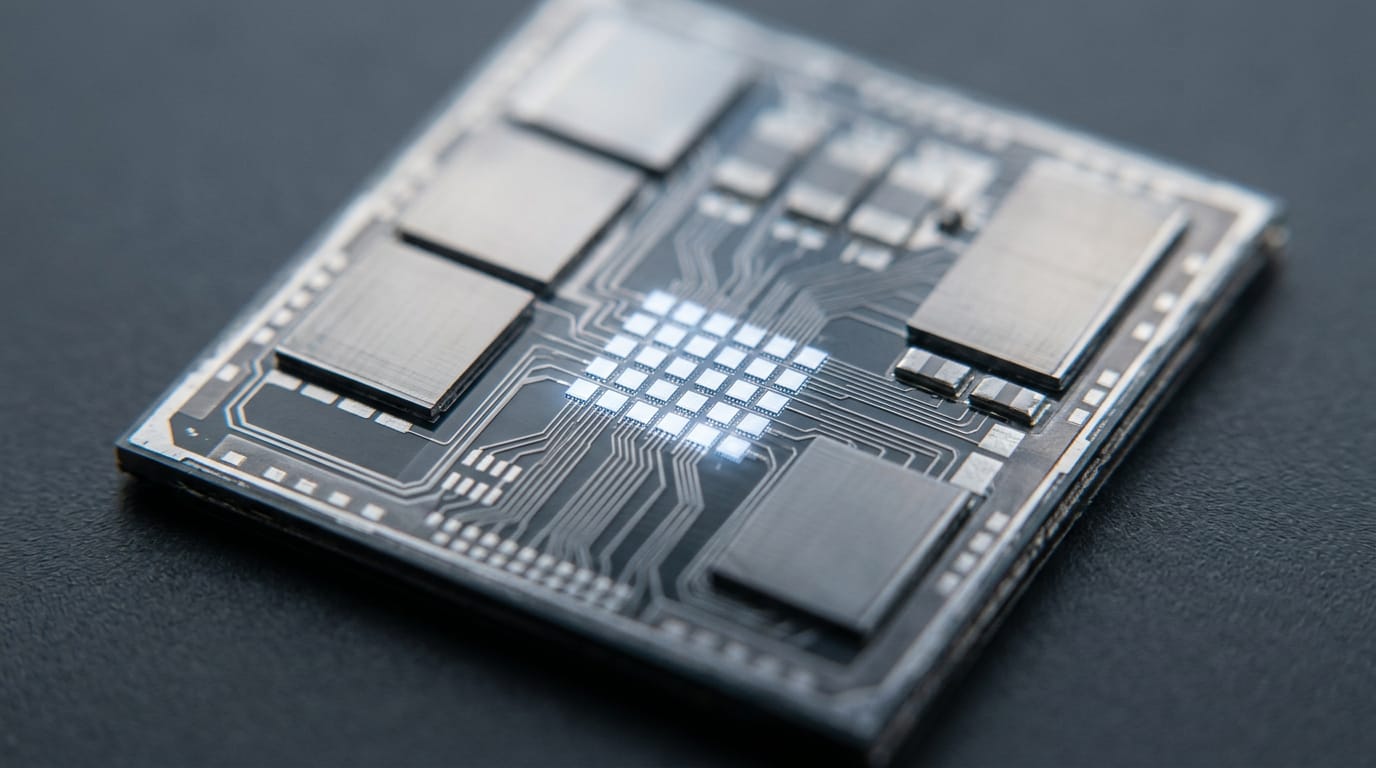
A CPU register is a tiny, fast storage location inside the processor that holds the data, addresses, or state it is using right now. Registers help the CPU work without repeatedly fetching intermediate values from memory, but their number and width depend on the processor architecture and do not directly measure speed. For everyday CPU buying, compare cores, cache, and architecture rather than register counts.
Think of a cook in a busy kitchen. The ingredients they’re chopping right now sit on the cutting board, not back in the walk-in fridge.
A CPU register is a tiny storage spot inside the central processing unit (CPU) that holds the data the chip is working on this instant, and it plays that same role for your processor.
In this post, we’ll cover what registers do, the main types, where they sit in the memory hierarchy, and why they matter less to your gaming budget than cores, cache, and architecture do.
What a CPU Register Is and Does
Registers are tiny, but every instruction depends on them. Here’s how they work.
A small storage spot inside the CPU
A CPU register is a small storage location built into the processor. It holds values, memory addresses, and the chip’s current state. You’ll also see it called a processor register.
Names and roles depend on the processor architecture, the chip’s underlying design. A register holds what the CPU needs right now, not everything your game has loaded. Register details rarely appear on a product page.
How instructions use registers as they run
Each instruction names its registers. A source register holds an input, and a destination register receives the output. The values read from source registers, called operands, go to the arithmetic logic unit (ALU), the part that does the math.
The instruction, not the bits, decides whether they mean a number or a memory address.
Registers work inside the fetch-decode-execute cycle, the loop a CPU repeats for every instruction. The five core functions of a CPU are:
- Fetching instructions from memory
- Decoding what each one asks for
- Executing it
- Accessing memory when data is needed
- Writing results back
Following a simple addition step by step
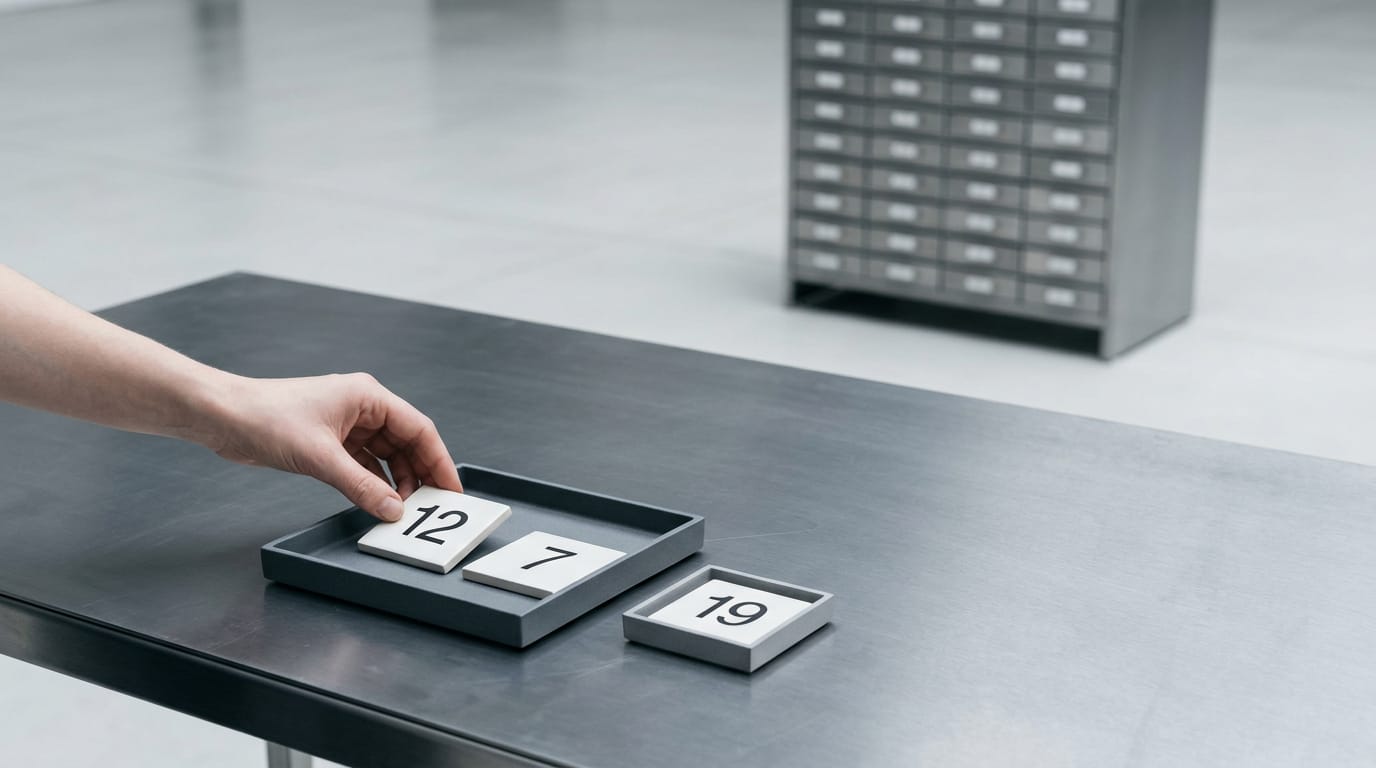
Say you want to add 12 and 7:
- Load 12 and 7 into registers.
- Add them, placing the sum in a destination register.
- Store the sum back to memory.
Intermediate values like the sum stay in registers, ready for the next instruction to reuse, so the chip doesn’t need a memory trip at each step. Think of a player whose boss fight tallies damage hit by hit.
Each addition follows this pattern, and the running total stays right next to the math. That’s the whole trick.
The Main Kinds of Registers
A register is a small, fast storage slot inside the processor. You’ll see counts on spec sheets, but they only make sense once you know the kinds.
The usual groups of registers
- General-purpose registers. Hold the numbers and addresses a program is working on.
- Program counter. Holds the address of the next instruction.
- Status and flag registers. Record outcomes, such as whether a result was zero.
- Floating-point and vector registers. Hold fractional numbers and batches of values.
- Control and system registers. Set how the processor runs and how the operating system steers it.
- Internal implementation registers. Used inside the chip and hidden from software.
How RISC-V, Arm, and x86 differ
Each instruction set architecture (ISA), the contract between software and processor, defines its own registers.
- RISC-V RV32I: 32 integer registers, each 32 bits wide, per RISC-V’s RV32I specification.
- Arm AArch64: 31 general-purpose registers, each 64 bits wide, per Arm’s Community blog.
- Intel x86: its own naming and usage conventions, so counts don’t compare directly.
- Not interchangeable: these are definitions of each design, not scores of speed.
Think of a gamer comparing two chip spec sheets who wonders which register count will run games faster. That number won’t answer it. For a Canadian budget, check cores, cache, and architecture instead, the figures that shape how your games run.
Visible registers versus the hidden pool
The registers a program can name are the architectural registers, the software-visible model the ISA defines. Behind them sits an internal physical register pool.
Register renaming maps each architectural name to a free physical register, so instructions reusing a name don’t wait on each other. That reduces false dependencies, waits caused by a shared name rather than shared data. The program never sees any of it.
How Registers Fit the Memory Hierarchy
Registers sit at the top of the memory hierarchy, the ladder of storage that trades size for speed, from a few spots inside the central processing unit (CPU) down to random access memory (RAM) in your PC. Here’s where each rung fits.
Registers, RAM, and cache compared
Registers are about speed more than space. They offer limited, directly named storage, while RAM holds larger working sets. Between them sits cache, which is managed by hardware.
A 1989 paper on unified management of registers and cache notes that the compiler (the tool that turns code into machine instructions) manages registers, while cache is mostly controlled by hardware with no understanding of the program.
Access latency, the wait before a value arrives, also differs at each level. According to Clayton Cafiero’s memory hierarchy notes, dynamic RAM (DRAM) typically takes 50 to 100 nanoseconds to access, or 150 to 300 clock cycles at 3 gigahertz.
| Level | What it holds | Speed |
|---|---|---|
| Registers | Limited, directly named values | Fastest, closest to the core |
| Cache | Frequently reused data, managed by hardware | Faster than RAM, slower than registers |
| RAM | Larger working sets | Slowest of the three |
For games, cache size is the number that matters most. Think of a player on a fixed budget choosing between two chips with the same core count. The one with more cache keeps more of their game’s working data close at hand, so that’s the chip we’d buy.

Moving data in and out of registers
Most processing follows the same rhythm in three steps:
- Load a value from a memory address into a register.
- Operate on the register values with the chip’s math circuits.
- Store the results back to memory.
What registers are physically built from
Registers aren’t simply built like static RAM (SRAM) or DRAM, the chips behind cache and main memory. Many registers sit together in a register file, a block of storage often built from flip-flops, small circuits that each hold one bit.
The exact circuits depend on the chip’s design. There’s no single recipe.
MAR and MBR in textbook diagrams
You’ll also spot MAR and MBR in textbook diagrams. They stand for the memory address register, which holds the address being accessed, and the memory buffer register, which holds data moving to or from memory.
These are abstract teaching labels for the datapath. Most programmers never see them directly, and real processors may arrange these parts differently.
How Register Width and Count Matter
Width and count sound like spec-sheet trivia. Here’s what each one changes.
How 32-bit and 64-bit registers differ
A register’s width is how many bits it holds at once. A 64-bit register handles bigger values than a 32-bit one and sets the size of pointers, the addresses programs use to find data. It isn’t a speed rating.
If two chips list the same width, that spec won’t separate them. Think of a player with an $800 budget choosing between two processors. Their deciding factors are cores, cache (fast on-chip memory), and benchmark results for the games they play.
When registers run out and spill
Registers are the processor’s scratch space, and there are only so many. More registers mean fewer trips to main memory, so less memory traffic.
When a program needs more values than registers hold, the compiler, the software that turns code into chip instructions, parks the extras in memory. That’s spilling, and each spill is a slower trip.
The compiler handles this through register allocation, deciding which values get a register at each moment. A bigger register count isn’t a simple speed measure, though. Spilling isn’t a number to compare at checkout.

Wide registers for parallel data work
Some processors use wider registers split into several lanes. One instruction then runs the same operation across all lanes at once, a design called SIMD (single instruction, multiple data). It suits image editing, audio work, and machine learning (ML).
Width doesn’t make a chip faster by itself. Only parallel work that splits cleanly into lanes benefits, and other programs gain nothing extra. For gaming, cores and cache are still the first numbers to compare.
When Registers Matter and Common Myths
Registers rarely matter in everyday gaming, but you’ll meet them in a few places, and we’ll clear up common myths.
Where registers come up in practice
- Assembly and architecture learning. Assembly language, a readable form of chip instructions, names registers directly.
- Debugging and crash dumps. When a player’s game crashes, an engineer reads the register values in the crash dump to find the fault.
- Operating system and driver development. Your operating system saves registers when switching programs, and drivers use them to control hardware.
- Calling conventions and application binary interfaces. They set the rules, such as which registers carry function inputs.
Myths people often believe about registers
- Registers aren’t tiny random access memory (RAM) chips. They’re part of the central processing unit (CPU), not separate memory.
- Every CPU has a unique register set. Chips in one architecture family share one.
- A 64-bit CPU means all data is 64-bit. The 64 describes register width, and programs still use smaller values.
- More registers aren’t always faster. What matters is how software uses them.
- Not every register is visible to apps. The operating system keeps some off-limits to normal programs.
Quick answers to common register questions
- Processor vs. CPU register. Processor and CPU mean the same chip. A register is a small storage slot inside it.
- Registers faster than RAM. Yes. They sit inside the core, so the chip skips the trip to memory.
- How many registers. It depends on the architecture, and registers aren’t on spec sheets. Skip the count. Compare cores, cache, and architecture.
- Can’t add registers. The count is fixed by chip design, so no upgrade adds more.
- Spilling. When a program needs more values than registers, the extras go to slower memory.
Registers are the small, fast workspace at the top of the memory hierarchy, holding the exact data your processor is using at this moment. They’re worth understanding, but they rarely decide which CPU belongs in your cart.
For gaming, that choice comes down to cores, cache, and architecture, weighed against the budget you actually have in Canadian dollars. Let the registers do their quiet job, and put your money where you’ll feel it: in how smoothly your games run.
References
- Memory hierarchy — uvm.edu (2026)
- Unified management of registers and cache using liveness and cache bypass | Proceedings of the ACM SIGPLAN 1989 conference on Programming language design and implementation — dl.acm.org
- 1.1. RV32I Base Integer Instruction Set, Version 2.1 :: RISC-V Ratified Specifications Library — docs.riscv.org
- Arm Community — developer.arm.com
Questions
What is the difference between a CPU register and RAM?
A CPU register is a tiny storage location inside the processor that holds values or addresses the CPU is using right now. RAM is much larger main memory that stores a program’s broader working data, but accessing it is slower than accessing a register.
What are the 5 functions of a CPU?
The five core functions of a CPU are fetching instructions from memory, decoding them, executing them, accessing memory when data is needed, and writing results back. These steps form the repeated fetch-decode-execute cycle.
What are registers and its types?
Registers are small, fast storage locations built into the CPU that hold data, addresses, or processor state for current operations. Common types include general-purpose registers, the program counter, status and flag registers, floating-point and vector registers, and control and system registers. Some internal registers are hidden from software.
Sources
- 1.1. RV32I Base Integer Instruction Set, Version 2.1 :: RISC-V Ratified Specifications Library, docs.riscv.org
- Arm Community, developer.arm.com
- Memory hierarchy – Clayton Cafiero, uvm.edu,
- Unified management of registers and cache using liveness and cache bypass | Proceedings of the ACM SIGPLAN 1989 conference on Programming language design and, dl.acm.org
Free · The Build Sheet
The Build Sheet: three gaming PCs priced at Canadian stores