What Does 4K Mean on a TV? A Simple Explanation
What does 4K mean on a TV? Find 4K shows, see how upscaling improves older content, compare 4K with 8K, and check specific TV models by brand.

4K on a TV means a resolution of 3840 × 2160 pixels, about four times the pixels of Full HD; UHD is the common label for the same TV standard. The extra detail is most noticeable on larger screens, from closer seats, and with native 4K content, while upscaling can improve older shows but cannot add detail they never captured. In practice, check that your shows or devices, HDMI cable, and TV can deliver 4K, and choose 4K over pricier 8K unless your screen, seating distance, and available content make the extra resolution worthwhile.
Picture a store flyer with 4K printed on three TVs and no explanation in sight. It’s easy to feel like you’re missing something. You’re not. 4K is simply a name for how many pixels, the tiny dots that build every image, a screen packs in. When one of those tiny dots fails, it can leave a dead pixel on your screen.
In this post, we’ll cover what the name means, where to find 4K content, and whether you’ll notice the difference from your couch.
We’ll sort out the HDMI (High-Definition Multimedia Interface) cables and high dynamic range (HDR) settings you need, and what a Canadian-budget gamer should prioritize.
What Does 4K Mean on a TV
The 4K label on a TV is really a pixel count, so once you know that number, the rest of the jargon gets easier.
The pixel count behind the 4K name
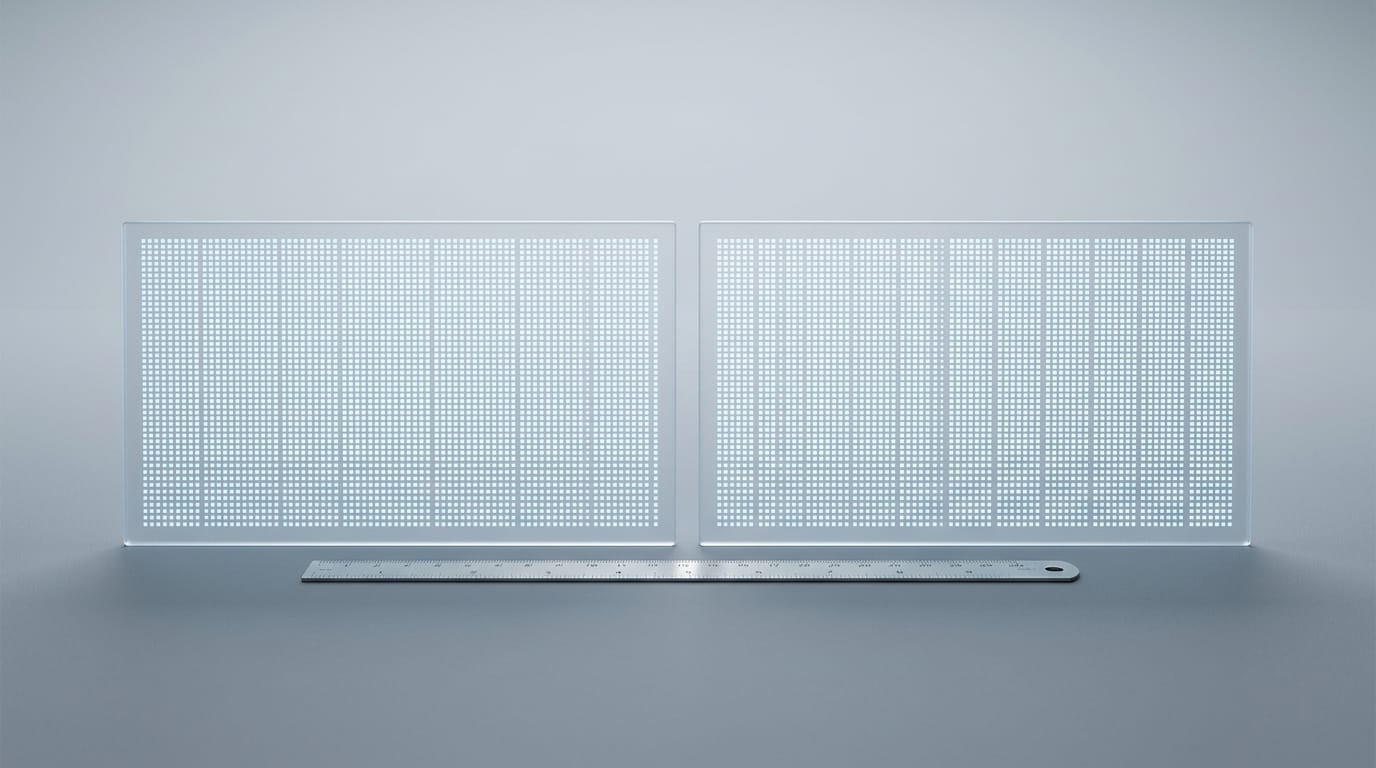
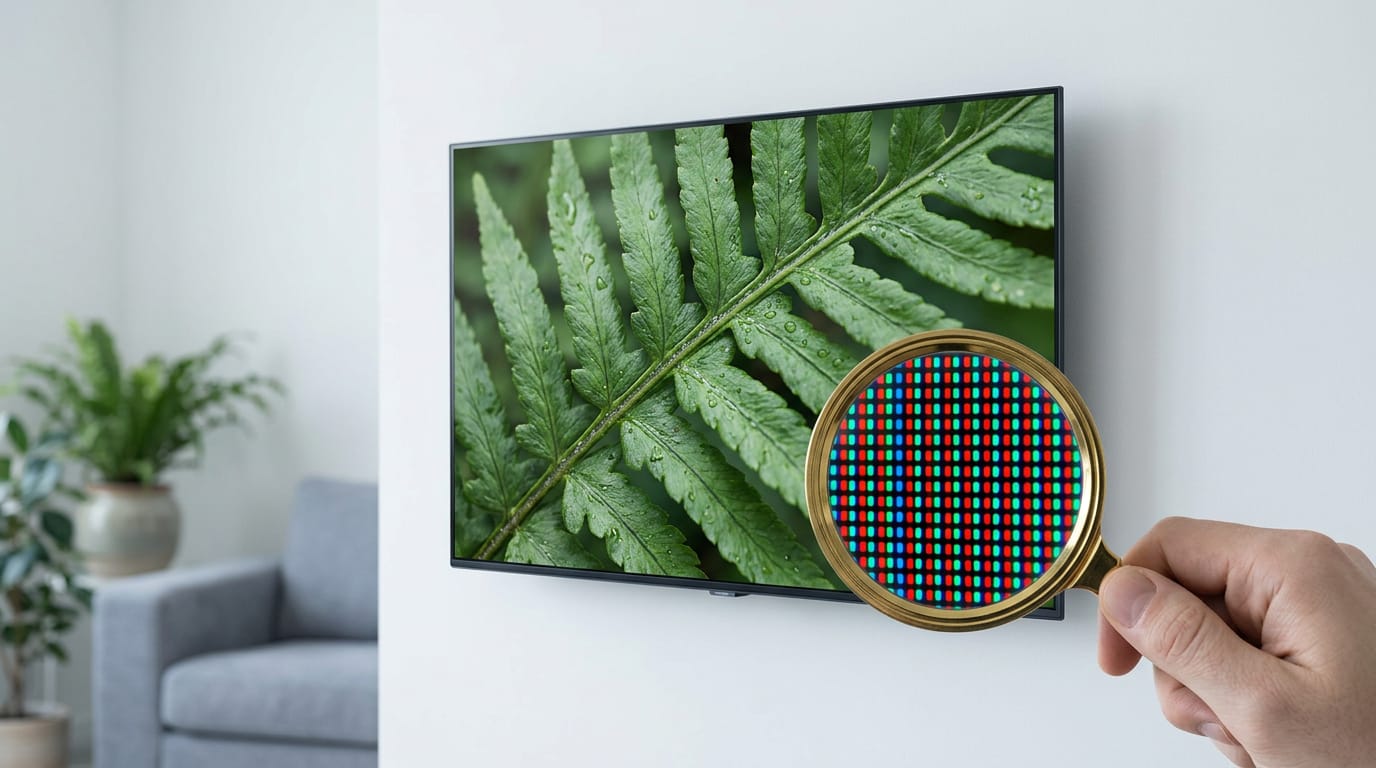
Every picture is built from pixels, the tiny dots of light that make up the image. According to NBC News, a 4K TV has 3840 x 2160 pixels, four times the pixels of Full HD.
That’s about 8.3 million pixels, and the name comes from a width of roughly 4,000 pixels across. The count is about how many pixels, not how big the screen is.
Think of a gamer comparing two TVs for their console at the same price, both labelled 4K. Checking the spec sheet for 3840 x 2160 takes seconds and confirms what the 4K label promises before they pay. Check the number, not the sticker.
Wondering whether 4K means smart TV? It doesn’t. A smart TV has built-in apps and internet streaming, and 4K only describes resolution.
What does UHD stand for?
UHD stands for Ultra High Definition. 4K and UHD are used interchangeably on TV boxes, so either label describes the same 3840 x 2160 standard. UHD is the technical name, and 4K is the everyday shorthand.
Cinema 4K is 4096 x 2160, which is close to the TV standard but not identical.
Where 4K sits between HD and 8K
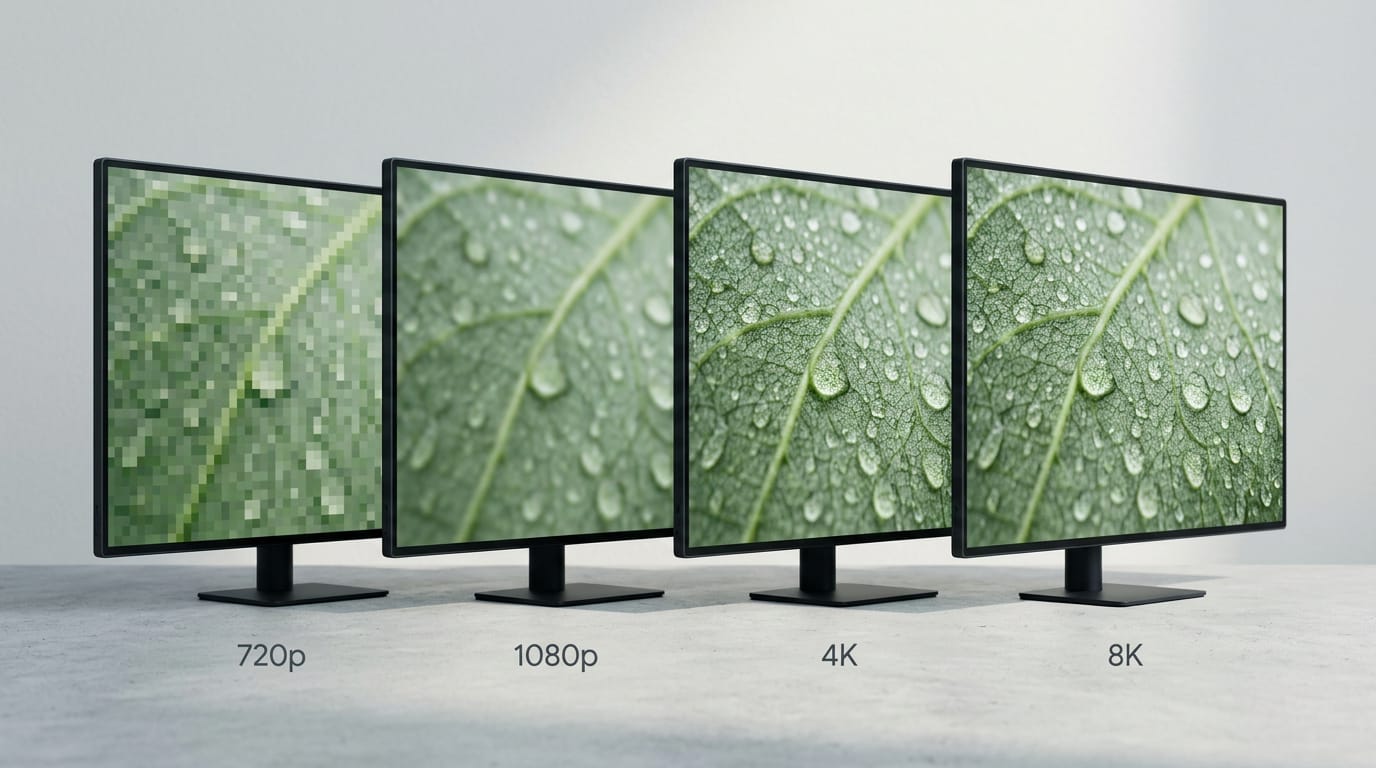
The ‘K’ stands for kilo, meaning a thousand, so 8K is roughly 8,000 pixels wide. Here’s the ladder, from 720p HD (high definition) up to 8K:
- 720p HD. The entry point for HD.
- Full HD. 1920 x 1080, also called 1080p.
- 4K. 3840 x 2160.
- 8K. 7680 x 4320.
That’s the whole ladder.
Finding 4K Shows and Upscaling the Rest
Why does a shiny new 4K TV sometimes look soft? It only shows real 4K when what’s coming in is 4K.
Sources that actually play native 4K
A 4K TV alone isn’t enough. You also need native 4K coming in, meaning content made at that resolution. To know if your TV can play 4K, check the box or spec sheet for 4K or Ultra HD (UHD).
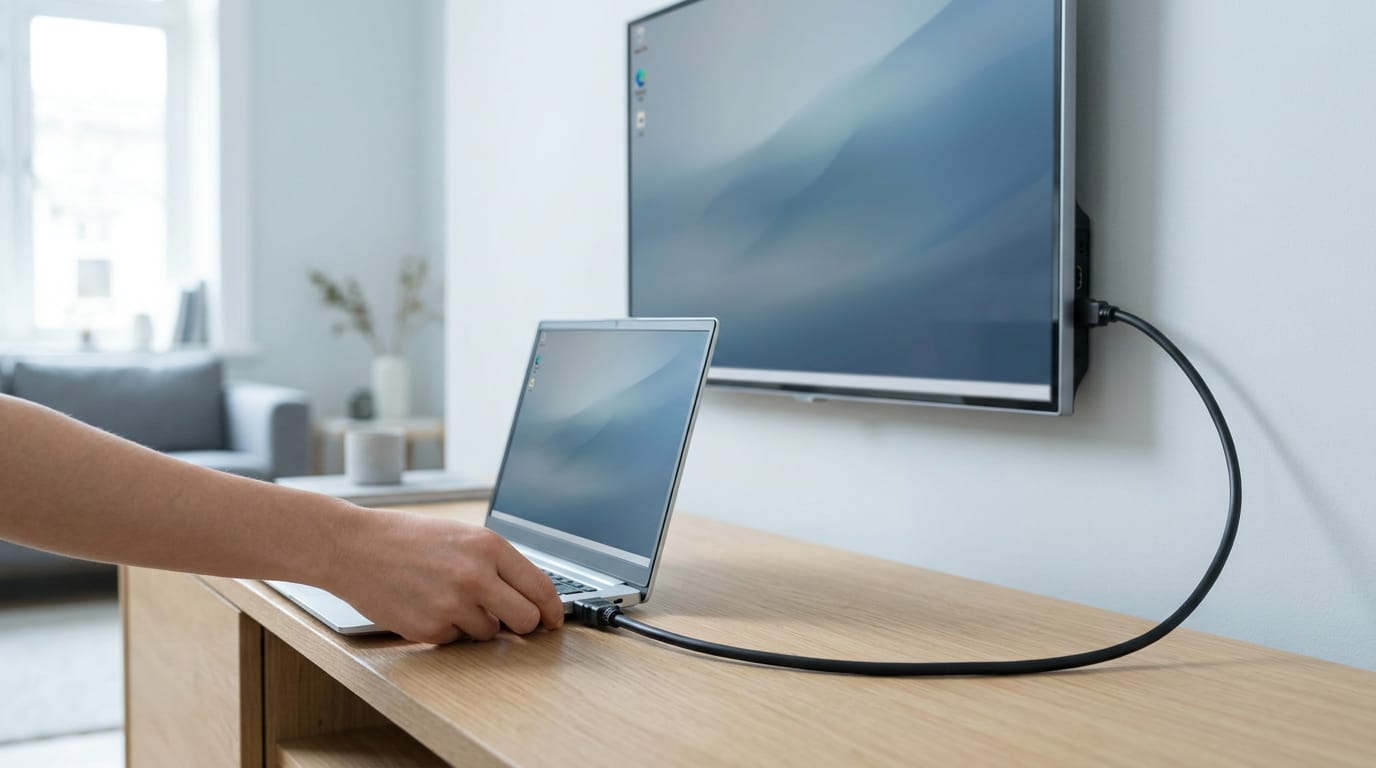
Netflix, Disney+, YouTube, and Prime Video all offer 4K titles, but each one is its own case. Does a regular HDMI (High-Definition Multimedia Interface) cable do 4K? It depends on the cable’s rating, not its name, so check the packaging.
How TVs upscale older HD and SD shows
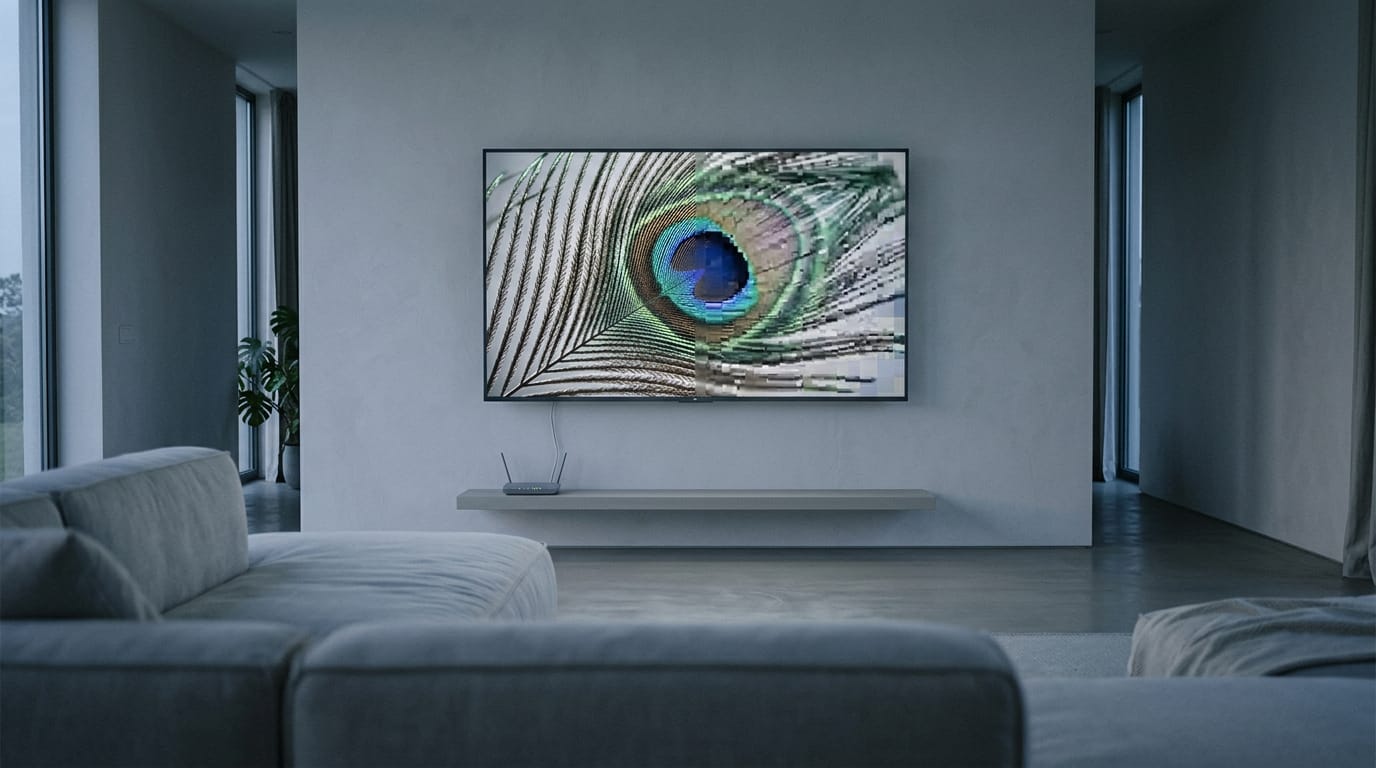
Older HD and SD shows lack the detail a 4K screen wants, so your TV stretches them to fill it. That’s upscaling. Many newer sets use AI (artificial intelligence) processors that guess at the missing detail, which can look better than a plain stretch.
It’s still not true 4K, though, because the TV is creating pixels, not recovering detail the show never recorded. Picture a gamer who brings home a new 4K set and wonders why an old sitcom looks softer than their game.
It’s the show, not the TV, so they can stop blaming the set. Upscaling still helps older shows look sharper on a big screen.
How much internet speed 4K streaming needs
Streaming 4K takes far more data than HD. According to SpeedMetric’s guide to Netflix speeds, Netflix recommends 15 megabits per second (Mbps) for 4K, versus 3 Mbps for HD. If your connection slows, the stream falls back to HD.
Compression, the way video gets squeezed to travel over the internet, keeps improving over time, so streams get more efficient as time goes on.
How Much 4K Improves Picture Quality
More pixels only help if you can see them. Screen size, seating distance, and your source decide how much you’ll notice.
Detail and colour you can actually see
More pixels mean more detail and depth, so menus, subtitles, and fine lines in grass or brick look sharper. Colour rendering improves too, but keep it separate from high dynamic range (HDR).
4K is about how many pixels you get, while HDR is about how bright the highlights get and how much contrast the picture can show. A TV can have one without the other. The result is a life-like, window-like image.
How screen size and seating distance matter
The benefit grows with screen size, and sitting closer adds impact. Even from farther back, a bigger screen fills more of your field of view, making games feel more immersive.
Think of a player who moves from a bedroom TV to a bigger 4K set in the living room, where the couch sits closer. The in-game map text becomes readable without squinting. The pixels are there. Your seat decides whether you see them.
Where 4K quality hits its limits
4K has limits too. According to a paper on scanning motion picture film, 4K film images are comparable to 35mm film in resolution.
The biggest real-world limit is compression: streaming squeezes video to fit your connection, which can soften the detail 4K is meant to show.
Here are the main disadvantages of a 4K TV:
- Small screens or far seats: you may pay for detail you can’t see.
- Compressed video: the squeeze can erase extra pixels before they reach the panel.
- Weak sources: a 4K set can’t rescue a poor picture.
4K or 8K When You’re Shopping
Is 8K worth it, or is 4K already doing the job? That depends on your screen size, your seating, and what you’ll actually watch.
How 8K’s extra pixels stack up
An 8K screen has four times the pixels of a 4K screen. A pixel is one tiny dot of light, and an 8K image holds over 33 million of them, according to a research paper on a compact 8K camera.
Can your eyes tell the difference? Sometimes. A new study reported by The FPS Review found most people couldn’t spot 8K versus 4K on a 44-inch screen from more than 2.5 metres (just over 8 feet) away. It’s distance and screen size that decide it.
Where to find 8K content today
There’s very little 8K content yet, while 4K content is widely available. You can find some 8K clips on YouTube and Vimeo, but that’s a long way from a full library.
So why is 8K being discontinued? Because it has limited content compared with 4K. According to CHOSUNBIZ, major manufacturers are gradually stopping new 8K TV models, and Samsung Electronics is effectively the only one left.
Weighing cost, room, and future-proofing
Your budget comes first. 8K sets cost more than 4K, and that premium only pays off if you can see the detail and have content to watch.
The future-proofing argument says more pixels will matter later. With content this thin, buy for today’s viewing, not someday’s.
Consider your viewing environment. Think of a player gaming from a couch across the living room from a 55-inch TV. At that distance, the extra pixels are mostly lost, so that money may do more on a screen with smoother motion.
Playing games in 4K without native 8K
Current consoles don’t render native 8K, which means drawing every pixel at full 8K resolution, so 4K is your realistic target.
Many games use dynamic resolution scaling (DRS), which lowers resolution during busy scenes and sharpens back up when things calm down, keeping your frame rate (images per second) steady.
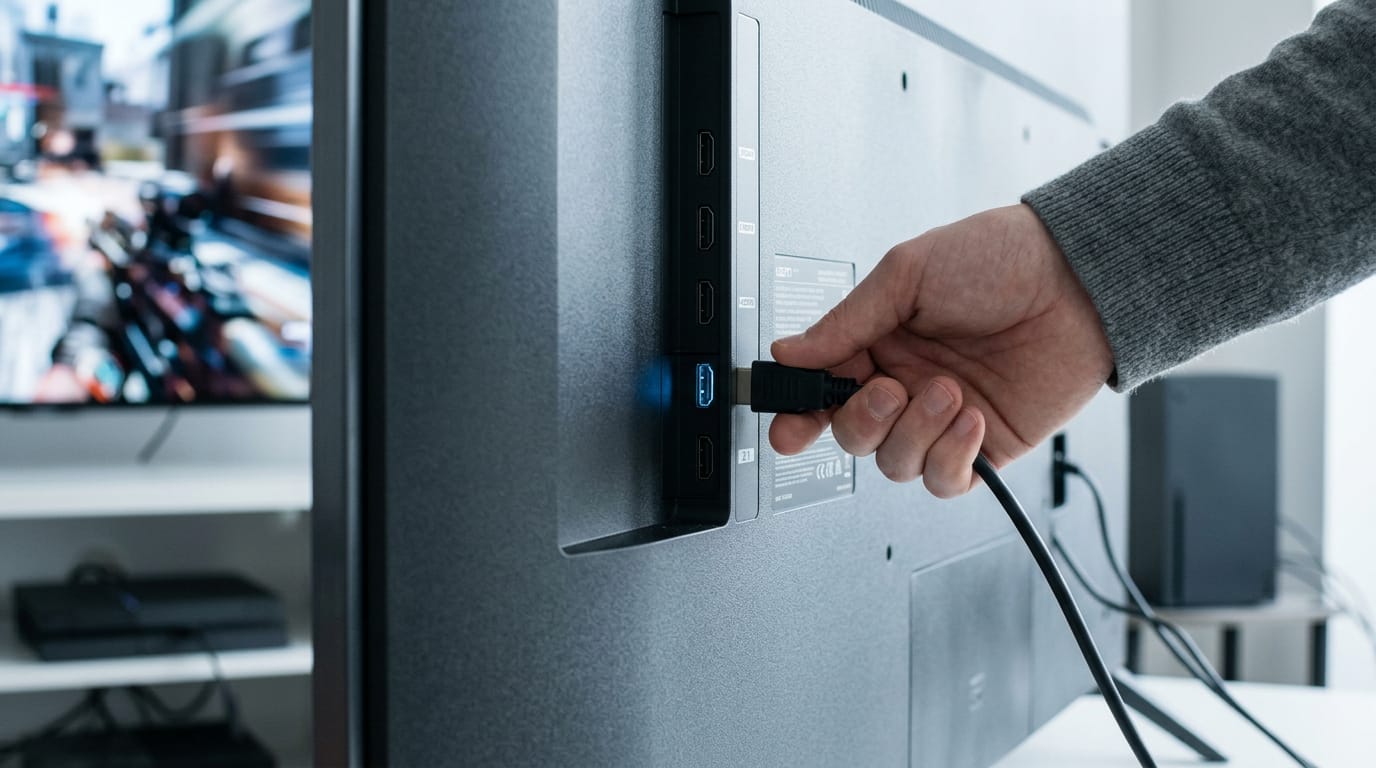
For 4K at 120Hz (120 screen updates per second), you need an HDMI (High-Definition Multimedia Interface) 2.1 port on your TV and a cable that supports it. Think of a player buying a console for fast shooters.
If they plug into an older port, they’re stuck at 4K 60Hz. Check the ports first.
Specific 4K TV Models by Brand
Three lines cover very different buyers, so start with your room and budget.
LG 4K models up to 100 inches
LG has the widest size range, up to 100 inches, and mixes OLED (organic light-emitting diode) models with QNED options.
- OLED M5 and G5: the OLED models in the lineup.
- QNED86A: a different panel type from the OLEDs.
- Alpha AI processors: the chip that drives the picture, so check which one a set uses.
- Sizes up to 100 inches: the best fit for a large living room.
Think of a gamer with a big living room who wants one screen for console games and movie nights. They measure the wall first, so the panel becomes the only choice left.
Sky Glass 4K TVs and monthly plans
- Glass Gen 2 and Air: Sky’s two models, so compare them before you pick a size.
- Quantum Dot screens: a color technology meant to make the picture look richer.
- 43, 55, and 65 inch sizes: a smaller range than LG’s, suited to bedrooms and smaller rooms.
- Pricing and monthly plans: Sky Glass runs on monthly plans rather than one upfront price. Check current pricing in Canadian dollars before you commit.
- Subscription required: you’ll need an active Sky plan, so count that in your budget.
Samsung’s Neo QLED 8K range
- Neo QLED 8K range: the 8K sets in Samsung’s lineup. Extra pixels only help if your PC or console can send them.
- QN900B, QN800B, QN700B: three models to compare side by side, each at a different point in the range.
- HDR10+ contrast: HDR10+ is a high dynamic range (HDR) format built around contrast, the gap between the brightest and darkest parts of a picture. Confirm it on the spec sheet.
So, 4K is a pixel count, and Ultra HD (UHD) is the name you’ll often see on the box for the same standard. The number only pays off when your shows, your console or personal computer (PC), and your HDMI cable can all deliver it.
For a Canadian-budget gamer, that means matching the screen to what your console or PC can output, and making sure your cable and HDR settings aren’t holding it back.
The label is only the start. Get the whole chain right, and the picture does the rest.
References
- Choice of Digital Image Resolution in Scanning Motion Picture Film — en.cnki.com.cn (2010)
- Compact 120-fps Super Hi-Vision (8K) Camera with 35mm PL Mount Lens — doi.org (2013)
- Internet Speed for Netflix: HD, Full HD and 4K — speedmetric.net (2026)
- Samsung leads as makers quit 8K TV market amid content shortage — biz.chosun.com (2025)
- A New Study Shows That Most People Are Unable to Perceive the Difference of 8K on a Smaller Screen Unless They Are Extremely Close to It — thefpsreview.com
- 1080p, we hardly knew ye: Say hello to ‘UHD’ TV — nbcnews.com (2012)
Questions
What are the disadvantages of a 4K TV?
A 4K TV may cost more than a lower-resolution set, and its extra detail can be hard to notice on a small screen or from far away. Compressed video and low-resolution sources can also soften the picture, so the TV cannot always show the detail its panel is capable of.
Why is 8K being discontinued?
8K TVs are being phased out by many major manufacturers largely because there is very little 8K content compared with 4K. The added resolution also costs more, while many viewers may not see the difference unless they have a very large screen and sit close to it.
Does 4K mean smart TV?
No. 4K describes a TV’s resolution, while a smart TV has built-in internet access and apps; a TV can be 4K without being smart, or smart without being 4K.
What does UHD stand for?
UHD stands for Ultra High Definition. On TV boxes, UHD is commonly used for the 3840 × 2160 resolution also called 4K.
Does 4K really matter?
It can matter if you have a large screen, sit close enough to see the added detail, and watch native 4K content. On a small screen or from far away, or with compressed or low-resolution video, the difference may be difficult to notice.
Is it worth getting 8K TV over 4K?
For most buyers, 4K is the better value because it costs less and has far more content available. An 8K TV may suit someone with a very large screen and a close viewing distance, but its extra pixels are of limited benefit without suitable content.
Can you actually see a difference between 4K and 8K?
Sometimes, but it depends on screen size and viewing distance. Most people may not see a clear difference on a 44-inch screen from more than about 2.5 metres away; larger screens and closer seating make the difference easier to notice.
Is 8K TV overkill?
For many viewers, 8K is overkill: 4K content is widely available, while 8K content remains scarce, and the higher resolution costs more. It is most useful with a very large screen, close seating, and content that can take advantage of 8K.
Sources
- Internet Speed for Netflix: HD, Full HD and 4K | SpeedMetric, speedmetric.net,
- A New Study Shows That Most People Are Unable to Perceive the Difference of 8K on a Smaller Screen Unless They Are Extremely Close to It, thefpsreview.com
- Choice of Digital Image Resolution in Scanning Motion Picture Film, en.cnki.com.cn,
- Samsung leads as makers quit 8K TV market amid content shortage - CHOSUNBIZ, biz.chosun.com,
- 1080p, we hardly knew ye: Say hello to 'UHD' TV, nbcnews.com,
- Compact 120-fps Super Hi-Vision (8K) Camera with 35mm PL Mount Lens, doi.org,
Free · The Build Sheet
The Build Sheet: three gaming PCs priced at Canadian stores