4K Size Explained: Resolution, Storage and Screens
4K size means 3,840 × 2,160 pixels. Compare it with 1080p and 8K, then see what it demands from storage, your PC and internet in Canada before you buy.

4K size usually means a resolution of 3840 × 2160 pixels, about 8.3 million dots per frame, though cinema 4K and some video files use different dimensions. Its extra detail is most visible on larger screens viewed up close, but 4K also needs more storage, capable hardware, and bandwidth than 1080p. Choose it when your screen, content, computer, and connection can support it smoothly; otherwise, 1080p or 1440p may be the better fit.
Ever notice how a TV looks sharp in the store and a bit soft at home? Much of that comes down to resolution, the number of pixels (the tiny dots that build every picture) on your screen. 4K means 3840 pixels across by 2160 pixels down.
Before you spend a dollar, it helps to know what 4K asks of your storage, your PC, and your internet. We’ll compare it with 1080p and 8K, look at file sizes and pixel density, and show what 4K means for gaming and streaming at Canadian prices.
What 4K Size Means and Its Standards
4K sounds like one fixed size, but the name covers a few closely related standards. Here’s what each one means and where you’ll run into them.
Counting the pixels in 4K
The “4K” name comes from roughly 4,000 pixels across the screen. Each dot is a pixel, short for picture element, and the core figure is 3840 x 2160 pixels: 3,840 across and 2,160 tall. That’s a lot of dots.
Compared with Full HD (High Definition, or 1080p) at 1920 x 1080, 4K has four times the pixels, which adds up to over 8 million in a single frame. So 4K is about how many pixels fit, not how big the screen is.
UHD for TV and DCI for cinema
Two standards share the 4K label but differ in shape. UHD (Ultra High Definition) is the standard for TV and consumer displays, and UHD-1 is the TV standard built on 3840 x 2160. DCI (Digital Cinema Initiatives) is the cinema standard, at 4096 x 2160.
That extra 256 pixels across makes its aspect ratio slightly wider than UHD’s, so cinema frames sit a touch broader than your TV.
Non-standard 4K sizes you may encounter
Not every 4K file matches those two standards. Many industry-specific variants exist, and some use different aspect ratios, so a file can look like 4K while measuring differently. Check the exact width and height before you export.
Upload limits on YouTube and Vimeo can also decide which sizes you can publish, so check their rules first. Same label, different shape.
Why 4K goes by many names
For consumer screens, 4K, UHD, Ultra HD, and 2160p all describe the same 3840 x 2160 picture, with 2160p referring to the 2,160 pixel height. Here’s how the label shifts with the product:
- 4K display: a monitor or other screen showing that picture.
- 4K TV: a television with that resolution.
- 4K video: footage recorded or streamed at that resolution.
The label changes with the product, but the pixel count doesn’t.
How pixels make up the picture
Every frame is a grid of pixels, and each one is a single point of colour the screen can light up. To find the total, multiply width by height: 3,840 columns times 2,160 rows gives 8,294,400 pixels in every frame.
More pixels mean a sharper image, because the same picture spread across more dots shows crisper edges and finer text.
Take a player with a 4K monitor who also streams. If they send a 1080p feed to viewers, they’re sending a quarter of the pixels their own screen shows, and that’s the first number to check before you plan an upload.
Fewer pixels means less detail, so know that number before you go live.
How 4K Stacks up Against Other Resolutions
Resolution is a count of pixels, the tiny dots that build every frame on your screen. Here’s how 4K compares with the sizes you’ll meet most.
What changes going from 1080p to 4K
Going from 1080p (1920 x 1080) to 4K doubles the width and height. The consumer standard, UHD (Ultra High Definition), is 3840 x 2160, about 8.3 million pixels instead of 2.1 million. Here’s what you get:
- Four times the pixels. More dots mean more detail in every frame.
- Smoother edges, more detail. Diagonal lines look cleaner, with less stair-stepping.
- Needs native content and device. A 1080p picture stretched onto 4K looks soft. You’ll need 4K content, a 4K display, and a GPU (graphics processing unit) that can render 4K.
- Viewing distance matters. Sit far from a big screen and the extra pixels blur together.
Pixel density, measured in PPI (pixels per inch), depends on screen size. A 27-inch monitor works out to about 82 PPI at 1080p and about 163 at 4K. At arm’s length, a player sees crisp menu text and distant foliage. At that density, text can look small, and monitor scaling controls how big it appears.
More pixels help when you’re close, not simply because the number is bigger.
How 8K compares with 4K
8K is 7680 x 4320, roughly 33 million pixels against 4K’s 8.3 million.
- Four times 4K’s pixels. Width and height both double, so the same distance rules apply.
- 8K costs more, less mature. Displays are pricier, and the technology is still settling.
- Little 8K content available. There’s little 8K material to watch, so those extra pixels often go unused.
The 2K size used in theaters
2K is the cinema benchmark, around 2,000 pixels wide. Theaters project 2048 x 1080 under DCI (Digital Cinema Initiatives) specs, so it won’t match the 3840 x 2160 on your TV.
Where more resolution stops paying off
16K is theoretically possible, but it’s far beyond any normal screen. For most people, the eye is the real limit: beyond a certain density, extra pixels disappear at normal distances.
Specialized and public displays, like large venue screens, are the exception. For a living room, the real question is how close you’ll sit, not how many pixels the spec sheet lists. Past that point, you’re paying for dots you can’t see.
Your Options for 4K TVs and Displays
Picking a 4K screen comes down to what it shows, how big it is, and where you buy it.
How a 4K screen shows native detail
A 4K screen packs 3840 x 2160 pixels, and when a 4K source plays, every one of those pixels gets used. That’s native 4K: the picture reaches the screen at full resolution with no pixel loss. If one of those pixels never lights up, you may be looking at a dead pixel on your 4K TV.
Computer monitors and TVs use the same grid, so a 4K desk monitor and a 4K living room TV start from the same detail. The payoff is a clearer, more detailed picture.
How TVs stretch lower-resolution video
Plenty of what you watch isn’t 4K yet, so your TV has to fill in the extra pixels. That’s upscaling, and a 4K TV does it automatically when it gets a 1080p signal.
Picture a player settling in with a 1080p console game on a new 4K set: the image fills the screen, and no separate upscaling player is needed. Just remember that upscaling gives you more pixels, not more detail.
How much it improves the picture is debated, so trust your own eyes.
Picking a screen size and seating distance
According to Tom’s Guide, a 4K display is best on a screen 40 inches or larger. Seating distance matters too, because the sharper picture only pays off when it fills more of your field of view.
Think of a gamer who pulls the couch closer to that screen: the image fills their view, and the extra pixels actually register. Sit across the room and much of that benefit slips away. Closer is better here.
Comparing brands, prices and retailers
Samsung, Sony, LG, and Panasonic are the big names to compare, and 4K pricing runs from entry-level sets to premium ones. Compare the same size across brands instead of chasing one name. Check these channels for your chosen model:
- Online: quick to compare models side by side.
- Manufacturer: buy straight from the brand’s own site.
- Retail stores: see the picture in person before you pay.
Prices have been falling over time, so it pays to watch for deals. Consider a roommate who’s splitting a living room screen with a gaming buddy. They check the same model in all three places, then buy from whichever has the lowest price.

How quickly 4K TVs caught on
One discussion of 4K video technology notes that as 4K TVs became more affordable, their adoption grew.
Prices fell during 2014 and 2015, mostly because lower-priced, second-tier brands entered the market, according to Fewer U.S. Consumers Interested in Buying New TVs.
4K caught on faster than Full HD (the 1080p standard) did, and it’s clearly the future TV trend, so buying 4K now keeps you current.
Where to Watch 4K Broadcasts and Streams
Getting 4K onto your screen is less about the TV and more about the pipe feeding it. Here’s where 4K comes from and what each route asks of your setup.
Broadcast formats that carry 4K
These standards and terms define 4K broadcasts:
- ATSC 3.0: the Advanced Television Systems Committee standard that carries 4K over the air.
- DVB UHD-1 and UHD-2: two ultra high definition (UHD) tiers from the Digital Video Broadcasting family.
- HDR, HFR, and wide color gamut: high dynamic range (HDR) for a wider span of light and dark, high frame rate (HFR) for smoother motion, and wide color gamut for more shades of color.
- HEVC encoding: High Efficiency Video Coding, a compression method that packs 4K into less data.
Watching 4K through streaming services
YouTube, Netflix, Hulu, and Amazon are the services to check for 4K, and of those options, streaming is the most reliable source. The catch is bandwidth.
According to How-To Geek, 4K online streaming with HEVC requires 20 to 30 Mbit/s (megabits per second), so it needs a bigger broadband plan than HD.
Every hour of 4K streaming also moves a lot of data, so check whether your plan has a monthly data cap before a weekend marathon.
Your upload speed matters more than your download speed if you stream 4K yourself. Think of a player who wants to broadcast 4K matches to friends. A speed test may show a healthy download, but a slow upload chokes the stream.
Test upload first, before you buy a capture card (a device that records your gameplay).
4K Blu-ray discs and TV channels
Physical 4K Blu-ray discs skip the bandwidth question, but you’ll need a 4K-capable player to play them. Few TV channels broadcast in 4K, so don’t expect your lineup to be full of it.
Much of this content also costs extra, on top of your regular TV or streaming plan. Budget for that before you commit.
Why finding native 4K content is hard
Native 4K content is limited, and that’s the real hurdle. Native 4K means the material was captured or mastered at 4K from the start. Upscaled content is a lower-resolution source stretched to fill a 4K screen, and it can look sharp without being true 4K.
Look for a native source, not just a 4K label, to see the full difference 4K makes.
Shooting, Editing and Playing 4K Video
Shooting 4K is the easy part. Editing and playing it are where your gear really gets tested, so here’s what each step asks for and when 1080p is the smarter pick.
Recording 4K on your smartphone
Phones have come a long way since 4K first showed up:
- The first 4K phones arrived in 2013.
- Models like the iPhone 6s and OnePlus One carried 4K recording forward.
- By 2018, some smartphones could record 4K video at 60 frames per second (fps), according to a Czech-language work on the latest smartphone development trends.
- Image stabilization was added along the way, smoothing out shaky handheld footage.
What you need to edit 4K footage
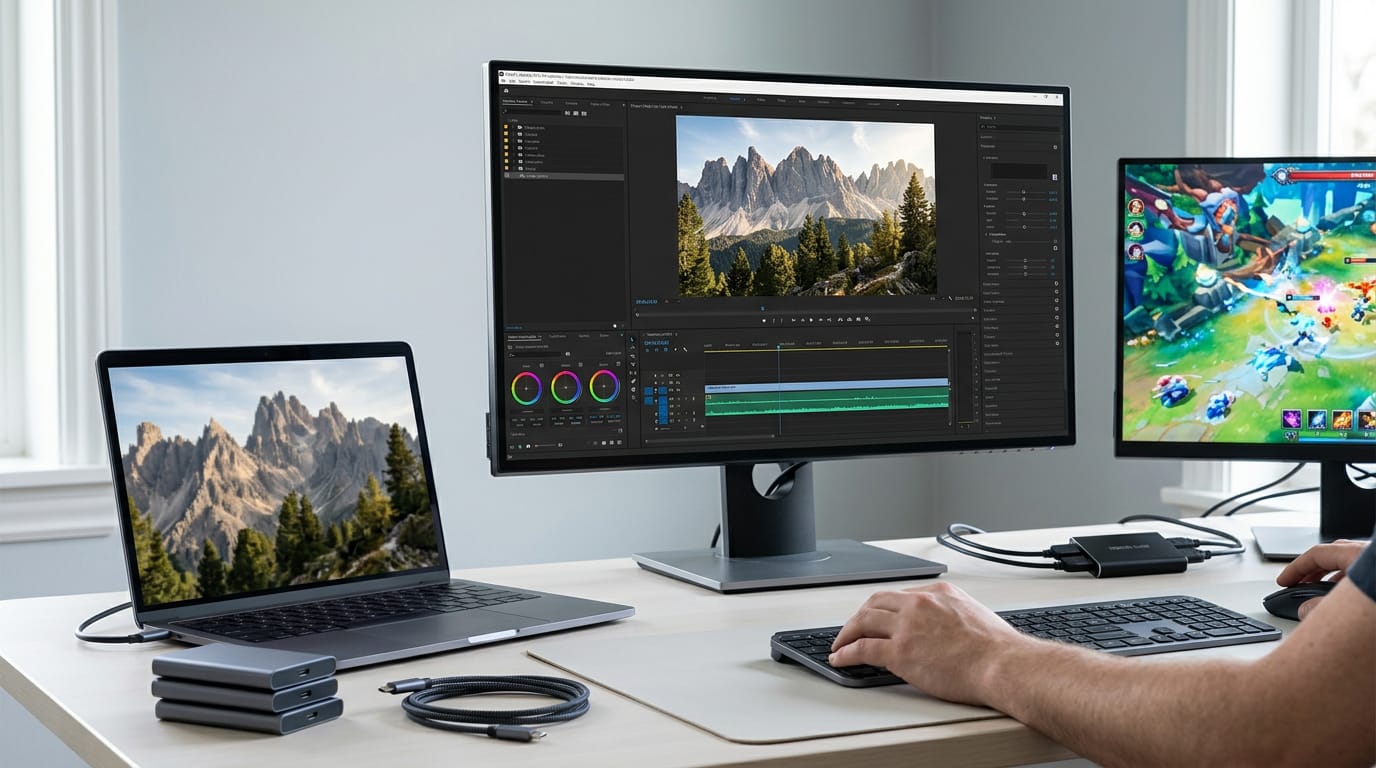
Major non-linear editors (NLEs), the timeline programs used to cut video, support 4K. You’ll need adequate hardware, though, since editing 4K is demanding and can feel slow.
On a laptop, the preview may be downscaled, so you won’t see every pixel while you cut.
4K footage also takes up far more storage, since each frame holds four times the pixels of 1080p.
If you record gameplay, check that your capture card (the device that records what your console or PC outputs) supports 4K passthrough, which sends the picture to your monitor while it records.
Software that plays 4K video
Playback needs the right program. Look for a 4K player that also handles Blu-ray and DVD playback, so one app covers your discs and your files. Check that it supports audio decoding, the step that unpacks a file’s sound so your speakers can play it.
Why 1080p is often good enough
Most people don’t need 4K, and 1080p (1920 x 1080 pixels) asks far less of your PC and storage. Think of a gamer who records ranked matches to share with friends. A free 1080p editor handles that job on the PC they already have.
Start there. Upgrade only when you need to.
Using 4K for Gaming and PCs
Playing at 4K depends on whether you’re at a desk or on the couch.
Running 4K on a PC monitor
A 4K picture starts with your graphics card (the GPU, or graphics processing unit, which draws every frame), and it has to be 4K-capable.
A card that’s comfortable at 1080p may struggle to hold a steady frames per second (fps) at 3840 x 2160, and you’ll get more detail rather than more smoothness. Sharp isn’t the same as smooth.
Some TVs are limited to 30 fps at 4K, and low frame rates make your mouse feel jerkier, so check the specs before you buy.
Before you buy a monitor, compare its price in Canadian dollars (CAD) with the card that has to drive it, since a sharp screen on a weak GPU sits idle.
For many players, 1440p is the middle ground. Consider a streamer who plays fast shooters on a mid-range card and wants a clean image on stream. A 1440p monitor keeps the frame rate steady in busy fights, which often matters more than extra pixels.
How consoles handle 4K gaming
A PS4 runs games at 1080p, so on a 4K TV the picture gets upscaling, which stretches the image to fill the extra pixels. It also reduces aliasing, the jagged, stair-step edges on diagonal lines, so the picture often looks smoother.
Newer consoles go further. According to Digital Trends, the PS5 and Xbox Series X both have 8K support. That’s a useful spec to know, but your TV decides what you actually see.
If you’re hooking a PC up to a TV, check that your graphics card and the TV both have High-Definition Multimedia Interface (HDMI) 2.1 ports, the newer standard.
Why Resolution Matters and What Else Counts
Resolution is only part of the picture. Here’s what more pixels get you, plus what else shapes your screen.
What higher resolution gets you
Higher resolution packs more pixels into the same frame, so edges look smoother and small details stay sharp. The gain shows most on bigger screens, where each pixel covers more ground.
Think of a player who swaps a small monitor for a big living room display and suddenly sees distant mountains with new clarity. That’s the immersive part: when the world fills your view, you stop noticing the screen and start noticing the game.
Room to crop and zoom after shooting
Extra resolution is less about sharper frames and more about flexibility after the shot. Consider a streamer who records gameplay at 4K, then crops tight on a boss fight for a highlight clip.
The crop still has enough pixels to look sharp, and zooming follows the same logic. Stabilizing shaky footage trims the frame’s edges, so extra pixels let you smooth out the shake without going soft. More pixels mean more room to trim.
Other factors that affect picture quality
Resolution sets how much detail you get, but these three decide whether it actually looks right:
- Color accuracy. How faithfully a screen reproduces the shades the game or video intends.
- Brightness and contrast ratio. Brightness is how bright the screen gets, and contrast ratio is the gap between its darkest black and brightest white.
- Refresh rate. How many times per second the screen redraws its image, which makes fast motion look smoother.
Sharp isn’t the same as good.
4K is 3840 pixels by 2160 pixels, and that extra detail is real, but so are the costs. Bigger files eat storage, a demanding resolution asks more of your GPU, and a 4K stream or upload needs a connection with room to spare.
The good news is that a sharp picture doesn’t have to break the bank or your bandwidth. Match the resolution to your screen, your games, and your connection, and you’ll get more out of every dollar.
The best resolution is the one your setup can run smoothly, not the biggest number on the box.
References
- Discussion on 4K Video Technology — doi.org (2015)
- Nejnovější vývojové trendy v oblasti smartphonů — hdl.handle.net (2019)
- Fewer U.S. Consumers Interested in Buying New TVs — doi.org (2014)
- Everything you need to know about the Xbox Series X and S: Price, specs, games, and more — digitaltrends.com (2025)
- How to pick the right TV size — your complete guide — tomsguide.com (2025)
- Stop blaming your internet: Why Netflix’s 4K compression is the real problem — howtogeek.com (2026)
Questions
What is the difference in resolution between 4K and 2160p?
For consumer TVs and displays, 4K and 2160p usually mean the same resolution: 3840 × 2160 pixels. “2160p” refers to the picture’s 2,160-pixel height; cinema 4K is a related standard measuring 4096 × 2160.
What are 4K size dimensions?
Standard consumer 4K, also called UHD or 2160p, measures 3840 pixels wide by 2160 pixels tall. Digital cinema 4K measures 4096 × 2160 pixels.
What are the benefits of 4K?
4K provides four times as many pixels as 1080p, giving compatible content more detail, smoother edges, and sharper text. It can also leave more room to crop or zoom footage while keeping it clear, especially on a large screen viewed from nearby.
How big is 4K compared to 1080p?
4K has twice the width and twice the height of 1080p: 3840 × 2160 compared with 1920 × 1080. That makes four times as many pixels overall, about 8.3 million versus 2.1 million.
How many pixels are there in a 4K video?
A standard 4K UHD video frame contains 8,294,400 pixels: 3840 pixels across multiplied by 2160 pixels tall. That is just over 8.2 million pixels per frame.
Does the human eye see in 4K?
The human eye does not see in a fixed resolution like 4K; how much detail you can distinguish depends on factors such as viewing distance, screen size, and visual acuity. At normal distances, pixels can become indistinguishable, so the extra detail in 4K is most noticeable on larger screens or when sitting closer.
Sources
- Discussion on 4K Video Technology, doi.org,
- Stop blaming your internet: Why Netflix's 4K compression is the real problem, howtogeek.com,
- Everything you need to know about the Xbox Series X and S: Price, specs, games, and more - Digital Trends, digitaltrends.com,
- How to pick the right TV size — your complete guide | Tom's Guide, tomsguide.com,
- Fewer U.S. Consumers Interested in Buying New TVs, doi.org,
- Nejnovější vývojové trendy v oblasti smartphonů, hdl.handle.net,
Free · The Build Sheet
The Build Sheet: three gaming PCs priced at Canadian stores