What you need to start streaming: a first setup checklist
The upload speed, PC, microphone, camera, light and software a first stream needs, what you already own that will do, and what to buy first in Canadian dollars.

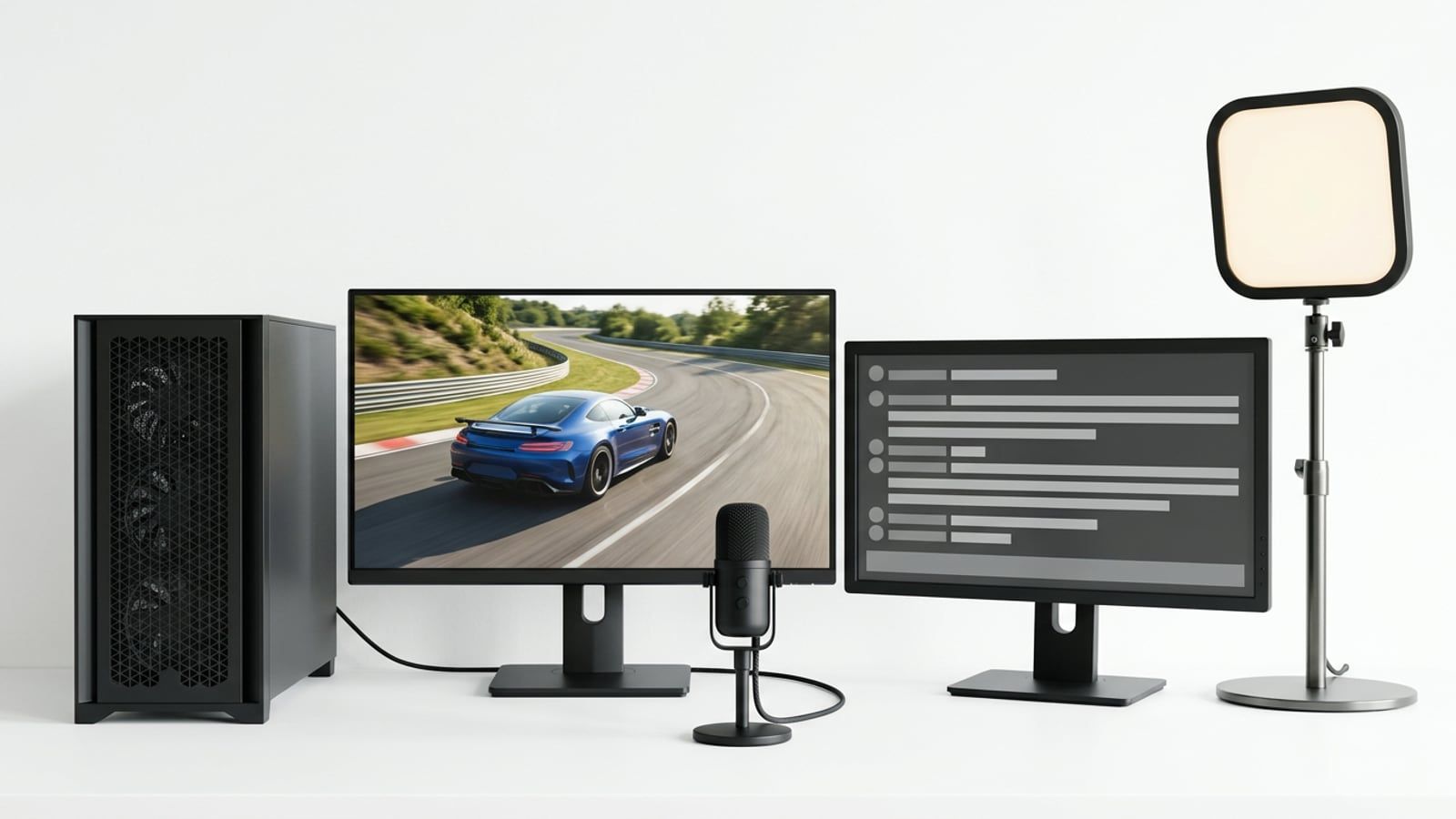
A PC that already plays your games, a headset, an upload speed comfortably above the stream bitrate and the free OBS Studio are enough for a first stream. Spend on a microphone first, then a light, then a camera; a capture card is only for consoles.
To start streaming you need less than the gear lists say: the PC or console you already play on, the headset you already wear, an upload speed comfortably above the stream’s bitrate, and free software. Check the upload first, because it decides the quality you can send. Then spend in this order, because it is the order a viewer notices: a microphone, then a light, then a camera. A capture card is only for streaming a console. Every price below is in Canadian dollars before tax, at Best Buy, checked in October 2026.
What you already have that will do
Before buying anything, go through what is on the desk:
- The PC you play on. If it runs your games well and has a graphics card from the last several years, it can almost certainly stream them too (more on the encoder below).
- A headset. Its mic is fine for a first stream, and the headphones matter more than people think: they keep the game sound out of your microphone.
- A phone. It can be a second screen for chat, and on Windows 11 it can be your camera.
- A wired connection. An Ethernet cable from the router is steadier than Wi-Fi, and a steady upload is the whole job.
Check your upload speed
Streaming is about upload, not download, and most home plans have far less of it. The Canadian internet registry runs a free Internet Performance Test that measures both. Run it on the PC you will stream from, on the same connection, at the time of evening you plan to go live.
Then compare the result with what the platforms ask for. These are the bitrates from Twitch’s broadcasting guidelines and the H.264 figures from YouTube’s live encoder settings page, both checked in October 2026:
| Stream | Twitch bitrate | YouTube H.264, minimum to recommended |
|---|---|---|
| 1080p, 60 frames | 6,000 kbps | 6 to 17 Mbps |
| 1080p, 30 frames | 4,500 kbps | 5 to 14 Mbps |
| 720p, 60 frames | 4,500 kbps | 3 to 8 Mbps |
| 720p, 30 frames | 3,000 kbps | 3 to 8 Mbps |
Twitch recommends constant bitrate (CBR) and a two-second keyframe interval for all of these, with AAC audio at 96 kbps (160 kbps at most). Its Enhanced Broadcasting option, which sends several qualities from your PC at once, needs more upload than a single stream; on a modest connection, cap it with its Maximum Streaming Bandwidth setting or leave it off.
The bitrate is only part of what the line carries: the audio, a video call in the next room and a phone backing up its photos all share it. If your test comes back near the bitrate you want, step down a row. The CRTC’s target for Canadian homes, set in its 2016 decision, is 10 Mbps up, and on a plan near that figure, 720p at 60 frames is the comfortable choice on Twitch.
The PC: encoder, memory and a second screen
The stream has to be compressed as you play, and the right place to do it is the graphics card’s own video encoder, a separate part of the chip from the one drawing the game. Encoding on the processor instead (x264 in OBS) takes processor time the game would otherwise use, which is why Twitch’s guidelines point streamers to the hardware encoder.
- Nvidia: NVIDIA’s support matrix lists NVENC on GeForce cards from the Maxwell generation on (the GTX 750 Ti and the GTX 900 series), bar a few entry models such as the GT 1030; AV1 encoding starts with the RTX 40 series.
- AMD: the Radeon RX 9070 and 9070 XT on our sheets encode H.264, HEVC and AV1 in hardware, according to AMD’s spec pages.
- Intel: the Arc B580 on the $1,500 sheet lists H.264, HEVC and AV1 hardware encoding and two media engines.
On the $2,500 Build Sheet, the RX 9070 XT handles the encoding, and the sheet says to go to 32GB of memory if you stream or record while you play. If you are not sure whether your own PC is the problem, what to upgrade first on your gaming PC shows how to read what it is waiting on.
A second screen is a convenience, not a requirement. You want to see chat and OBS’s stream-health readout without leaving the game; an old monitor, a laptop or a phone propped beside the keyboard all do the job.
The microphone comes first
Viewers will sit through a plain picture; they leave over bad sound. A USB microphone close to your mouth is the biggest change you can buy for a stream.
The one we’d start from is the HyperX SoloCast 2, $79.99 at Best Buy in October 2026. HyperX lists it as a cardioid condenser mic (it picks up mostly what is in front of it), with a built-in shock mount and pop filter, tap-to-mute and a thread for a microphone arm. HyperX lists it for PC.
Two things matter more than the model:
- Distance. Put the mic a hand’s width or so from your mouth, pointed at you and away from the keyboard. A close mic at a low gain picks up less of the room.
- The room. Condenser mics hear fans, keyboards and traffic. If your room is loud, a dynamic USB microphone picks up less of it and is worth the extra money.
A camera, if you want one
You don’t need one to start. If you want your face on the stream before you buy anything, Windows 11 can use an Android phone as a camera through Phone Link, and the phone’s camera is often better than a budget webcam.
When you do buy, the Logitech C920s, $79.99 at Best Buy in October 2026, is the plain choice: Logitech lists 1080p at 30 frames, a 78-degree field of view, autofocus and a privacy shutter. Thirty frames is fine for a face in the corner of a game.
Light before a better camera
A cheap webcam in good light looks better than an expensive one in the dark, so the light comes before any camera upgrade. Start for free: face a window during the day, or point a desk lamp at the wall behind the monitor so the light bounces back softly onto you. Light from above or behind you puts your face in shadow.
Before you buy a light, sit where you stream with the room lights on, open the camera preview in OBS and move a lamp around until your face is evenly lit. That tells you where a light should go, and whether you need one at all.
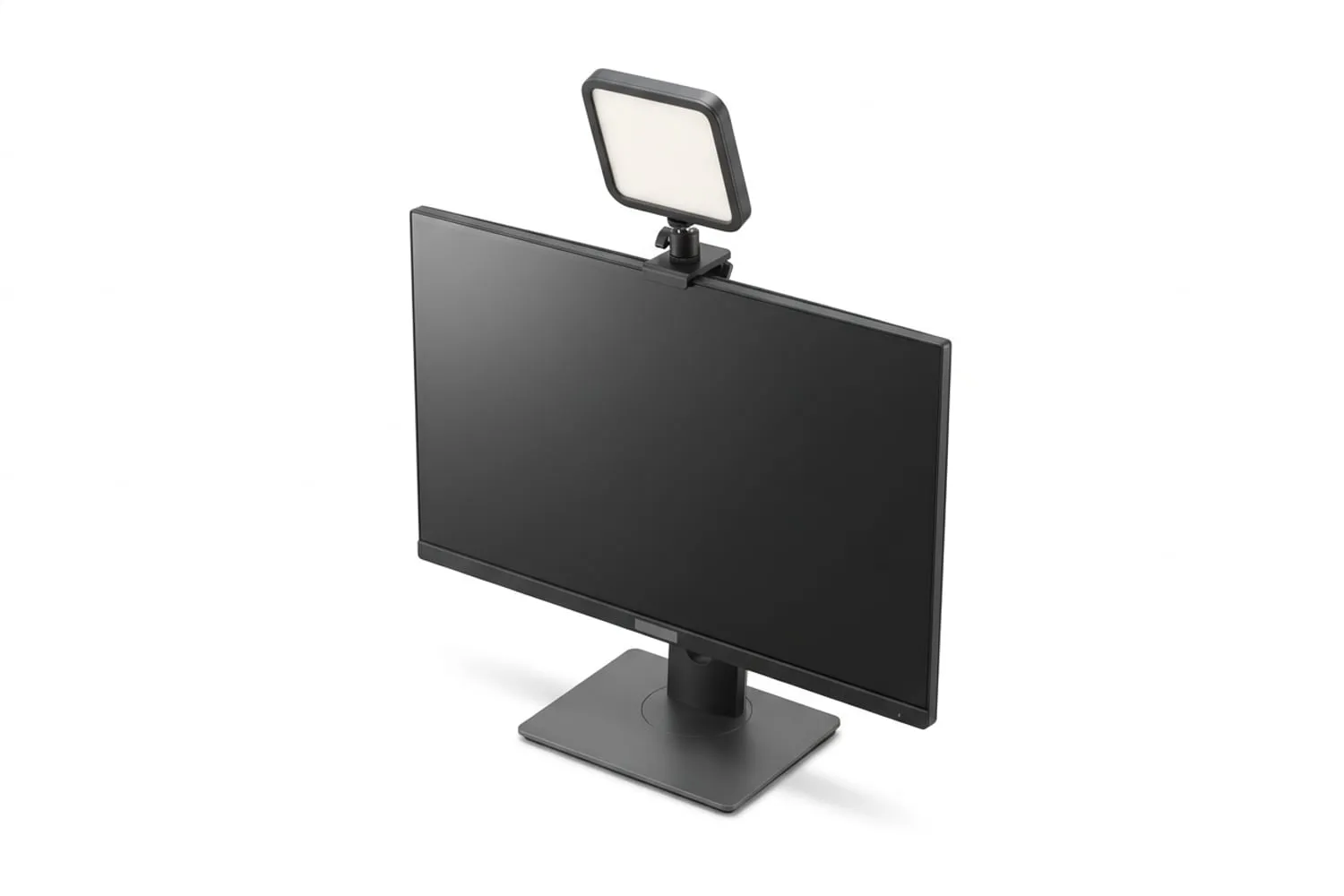
If you want a light made for the job, the Elgato Key Light Neo is $84.99 at Best Buy in October 2026. Elgato lists 400 lumens from a USB-A port, 700 from USB-C and 1,000 with a 3A power supply, a colour temperature from 2,900K to 7,000K, and a monitor mount in the box.
Streaming a console: the capture card
A PlayStation 5 and an Xbox Series console can stream on their own. On a PS5, press Create and choose Broadcast after linking a Twitch or YouTube account; Twitch asks for two-factor authentication on the account first. On Xbox, live streaming is under Capture & share in the guide, and Xbox Support says a 1080p USB webcam that outputs YUY2 or NV12 can go on the stream too. The trade-off is control: no overlays, no scene changes and only the console’s own settings.
A capture card brings the console’s picture into the PC, where OBS adds your camera, alerts and a proper audio mix. The Nintendo Switch 2 has no Twitch or YouTube broadcast option of its own, so for a Switch 2 a capture card is the way. The console plugs into the card, the card passes the picture on to your TV or monitor without lag, and a USB cable takes a copy to the PC.
| Capture card | Price at Best Buy, October 2026 | What Elgato lists |
|---|---|---|
| Elgato 4K Game Capture Neo | $164.99 | Passthrough up to 4K60 HDR, capture up to 1080p60, USB 3.0 |
| Elgato HD60 X | $219.95 | Passthrough up to 4K60 HDR10, 1440p at 120Hz and VRR; capture up to 1440p60 |
For a first stream at 1080p or 720p, the Neo does the job; the HD60 X is worth it if you play at 1440p and 120Hz and want the TV to keep that while you capture. On a PS5, turn off HDCP (in the HDMI settings under System) before you capture, or the card gets a blank picture. Games play normally with it off; video apps won’t, so switch it back on for those.
The software, and the settings to start with
OBS Studio is free, open source and what most streams run on. The members’ Toolkit lists it with NVIDIA Broadcast (noise removal and background blur on RTX cards) and Elgato Wave Link (a mixer that works with any mic), and AMD’s Radeon software has a noise suppression feature of its own.
To start:
- Run OBS’s auto-configuration wizard (Tools, then Auto-Configuration Wizard), choose streaming, and let it test your connection to Twitch or YouTube.
- Pick the encoder on your graphics card: NVENC, AMD’s hardware encoder, or Intel’s QuickSync, not x264.
- Set the bitrate from the table above with room under your upload test, rate control CBR, keyframe interval 2 seconds.
- Start at 720p and 60 frames unless your upload clearly allows 6,000 kbps.
- Record a ten-minute test before you go live, play it back, and listen for the game being louder than your voice.
The checklist on one screen
| Item | Do you need it to start? | What to start with | Price, Best Buy, October 2026 |
|---|---|---|---|
| Upload speed | Yes | A test, wired, at streaming time | Free |
| PC or console | Yes | The one you play on | Already owned |
| Headphones | Yes | Your headset | Already owned |
| Software | Yes | OBS Studio | Free |
| Microphone | First thing to buy | HyperX SoloCast 2 | $79.99 |
| Light | Second | A lamp, or Elgato Key Light Neo | $0 or $84.99 |
| Camera | Optional | Your phone, or Logitech C920s | $0 or $79.99 |
| Capture card | Consoles only | Elgato 4K Game Capture Neo | $164.99 |
| Second screen | Optional | An old monitor or a phone | Already owned |
Prices are before tax, and Best Buy adds a small environmental handling fee on some electronics in some provinces. The mic, light and camera together come to $244.97. If the stream runs into long evenings, the chair you sit in matters as much as anything on this list; gaming chair vs office chair covers what to look for. The rest of what we cover for streamers is in Streaming Setup.
Questions
What upload speed do I need to stream on Twitch?
Twitch’s own guidelines put 1080p at 60 frames per second at 6,000 kbps (6 Mbps), 720p at 60 frames at 4,500 kbps and 720p at 30 frames at 3,000 kbps. Your upload has to carry that plus the audio and whatever else the household is sending, so test it first and pick the setting that leaves room. If the test is close to the bitrate, start at 720p.
Do I need a capture card to stream from a PC?
No. On a single PC, OBS Studio captures the game directly and the graphics card encodes the stream. A capture card is for bringing in a picture from another device, such as a console or a second gaming PC.
Can I stream with 16GB of RAM?
Yes, for a first stream of most games with OBS running on the same PC. 16GB gets tight when the game is a heavy new release and a browser full of tabs, chat and alerts are open too, which is why our Build Sheet suggests 32GB if you stream or record while you play. Close what you don’t need before you go live, and watch the memory in Task Manager.
Do I need a webcam to start streaming?
No. Plenty of streams run with the game and a voice only, and a camera is the item that adds the least for the money at the start. If you want one later, a phone can stand in on Windows 11, and a 1080p webcam costs about $80 in Canada.
Is a USB microphone good enough for streaming?
Yes. A USB microphone plugs straight into the PC, needs no audio interface, and sounds clearly better than a headset mic when it sits close to your mouth. An XLR microphone and an interface are worth thinking about once you know you are sticking with it.
Sources
- Broadcasting Guidelines, Twitch
- Choose live encoder settings, bitrates, and resolutions, YouTube Help
- Internet Performance Test, CIRA
- Video Encode and Decode Support Matrix, NVIDIA
Free · The Build Sheet
The Build Sheet: three gaming PCs priced at Canadian stores