PS5 Pro specs explained: what the numbers mean
PS5 Pro specs show how its hardware changes games versus the standard PS5, plus Canadian pricing and the TV and network gear needed to notice the gains.

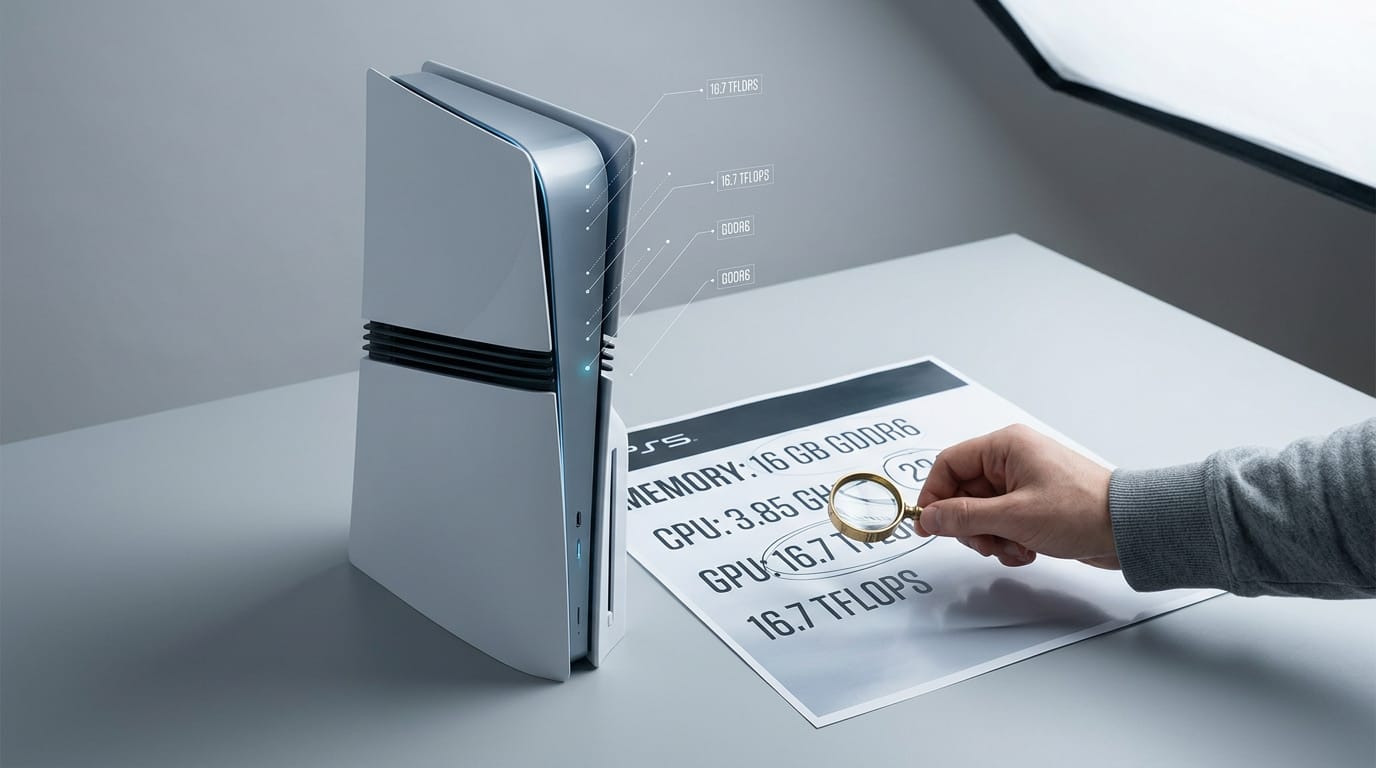
The PS5 Pro is a higher-performance version of the PS5, with upgraded graphics, faster memory, a faster processor and a 2TB SSD. It can improve game sharpness, frame rates and ray tracing, but the gains depend on the game and on having a screen and network that can take advantage of them. Its digital-only design and higher cost make it best suited to players who value visual upgrades and can comfortably budget for the console and any extras.
Shopping for a console upgrade is a lot like buying a new car: the brochure numbers look impressive, but what really matters is how it drives on your own roads. The PS5 Pro raises the same question.
Its spec sheet is packed with figures, so let’s translate them into what you’ll actually notice on screen.
This post compares the PS5 Pro side by side with the standard PS5, explains what the hardware means in practice, and then gets to the Canadian-dollar part: total cost, where to buy, and which TV and network gear you need to see the gains.
What Are the PS5 Pro Specs?
So what specs does a PS5 run at? The standard console runs a 3.5GHz processor with 825GB or 1TB of storage depending on the model, and the PS5 Pro pushes harder on graphics, processing, and storage. Here’s how we break the two down, part by part.
Faster graphics chip and memory
The graphics chip, or GPU (graphics processing unit), is where the Pro pulls ahead. According to Stuff’s launch coverage, its GPU has 67% more compute units (the parts that do the number crunching) than the standard PS5, and its memory is 28% faster.
Together, they deliver rendering up to 45% faster in games.
This is less about one headline number and more about how the pieces work together. The chip does the drawing, and the memory keeps it fed.
Processor cores and boost speed
The Pro runs an 8-core processor built on AMD’s Zen 2 design. Its boost speed (the top speed the chip can reach) goes up to 3.85GHz, compared with 3.5GHz on the standard PS5, according to an Engadget piece on PlayStation 5 drawbacks.
That’s a modest bump, so the processor is more of a supporting act than the headline. The graphics chip gets the spotlight.
Storage size and expansion options
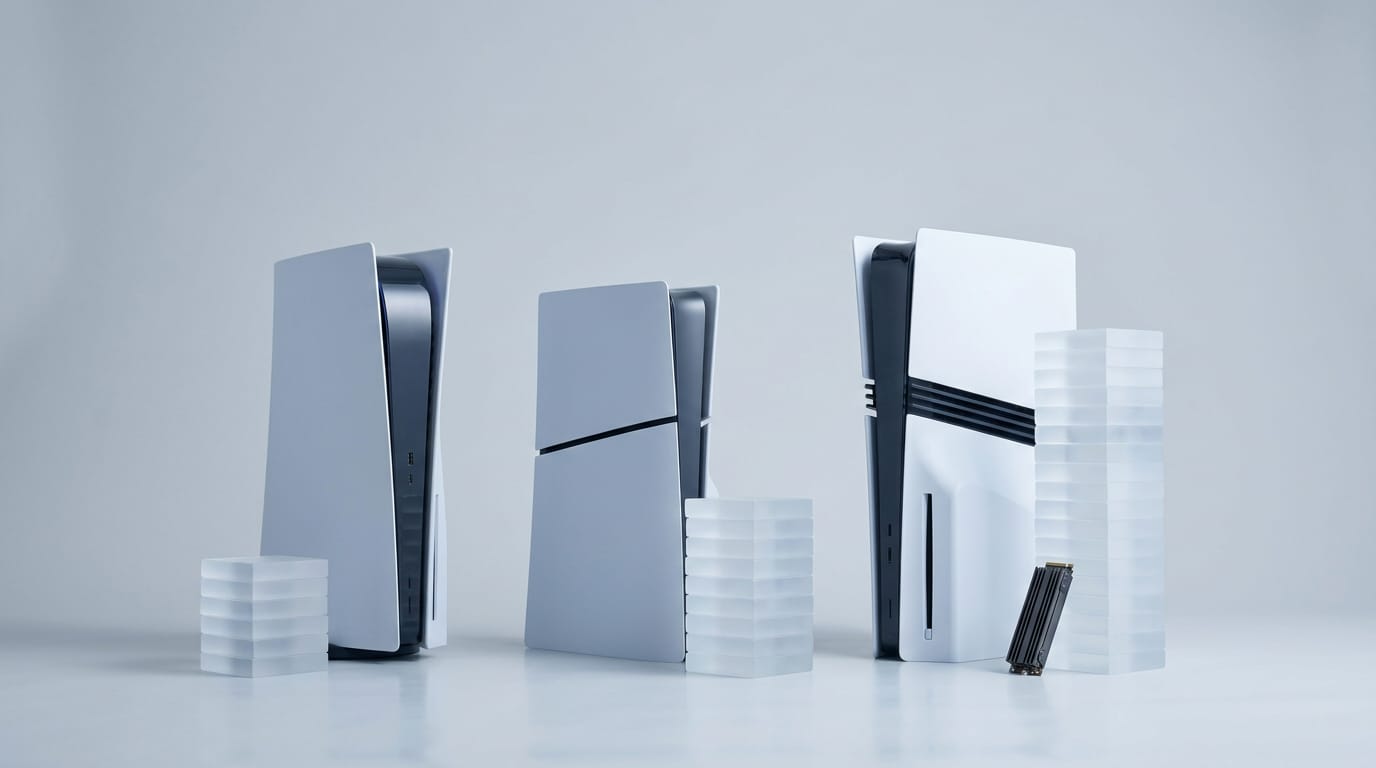
The Pro ships with a 2TB solid-state drive (SSD), a big step up from the standard lineup. Here’s how the three compare:
- PS5 Pro: 2TB SSD
- PS5 Slim: 1TB
- Original PS5: 825GB, per The Hidden Potential Within Video Game Consoles
Storage expansion options are also available if you want more room later.
Controller bundle and VR support
The Pro includes a DualSense controller in the box, but not the DualSense Edge, so you’d need to buy the Edge separately if you want it. PlayStation VR2 (PSVR2) works with both consoles.
Think of a player who already owns a PSVR2 headset and is weighing the Pro: the headset carries over either way, so the decision comes down to the graphics, processing, and storage covered above.
What Makes Games Look and Run Better
The PS5 Pro’s biggest gains show up in how games look and how smoothly they run. First, check that your TV has an HDMI 2.1 port and supports 120Hz refresh, since that carries the higher frame rates to the screen.
AI upscaling and 3x faster ray tracing
AI upscaling draws a game at a lower resolution and uses machine learning to rebuild a sharper picture. The Pro’s version is called PSSR.
Ray tracing simulates how light bounces off surfaces, making reflections and shadows more realistic. The Pro’s ray tracing can reach up to three times the performance of the standard PS5.
According to ps5.media’s explainer, Sony said at its September 2024 announcement that rays could be cast at roughly double and, in some cases, triple that speed.
That headroom opens the door to higher frame rates, but it’s a potential gain, not a guarantee.
Game Boost smooths older PS4 games
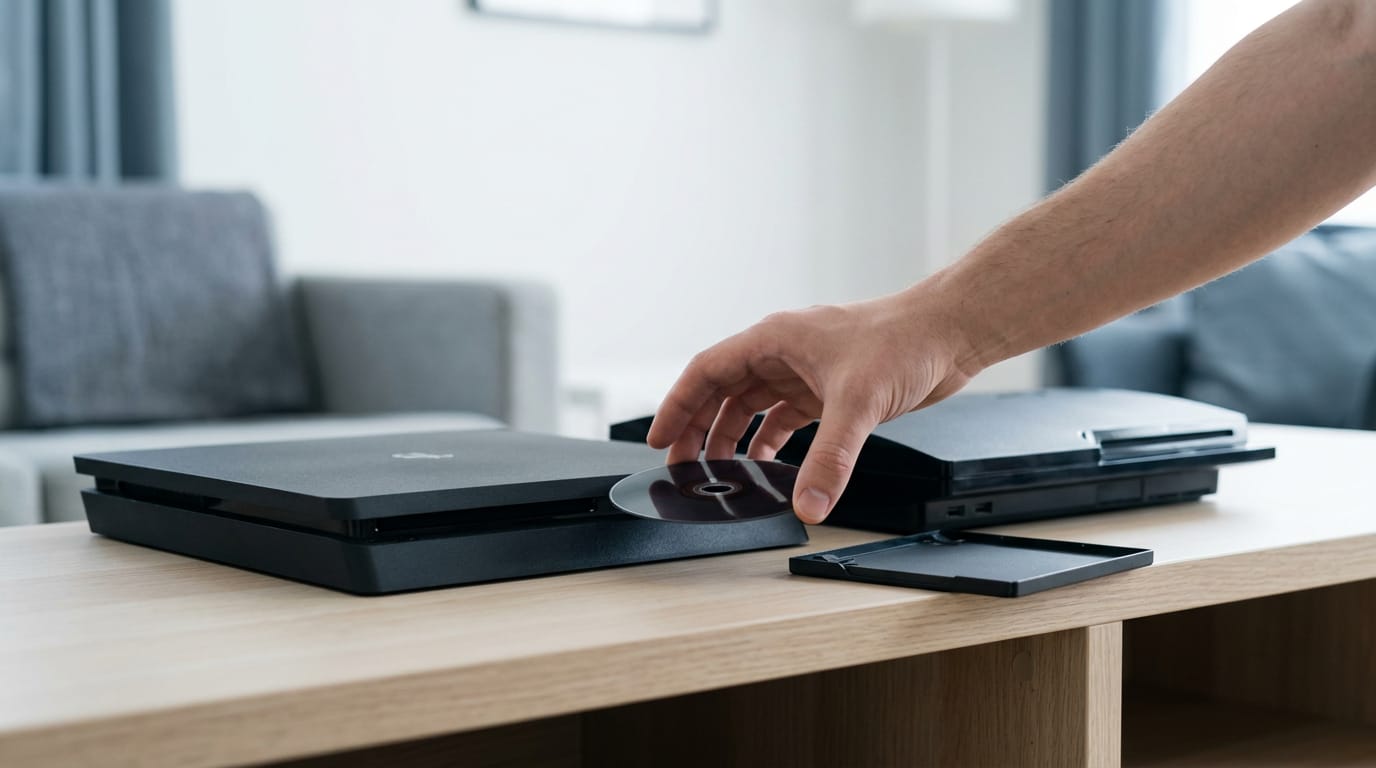
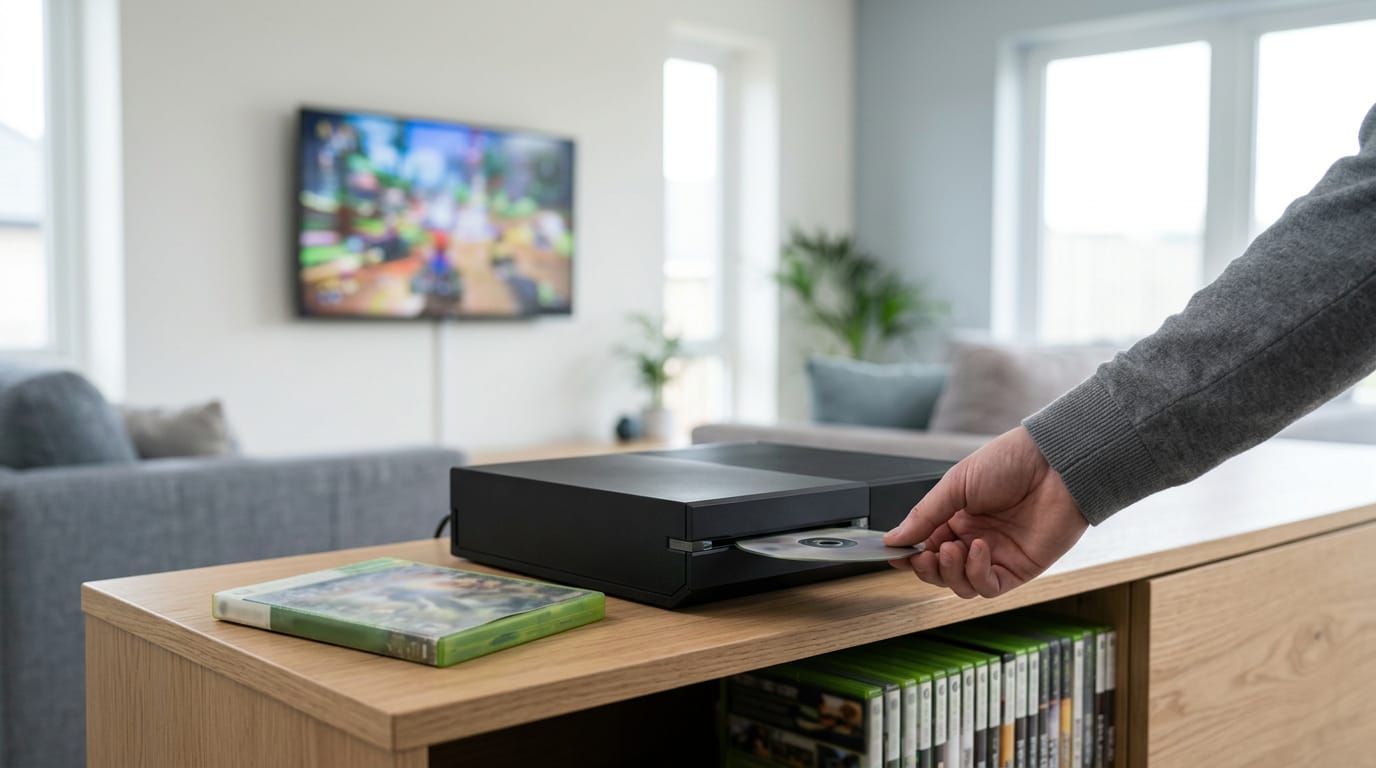
Game Boost is less about new releases and more about the library you already own. It applies to over 8,500 PS4 games, according to PlayStation’s German-language blog, and it improves unpatched titles too.
Think of a player with a shelf of unfinished PS4 discs. Game Boost can make them run smoother, or sharper, without buying anything new.
8K output and HDR support
The Pro can output 8K, but there’s little 8K content to play yet, so it’s future-proofing more than a reason to buy. A 4K TV won’t show 8K at all, so this only matters with an 8K set.
HDR (high dynamic range) brings brighter highlights and deeper shadows. The Pro supports HDR10 but not Dolby Vision, so confirm your TV handles HDR10. Your TV sets the limit.
How the Pro Looks and Connects
Before you clear a spot on the shelf or plan a cable run, it helps to know how the Pro compares to the console you already own and what it plugs into. We’ll start with the outside of the box, then the ports.
Size, black stripes and faceplates
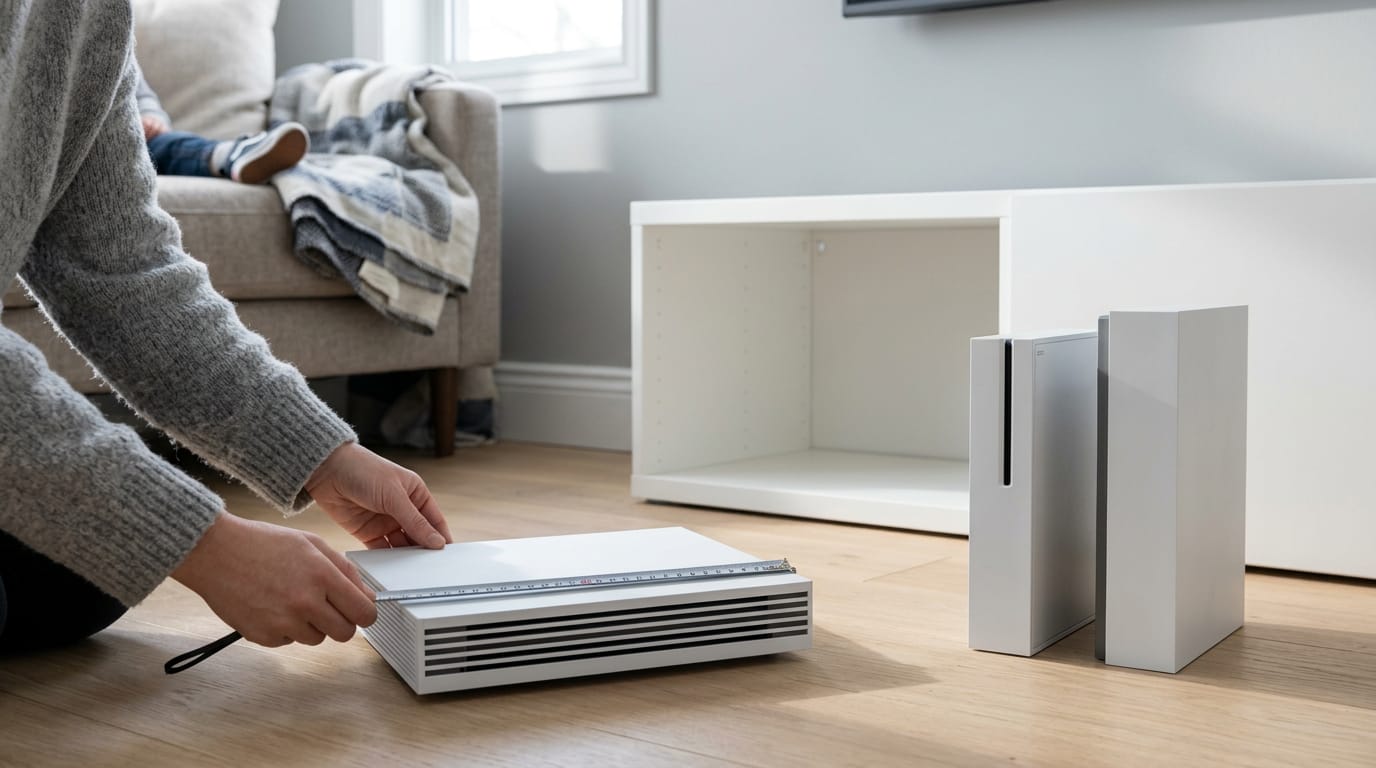
Put the Pro’s height beside the original PS5’s, and its width beside the PS5 Slim’s, before you commit to a shelf or cabinet. Measure first. The PS5 Pro’s weight isn’t in the verified specs for this piece, so we won’t guess a number.
Check the official spec page for the full dimensions before you buy.
The Pro also adds extra black stripes, so it looks different from the standard PS5 at a glance. Its removable faceplates give you some control over the finish. Think of a parent setting up a shared living room, where the console sits in plain view.
Those faceplates help it blend in, so it doesn’t clash with the furniture.
Front and rear ports, plus Wi-Fi 7
The USB-C port sits on the front, so you can plug in a device without reaching behind the console. On the back, you’ll find a USB-A port and an ethernet jack. Ethernet is a wired connection to your router, and it skips Wi-Fi entirely. Ports can fail too, so if the HDMI port does, PS5 HDMI repair is the next step.
The Pro supports Wi-Fi 7, the newer wireless standard, and Wi-Fi 6 is the one before it. Here’s the catch: the Wi-Fi 7 gain depends on your router, not just the console. Think of a player whose router is still Wi-Fi 6.
The console still connects, but the Wi-Fi 7 part only pays off once the router supports it too. Check your router first.
How It Handles Sound and Video
The PS5 Pro is only half of your sound and picture chain, so the gear around it matters. Here’s where the audio options stand and where streaming apps fall short.
Surround sound and headphone audio options
Your options for surround sound vary:
- Dolby Atmos. This format places sound above and around you, but support is limited, so confirm your TV or receiver and the game both use it.
- Tempest 3D AudioTech. The console’s built-in 3D audio works best in titles built for it, so test it in your favourite games.
- Headphone spatial audio. You get directional sound from one pair of headphones, no speakers needed.
Think of a player sharing an apartment who wants footsteps behind them without waking the roommate. Headphone spatial audio gives that sense of direction from headphones alone.
It’s less about which label is on the box and more about what your gear can actually decode.
Where streaming apps fall short
Movies and shows run into limits that games don’t. Three are worth knowing before movie night:
- No Dolby Vision on Netflix. Dolby Vision, a high dynamic range (HDR) format that adjusts brightness scene by scene, isn’t available in the Netflix app on this console.
- Atmos limits in apps. Atmos inside apps comes with its own limits, so don’t assume every title plays the full mix.
- Legacy AV issues. An older audio-video (AV) receiver may not handle everything the PS5 Pro sends, which can quietly cost you picture or sound quality. Check first, buy second.
What It Costs and What You Get
The console price is the start, not the whole bill. Here’s what the PS5 Pro costs at launch and what you’ll need to add to it.
Launch price compared to a standard PS5
Tom’s Guide says the PS5 Pro launched in late 2024 at an “eye-watering” $699, and that it costs more than the standard PS5 at launch. That gap is your premium, but our sources don’t give the standard model’s launch price, so check it yourself.
Regional prices and a price in Canadian dollars (CAD) aren’t in our research either, so don’t assume $699 is what you’ll pay at a Canadian store.
The price positions the Pro for enthusiasts: players who want the top tier and will pay for it. A kid or casual weekend player is better off with the standard PS5.
What the disc drive adds to cost
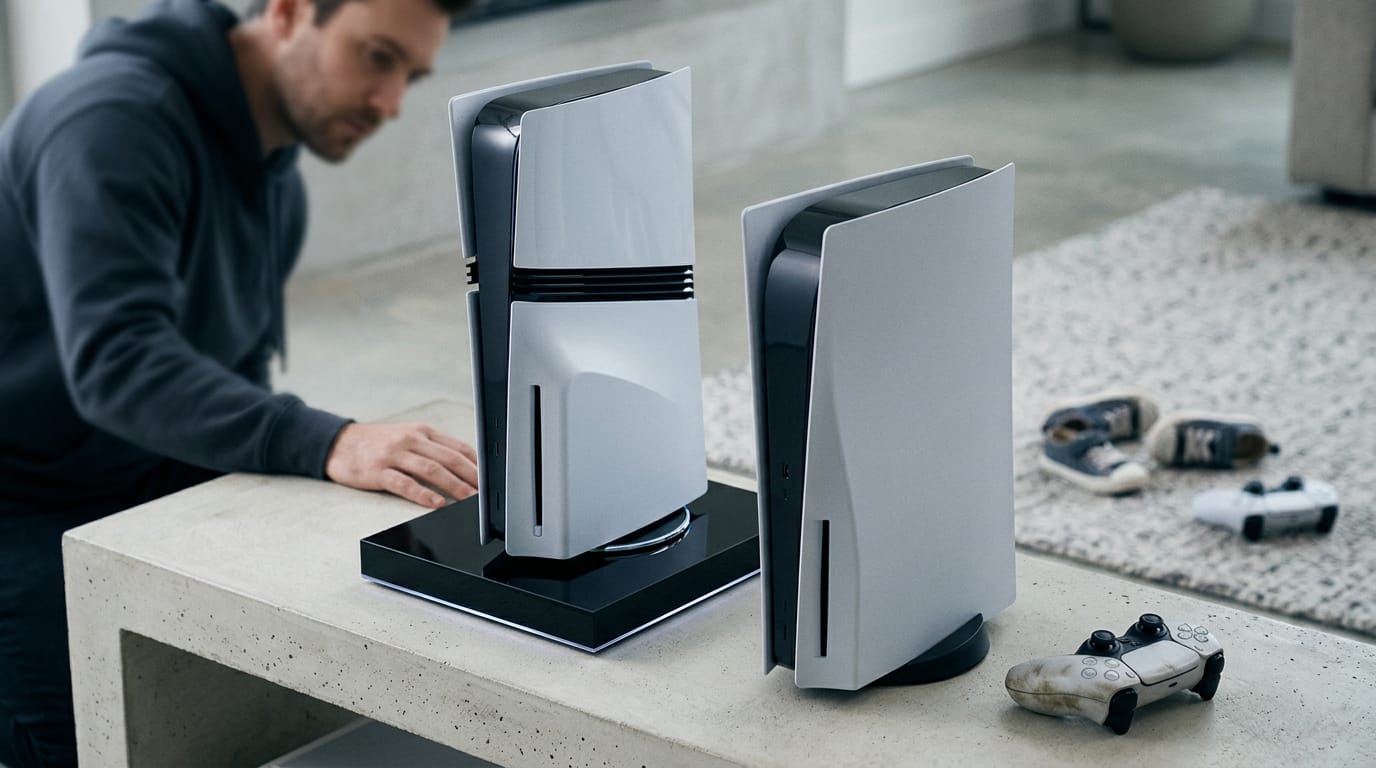
The PS5 Pro is digital-only by default. Sony’s PlayStation Blog describes it as “available as a disc-less console,” with the Disc Drive for PS5 sold separately.
Think of a player who wants to keep their disc collection playing. Without the drive, those discs sit on the shelf, so budget for it from day one.
Our research has no verified drive price, so we can’t give you a total yet. Add the console’s price and the drive’s current price before you buy.
Build your budget in Canadian dollars from two line items: the console and the drive, both priced at the same store. Our sources don’t name retailers, so use one you already trust. Check before you buy.
Who Should Actually Buy the Pro
Not everyone needs the Pro. The right call depends on what you’ll actually notice on your screen and what you’re willing to spend.
Choosing between the Pro and standard PS5
Sort yourself into one of three camps:
- Best for visual enthusiasts. If sharpness and smoothness matter most to you on a large screen, the Pro is built for you.
- Standard PS5 better value. If your TV can’t show the difference, or you mostly play for the games, the standard console delivers most of the fun for less.
- Depends on budget and priorities. Pick the Pro only if the extra cost won’t squeeze your games or a better screen.
Think of a parent buying for a teenager who plays on a 1080p (full HD) living room TV. That family would likely get more from the standard PS5 and a couple of new games than from a Pro their TV can’t fully show.
It’s less about what the console can do and more about what you’ll actually see at home. Check your screen first.
What’s still unconfirmed before the full review
Right now, everything here is a spec-based comparison, so we’re reading the listed hardware side by side rather than timing games. That tells you what changed on paper, not how a game looks or plays on your TV.
Real-world performance is still unconfirmed, and our full review is pending. Until it lands, treat these answers as provisional.
Specs only matter when they show up on your screen. The PS5 Pro earns its place for players whose TV and network can display the gains, and whose budget comfortably covers the total cost.
Check the price in Canadian dollars, confirm your gear can keep up, and let the games you play make the final call. That’s the clearest way to know whether the upgrade is worth it.
The right console is the one that fits your screen, your network, and your budget.
References
- The Hidden Potential Within Video Game Consoles — doi.org (2020)
- PS5 vs. PS5 Pro: Which console should you buy in 2026? — tomsguide.com (2026)
- PS5 Pro is official, seriously powerful - and seriously expensive — stuff.tv (2026)
- 4 drawbacks you should know before buying a PlayStation 5 — engadget.com (2026)
- Everything you need to know about the PS5 — digitaltrends.com (2025)
- PS5 Pro Ray Tracing Explained: What Changes? — ps5.media (2026)
- So profitiert eure Spielebibliothek von der PS5 Pro — blog.de.playstation.com (2025)
- Welcome PlayStation 5 Pro, the most visually impressive way to play games on PlayStation — blog.playstation.com
Questions
What are the graphics on the PS5 Pro?
The PS5 Pro has a more powerful GPU with 67% more compute units than the standard PS5, faster memory, and support for AI upscaling and enhanced ray tracing. It can output up to 8K and supports HDR10, but not Dolby Vision.
How much does the PS5 Pro console weigh?
The PS5 Pro’s weight is not specified here. Check Sony’s official specifications for the exact figure.
Can you provide a review of the PlayStation 5 console?
The PS5 is a strong choice for players who want access to PlayStation games without paying extra for the Pro’s graphics and storage upgrades. The standard model has a 3.5GHz processor and either 825GB or 1TB of storage, depending on the version; the Pro offers faster graphics, a modest processor boost, and a 2TB SSD.
What specs does a PS5 run at?
The standard PS5 has an 8-core processor running at 3.5GHz and comes with 825GB or 1TB of storage, depending on the model. The PS5 Pro also has an 8-core processor, with boost speeds up to 3.85GHz, and a 2TB SSD.
Sources
- PS5 vs. PS5 Pro: Which console should you buy in 2026? | Tom's Guide, tomsguide.com,
- PS5 Pro is official, seriously powerful - and seriously expensive | Stuff, stuff.tv,
- 4 drawbacks you should know before buying a PlayStation 5, engadget.com,
- Everything you need to know about the PS5 - Digital Trends, digitaltrends.com,
- Welcome PlayStation 5 Pro, the most visually impressive way to play games on PlayStation, blog.playstation.com
- The Hidden Potential Within Video Game Consoles, doi.org,
- PS5 Pro Ray Tracing Explained: What Changes?, ps5.media,
- So profitiert eure Spielebibliothek von der PS5 Pro – Der deutschsprachige PlayStation Blog, blog.de.playstation.com,
Free · The Build Sheet
The Build Sheet: three gaming PCs priced at Canadian stores