How much power supply wattage do you need for gaming?
Size a gaming PC’s power supply from the graphics card maker’s number: the sum, the headroom, the plugs, the ratings and the units on our Build Sheets.

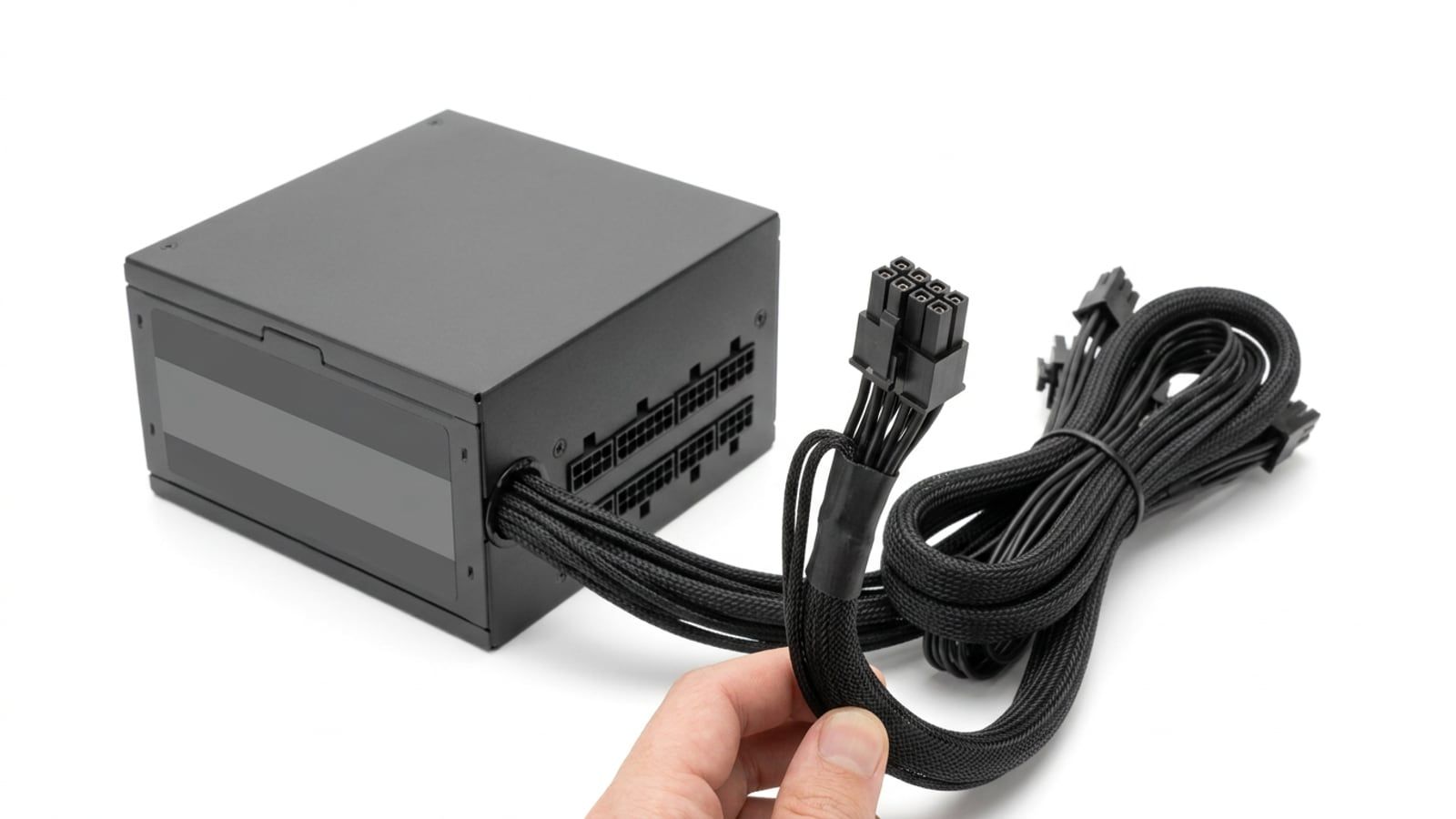
Buy the wattage your graphics card’s maker recommends: 650W covers an Arc B580, RX 9070 or RTX 5070, and an RX 9070 XT asks for 750W. Then check the unit has the plugs your card takes and comes from a known maker with a long warranty, and pay for more watts only if a bigger card is coming.
The fastest correct answer is on your graphics card maker’s spec page: use the power supply wattage it recommends, because that number is set for a whole gaming PC, not for the card alone. For the cards on our sheets that means 650W for an Intel Arc B580, an AMD Radeon RX 9070 or an Nvidia RTX 5070, and 750W for an RX 9070 XT. Then make sure the unit has the plugs the card takes and comes from a maker who stands behind it. Extra watts beyond that buy you nothing in games; they only make sense when a bigger card is coming.
Start with the graphics card maker’s number
The graphics card draws the most power in a gaming PC by a distance, so its maker publishes two figures: what the card itself draws (board power) and the power supply it wants the whole PC to have. These are the figures from AMD’s, Nvidia’s and Intel’s own spec pages, checked in October 2026.
| Graphics card | Card’s own power (maker’s figure) | Recommended power supply | Power sockets on the reference card |
|---|---|---|---|
| Intel Arc B580 | 190W total board power | 600W minimum | 1 × 8-pin |
| AMD Radeon RX 9070 | 220W typical board power | 650W minimum | 2 × 8-pin |
| Nvidia RTX 5070 | 250W total graphics power | 650W required | 2 × 8-pin through the adapter, or a 300W+ PCIe 5 cable |
| Nvidia RTX 5070 Ti | 300W total graphics power | 750W required | 2 × 8-pin through the adapter, or a 300W+ PCIe 5 cable |
| AMD Radeon RX 9070 XT | 304W typical board power | 750W minimum | 2 × 8-pin |
The figures are for each maker’s reference design. Partner cards from ASRock, Sapphire, MSI, Acer and the rest sometimes run faster and draw more, and they list their own recommendation on the card’s page. When the two differ, use the higher one. Nvidia’s footnote on the RTX 5070 family page says its figure assumes a PC built around a Ryzen 9 9950X, a 16-core processor, so for a six-core gaming build it is a comfortable number rather than a tight one.
Add up the rest of the PC
You can check the maker’s number with a sum. Here is the $2,000 Build Sheet, in four lines:
- Graphics card: Radeon RX 9070, 220W (AMD’s figure).
- Processor: Ryzen 5 5600, rated by AMD at 65W. Under load it can draw somewhat more than its rating, which is one reason the recommendation leaves room.
- Subtotal: 285W for the two parts that draw the most, less than half of a 650W unit.
- Everything else: the motherboard, memory, SSD and fans add a modest amount on top.
For the last line, use a calculator rather than a guess. The Cooler Master power supply calculator on our Toolkit takes your exact processor, card, board, memory and drives and adds them up; its lists include the RTX 50 series and the Ryzen 9000 chips. If its answer and the card maker’s recommendation differ, buy the larger of the two.
How much headroom is enough
The maker’s recommendation already carries the headroom you need for the card it names. Graphics cards draw brief spikes above their rated power, and current power supplies are built for them: Corsair’s listing for the RM750e at Best Buy says the ATX 3.1 standard it meets lets it handle brief excursions to twice the graphics card’s rated power. A power supply sized to the recommendation, from a sound maker, rides through those spikes.
Go one step up, usually 100 watts, in two cases:
- A bigger card is coming. The power supply is the part you keep longest. If you might move from an RX 9070 to a 9070 XT within a couple of years, buy the 750W unit now and you won’t buy twice.
- The PC does more than play. Streaming from the same PC, a processor with more cores, or a lot of drives and fans all add load.
Otherwise, stop at the recommendation. A 1,000W unit in a 650W PC doesn’t make anything faster; it just costs more. The Build Sheet prices both of its units each month, and the step from its 650W Bronze unit to its 750W one also buys a fully modular, Gold-rated design, so not all of the difference is watts.
Connectors: PCIe 8-pin and 12V-2x6
Wattage is half the job. The other half is the plugs, and a power supply with the watts but not the cables won’t run the card.
PCIe 8-pin
Most AMD and Intel cards, and many Nvidia ones, take 8-pin plugs (often sold as 6+2-pin, which clip together into one 8-pin). Count the sockets on your card and check the power supply has that many 8-pin cables. MSI’s spec sheet gives the MAG A650BN exactly two, which is what an RX 9070 needs and nothing spare. Where the power supply has enough separate cables, give each socket its own cable rather than using both ends of one split cable.
12V-2x6
The 16-pin connector on many Nvidia cards, and on some AMD partner cards, is the 12V-2x6. It is the revised version of the older 12VHPWR plug: Corsair’s explainer says the power terminals are longer for better contact and the sense pins are shorter, so the card shuts off if the plug works loose, and the connector still carries up to 600W. Push it in fully, until it clicks and no gap shows, and don’t bend the cable hard right at the plug.
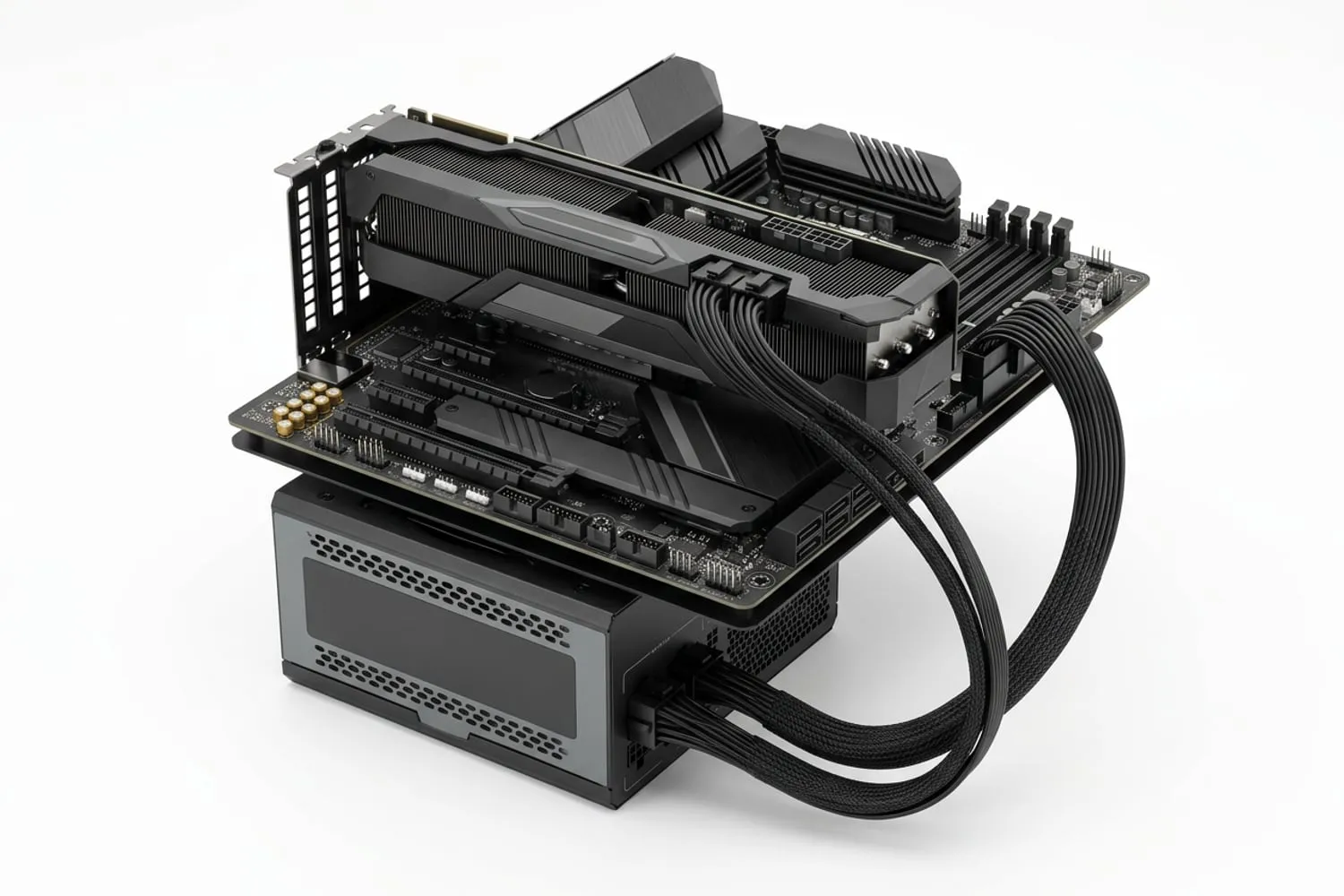
You don’t need a native 12V-2x6 cable for every new card. Nvidia says the RTX 5070 runs on two 8-pin cables through the adapter in the box. If you are buying a new power supply anyway, an ATX 3.1 unit such as the Corsair RM750e comes with a native 12V-2x6 cable and an adapter to two 8-pin plugs, so it covers either kind of card.
What 80 Plus and Cybenetics ratings tell you
Both labels are about efficiency: how much of the power a unit draws from the wall reaches your parts, and how much turns into heat inside the power supply.
- 80 Plus is run by CLEAResult. Its programme page sets the base level at 80% efficiency or better at 10%, 20%, 50% and 100% of rated load, with higher levels from Bronze through Silver, Gold, Platinum and Titanium to Ruby.
- Cybenetics tests across a wide range of loads and issues two ratings: ETA for efficiency, from Bronze to Diamond, and LAMBDA for noise, from A++ for the quietest down to Standard. The RM750e on our $2,500 sheet carries Cybenetics Gold and an A noise rating, according to its listing.
What the labels don’t tell you is how well the unit is built, how good its protections are or how long it will last. They also don’t touch performance. Gold over Bronze means a little less heat and a slightly lower bill, and it is worth paying for when the price gap is small.
Brands, warranties and what to avoid
A power supply feeds every other part, so this is the wrong place to save the last $20.
- Buy from a known maker. Corsair, MSI, Seasonic, be quiet! and ASUS all sell units through Canadian stores, and their models carry efficiency ratings you can look up.
- Read the protections. A sound unit lists them: MSI’s spec sheet for the A650BN names over-current, over-voltage, over-power and short-circuit protection.
- Take the long warranty. It tells you what the maker expects of the unit. MSI gives the A650BN five years; many Gold units carry longer.
- Avoid unbranded units with no rating, the power supply that comes free inside a cheap case, and modular cables from any other unit.
If a PC shuts off or restarts under load, or a power supply smells hot, stop using it. Never open a power supply: the parts inside can hold a charge after it is unplugged. Replacing the unit is a job you can do yourself, but a computer shop can test a doubtful one first. Our guide to what to upgrade first covers when an old power supply should go before a new graphics card goes in.
The wattage for each Build Sheet, worked out
Here is each Build Sheet against its card maker’s number. The sheet prices each power supply at a Canadian store with the month it was checked, so look there for this month’s figure.
| Sheet | Graphics card | Maker recommends | Power supply on the sheet |
|---|---|---|---|
| $1,500 | Arc B580 | 600W | MSI MAG A650BN, 650W, 80 Plus Bronze |
| $2,000 | RX 9070 | 650W | MSI MAG A650BN, 650W, 80 Plus Bronze |
| $2,500 | RX 9070 XT | 750W | Corsair RM750e, 750W, Gold, fully modular |
| Bigger | A card that asks for more than 750W | 850W or more | An 850W Gold unit from a known maker |
The $1,500 sheet’s 650W unit is 50W over Intel’s figure for the Arc B580, and the same unit carries the RX 9070, so a member who starts on the cheapest sheet can move to the $2,000 sheet’s card without changing it. The $2,500 sheet moves to 750W because AMD asks for it with the 9070 XT, and that unit has room for the next card in the same class. Power supply prices move every week, so check the sheet’s price and month before you buy.
With the power supply chosen, the rest of the Components section takes the other parts one at a time. When it is all in the case, our first boot guide covers the cables to check before you press the button.
Questions
Is 650W enough for an RX 9070 or RTX 5070?
Yes. AMD gives 650W as the minimum power supply for the Radeon RX 9070, and Nvidia lists 650W as the required system power for the GeForce RTX 5070, a figure it bases on a PC with a 16-core Ryzen 9 9950X. With a six-core processor such as the Ryzen 5 5600 there is more room still. Check the page for the exact card you buy, because some factory-overclocked models ask for more than the reference figure.
Can a power supply be too big?
It does no harm: the PC only draws the power it needs, however many watts are printed on the box. The cost is the price, and a large unit idling under a light load can run a little less efficiently than one sized closer to the PC. Buy the size your graphics card asks for, or one step up if a bigger card is in your plans.
Does an 80 Plus Gold power supply make my PC faster?
No. The rating measures efficiency, how much of the power drawn from the wall reaches the parts instead of turning into heat. A Gold unit wastes less than a Bronze one, which means a little less heat and a slightly lower power bill, but the frames come from the graphics card and the processor.
Do I need an ATX 3.1 power supply for a new graphics card?
Not always. Cards with 8-pin sockets, such as the RX 9070 and the Arc B580, run on any sound power supply with enough 8-pin cables, and Nvidia says the RTX 5070 runs on two 8-pin cables through the adapter in its box. An ATX 3.1 unit brings a native 12V-2x6 cable and is designed for the brief power spikes of current cards, so it is the one to choose when you are buying new anyway.
Can I reuse the power supply from my old PC?
Often, if it comes from a known maker, covers the wattage your new card’s maker recommends and has the connectors the card needs. Replace it if it is unbranded, came free with a case, is long out of warranty or has been shutting the PC off under load. Never use modular cables from a different power supply, even one of the same brand: the pin layout at the power supply end can differ, and the wrong cable can damage parts.
Sources
- AMD Radeon RX 9070, AMD
- GeForce RTX 5070 Family, NVIDIA
- 80 PLUS program details, CLEAResult
- Intel Arc B580 Graphics specifications, Intel
Free · The Build Sheet
The Build Sheet: three gaming PCs priced at Canadian stores