1080p vs 1440p: which gaming monitor for your graphics card
Match the monitor to the card: what 1440p asks of a graphics card, sharpness at 24 and 27 inches, refresh rate, upscaling and Canadian prices for each pairing.

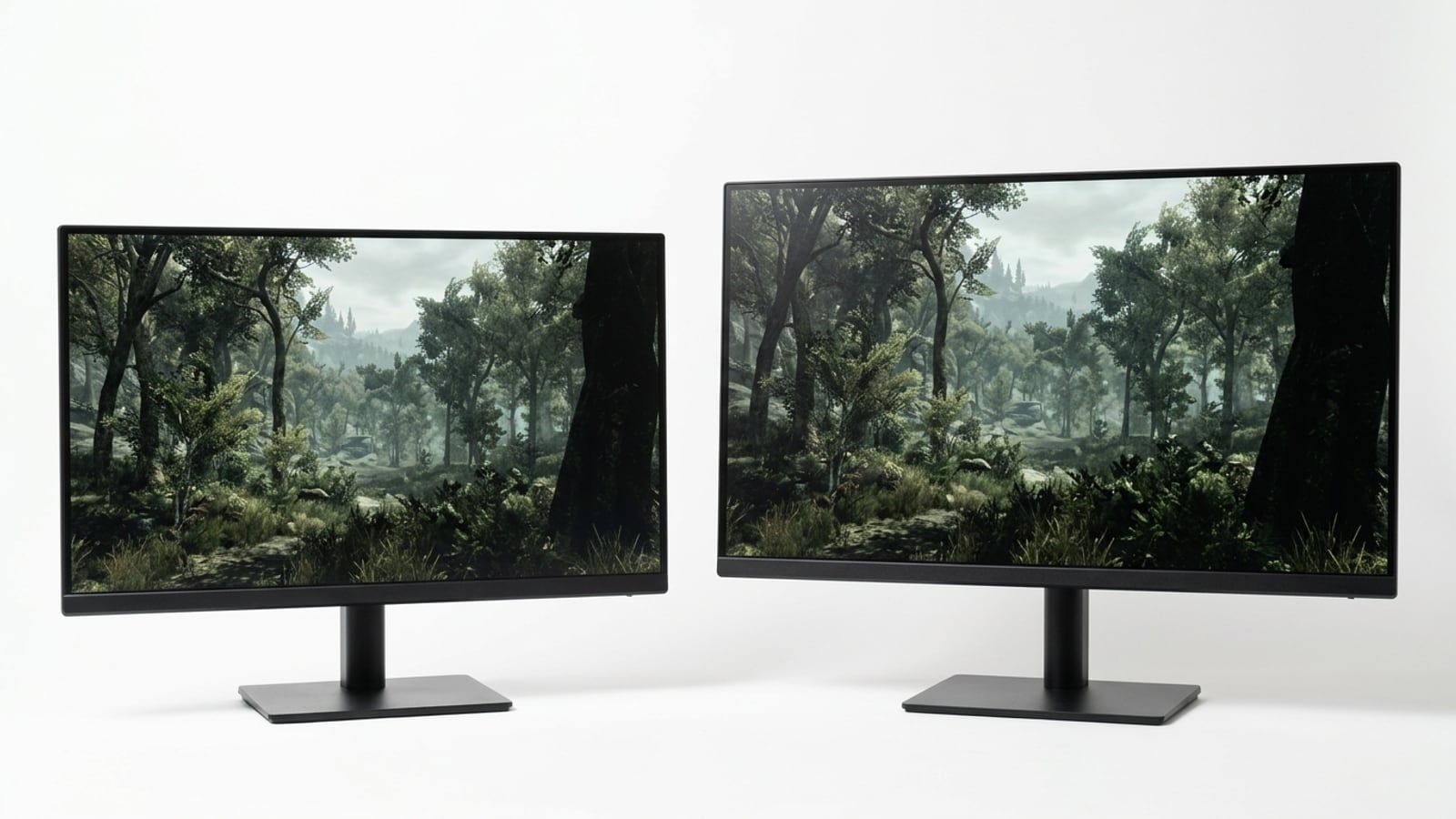
An Intel Arc B580 suits 1080p, or 1440p with upscaling, and a Radeon RX 9070 or faster suits 1440p. At 27 inches 1440p is far sharper than 1080p, and at Best Buy’s usual prices a 27-inch 1440p 180Hz monitor costs $120 more than a 24-inch 1080p 240Hz one.
Pick the monitor your graphics card can feed. A card in the class of the Intel Arc B580 belongs with a 1080p monitor at 180 to 240Hz, or with 1440p if you are happy to turn on upscaling. A Radeon RX 9070 or anything faster belongs with a 27-inch 1440p monitor, where the extra sharpness is easy to see. And the old reason to settle for 1080p, the price, has shrunk: at Best Buy’s usual prices this month a 27-inch 1440p 180Hz monitor costs $120 more than a good 24-inch 1080p 240Hz one, and on the sale running to October 29 the gap was $10. The detail, and the arithmetic behind it, follows.
The short answer by graphics card
The cards below are the ones on our three Build Sheets, the priced parts lists for a whole gaming PC at $1,500, $2,000 and $2,500.
| Graphics card | Pair it with | Why |
|---|---|---|
| Intel Arc B580 12GB ($1,500 sheet) | 1080p at 180–240Hz, or 1440p with XeSS | High settings at 1080p; the heaviest games need help at 1440p |
| Radeon RX 9070 16GB ($2,000 sheet) | 1440p at 165–180Hz | High settings at 1440p in most current games |
| Radeon RX 9070 XT 16GB ($2,500 sheet) | 1440p at 240Hz, OLED if the budget allows | Enough card to use a faster screen at 1440p |
| An older or entry-level card | 1080p | Every pixel you don’t ask for is a frame you keep |
What 1440p asks of the card: 78% more pixels
A 1080p screen is 1920 by 1080 pixels: 2,073,600 of them. A 1440p screen is 2560 by 1440: 3,686,400. That is 1.78 times as many, so every frame at 1440p asks the graphics card to draw 78% more pixels than the same frame at 1080p.
How much the frame rate falls depends on the game, the settings and the processor, so look at published reviews rather than at the pixel count alone. KitGuru’s launch reviews are a useful reference: across its 12 games, at each game’s high or ultra preset and with a Ryzen 7 9800X3D, the Radeon RX 9070 averaged 89 frames per second at 1440p and the RX 9070 XT averaged 101. Both reviews are from March 2025, before a year and a half of driver updates. Our sheets pair those cards with a Ryzen 5 5600, which is slower than the review processor, so expect less in games that lean on the processor at high frame rates.
At the $1,500 tier, PCWorld’s review of the Arc B580 found its lead over the GeForce RTX 4060 and Radeon RX 7600, its closest rivals at launch, grew at 1440p, which it put down to the card’s more capable memory, though on average it was only just ahead of the RTX 4060 there. That is why the B580 is a reasonable 1440p card with upscaling on, and a comfortable 1080p one without.
Screen size and sharpness: 24 inches and 27 inches
Sharpness depends on how many pixels sit in each inch of screen. The arithmetic is the diagonal in pixels divided by the diagonal in inches:
| Screen | 1080p | 1440p |
|---|---|---|
| 24-inch | 92 pixels per inch | 122 pixels per inch |
| 27-inch | 82 pixels per inch | 109 pixels per inch |
At 24 inches, 1080p is the usual pairing and looks fine at arm’s length. At 27 inches, 1080p spreads the same pixels over a bigger screen, and at desk distance you can see them in text and on fine edges. That is the case for 1440p at 27 inches: the same screen size with a third more pixels in each direction. Check the maker’s spec sheet for the real size, too: LG’s 27-inch UltraGear OLED in the price table below is 26.5 inches of screen, which works out to 111 pixels per inch.
Refresh rate: when 1080p at 240Hz beats 1440p
The refresh rate is how many times a second the monitor draws a new picture. Each step shortens the time between frames: 16.7 milliseconds at 60Hz, 6.9 at 144Hz, 5.6 at 180Hz and 4.2 at 240Hz. A faster screen only helps when the card delivers that many frames, so the refresh rate and the resolution pull against each other on the same card.
That is where 1080p at 240Hz earns its place. In light competitive games such as Valorant, Counter-Strike 2 and Fortnite, the $1,500 sheet plays at high refresh rates, and a 240Hz screen shows those frames. In heavy single-player games, the same card is better spent on a sharper picture at 180Hz or less.
Whichever you buy, make sure it has adaptive sync (FreeSync, G-Sync Compatible, or VESA’s own AdaptiveSync), which matches the screen’s refresh to the card’s frame rate so a drop below the maximum doesn’t tear the picture. VESA’s AdaptiveSync certification is the one with a published test behind it: the logo means the display passed tests of refresh rate, flicker, grey-to-grey response time and frame drops.
A new monitor often starts at 60Hz. In Windows, open Settings, then System, Display and Advanced display, and choose the highest refresh rate listed. Then run TestUFO from our Toolkit to confirm the screen is really running at it.
Upscaling changes the sums
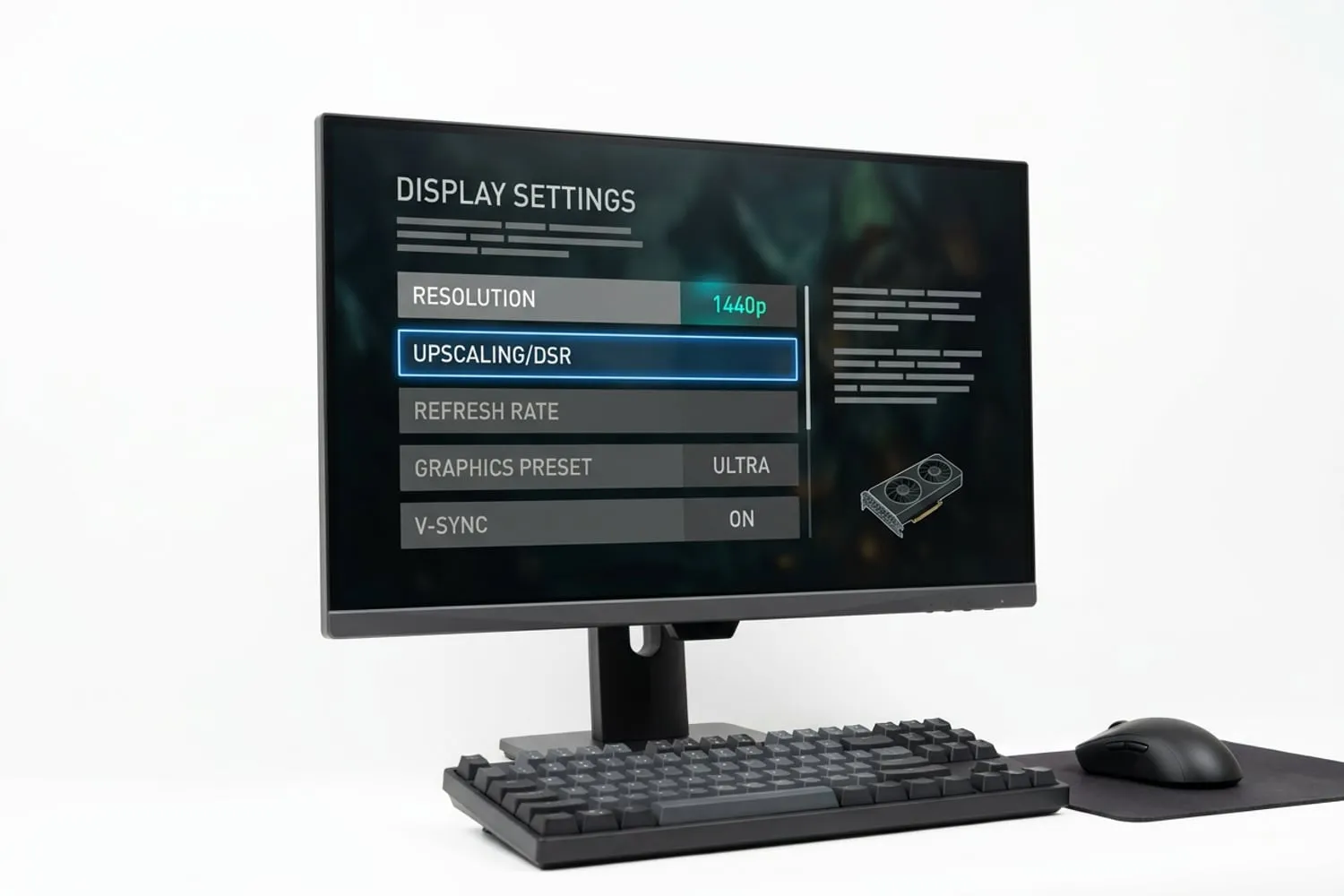
All three graphics card makers now offer upscaling: the game draws each frame at a lower resolution and the card rebuilds it at the screen’s resolution. In its Quality mode, AMD’s FSR draws at two-thirds of the width and height, so a 1440p screen is drawn at about 1707 by 960: 1.6 million pixels, fewer than native 1080p. That is why a 1440p monitor with upscaling on is often an easier load for the card than 1080p without it.
What your card supports:
- AMD FSR. AMD lists FSR Upscaling 4, its machine-learning version, for the Radeon RX 9000 and RX 7000 series. Older cards, and other makers’ cards, get FSR 3.1, which runs on almost any recent graphics card.
- NVIDIA DLSS. NVIDIA’s DLSS page lists Super Resolution, the upscaling part, on every GeForce RTX card from the 20 series on. Frame Generation, a separate feature that adds generated frames between drawn ones, needs an RTX 40 or 50 series card.
- Intel XeSS. Intel’s XeSS developer guide describes a version tuned for Arc graphics and a cross-vendor version that runs on other recent graphics cards.
Upscaling only works in games that include it, and the image is a reconstruction, so a fast-moving scene can show soft edges or shimmer that native resolution doesn’t. Try Quality mode first and drop to Balanced only if you need the frames.
What each costs in Canada
Three monitors, one for each pairing above, all sold and shipped by Best Buy. Prices are before tax and were checked in October 2026; all three were on a sale ending October 29, so the usual price is beside each. Some provinces also add an environmental handling fee to monitors at the till.
| Monitor | Screen | Price at Best Buy, October 2026 |
|---|---|---|
| ASUS TUF Gaming VG249QML5A | 23.8-inch 1080p, 240Hz, IPS | $189.99 on sale, usually $229.99 |
| Samsung Odyssey G5 G50F (LS27FG500ENX) | 27-inch 1440p, 180Hz, IPS | $199.99 on sale, usually $349.99 |
| LG UltraGear 27GX704A-B | 26.5-inch 1440p, 240Hz, OLED | $499.99 on sale, usually $649.99 |
The odd one out this month was the Samsung: a 27-inch 1440p monitor on sale for $10 more than a 24-inch 1080p one. Sales like that come and go, and at the usual prices the gap is $120. If you see a lower price at another Canadian store, our guide to price matching in Canada says which stores will match it and on what terms.
Which to buy for each Build Sheet
- The $1,500 sheet, with the Arc B580. If you mostly play competitive games, the ASUS at 1080p and 240Hz. If you mostly play single-player games and want the sharper picture, the Samsung at 1440p, with XeSS on in the heaviest releases.
- The $2,000 sheet, with the RX 9070. The Samsung, or any 27-inch 1440p IPS monitor at 165 to 180Hz. This is the pairing the card was chosen for.
- The $2,500 sheet, with the RX 9070 XT. The LG, if the budget stretches: 240Hz at 1440p is a refresh rate the card can use in many games, and OLED adds deeper blacks and faster pixel response. LG’s own page warns that burn-in may occur in brighter modes, so before you buy any OLED, read the maker’s warranty for what it says about burn-in from static images such as game menus and taskbars.
If your current card can’t drive the monitor you want, the monitor can still come first; our guide to what to upgrade first on a gaming PC shows how to tell when the card is the part to replace. More monitor guides, from panel types to TVs for consoles, are in Monitors & Displays.
Questions
Is 1440p worth it over 1080p for gaming?
On a 27-inch screen, yes, if your graphics card can keep up: 1440p gives about 109 pixels per inch against 82 for 1080p, so text and distant detail are visibly sharper. This month the price gap between the two is small. The exception is a player on a modest card who mostly plays competitive games and wants the highest frame rate; 1080p at 240Hz is the better pairing there.
Can my graphics card run 1440p?
Look for a published review that tests your card at 1440p in the games you play. As an example, KitGuru measured the Radeon RX 9070 at an average of 89 frames per second at 1440p across its 12 games, on a much faster processor than most home PCs have. If your card is an entry-level one, plan on upscaling at 1440p or stay at 1080p.
Does a 1080p game look blurry on a 1440p monitor?
A little, yes. 1440 divided by 1080 is 1.33, not a whole number, so the monitor has to stretch each game pixel across one and a third screen pixels and blend the edges, which softens the picture. Running the game at 1440p with upscaling in its Quality mode usually looks better than running it at 1080p, and asks the card for fewer pixels.
Is 24 inches too small for 1440p?
Not too small, but it is a narrow choice. A 24-inch 1440p screen works out to about 122 pixels per inch, very sharp at desk distance, though Windows text at 100% scaling will look small, and many people raise it to 125% in the display settings. Most 1440p gaming monitors are 27 inches, so there are fewer 24-inch models to choose from.
Should I buy a 1440p monitor before upgrading my graphics card?
If the new card is coming within a few months, yes: a monitor outlasts several graphics cards, and in the meantime you can use upscaling or lower settings. If you have no card upgrade planned and your card is an entry-level one, a 1080p monitor with a high refresh rate will serve you better for the money.
Sources
- AMD RX 9070 Review ft. Sapphire, KitGuru,
- AMD RX 9070 XT Review ft. ASRock, KitGuru,
- AMD FSR Upscaling, AMD GPUOpen
- DLSS Technology, NVIDIA
Free · The Build Sheet
The Build Sheet: three gaming PCs priced at Canadian stores