Is 100Hz Good for Gaming? The Honest Answer
Is 100Hz good for gaming? Compare it with 60Hz, 75Hz and 144Hz, check the GPU frame rate you need, and decide if it’s worth your Canadian budget.

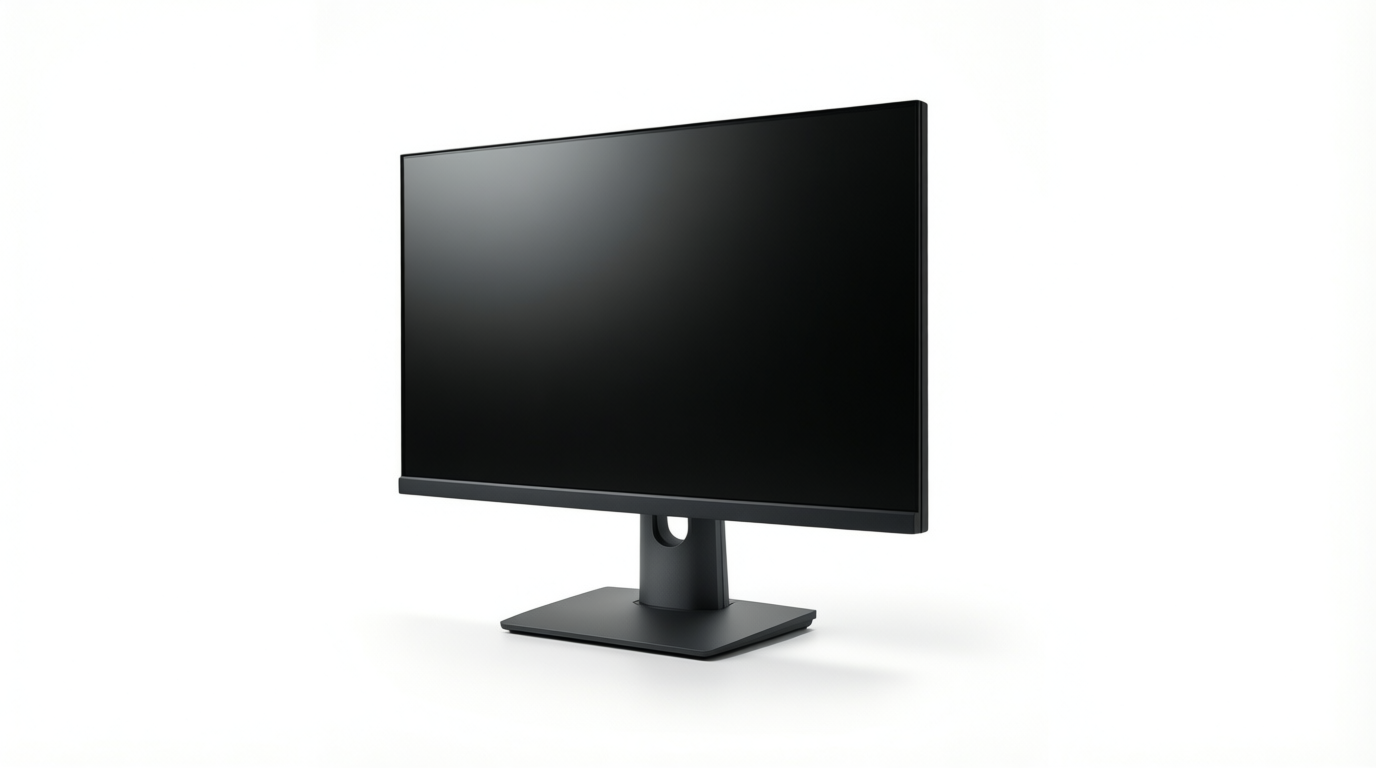
A 100Hz monitor refreshes its image 100 times per second, making motion look smoother than on a 60Hz screen. It is a practical middle ground for gaming when your graphics card can sustain close to 100 frames per second, though 144Hz suits dedicated competitive players and higher resolution may matter more for offline games. Check your games, GPU, ports, and budget before buying, since a refresh rate your system cannot use adds little.
Picture a flipbook: the more pages you flip each second, the smoother the motion looks. Your monitor works the same way. Its refresh rate, measured in hertz (Hz), is how many new pictures it draws each second. So is 100Hz good for gaming?
It’s a clear step up from 60Hz, but only if your graphics card (GPU) can keep up.
We’ll compare 100Hz with 60Hz, 75Hz, and 144Hz, then cover the frame rate and GPU you need to benefit, and finish with Canadian dollar budget guidance on when 100Hz is worth buying and what to buy instead.
Is 100Hz Good for Gaming on Your GPU?
A 100Hz monitor only helps if your graphics card (GPU) can produce enough frames to fill it.
Making sure your GPU can keep up
Refresh rate is how often the monitor redraws the picture (hertz, or Hz). Frame rate is how many frames your GPU makes each second (fps). They’re decoupled, so a high refresh rate can’t speed up a slow card.
To benefit from 100Hz, your GPU needs to push close to 100fps. Any modern card can drive high Hz, but don’t buy more Hz than your GPU can feed.
A 60Hz display can’t show 120fps, since it only gets 60 chances a second to show a new frame. Picture a player with a 60Hz monitor and a card that hits 120fps in an older game: the extra power buys them nothing.
The goal is balance, not the biggest number on the box. Match the monitor to your GPU budget.
Pick resolution and screen size first
Start with resolution, since more pixels means more work per frame for your GPU. The setup most often suggested is 1440p (1,440 pixel rows) at 27 inches. 1080p (1,080 pixel rows) is still popular at 23 to 24 inches and is lighter on your GPU.
Syncing refresh rate with G-Sync or FreeSync
Most modern monitors support variable refresh rate (VRR), which syncs the screen to your GPU’s frames. Nvidia’s version is G-Sync, and AMD’s is FreeSync.
For Nvidia, DisplayPort is more compatible, and HDMI (High-Definition Multimedia Interface) needs version 2.1 for Nvidia VRR. AMD’s FreeSync also works over older HDMI ports.
A roommate with an Nvidia card and only older HDMI ports should use DisplayPort. Check the port first.
Is 100Hz Good Enough for Gaming?
Yes, 100Hz is good for gaming, and it’s a clear step up from 60Hz, since a higher refresh rate feels smoother. Refresh rate is how many times a second your monitor redraws the image (measured in hertz, or Hz).
If 100Hz is out of reach, 75Hz is fine as a middle step.
100Hz still holds up in competitive shooters
In fast shooters like CS:GO (Counter-Strike: Global Offensive) and Overwatch, 100Hz is still competitive, and 100 frames per second (fps) is considered very quick.
For dedicated shooter players, 144Hz is still better, but the hardware edge matters little, so 100Hz is good enough. Think of a player grinding Overwatch on a 100Hz screen: the matches feel fluid, and 144Hz would be a bonus, not a fix.
Does going above 100Hz really matter?
It still helps, but the returns shrink. Percentage gains get smaller as the numbers climb: 50Hz to 100Hz is a 100% jump, while 100Hz to 150Hz is only 50%. The percentage gain fades, but the smoother feel and less blur stick around.
That’s why 60Hz vs 120Hz really matters: doubling from 60Hz to 120Hz is the same 100% jump.
Trading sharpness for smoothness in offline RPGs
The benefit of higher refresh rates in offline RPGs (role-playing games) is more debatable. Higher Hz feels smoother, but it can cost you sharpness.
Think of a player who wants a single-player adventure to look its best: 4K at 60Hz looks sharper than 1440p at 100Hz. For offline play, you’re better off with resolution than refresh rate.
Pros use 144Hz even for MMORPGs (massively multiplayer online role-playing games), so online play is a different story.
Overclocking a monitor to hit 100Hz
Overclocking can push a monitor up to 100Hz, but it isn’t guaranteed to work. Gains usually only add 5 to 15Hz, and running the panel harder may shorten its lifespan.
You’ll also need a GPU (graphics card) that can hit matching fps, or the extra Hz goes unused. It’s a gamble. A monitor rated for 100Hz is the safer route.
Finding, Connecting and Paying for 100Hz Monitors
Is 100Hz easy to find? Not really, and it’s one of the trickier speeds to connect. Here’s what to check on the shelf, at the port, and on the price tag.
Most monitors come in 60Hz or 144Hz
Every monitor has a refresh rate, or how many times per second it redraws the image. Most monitors come in 60Hz or 144Hz, and newer gaming displays mostly sit at 144Hz or higher, which leaves 100Hz in an awkward middle: once popular, now dated.
Many panels reach 100Hz only through an overclock, a setting that pushes the screen past its rated speed. That makes it the least compatible rating for many setups.
Take a builder who spots a 100Hz monitor on sale. They check the spec sheet, see the overclock, and pick a 144Hz panel over a setting that may not hold.
Getting 100Hz working with consoles and cables
Consoles lean toward 60Hz or 120Hz, so 100Hz is an awkward fit for them. 100Hz monitors often use HDMI (High-Definition Multimedia Interface) 1.4, an older version.
HDMI bandwidth limits, or the amount of data a connection carries each second, vary by version.
According to UHD Calls for New TV Infrastructure, HDMI 2.0 was developed to overcome those limits and raised supported bandwidth to 18 Gbps (gigabits per second). Older monitors can be limited over HDMI, so a 100Hz signal may never show up.
Check the port first. For full speed, use DisplayPort on your computer.
Paying more for ultrawide or faster refresh
Prices climb a lot once you move past 60Hz, and ultrawide (a wider screen than standard widescreen) adds more to the bill. Ultrawide buys you width, while a faster refresh buys you smoothness. Ask whether the eye-candy is worth the cost.
Think of a parent buying a first gaming monitor for their kid. They compare 100Hz and 144Hz prices at two Canadian stores, in Canadian dollars, and let the gap decide. Check Canadian store prices before you commit.
Keeping Your Eyes Comfortable at 100Hz
Smooth motion is only half the story at 100Hz. The other half is whether your eyes stay comfortable, and that depends on how a screen dims, not just how fast it refreshes.
How flicker and PWM dimming cause headaches
Old CRT monitors caused strain at low refresh rates because the image visibly flickered. Modern displays don’t work that way, so that old problem isn’t the one to worry about today.
Flicker sensitivity varies by person. One player can sit through a long match just fine while another gets a headache within the hour.
The real catch is PWM dimming, short for pulse-width modulation, which dims a backlight by switching it on and off very quickly. PWM dimming can cause headaches in some people.
According to a PubMed review of LED flicker research, continuous exposure to 100Hz lights can cause headaches, eyestrain, and increased visual-cortex activity, even without seeing the flicker. You don’t have to see it to feel it.
Finding an affordable glossy monitor
A glossy finish, the shiny surface coating some panels use, is harder to find on a budget. Glossy models are mostly sold at premium prices, but some affordable retail options do exist, so compare listings before you buy.
Think of a player who wants a glossy 100Hz screen for late-night sessions and finds the one they like priced well above their budget.
Rather than settle for a screen that strains their eyes, they compare listings across a few stores and wait for a better deal. Patience pays off.
100Hz is a sensible middle ground: a real upgrade over 60Hz that’s easier to feed than 144Hz. Whether it earns a spot in your budget depends on your graphics card and the games you play.
If your card holds a steady frame rate near 100 frames per second, you’ll feel the difference. If not, put the money into the card first.
Match the monitor to your card and your games, and let the price follow. The best refresh rate is the one your system can keep up with and your wallet can actually afford.
References
- Temporal light modulation from LED lighting and seizure risk: A focused review of visible flicker, invisible modulation, and evidence gaps — ncbi.nlm.nih.gov (2026)
- UHD Calls for New TV Infrastructure — sid.onlinelibrary.wiley.com
Questions
Can 60Hz display 120fps?
No. A 60Hz display can show at most 60 distinct frames per second, so it cannot display all 120 frames a second that a GPU produces.
Does 60Hz vs 120Hz really matter?
Yes. Moving from 60Hz to 120Hz doubles the refresh rate, making motion look smoother; you’ll benefit most when your GPU can produce close to 120fps.
Is 75 Hz ok for gaming?
Yes. 75Hz is a reasonable middle step if a 100Hz or faster monitor is out of reach, and it can feel smoother than 60Hz. Your GPU needs to produce enough frames to take advantage of the higher refresh rate.
Which is better, 60Hz or 100Hz?
For gaming, 100Hz is generally better than 60Hz because it makes motion look smoother. The difference is most useful when your GPU can deliver close to 100fps; for games where image sharpness matters more, you may prefer higher resolution instead.
Sources
- Temporal light modulation from LED lighting and seizure risk: A focused review of visible flicker, invisible modulation, and evidence gaps - PubMed, ncbi.nlm.nih.gov,
- UHD Calls for New TV Infrastructure, sid.onlinelibrary.wiley.com
Free · The Build Sheet
The Build Sheet: three gaming PCs priced at Canadian stores