Prebuilt vs custom gaming PC in Canada: which costs less?
Our $2,000 Build Sheet priced against the prebuilts Best Buy and Costco.ca sell this month, with Windows, warranties and spec sheets counted in.

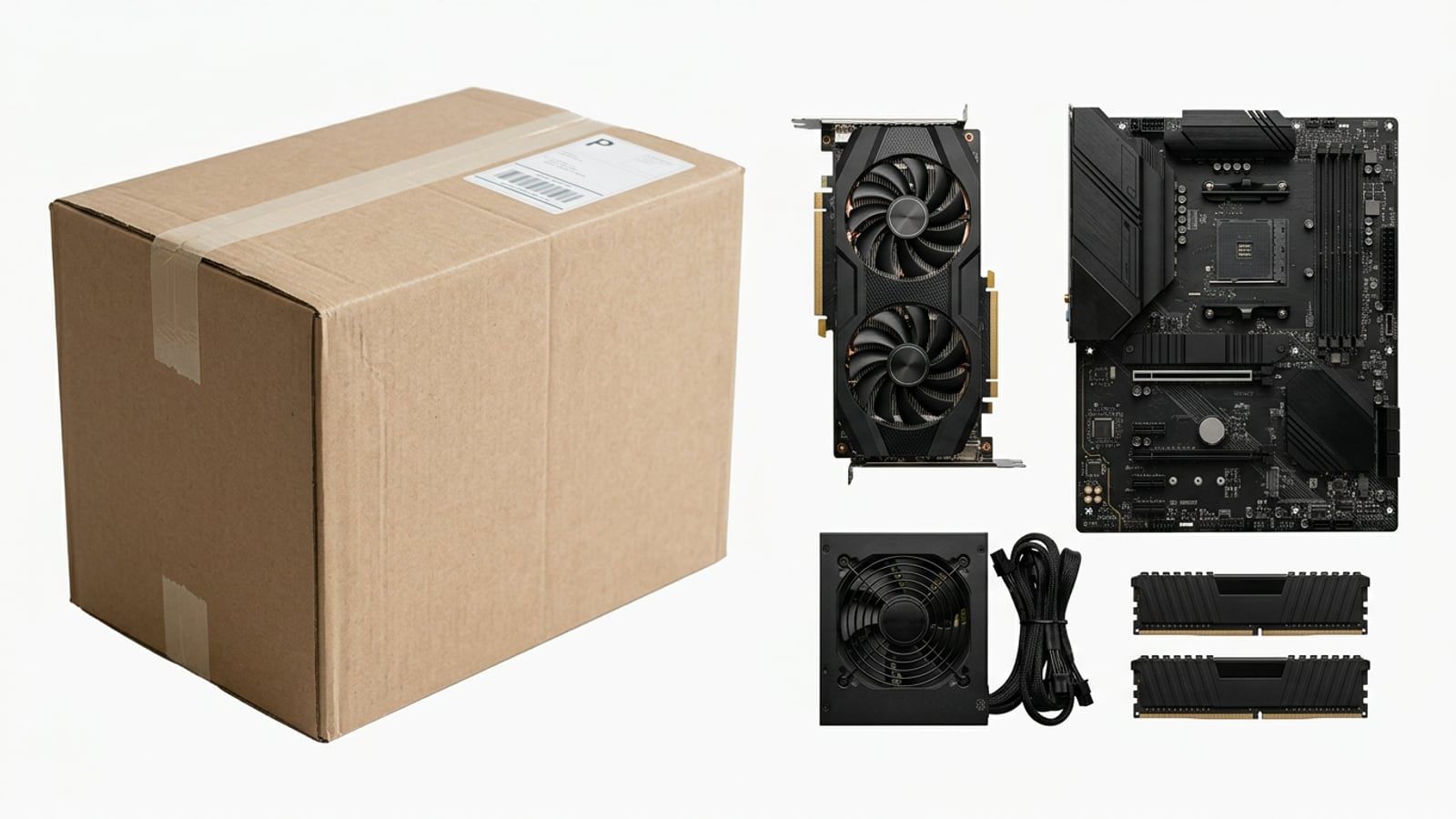
At $2,000 this month, building our $2,000 sheet and buying Windows comes to $2,149, about $250 under the cheapest prebuilt with the same graphics card at Best Buy. A big-maker prebuilt can still be the better buy when it includes parts that cost more on their own, so price the whole box, not the headline.
Building costs less this month, but by about $250 at $2,000, not the hundreds more people expect. Our $2,000 sheet comes to $1,960 before tax, $2,149 with a Windows 11 Home licence, and the cheapest prebuilt with the same Radeon RX 9070 at Best Buy was $2,399.87 in October 2026. That gap buys you named parts, a warranty on each and the evening of assembly. It is not a rule, though: a prebuilt that includes 32GB of DDR5 can cost less than building the same thing at this month’s memory prices. Count what is in the box before you compare.
Every price here is in Canadian dollars before tax, at the store named, checked in October 2026.
What a prebuilt’s price includes
A prebuilt’s price covers more than its parts, and some of it is worth money to you:
- A Windows licence. Windows 11 Home is $189 at the Microsoft Store in Canada. Every prebuilt we compared includes it, and none of our Build Sheet totals do.
- Assembly and a first boot. Someone else fits the parts, installs Windows and the drivers, and checks that it starts. If you build, that is your evening; our first-boot guide walks through it.
- One warranty and one return. If something fails, there is one place to send the whole PC.
- Often a keyboard and mouse. Many prebuilts at Costco.ca come with a wired set. A self-build does not.
What it usually does not include is a choice: the power supply, the motherboard and the memory are whatever the builder fitted, and the listing often does not say which.
The same budget, built and bought
We took the $2,000 sheet and set it against two prebuilts on sale in October 2026: the cheapest one at Best Buy with the same graphics card, and a prebuilt from a large maker at Costco.ca at a similar price.
| The $2,000 sheet, built | Zonic prebuilt, Best Buy | MSI Aegis Z2, Costco.ca | |
|---|---|---|---|
| Graphics card | Radeon RX 9070 16GB | Radeon RX 9070 | GeForce RTX 5070 12GB |
| Processor | Ryzen 5 5600 | Ryzen 7 5700 | Ryzen 7 8700F |
| Memory | 16GB DDR4-3200, Kingston FURY Beast | 16GB DDR4, brand not named | 32GB DDR5, brand not named |
| Storage | 1TB Kingston NV3 | 1TB NVMe, brand not named | 1TB SSD, brand not named |
| Power supply | MSI MAG A650BN, 650W Bronze | 750W “80 Plus Certified”, brand not named | Not listed |
| Motherboard | MSI B550M PRO-VDH WiFi | “AMD AM4 WiFi & Bluetooth Pro Series” | Not listed |
| Windows 11 Home | Not included: $189 | Included | Included |
| Warranty | Each part’s own | 1-year system warranty, per the listing | 2 years, with Costco’s extension |
| Price | $1,960, or $2,149 with Windows | $2,399.87 | $2,499.99 |
The Best Buy listing is the Zonic Gaming PC with a Ryzen 7 5700 and RX 9070, sold and shipped by Zonicpc, a Best Buy Marketplace seller, at a sale price that ran to October 31. It is the closest match to our sheet: the same platform, the same card and the same amount of memory. Against it, building comes out about $250 ahead once Windows is counted, and you know every part by name.
The MSI Aegis Z2 at Costco.ca is a different case. Put the RTX 5070 on our sheet (it is the Nvidia swap, $1,200 at Best Buy) and the build comes to $2,114, or $2,303 with Windows, about $197 less than the Aegis. But the Aegis runs on AMD’s newer AM5 platform with 32GB of DDR5, and a 32GB DDR5 kit alone costs $630 to $650 this month, which is why our sheets stay on AM4. We haven’t priced a full AM5 parts list for this edition, but the memory difference alone ($184 on our sheet against $630 or more) is more than twice the gap. If you want that platform and that much memory, look hard at the prebuilt.
Price a parts list yourself before you compare: PCPartPicker’s Canadian edition prices each part at Canadian stores and checks that the parts fit each other.
Where prebuilts save money: power supply, board, memory
The parts buyers look at least are the ones listings say least about. In the listings we read, the graphics card and the processor were always named, and the parts around them often were not. The Zonic listing gives its power supply as 750W “80 Plus Certified”, with no maker and no efficiency tier, and its motherboard only as an AM4 board with Wi-Fi. The Costco.ca listing for the MSI does not name the power supply or the board at all.
That doesn’t mean those parts are poor. It means you can’t tell, and they are the three parts that decide what you can upgrade later:
- The power supply decides which graphics card the PC can take next, and how long it lasts.
- The motherboard decides which processors fit and whether there is a spare slot for a second drive.
- The memory decides whether you can add a pair of sticks or have to replace both.
On a self-build each of these is a part you chose and can look up. On our sheets they are named with a reason and a swap.
Warranties: one warranty or seven
A self-build has a warranty per part, and each maker sets its own. Some run long: Kingston, for example, gives its FURY memory a lifetime warranty. The catch is that when something fails, you work out which part it is, then deal with that maker, usually with the PC in pieces while you wait.
A prebuilt has one warranty for the whole system, and the length depends on who sells it. The Zonic listing at Best Buy gives a one-year system warranty in its notes, though its warranty section only says to check with the maker, so ask the seller before you buy. Costco.ca extends the maker’s warranty to two years for members when the maker’s is shorter, and accepts returns within 90 days. Before you buy, find three things on the listing: who handles the warranty (the store, the maker or a marketplace seller), how long it runs, and whether opening the case affects it.
Who should buy a prebuilt
- You would rather not assemble a PC, or don’t have the evening to spend on it.
- You want one warranty and one place to return the whole thing.
- A prebuilt includes something that costs more on its own this month, such as 32GB of DDR5, and you would use it.
- You are buying at a store with a long return window, such as Costco.ca’s 90 days, and want that safety net.
Who should build
- You want every part named, and a power supply and board you chose for the next upgrade.
- You are spending around $2,000, where our sheet came in about $250 under the closest matching prebuilt we found.
- You plan to upgrade one part at a time, and want parts that are easy to look up and replace.
- You already own a Windows licence, which moves the gap by another $189.
How to read a prebuilt’s spec sheet before you buy
- Check the graphics card against its maker’s page. The model name matters more than the brand of the PC. Two marketplace listings we read gave the RX 9070 12GB of video memory; AMD’s own specifications give it 16GB. A mistake like that may be only a typo, but ask the seller before you pay.
- Read the processor in the description, not just the title. One listing’s title said Ryzen 5 5600 and its description said Ryzen 5 5600 GT, which is a different chip.
- Look for the power supply’s maker and rating. A named unit with an 80 Plus Bronze or Gold rating is something you can look up. “80 Plus Certified” alone tells you little.
- Look for the motherboard’s model. Without it you can’t check which processors it takes later.
- Find who sells it. At Best Buy and Amazon.ca, many gaming PCs are sold by marketplace sellers, with their own warranty and return policy.
- Count the extras. Windows, a keyboard and mouse, Wi-Fi: add what you would otherwise buy, and subtract what you already own.
- Compare the sale price with the usual one. Many prebuilt listings show a large saving against a regular price. Our guide to price matching in Canada covers which stores will match a lower price elsewhere.
For more builds at fixed Canadian budgets, see PC Builds.

Questions
Is it cheaper to build a gaming PC in Canada than to buy one?
Usually, but not by as much as people say, and not always. In October 2026 our $2,000 sheet plus a Windows licence came to $2,149, against $2,399.87 for the cheapest prebuilt with the same Radeon RX 9070 at Best Buy. A prebuilt with 32GB of DDR5 can come out ahead when memory prices are high, because the memory alone costs more than the gap.
Do prebuilt gaming PCs come with Windows?
Almost all of the ones sold at Canadian stores do, usually Windows 11 Home, and it is worth $189 at the Microsoft Store in Canada (October 2026). Check the listing for the edition. A self-build needs its own licence, though Windows installs and runs without one, with a watermark and some settings locked.
What warranty does a prebuilt PC have compared with separate parts?
A prebuilt has one system warranty from its builder or maker (the Best Buy prebuilt we priced lists one year), and some stores add to it: Costco.ca extends the maker’s warranty to two years for members. Separate parts each carry their own maker’s warranty, which can run longer (Kingston gives its FURY memory a lifetime warranty), but you deal with each maker yourself.
Can I upgrade a prebuilt gaming PC later?
Most can take a new graphics card, more memory or another drive, as long as the power supply, the case and the board have room for it. That is why a listing that names its power supply and motherboard is worth more than one that does not. Before you open the case, check whether the warranty terms say anything about changing parts.
Where can I buy a prebuilt gaming PC in Canada?
Best Buy, Costco.ca, Canada Computers, Memory Express, Amazon.ca and the makers’ own stores all sell them. Many of the listings at Best Buy and Amazon.ca are from marketplace sellers rather than the store itself, so check who sells it, who handles the warranty and what the return window is.
Sources
- Buy and Download Windows 11 Home, Microsoft Store Canada
- AMD Radeon RX 9070 specifications, AMD
- Kingston Limited Warranty Statement, Kingston Technology
- MSI Aegis Z2 Gaming Desktop, AMD Ryzen 7 8700F, RTX 5070, Costco.ca
Free · The Build Sheet
The Build Sheet: three gaming PCs priced at Canadian stores