Open PC Case Explained: Airflow, Dust, and Noise
An open PC case keeps parts visible and airflow unrestricted, but invites dust and noise; compare Canadian-priced picks and check which components fit.

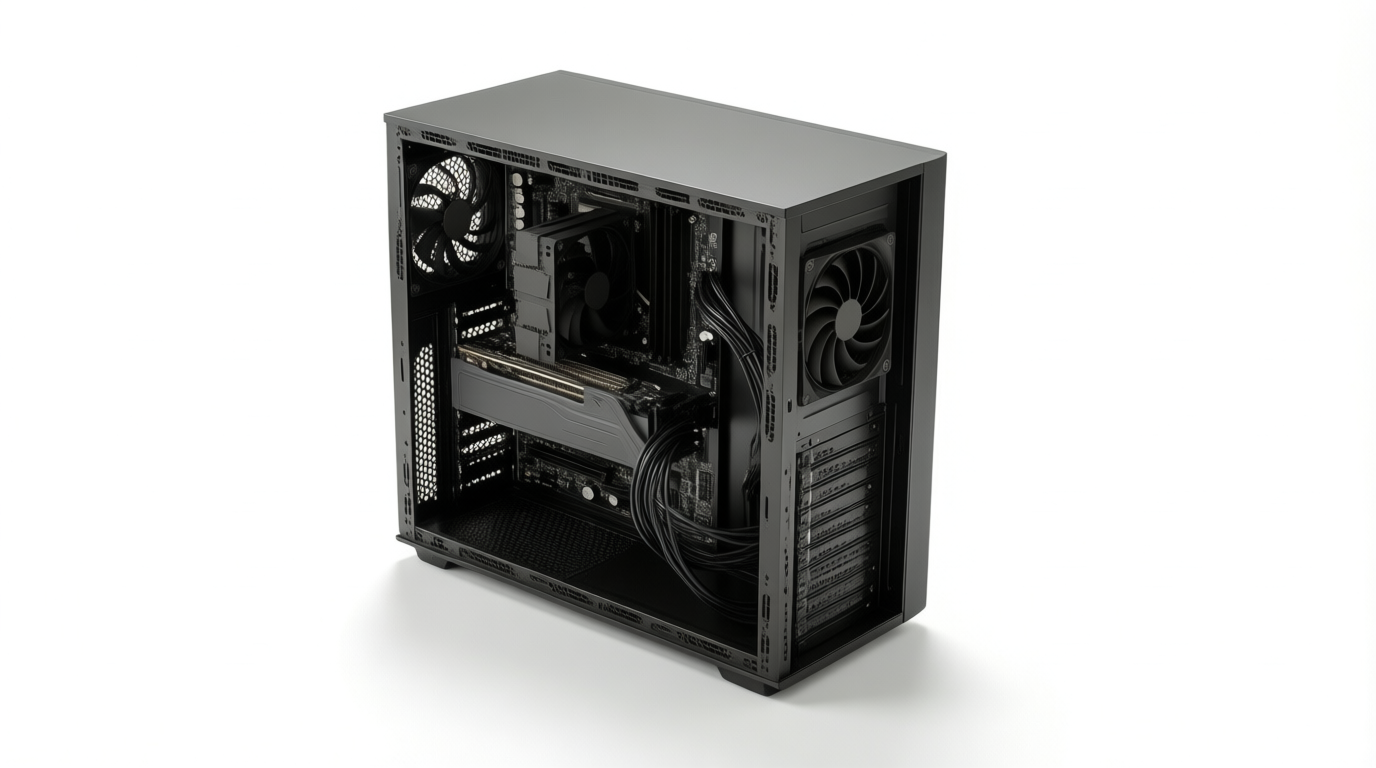
An open PC case is a frame with little or no outer shell, leaving components visible and easy to reach. It prioritizes access and unrestricted airflow, but offers little protection from dust, noise, spills, or curious hands, and may not keep every component cooler without directed airflow. It suits showpiece builds and frequent part swaps, while most buyers should check part clearances and weigh the upkeep against a ventilated enclosed case.
Think of open kitchen shelving versus closed cabinets. Open shelves let you grab anything fast, but dust settles on the plates and cooking smells drift everywhere.
An open-frame computer case works the same way: little or no solid panel, so every part sits in plain view and air moves freely through it.
That’s the trade-off this guide is about. We’ll cover the main types, real heat, dust, and noise, which parts fit, and who benefits most. You’ll also find priced options in Canadian dollars, plus a closed-case alternative if an open build isn’t for you.
Open PC Case Basics and Main Types
An open case is a frame with little or no outer shell, so the parts sit in plain view. Whether that suits you depends on your needs.
What makes a case open
Remove the side panels and the frame itself becomes the case:
- Exposed frame, no side panels. Nothing blocks the parts, so every component is reachable.
- Unrestricted airflow and access. Air moves freely, and swapping parts takes minutes.
- Full hardware visibility. Every cable, fan, and card is on display.
Enclosed cases trade openness for a tidier look and a barrier against dust and noise. Going open chooses access over shelter. That’s the trade. Mesh-front cases and panels-off setups land somewhere in between.
Common styles of open frames
Open frames come in six common styles:
- Test bench frames. Bare rails for trying parts before a final install.
- CNC aluminum display frames. Computer numerical control (CNC) machines cut these from solid aluminum for a sharp look.
- Acrylic and do-it-yourself (DIY) cases. Clear panels or builds you assemble yourself.
- Wall-mount frames. Hang on a wall, so the machine doubles as decor.
- 3D printed frames. Plastic parts from a 3D printer, often in custom designs.
- Hybrid configurable cases. Modular frames where you add or remove panels.
Open cases versus test benches
A test bench suits temporary testing: you’ll lay parts out, confirm they boot, then tear down. An open case is a permanent chassis (the frame holding every part). Showpiece looks can cost function, since a display frame may gather more dust.
A bench is for testing parts, and an open case is for living with them.
Think of a player checking whether a new graphics card runs cool before committing. The bench handles that weekend, and then the card moves into a permanent open frame that’s built for daily use.
Heat, Dust, and Noise in Open Cases
Open frames trade protection for access, and the costs show up in heat, dust, and noise.
How well open frames stay cool
Open isn’t always cooler. With no side panels, an open frame lacks directed airflow, the set path that moves cool air over hot parts.
A high-airflow closed case funnels air through front mesh on a set path. Open frames also often lack fans over the motherboard and voltage regulator modules (VRMs), so those parts can run warm.
Your ambient temperature (the room’s air) sets the baseline too. A player whose desk sits in a sunny office may see their open build run hot each summer evening. Moving the desk or adding one fan over the VRMs is a cheap fix to try first.
Dust buildup and how to clean
Open frames have no dust filtration, so particles settle straight onto fans, heatsinks, and the motherboard. Dust is a common downside of open cases, though our sources include no measured dust data to quantify it.
Clean on a regular schedule with compressed air, holding the fans still while you blow so they don’t spin and get damaged. Dust happens. Keep up with it.
How loud open builds get
Without acoustic damping (the foam or panels that soak up sound), fan noise is fully exposed.
In one measured test, KitGuru’s review of the NZXT H2 Flow recorded 41 dBA, a loudness reading in decibels, with the side panels off and 42 dBA with them on. That’s a small rise, and it came from higher temperatures and fan speeds.
If you game late while a roommate sleeps down the hall, the fan speeds you set are what they’ll hear, so set them with the room in mind.
Running liquid cooling in an open frame
Two setups are recommended for open frames:
- All-in-one (AIO) liquid cooler: a sealed, ready-to-install unit.
- Custom loop: separate pump, radiator, and tubing parts you assemble yourself.
A custom loop suits an open frame especially well, since its tubing sits in plain view for filling and leak checks. Radiator room varies by model, so check the spec sheet for the largest radiator your frame supports before you buy.
Which Parts Fit Inside an Open Case
Open cases give you room, but that room has edges. Check your motherboard, graphics card, and power supply against the case before you buy, since these often surprise builders.
Which motherboard sizes fit
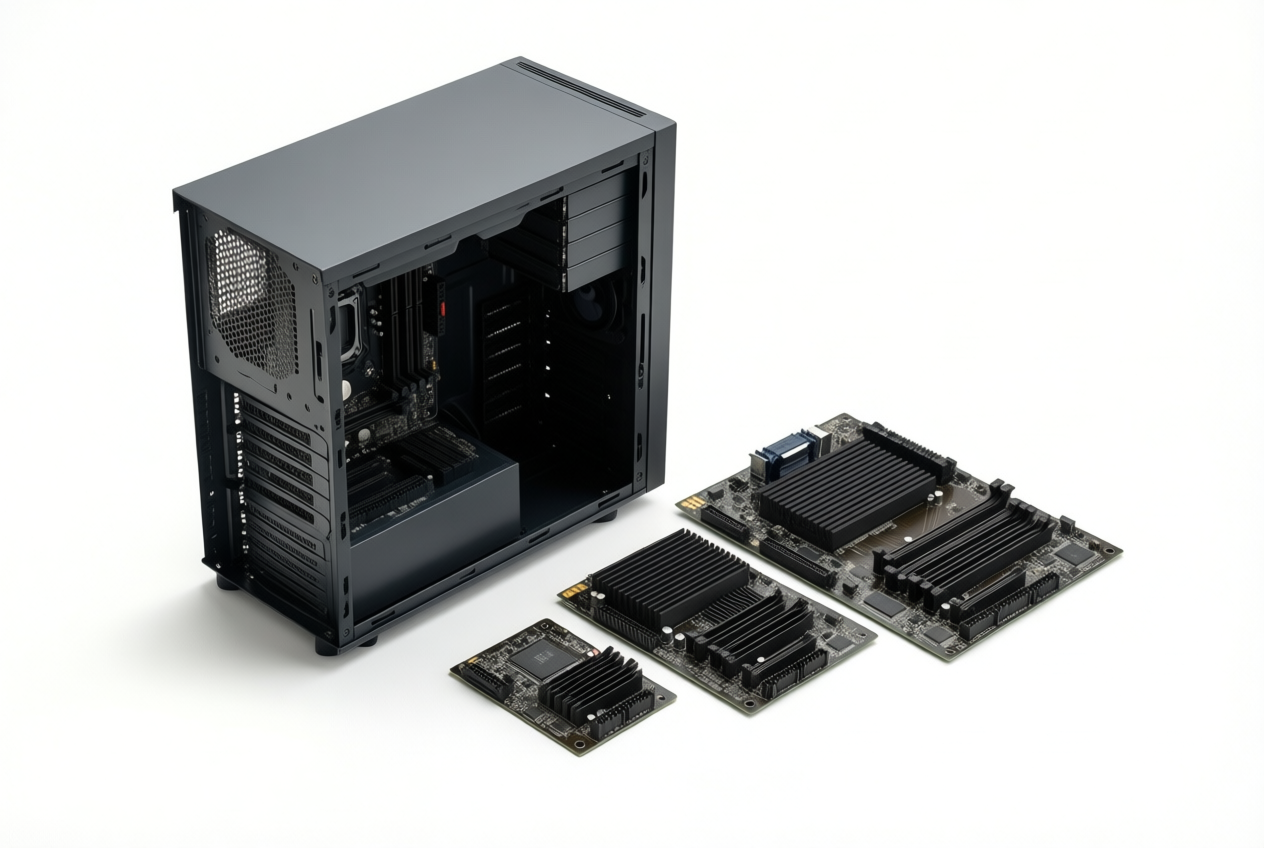
Many open cases support everything from Mini-ITX (a small board for compact builds) to E-ATX (a larger board for high-end systems), but confirm the listed support.
Some cases also take SSI-EEB (a large server and workstation board size), which is a rarer fit. Look for adjustable standoffs (the posts that hold the board) so you can move mounting points for different sizes without swapping hardware.
How long a graphics card fits
Each case lists a maximum GPU (graphics card) length, but that’s only useful when you compare it with your card’s actual length.
Large AIB (add-in board) cards from card makers can run longer and thicker than you’d expect, so measure the exact model you plan to buy.
A reservoir (a tank in a custom water-cooling loop) also takes up space, so it can eat into the clearance your card needs.
Think of a player who orders a big new card and a case in the same week, then finds the card won’t seat once it arrives. Checking the exact model’s length before checkout would’ve saved them a return.
Power supply and drive space
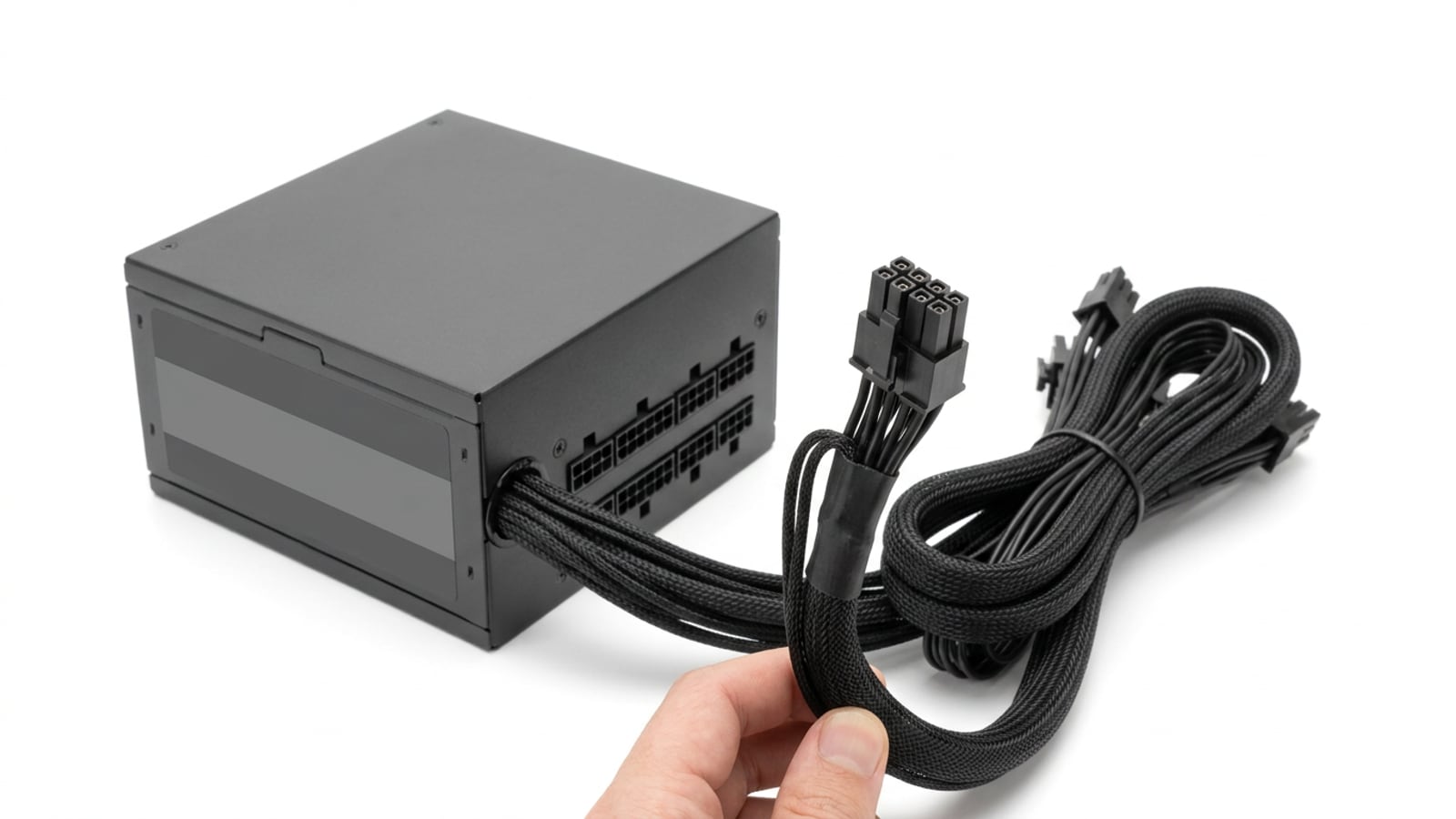
An SFX (small form factor) power supply is smaller than a standard ATX (full-size) unit, so check whether your case’s bay is built for one or the other, since bay size decides what fits.
Drive space is another limit: many open cases offer only a few drive slots, so count your storage before you buy. Some cases also leave tight PSU (power supply unit) space, especially when a long graphics card sits nearby. Measure first.
Who Benefits and Who Should Skip One
An open case leaves the parts in plain view. Here’s who it suits and who should skip it.
Builders who benefit most
Some builders get real value from an open frame, mostly for access over protection. Reviewers and testers swap parts constantly. Overclockers need the airflow when heat’s the limit.
Display and showpiece builds show off the hardware, frequent part swappers save time on upgrades, and wall-mount enthusiasts want a PC meant to be seen.
When an open case is a poor choice
Picture a gamer whose toddler and cat share the room with the PC. Every curious hand and paw is a risk.
- Homes with kids or pets. Exposed parts invite grabs and chewing.
- Dusty environments. Dust settles straight onto exposed parts.
- LAN party transport. Hauling it to a local area network (LAN) gathering invites knocks.
- Quiet computing seekers. Without panels, fan noise carries across the room.
- Not for most everyday builders. Most people want a tidy, protected machine.
- Spill and physical damage risk. A spilled drink can land right on the boards.
Airflow is the upside. Exposure is the price.
Using an open case for gaming
The main draw is thermal headroom, or room for heat to escape, which keeps the graphics card (GPU) cool under load. The trade-off: the same openness makes it impractical for everyday use, with dust and noise along for the ride.
For most gamers, a stylish frame with good airflow is the best pick. Every dollar on the frame is one not spent on the card, which sets how well your games run.
Top Picks and What They Cost
Which open case is worth your money? Prices and stock move fast, so treat figures here as starting points.
Best open cases in each category
- Thermaltake Core P-series: the Core P3 is a skeleton case with only two sides.
- Cooler Master MasterFrame 700: confirm its specs and price on the product page.
- Streacom BC1 benches: a bench-style option to compare.
- Budget test benches: the entry point to open building.
- Vetroo K1: check dimensions and GPU clearance on the spec sheet.
- Monster Studio aluminum frames: check build quality and fit on the listing.
Prices, stock, and buying in Canada
The GamersNexus review lists the Core P3 at $100, so budget benches start around that mark. Premium frames cost about $200 or more, and the PCMag UK review lists the MasterFrame 600 at $199.99.
Some models get discontinued, and stock can run out before you check out. The prices above aren’t confirmed Canadian prices, so check the CAD price at a Canadian retailer.
Imported frames can add shipping and duties, so compare the landed price, not the sticker.
Before you buy:
- Is the model current and in stock?
- What’s the landed cost in CAD?
- Does the GPU clearance fit your card?
Weighing the strengths and drawbacks
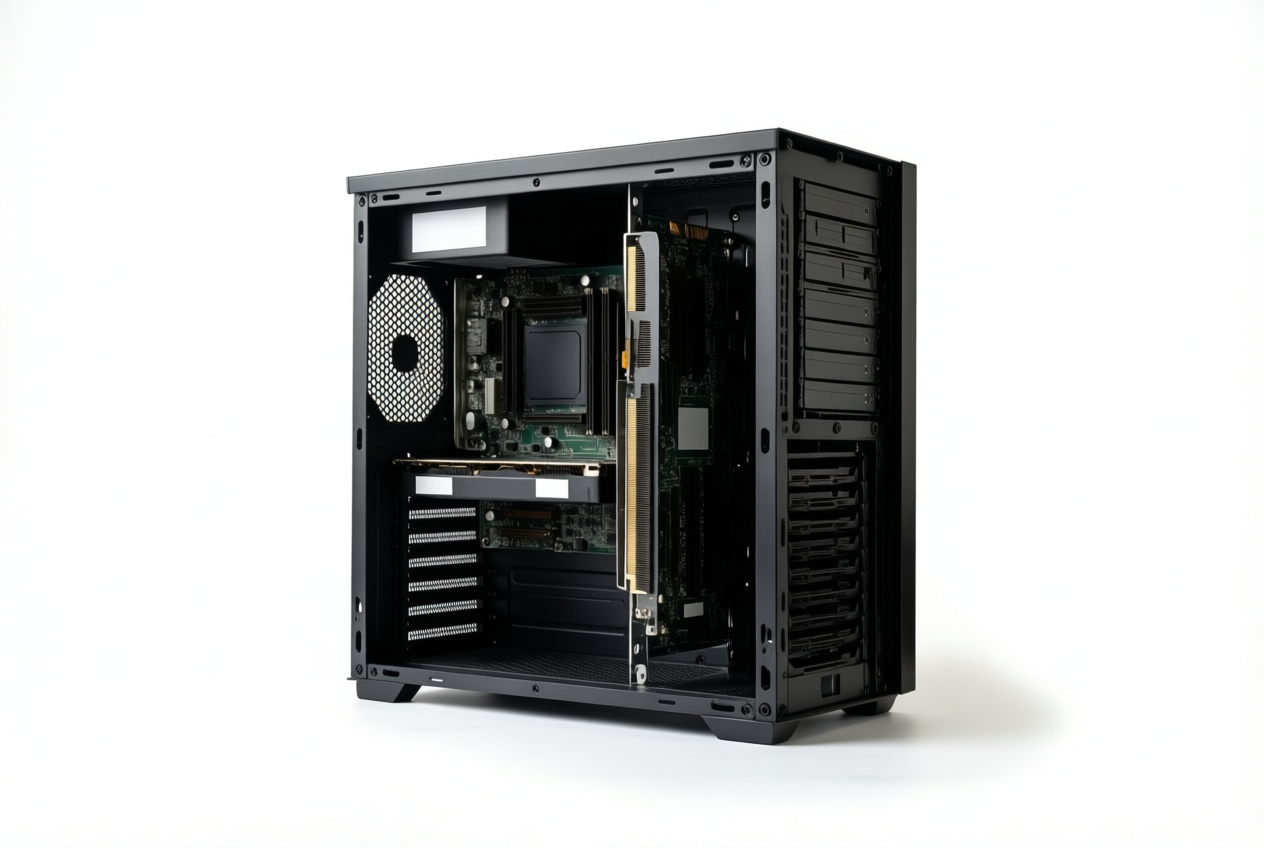
An open frame trades protection for access. Think of a player testing a friend’s GPU before buying one. The card swaps in without unscrewing a side panel. Swapping is the point.
- Striking looks: every part sits on display.
- Expensive: premium frames cost real money before any parts go in.
- Dust drawback: nothing shields the parts, so dust builds up and needs cleaning.
- Limited GPU length: some frames cap card length, so check clearance first.
- Easy tool-free setup: some frames skip the screwdriver, so swaps go faster.
Tips for Building in an Open Case
Open cases leave every part exposed, so a few habits go a long way. Here’s how to keep your build steady, tidy, and safe.
Keeping a heavy GPU from sagging
A big graphics processing unit (GPU) can droop over time, and that sag stresses the PCI Express (PCIe) slot it plugs into. Think of a player who spots a slight tilt a few months after building. Catching it early beats repairing a damaged slot.
We recommend a support bracket to prop up the far end of the card. You want the card supported rather than hanging off the slot. A thicker case frame also resists flex, so the whole chassis holds its shape.
Tidying cables without a shroud
An open build has no shroud or channels to hide wiring, so a little planning keeps things neat:
- Velcro-style straps beat zip ties, since you can undo and re-tie them when you swap parts.
- Short custom cables cut the extra slack that would otherwise bunch up.
- A modular power supply unit (PSU) lets you plug in only the cables you need.
A roommate pulling a card for an upgrade finds that straps make the job quick instead of a tangle of cut zip ties.
Protecting parts from static shocks
Static is the tiny zap you feel from a doorknob, and it can damage parts. An open case offers no grounded frame, so that job falls to you.
Picture a first-time builder shuffling across carpet in socks, then reaching for a memory stick. Clip an anti-static wrist strap to bare metal on the case first, so the charge has a safe path out.
Also ground the frame to the PSU by screwing the power supply firmly in, so the two share a ground.
Ground first. Build second.
Handling multiple GPUs and wall mounts
If a GPU sits offset from its slot, a riser cable links the two so you can place the card where there’s room. Label each power connector with the card it feeds, since look-alike GPUs are easy to mix up.
Wall mounts need the same care. Check each anchor’s weight rating, and add up the full build weight with room to spare. Mount into a stud, not just drywall, whenever you can.
Making Your Own Custom Frame
Sometimes no store-bought case fits your parts, so we’ll look at building your own. Your two main routes are acrylic and 3D printing.
Building an acrylic frame at home
Support panels should be at least 5mm thick. Keep these three points in mind:
- Acrylic cement. Use it to bond the edges. It fuses the pieces rather than sitting on top like ordinary glue.
- Standoffs. Mount the board on spacers that lift it off the panel. Use M3 (a common metric size) standoffs.
- Protective film. Keep it on until the final step, since acrylic scratches easily.
If you’d rather have a glass window, tempered glass is the upgrade to consider.
Think of a gamer squeezing a compact system into a dorm desk corner. They cut and cement the panels, mount the board, and peel the film only after the last screw goes in. The payoff: a case sized to that corner. Measure twice.
Picking a filament for printed frames
Printing is the other route, and the filament you choose matters. PLA (polylactic acid) is the easiest to print, but easy isn’t the same as right for a case, since it softens near heat.
Use PETG (glycol-modified polyethylene terephthalate) or ASA (acrylonitrile styrene acrylate) instead. Both hold up better near heat than PLA.
Your printer’s build plate caps how big any single piece can be, so a large side panel may need to be split into smaller parts.
That’s why printed frames suit Mini-ITX builds (the smallest common motherboard size) best, since the compact board fits on the build plate.
An open case isn’t the right answer for everyone, but it can be the right one for you. It trades a clean look and quieter running for easier airflow and simple access to every part.
Weigh how much dust you’ll tolerate and how much noise bothers you, then match the frame to your room and budget.
Whatever you pick, the goal stays the same: a build that runs your games well at the money you actually have. The best case is the one that fits your parts, your space, and your wallet.
References
- NZXT H2 Flow PC Case Review — kitguru.net (2026)
- Thermaltake Core P3 Review: Quality Test Bench Alternative — gamersnexus.net
- Cooler Master MasterFrame 600 - Review 2025 — uk.pcmag.com (2025)
Sources
- NZXT H2 Flow PC Case Review | KitGuru, kitguru.net,
- Thermaltake Core P3 Review: Quality Test Bench Alternative | GamersNexus, gamersnexus.net
- Cooler Master MasterFrame 600 - Review 2025 - PCMag UK, uk.pcmag.com,
Free · The Build Sheet
The Build Sheet: three gaming PCs priced at Canadian stores