Xbox RRoD Explained: Causes, Fixes, and Repair Costs
Xbox RROD can turn a late-night match into a repair decision. Decode red-light codes, try home fixes, and compare repair costs with an Xbox 360 replacement.

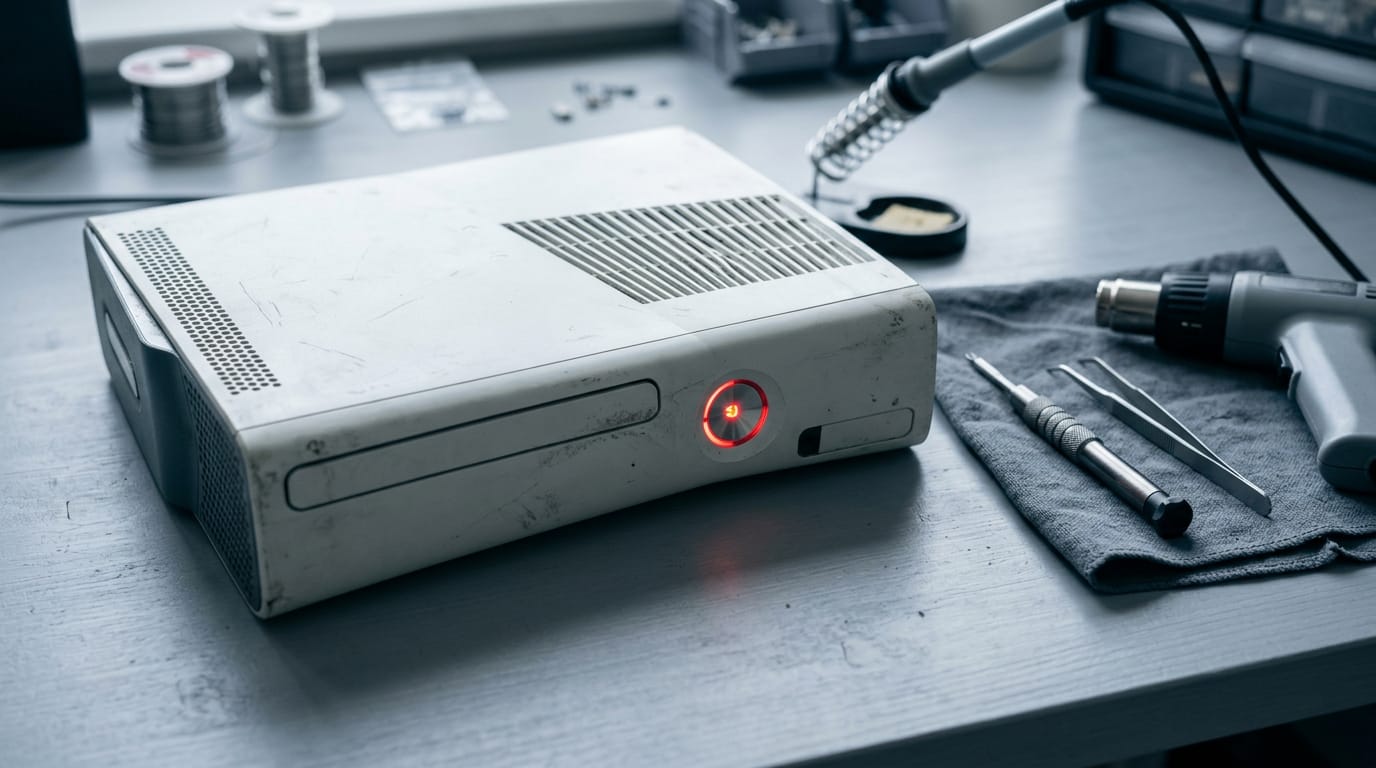
The Xbox 360 Red Ring of Death is a warning of serious console failure, shown by three red lights around the power button; other light patterns can point to overheating, a general hardware fault, or a missing AV cable. Read the light or on-screen error code, check simple power and connection issues, and compare warranty coverage, repair risks, and replacement costs before opening the console. Keeping vents clear and the console cool can help reduce overheating, but no DIY repair is guaranteed to last.
Picture settling in for a late-night match when the screen goes black and a ring of red lights stares back at you. That’s the Red Ring of Death (RROD), the Xbox 360’s infamous warning that something inside the console has failed.
It’s frustrating, but it doesn’t have to be a dead end. We’ll cover what the light codes mean, why the RROD happens, what you can try at home, and what warranty and repair work cost.
By the end, you’ll know whether to repair, buy a used 360, or replace it.
What the Xbox RRoD Error Lights Mean
When your Xbox 360 won’t start, the lights around the power button are the fastest clue you’ll get.
What the RRoD looks like and means
The Red Ring of Death (RRoD) is the infamous Xbox 360 failure sign: three red lights around the power button. It cripples the console completely, so nothing plays until the fault is fixed. That’s a full stop.
Other red light patterns and their meaning
- One light: general hardware failure.
- Two lights: overheating, so let the console cool.
- Four lights: the audio/video (AV) cable is missing.
Say you’re a player who fires up your 360 for a Friday night session and sees four lights with no picture. That’s a cable problem, not a hardware one, so a quick plug-in check might have you gaming that night.
Loss of video without codes is trickier, so check your connections first.
If the console won’t power on at all, the power brick is a prime suspect. The simplest test is swapping in one you know works: if the console starts, the old brick is the problem.
If you’re asking about an Xbox One, the same swap test applies, but that console uses its own brick, so match the part to your model.
Reading secondary error codes like E74
Beyond the lights, the 360 shows error codes on screen, starting with E and two digits. E74 is the most common one you’ll see, while others point to the DVD drive, the hard drive, or the Ethernet (wired network) connection.
If the screen is dark, you can still retrieve the code via the Ring of Light. Read the code first.
Why the RRoD Happens
The Red Ring of Death (RRoD) is rarely caused by one bad part. It’s usually a chain of heat, stress, and failing connections.
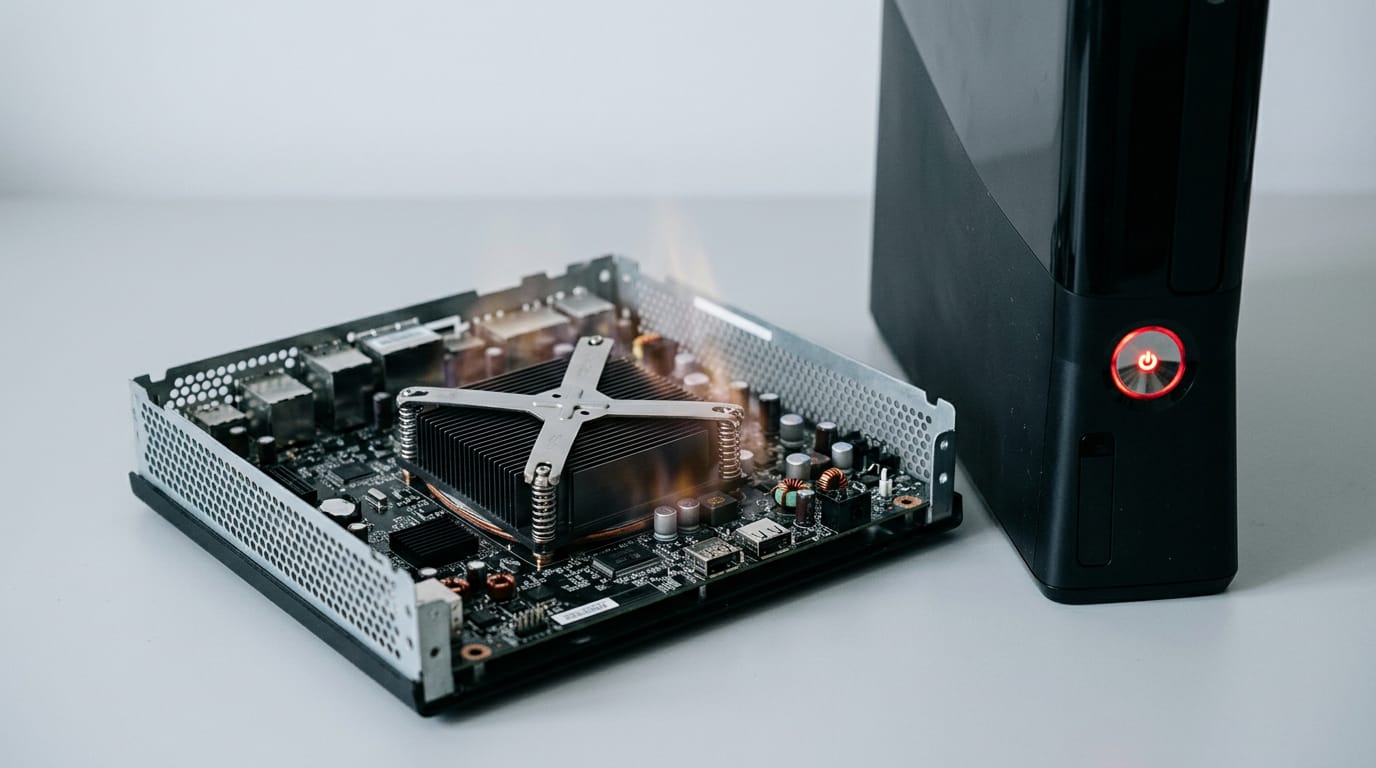
Badly designed heat sinks and X-clamps
The heat sink pulls heat off the main chips, and X-clamps press it down onto them. Consider a player who runs their Xbox 360 through long weekend sessions.
If the clamps stress the board or the heat sink is undersized, the chips stay hot for hours, and one afternoon the ring turns red mid-game. Over time, the motherboard can warp near the chip, and poorly designed cooling keeps that heat from escaping.
The problem isn’t only how much heat builds up but where it builds up.
When solder cracks and the GPU fails
The graphics processor (GPU) is held to the board by tiny solder joints, the metal connections that carry its signals. When those joints crack or go cold, the GPU can lose board contact, and the console fails.
Lead-free solder cracks more easily under repeated heating and cooling. Heat also makes solder brittle, so every hot session leaves the joints a little weaker. Eventually, one lets go.
Thermal paste problems that cause overheating
Thermal paste sits between the chip and the heat sink and carries heat across that tiny gap. If its formulation is wrong, heat doesn’t transfer as well as it should, and the chip overheats.
Overheating is linked to the three-light error, the red light pattern on the ring, so when that’s the code you’re seeing, heat is the first suspect. The Xbox One overheating message is a separate warning, so check which console you have first.
Fix the RRoD Yourself at Home
Fixing the Red Ring of Death (RRoD) yourself is within reach for many players who like working with their hands. Here’s what the common fixes involve, what you’ll need, and what you’re signing up for.
Swap clamps for screws and washers
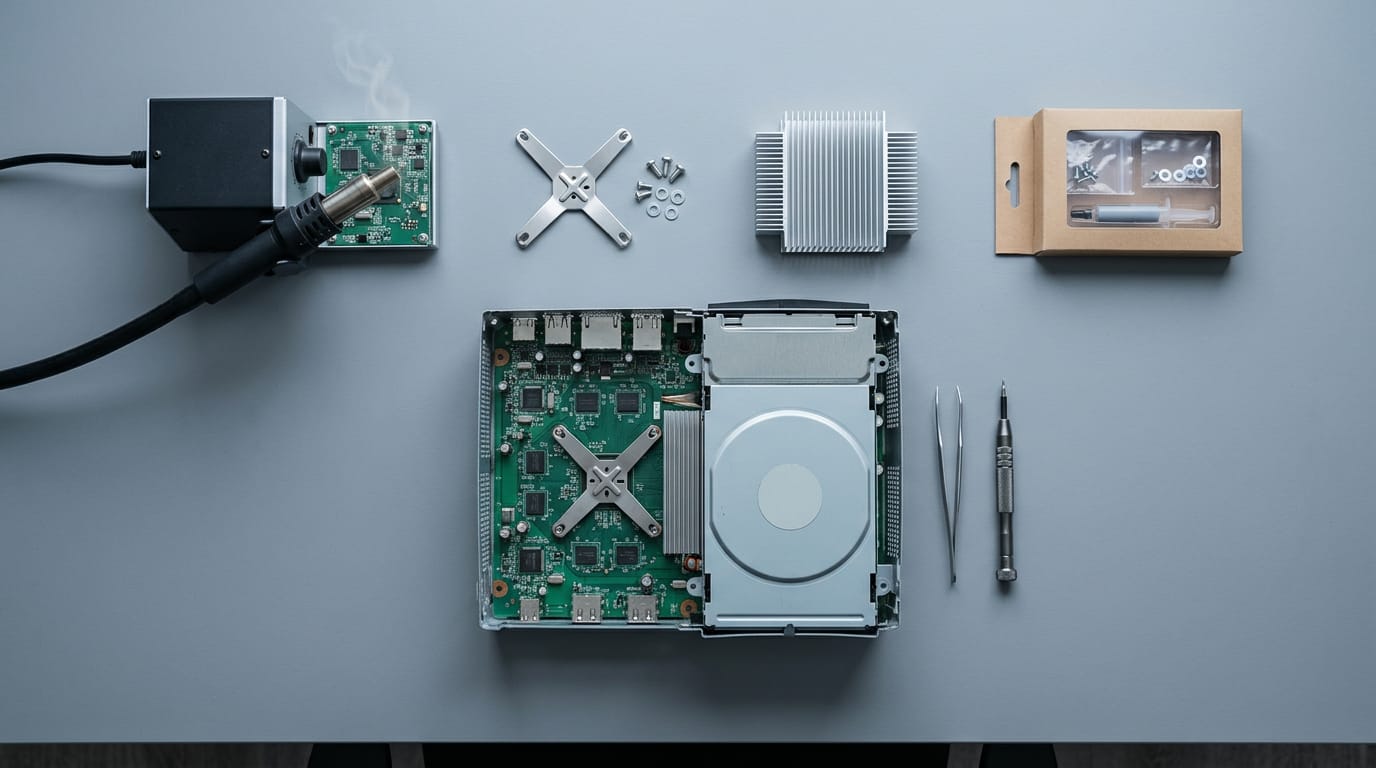
The most common DIY fix replaces the stock X-clamps with machine screws. Washers go under the screws to set the correct spacing, so the heat sink sits evenly. Reapply fresh thermal paste before you reassemble.
Then tighten the screws while the heat sinks are still hot, using a diagonal tightening pattern. Snug each screw a little at a time, moving corner to corner, rather than cranking one all the way down.
Tools and materials you will need
Gather these first:
- Machine screws and washers to replace the clamps and set spacing
- Torx T8 and T10 drivers for the console’s screws
- An Xbox 360 opening tool to release the case
- Thermal paste and cleaner to clear off the old paste and apply the new
Opening the case and removing the motherboard
Before you start, back up your saves in case something goes wrong. Then:
- Pop the rear case tabs with the opening tool.
- Remove the motherboard and clamps.
Expect this step to be frustrating. The tabs can feel stubborn, so work slowly rather than forcefully.
Other ways to fix the RRoD
Beyond the screw-and-washer swap, you’ll see these options:
- Reflow GPU solder. Re-melt the solder under the graphics chip so its connections can reform. This asks more of you than a clamp swap.
- Replace X-clamp. Swap the original clamp for a new one.
- Swap in a Zephyr heat sink. A Zephyr unit takes the place of the stock one.
- RRoD fix kit. A bundle of repair parts sold together, so you don’t have to hunt for each one.
DIY repair ease, risks, and durability
A step-by-step guide makes the job manageable, and you don’t need special training to follow one. Consider a player whose 360 dies the afternoon before a family game night.
If they’re comfortable with a screwdriver, they can have it running again without buying a new console.
The tradeoffs are real, though. Opening the console voids your warranty, so a DIY fix means giving up that coverage. The bigger question is how long it lasts, not whether it boots.
No one can promise a home repair will hold, so treat it as a repair, not a guarantee. Plan for that.
What Warranty and Microsoft Repair Cost
Before you box up your console, you’ll want to know what Microsoft charges, how long you’ll wait, and whether warranty covers it.
Why Microsoft repair costs and takes time
A Microsoft repair outside warranty comes with three costs and delays:
- $150 out-of-warranty fee. This applies once your coverage has expired.
- Shipping both ways. You pay to send the console in and to get it back.
- Up to two months of waiting. That’s time you can’t spend playing.
Put that $150, plus shipping, next to what a used 360 costs near you. Then check current Canadian console prices before you commit.
What your warranty actually covers
Microsoft’s warranty for the red ring of death (RRoD) now runs three years, according to a Q&A with Peter Moore on the new 360 warranty. That replaces the 90-day and one-year warranties that came before it.
RRoD gets three years, while other errors get only one, so check which error you’re seeing before you assume you’re covered. If your console is still under warranty, return it instead of paying for a repair. Check your purchase date first. Getting your money back is a separate process, with its own refund rules.
Think of a player whose 360 shows the red ring two years in. The three-year window covers it, so a return skips the $150 fee.
Extended warranties and replacement hardware
An extended store warranty works as a backup plan, not a replacement for Microsoft’s coverage. Read its terms before you assume it covers an RRoD return.
If your console has come back for RRoD more than once, keep a record of each return. Repeat failures are a clue.
New hardware may fix RRoD for good, so weigh a replacement alongside a repair.
Keep Your Console from Overheating
An Xbox 360 that runs hot is working against itself, and a few simple habits go a long way toward keeping it cool.
Keep vents clear and let it cool
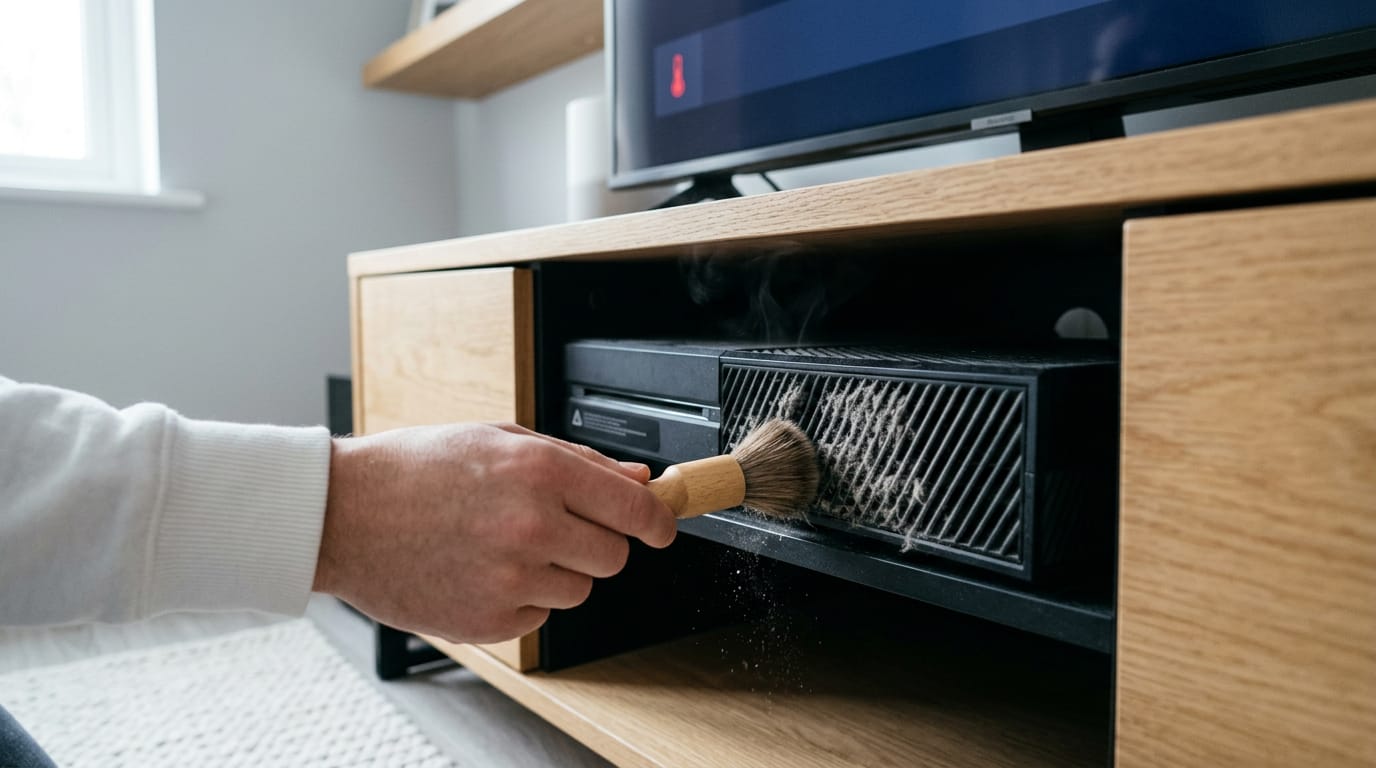
Think of a player who tucks their 360 into a closed media cabinet, then wonders why it locks up after a long session. The console had nowhere to push its warm air. Fixing that takes a minute and costs nothing.
Start with ventilation, which simply means how freely air can move around the console. These habits help:
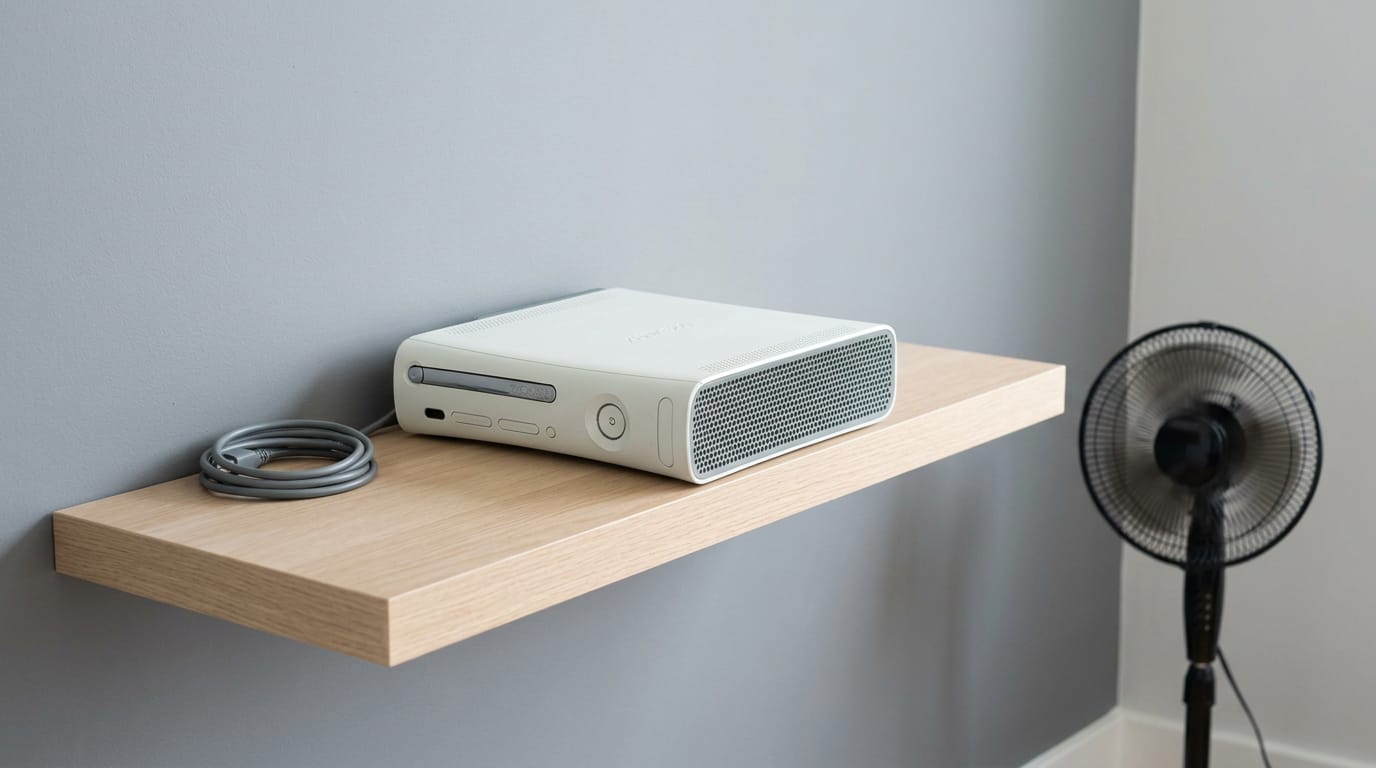
- Well-ventilated placement. Set it on an open shelf or in a spot with room around the sides and back, not inside a closed cabinet.
- Keep vents unobstructed. Don’t let cables, papers, or a rug block the vents.
- Power off, cool one hour. If it has been running for hours or feels hot, switch it off and let it cool for about an hour before you turn it back on.
- Use an external fan. A desk or pedestal fan aimed at the console can help carry hot air away from it.
Give the 360 room to breathe, and you’ll spend more time playing and less time staring at that red ring.
Xbox 360 Models and Launch History
Before you fix or buy one, know exactly what you’re holding. Here’s how to sort out the models, then test a used unit.
Telling Xbox 360 models and revisions apart
The lineup breaks down like this:
- Models: Core, Pro, Arcade, and Elite
- Revisions: Falcon, Jasper, Zephyr, and Xenon
Knowing which revision you have matters more than knowing you have an Xbox 360.
The quickest check is the model info near the HDMI (High-Definition Multimedia Interface) port on the back. The console launched in 36 countries, but that label tells you what you actually have.
Disc, power, storage, and update fixes
If the tray sticks or a disc won’t read, check the easy things first, like a disc sitting crooked. Only then suspect the drive.
A black screen or a console that won’t power on is often a power problem first. The Xbox 360 uses an external power brick, the separate box with a cord that runs between the wall and the console, so that’s the first place to look.
Make sure it’s the one made for your model and that both cord ends are seated firmly. Start there.
Hard drive capacities vary, so check the storage size in the console’s settings rather than trusting the listing. The console also supports more than one software update method, so use the one that fits your setup.
Consider a student buying a used 360 from a private seller. Before paying, they load a game, check the storage, confirm the brick matches the model, and install any updates. They walk away knowing exactly what works.
Whether the ring of lights shows up on a console you’ve had for years or one you just picked up used, you now know what to look for. Knowing the light codes, the causes, and the realistic DIY options takes the guesswork out of the decision.
Weigh a repair quote against the price of a used 360 or a replacement, and you’ll see which path fits your budget.
The right fix isn’t always the cheapest or the fastest. It’s the one that gets you back in the game at a price you can live with.
References
- Q&A: Peter Moore on new 360 warranty-November 2024-www.zddgame.com — zddgame.com (2026)
Questions
How to tell if your Xbox One power brick is bad?
A bad Xbox One power brick may show no indicator light, fail to power the console, or have a blinking light. Check that both ends of the cable are firmly connected, then try a compatible power supply known to work; the Xbox One uses a different brick from the Xbox 360.
Is it possible to fix RROD?
Yes. RROD can sometimes be repaired by fixing the cooling or motherboard fault, but a repair is not guaranteed to last. If the console is still under warranty, use the warranty service before opening it yourself.
What power brick does the Xbox 360 use?
Xbox 360 consoles use an external power supply, but the correct brick depends on the console model and revision. Match the brick’s connector and rating to the console, and check the label on the console or power supply before buying a replacement.
What was the cause of RROD?
RROD generally resulted from heat and repeated heating and cooling stressing the motherboard and weakening solder connections, often around the GPU. Cooling design and related parts such as the heat sink and X-clamps contributed to the problem.
What exclusive games did Xbox 360 have?
Notable Xbox 360 exclusives included Halo 3, Gears of War, Fable II, Forza Motorsport 4, and Lost Odyssey. Some later became available on other platforms, so “exclusive” can depend on whether you mean exclusive at launch or exclusive to Xbox consoles.
Can Xbox 360 run GTA 5?
Yes. Grand Theft Auto V was released for Xbox 360, and the console can run that version of the game.
Are there adult only games on Xbox?
Xbox consoles generally do not offer games rated Adults Only (AO) by the ESRB; Microsoft’s platform rules restrict AO-rated games. They do have Mature-rated games, which are intended for adults but are a separate rating category.
Sources
Free · The Build Sheet
The Build Sheet: three gaming PCs priced at Canadian stores